
Passer aux informations produits
1 de 9

Free Shipping

Lifetime Support

30 Days Money Back Guarantee

12 Months Warranty

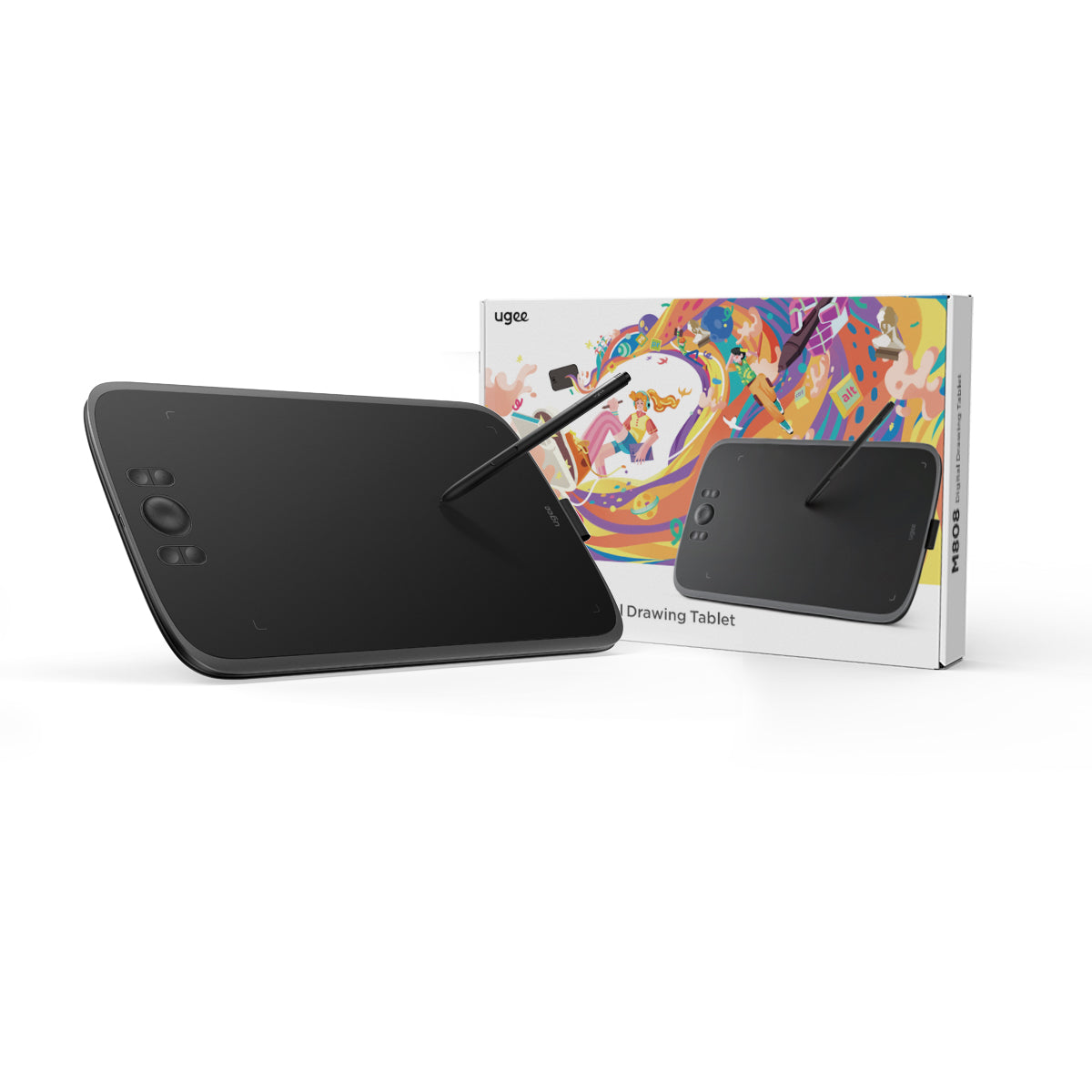
ugee 10" Drawing Tablet M808

ugee 10" Drawing Tablet M808

Prix habituel $39.00USD
Prix habituel $39.00USD Prix promotionnel $39.00USD

Description

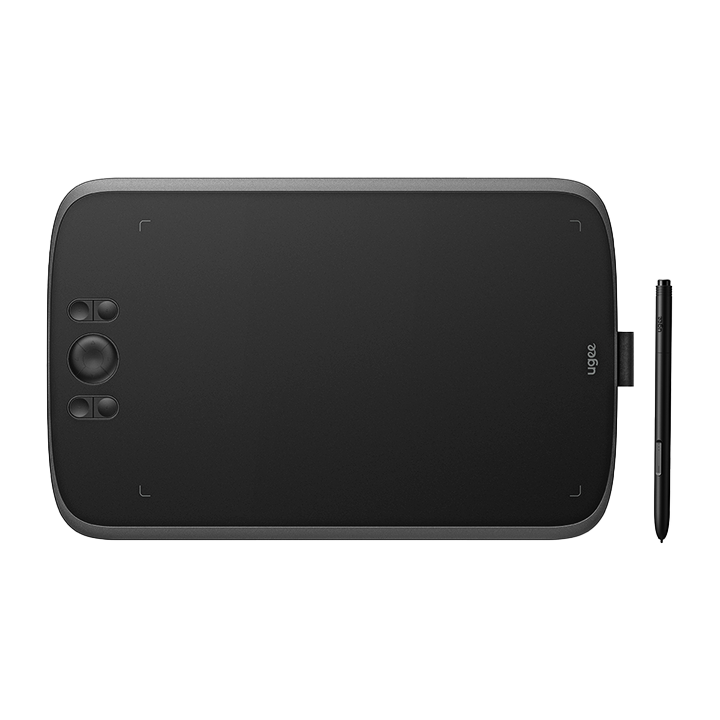
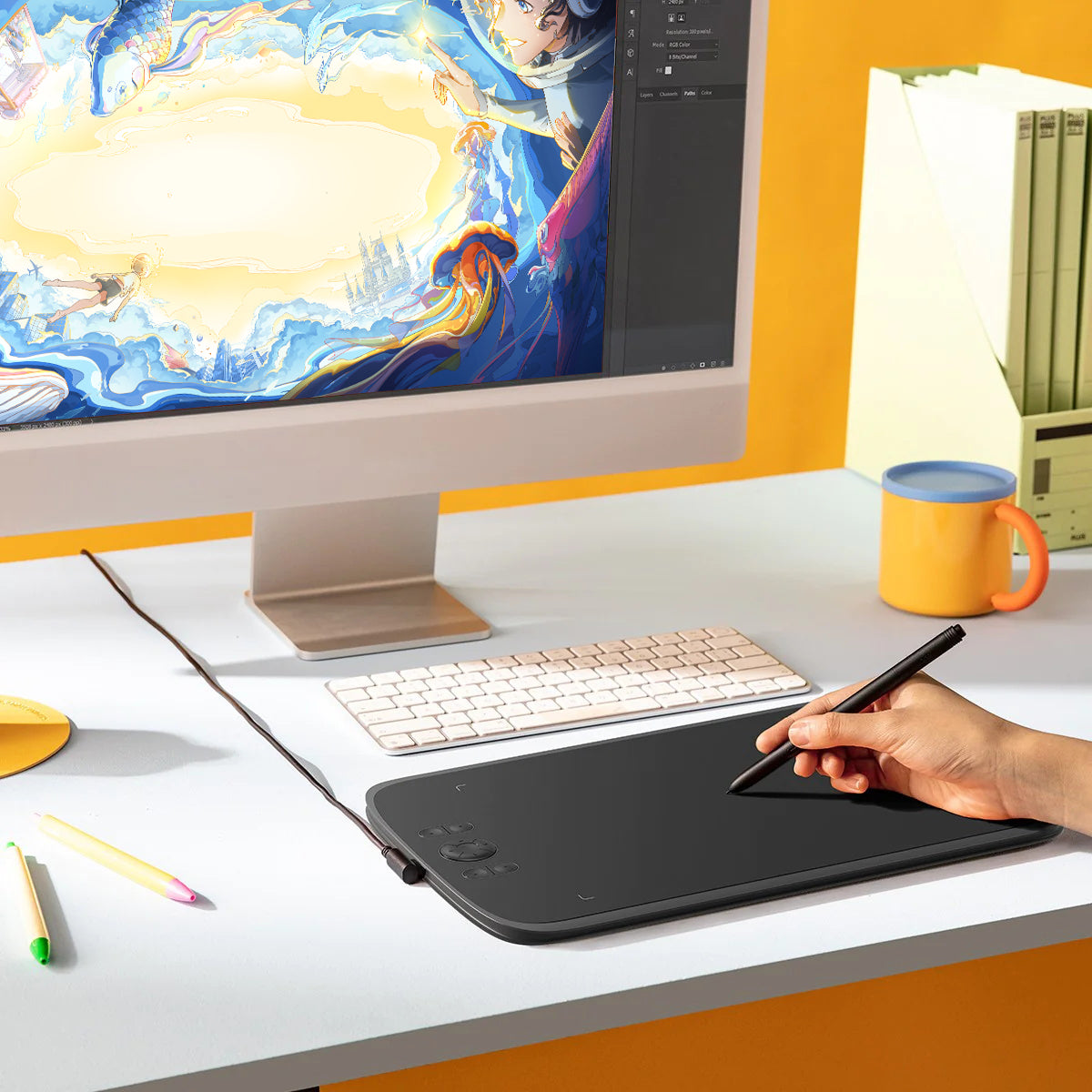
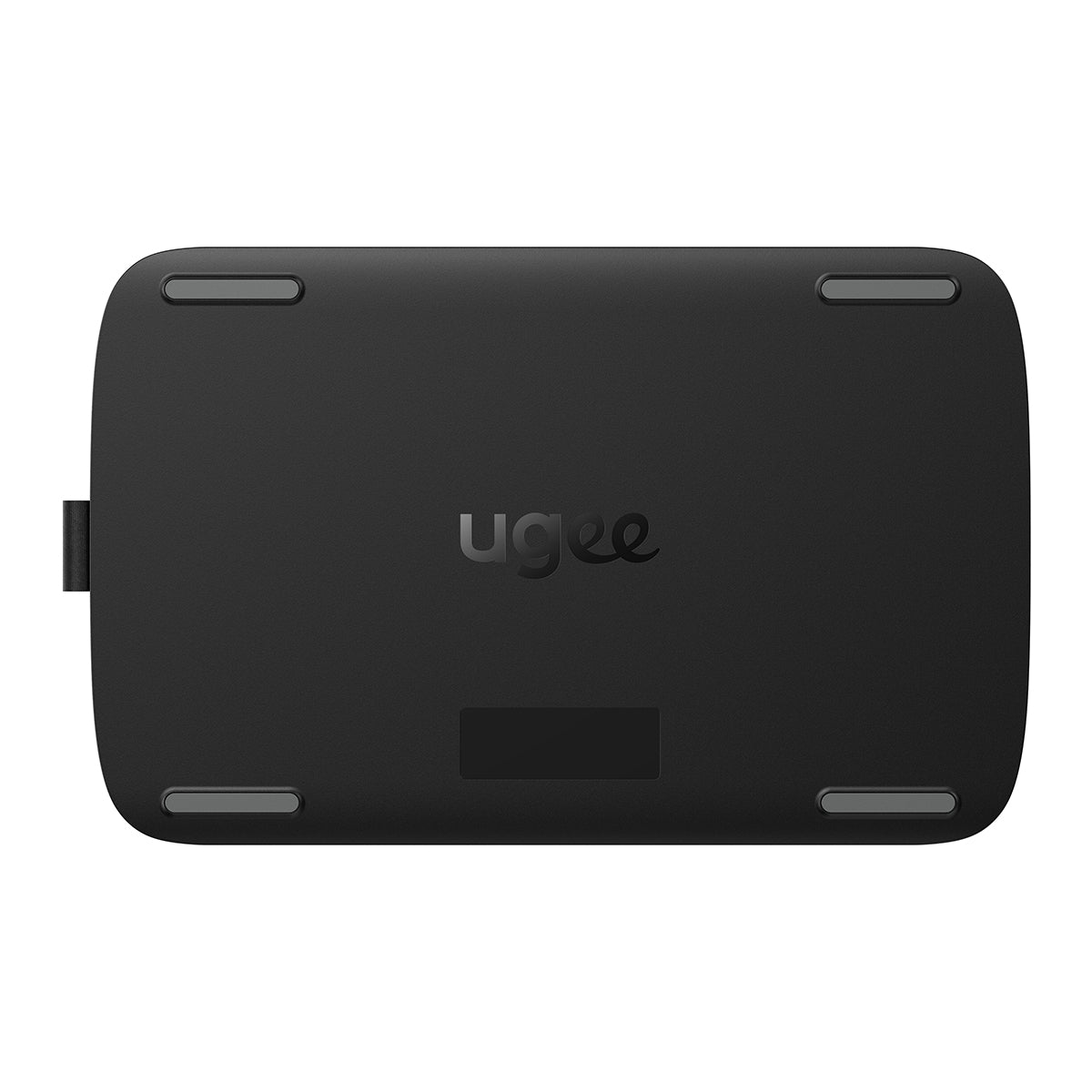
Paired with the new generation of PH23 stylus, the ugee M808 is equipped with 8 shortcuts keys, providing a smooth and convenient drawing experience, compatible with Windows/Mac/Android, for Digital Drawing and Photo Editing. 16K Pressure Levels.

VAT Included

Product prices include VAT(Europe)

What's Inside

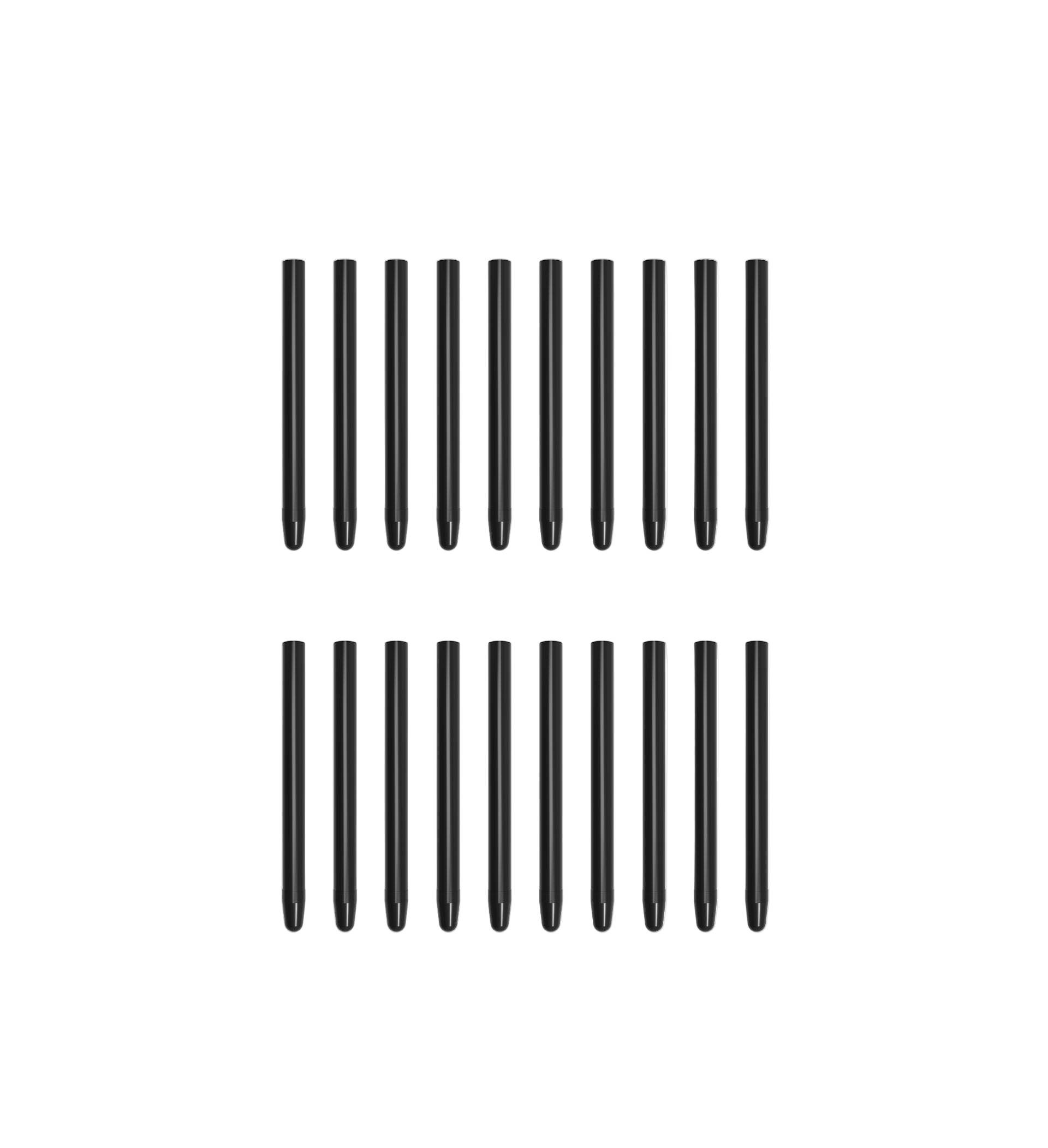
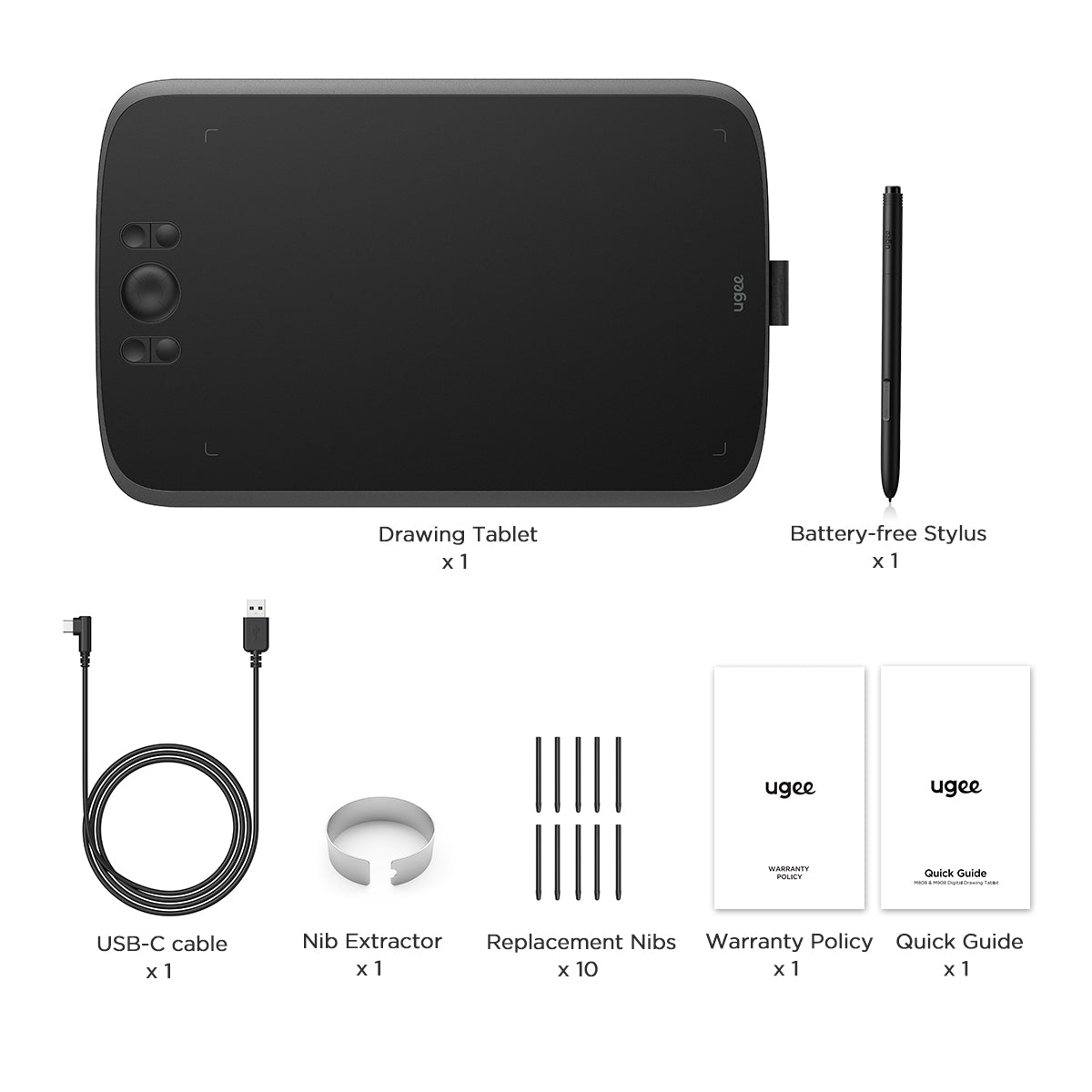
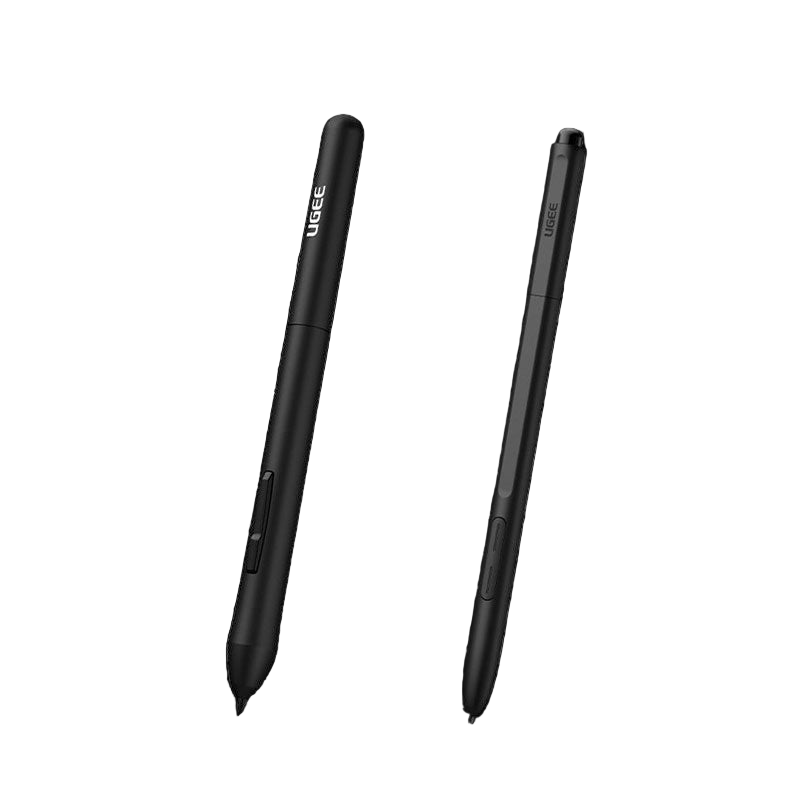
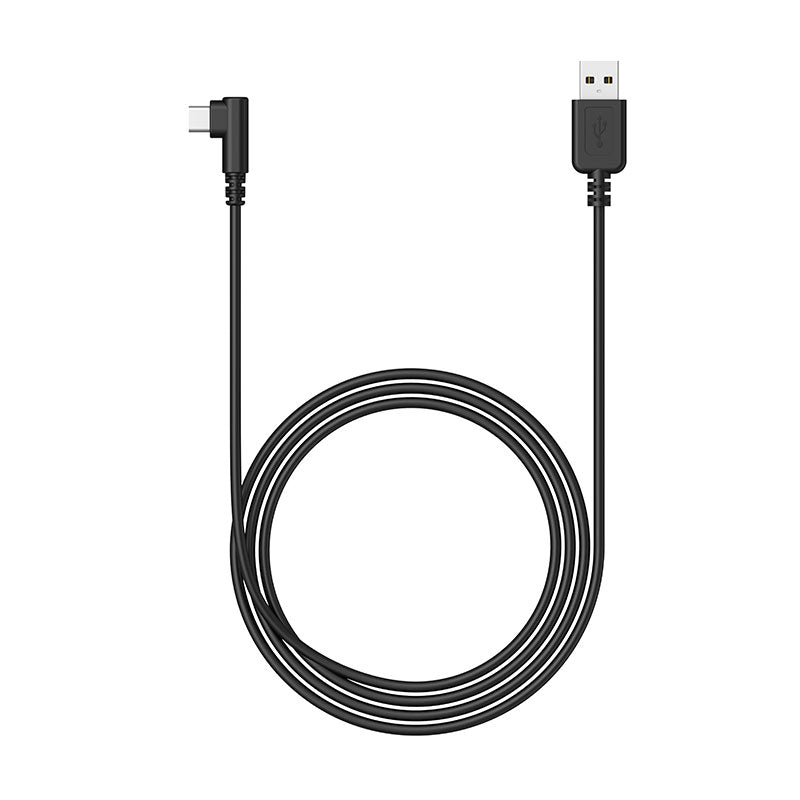
M808 comes with a battery-free stylus, a USB-C connection cable, 10 replacement nibs and nib extractor.
Choose An Accessory
Two black styluses with 'Ugee' branding on a white background
Prix habituel $15.00USD
Prix habituel $15.00USD Prix promotionnel $15.00USD
ugee Connecting Cables
Prix habituel $15.00USD
Prix habituel $15.00USD Prix promotionnel $15.00USD
ugee Pen Nibs
Prix habituel $15.00USD
Prix habituel $15.00USD Prix promotionnel $15.00USD
  • American Express
  • Apple Pay
  • Google Pay
  • iDEAL Wero
  • Mastercard
  • PayPal
  • Shop Pay
  • Union Pay
  • Visa
  • Klarna
Afficher tous les détails

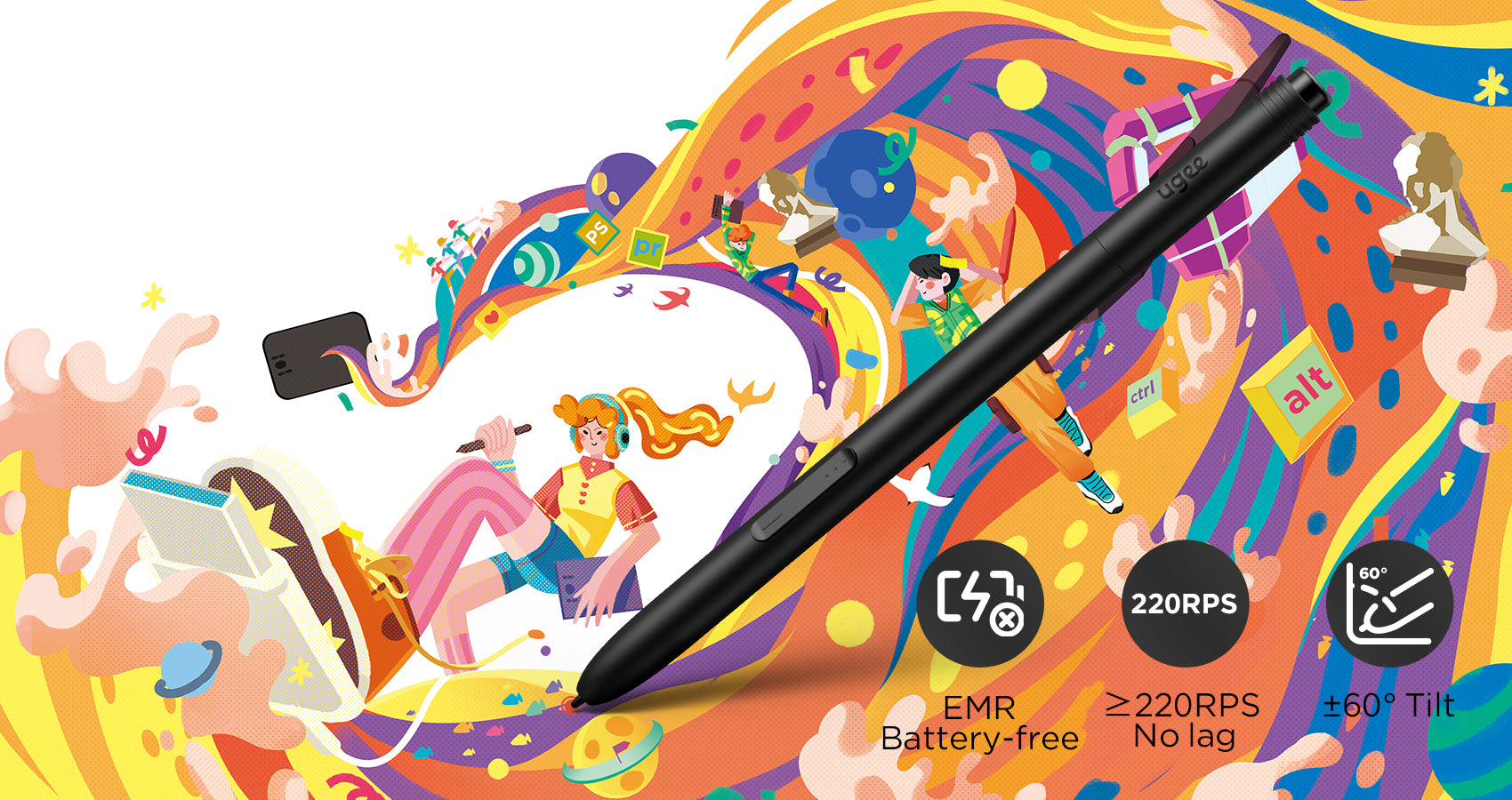
New-Gen Battery-Free Stylus

Experience the ultimate upgrade with our new generation of stylus PH23, equipped with advanced Passive Electromagnetic Technology. Compared to traditional stylus, the PH23 significantly controls the swing aperture of the nib to<0.1mm, ensuring precise and smooth drawing without any unwanted oscillations or rebound.
Improve Drawing Efficiency

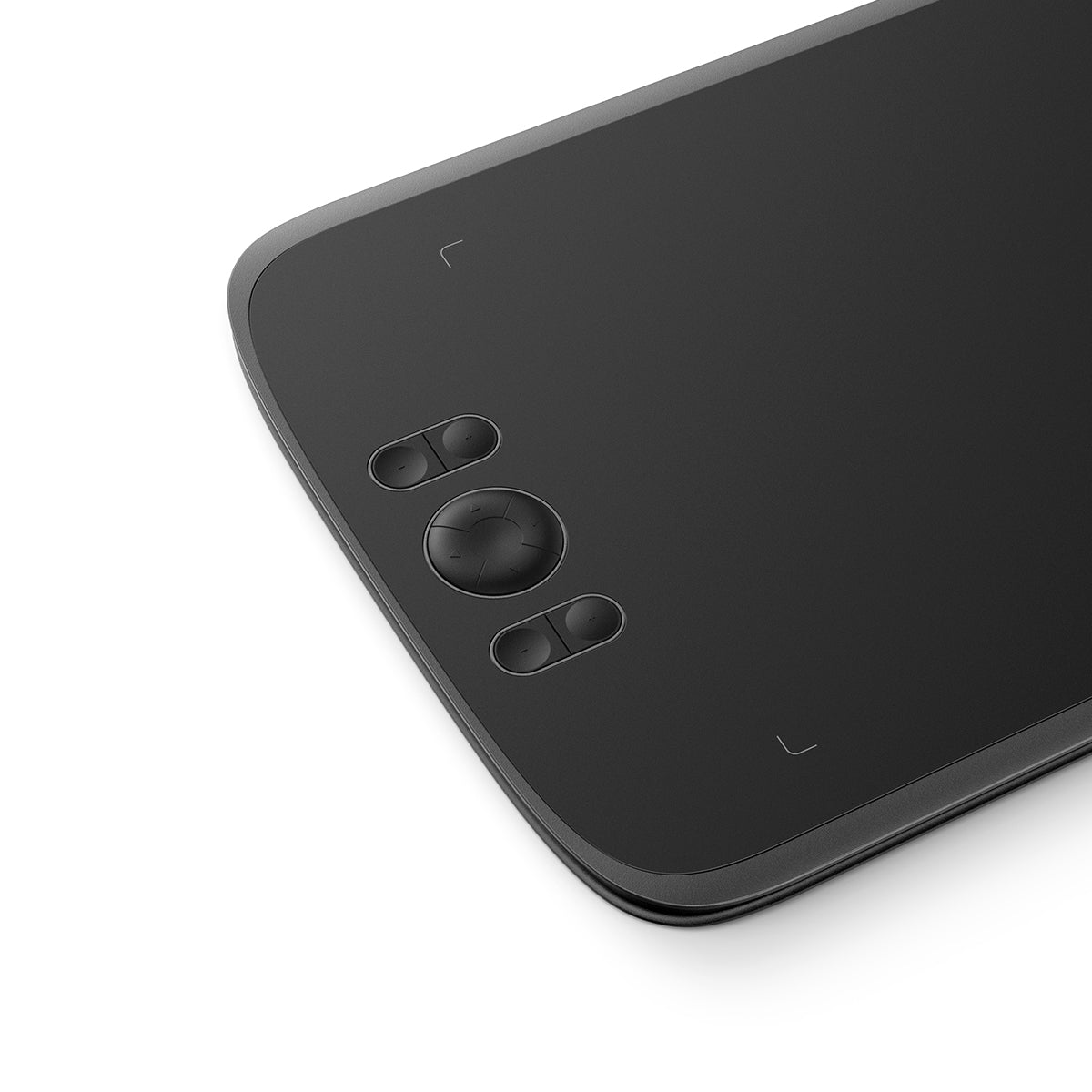
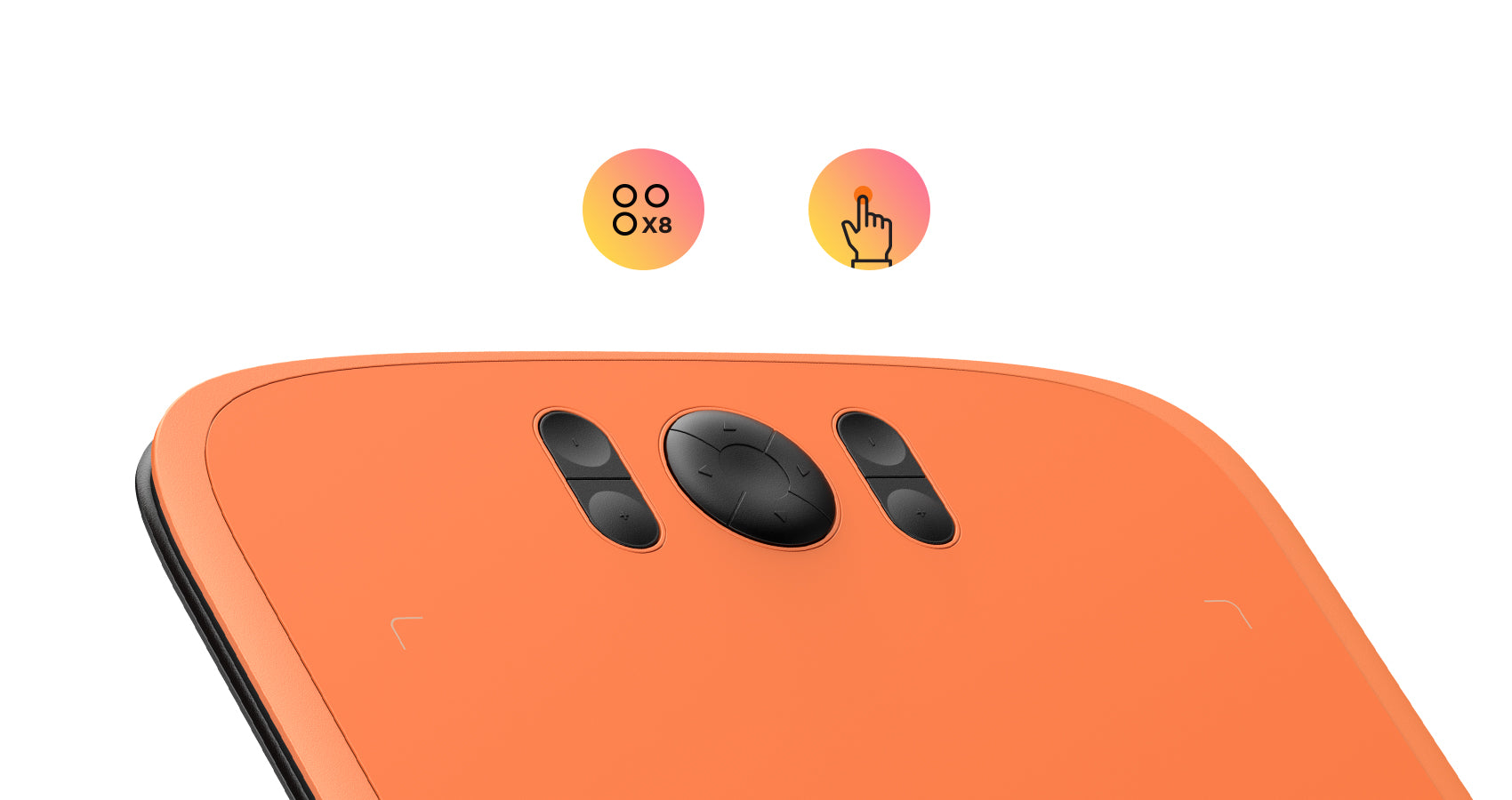
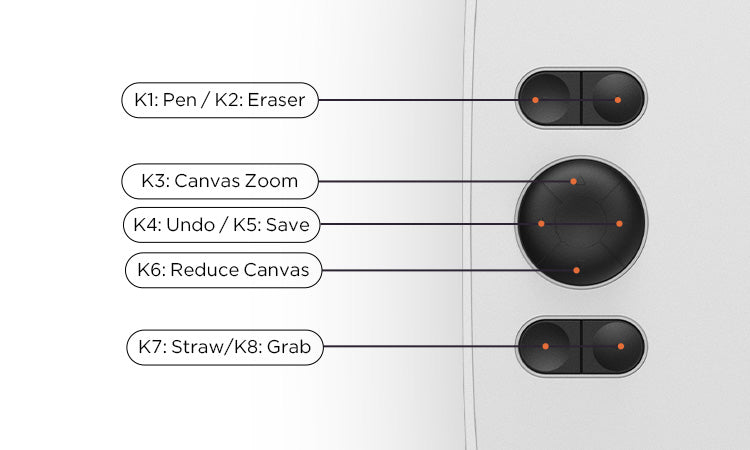
The M808 is equipped with 8 customizable shortcut keys conveniently positioned with a textured design for easy blind operation, easily got started and stayed focused on your creative process without distractions, greatly improving drawing efficiency.
Customize your preference

The default settings of shortcut keys are commonly used drawing tools such as pen, eraser, brush size adjustment, and undo, etc. You can also customize the shortcut keys through the computer according to your preferences.
Quick Connection

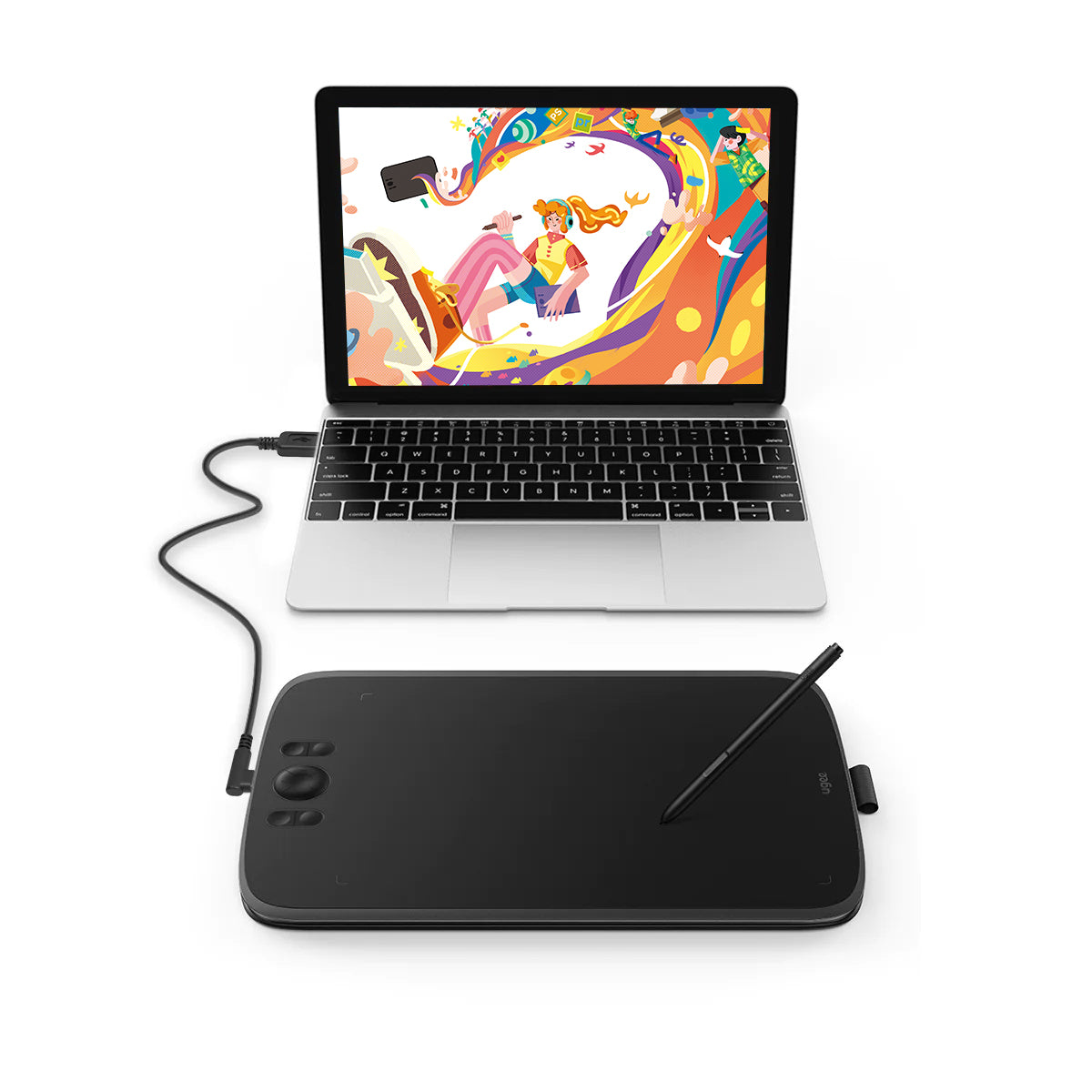
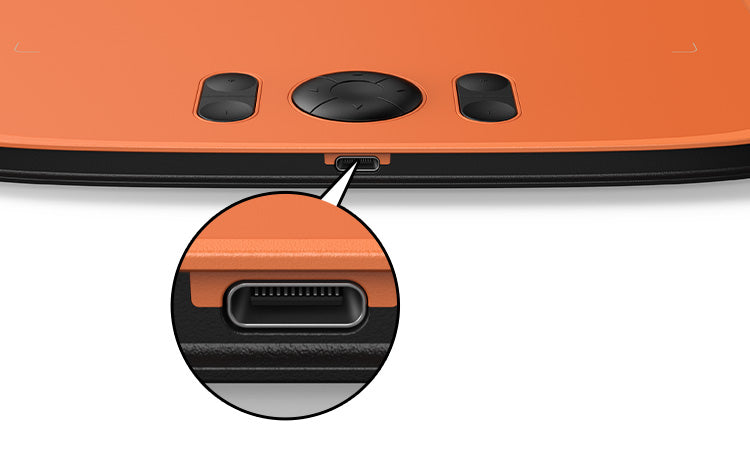
This drawing tablet comes equipped with a mainstream Type-C port, allowing blind plug-in for enhanced convenience. With just one USB-A to C cable, you can effortlessly connect the drawing tablet to your computer, laptop, Android phone and tablet, and jump-start your creative process instantly.

Draw on Android Phones

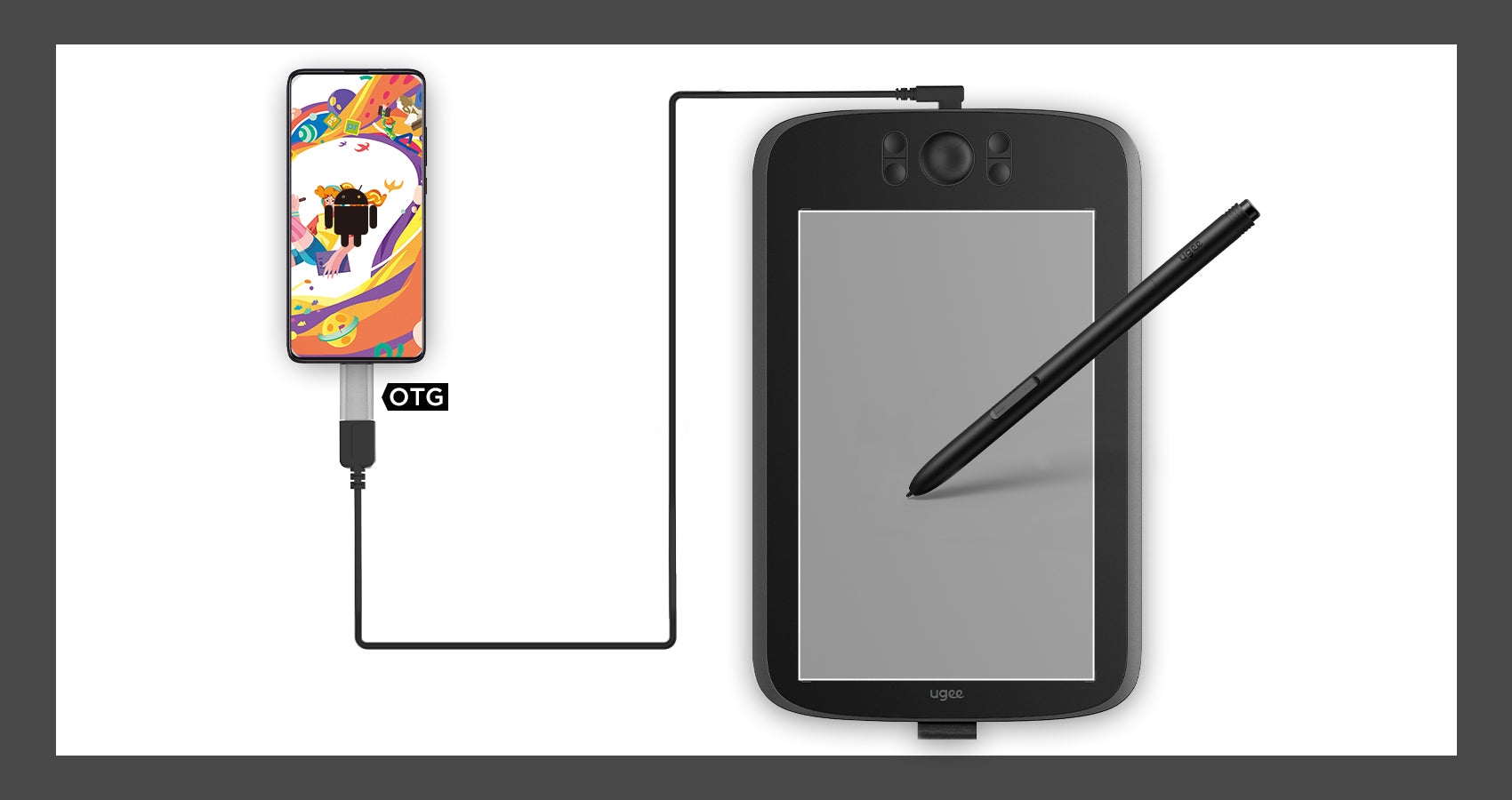
In addition to computers, the drawing tablet also supports Android phones to connect and use. The default vertical board state when connecting, fits the mobile phone drawing habit.
Compatible with Multiple System&Software

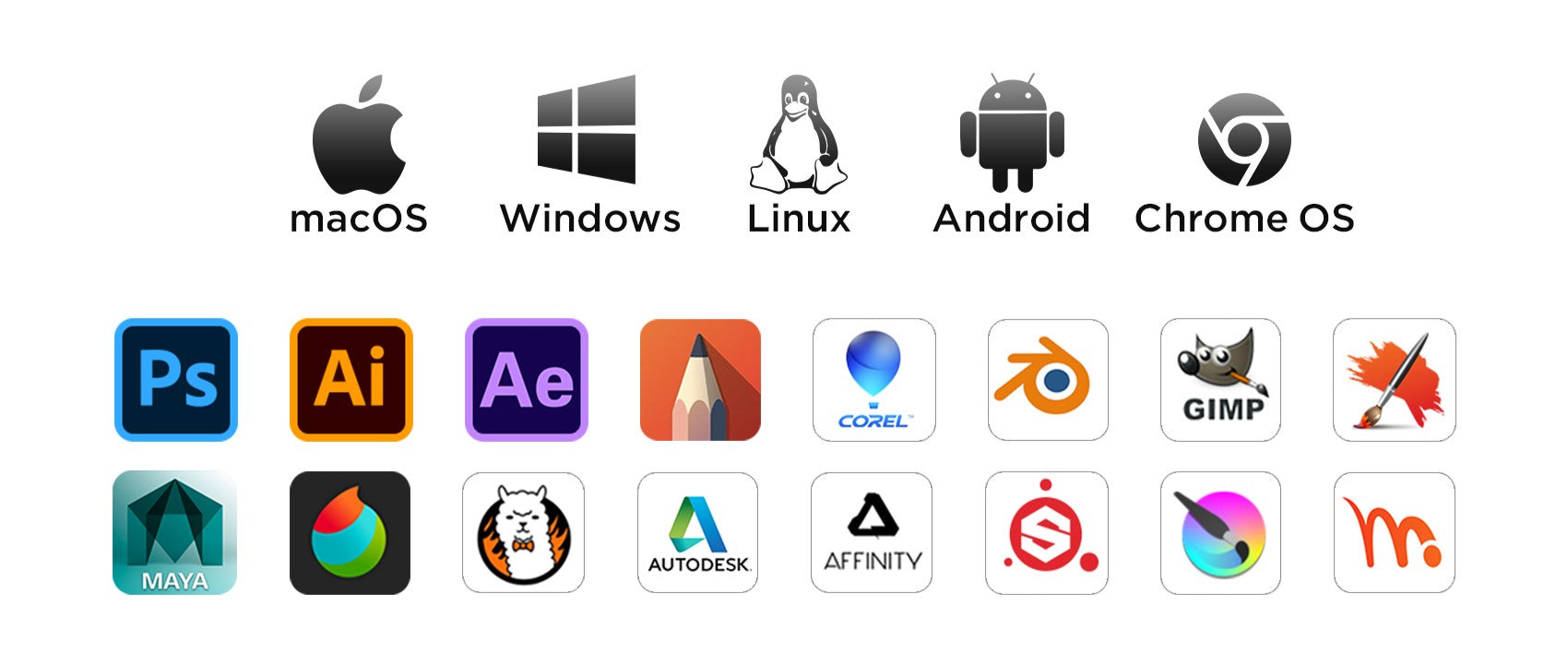
Support Windows 11/10/8/7, Mac OS X 10.13~10.10, Chromebooks (Note: Chrome Os 88.0.4324.109 And Newer Versions Are Required), Android 6 (or latter) and Linux systems. Support Medibang, Clip Studio Paint, SAI, Adobe Photoshop, , Illustrator, Corel Draw, Corel Painter, Sketchbook, Manga Studio, Etc.
FAQ

How long will it take for my order to arrive?

It depends on your delivery address. Orders (excluding pre-order products, some accessories and gifts) usually take 2-3 business days to process and 3-15 business days to deliver. Please note that weekends and holidays as well as special weather will cause delivery delays. If you do not receive the package, please contact us directly and provide your order number.

How to track the delivery status?

Once the order is shipped, a shipping email with a tracking number will be sent to the order email. Please keep this email to track delivery status. If you are unable to track your order, please contact us with the order number.

Why the pen pressure is not working?

About the pen pressure, it depends on the apps/softwares you use, and not all of them suport pen pressure. Apps that support the feature of pen pressure such as Adobe Photoshop, Krita, Adobe Ilustrator, SketchBook, etc.

Does the tablet work on IOS?

No, it can't work on the IOS system

How do I connect a ugee drawing tablet to an Android phone (including Android 14)?

To connect your UGEE drawing tablet to an Android phone (including Android 14), follow the Android Setting Tools

D
Duncan
Great value for the price.

This tablet is much bigger than I expected. It's been working flawlessly for almost one month, very great performance.

D
Dale
Very happy with this purchase.

My son loves it and uses it to draw all the time. Excellent.

M
Montgomery
Very easy to use.

Just plug it in your phone and then you are good to go. For laptop use, a driver download is required, but it's still a breeze. Both methods are user-friendly and hassle-free.

E
Eileen
Feels scratchy.

It works fine. The only problem is the tablet feels slightly scratchy.

D
Dion
Must-have tool.

It is a great tool for learning digital art. Having it makes me spend more time practicing my drawing skills. I will buy a drawing monitor as I become a more skilled digital artist.

L
Leslie
Pretty good.

The item looks and works as advertised.Just need some time to get used to it.

K
Kirk
Works as advertised.

No complaints with this tablet and stylus.

W
Wallace
I love it.

Worth buying.

S
Stream
Great item.

It works well with my Macbook.Very suitable learning tools for starters.

R
Rosa
Entry-level product.

I am pleased with it so far. Although it lags sometimes, it is still good for an entry-level tablet in this market.

C
Constant
Not easy for children.

I bought it as a gift for my daughter. She is very happy with it. However, we don't know how to set these buttons.It didn't come with instructions.

B
Belle
Good product

There are plenty features to enable your productivity.

I
Irvin
Never used one of these before

I worked it out quite quickly. I can also imagine that if you used a tutorial to use it too you would have no issues learning it even if you’re slightly not so ‘techy’. Great Quality too!

W
Wenda
Good sensitivity.

I use it to draw on photoshop and play osu games. Really great to use.

W
Wylie
Worth the money

I use it all the time.It works prefectly and cheap.

W
Woodsman
Great alternative for mouse.

It is much more convenient to use than mouse when you draw digitally or take notes.

D
Dirk
Incredibly easy to learn

I was able to learn how to utilise this tablet within an hour of receiving it. It's incredibly easy to use and functions with any app you care to use for it.

T
Tanya
My first tablet.

I've always desired a drawing tablet and finally discovered the UGEE M808. After spending an hour with it, I'm impressed. The stylus feels like a genuine pen??natural and smooth, offering an excellent drawing experience.

S
Sherlock
Prompt Delivery

Smaller than my previous graphic tablet, much more sturdy. Works fine thus far.

P
Patty
My first Tablet

I needed a tablet for 3D sculpting and modelling. I must say that it is pretty hard to get used to drawing and 3D wise, but overall really good and I'm very happy as this was a really cheap option.

M
Megan
Decent

It does work but it scratches very easy.

G
Galvin
Bad compatibility.

It may be only compatible with specific drawing apps. It is disappointing that when I use MS Word or PowerPoint, it doesn't work as I expected.

L
Leonard
100% recommend

It’s a good size and it’s portable, and it’s fairly easy to set up if you follow the instructions that come with it.

M
Miriam
For the price, it's good.but ...

Cursor and pen alignment could be better, I've tried a few things to improve it, but maybe I'm missing something. Other than that it does the job.

M
Melanie
Excellent product.

It has good performance and works well with my chromebook.

G
Gerald
Easy to use.

Easy to understand what to do, how to do. Just follow the instructions.

G
Goddard
Worth the money.

I was searching for an affordable alternative to an iPad for digital note-taking and drawing. This product solved everything! Simply connect it to your laptop, and you will feel like writing on paper. Amazing.

C
Cub
Good value.

I'm just get interested in digital drawing and this one is what I expected. It sometimes may be glitchy but no big deal.

B
Beguiling
Easy to use

Easy to use and functional. I'm just beginning to learn digital art. I use it to paint with Photoshop and it works well.

I
Isaac
Good quality.

It is well built and compatible with my laptop and phones. Love it.

D
Darian
Love it.

Simple to use and the hot keys are very helpful.

R
Raymond
Brilliant starter pad

Not to shabby, very easy installation. This is my first digital drawing pad so I have nothing to compare it too however for the price I can't grumble, time to be creative!

T
Timothea
The user manual needs improving.

The product is great, but the user manual doesn't give clear instructions about how to download the driver and finish the settings. It takes more time to figure it out.

ugee 10" Drawing Tablet M808

Prix habituel $39.00USD
Prix habituel $39.00USD Prix promotionnel $39.00USD