


Free Shipping

Lifetime Support

30 Days Money Back Guarantee

12 Months Warranty
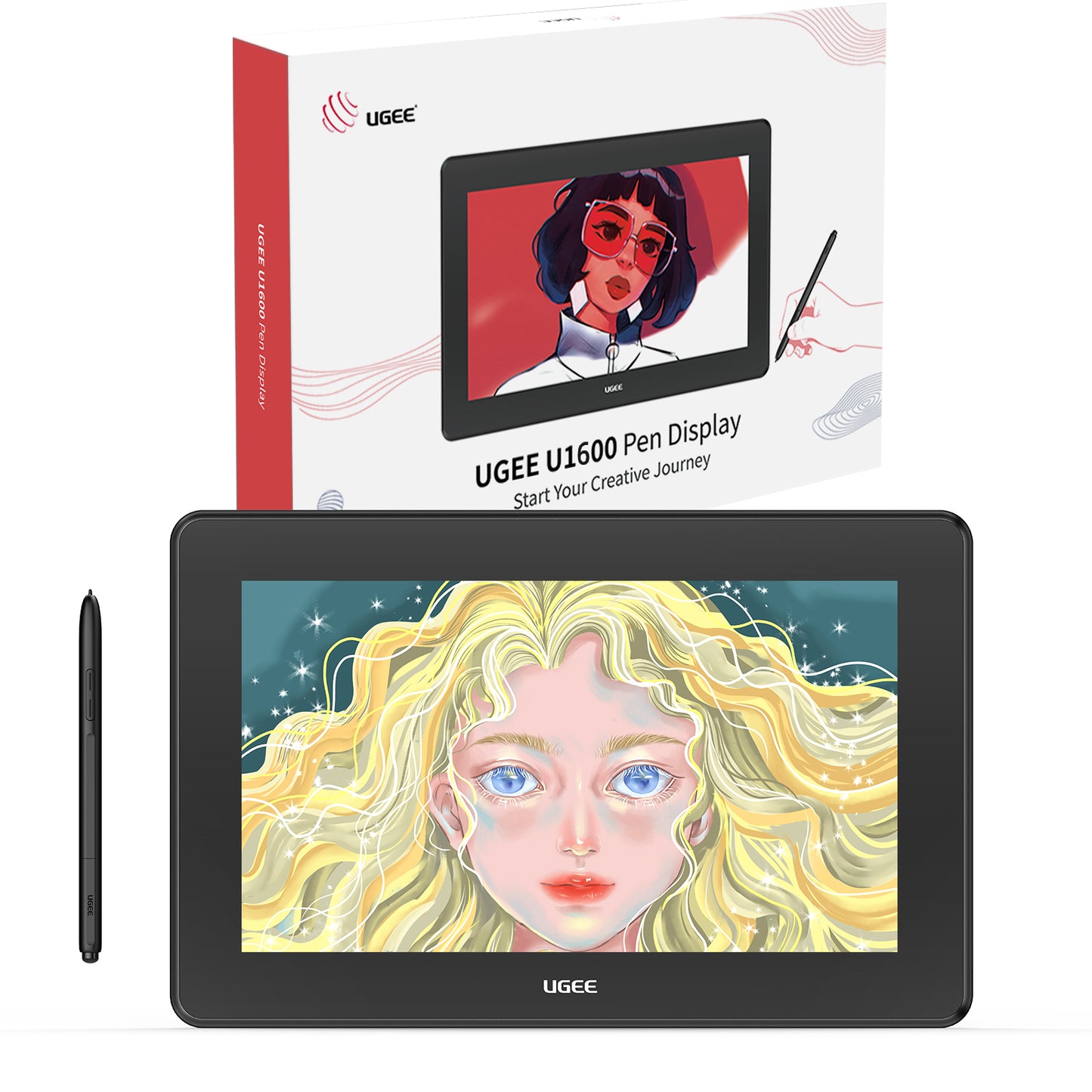
UGEE 그래픽 태블릿 모니터 U1600
UGEE 그래픽 태블릿 모니터 U1600
Description
Description

UGEE U1200 드로잉 모니터
활성 영역: 11.9"
스타일러스: PH12(지우개 포함)
안드로이드 시스템: 지원
색재현율: 90% NTSC, 127% sRGB, 94% Adobe RGB
포트: 완전한 기능을 갖춘 USB-C 1개, 3-in-1 USB-C 1개

UGEE U1600 드로잉 모니터
활성 영역: 15.4"
스타일러스: PH12(지우개 포함)
안드로이드 시스템: 지원
색재현율: 90% NTSC, 127% sRGB, 94% Adobe RGB
포트: 완전한 기능을 갖춘 USB-C 1개, 3-in-1 USB-C 1개
- U 시리즈 Drawing 태블릿은 Windows 7 이상, Mac 10.10 이상, Chrome OS 88 이상, Android(USB3.1 DP1.2), Linux를 포함하여 작동하려면 컴퓨터에 연결해야 합니다. Photoshop, Illustrator, Painter, SAI, Clip Studio, MediBang 등과 호환되는 컴퓨터 그래픽 태블릿. 디지털 드로잉, 애니메이션, 스케치, 사진 편집, 3D 조각 등에 이상적입니다. 포함된 3-in-1 코드로 U1200 드로잉 모니터를 연결하고 UGEE 드라이버를 설치하고 화면에 직접 스케치하거나 페인트하십시오!
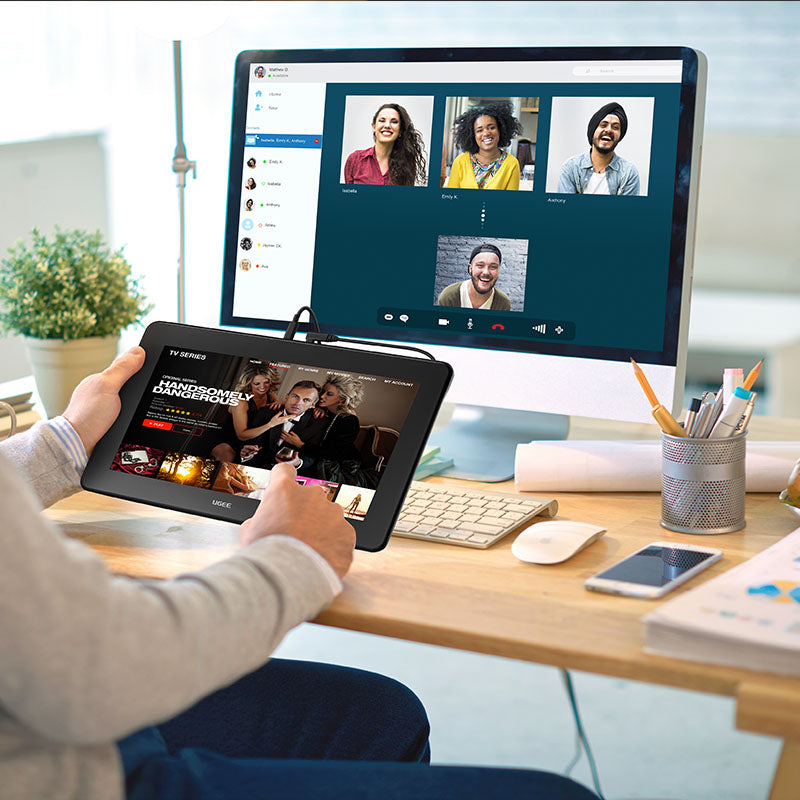
- 화면이 있는 UGEE U 시리즈 드로잉 태블릿은 온라인 교육 및 원격 작업에 이상적입니다. 교사와 학생은 자유롭게 E-leaning 또는 교육을 시작하고 문서에 주석을 달거나 아이디어를 전달할 수 있습니다. 집에서 작업할 때 그리기 화면을 확장된 디스플레이로 설정하고 손으로 쓴 메모를 화면에 직접 시각적으로 표시합니다. XSplit, Zoom, Twitch, Microsoft Teams, ezTalks Webinar, Idroo, Scribbiar, wiziQ 등과 호환됩니다.
- 전체 적층 눈부심 방지 패널이 있는 11.9형 HD IPS 디스플레이에서 90% NTSC(sRGB127%) 색재현율로 그림 같은 삶이나 상상을 종이에 그리는 것처럼 자연스럽게 그리십시오. 178° 시야각은 생생한 이미지, 생생한 색상 및 작품의 극도의 디테일을 보여줍니다. U 시리즈 드로잉 태블릿은 이미 사전 설치된 반사 방지 화면 보호기입니다.
- 고급 PH12 패시브 펜이 포함된 UGEE U 시리즈 드로잉 태블릿. 전통적인 연필과 같은 느낌으로 제작된 배터리가 필요 없는 스타일러스입니다. ±60도 Tilt 기능으로 미세한 기압차에 따라 다양한 각도에서 자유롭게 그릴 수 있으며, 각각의 선이 원하는 대로 정확하게 나옵니다.
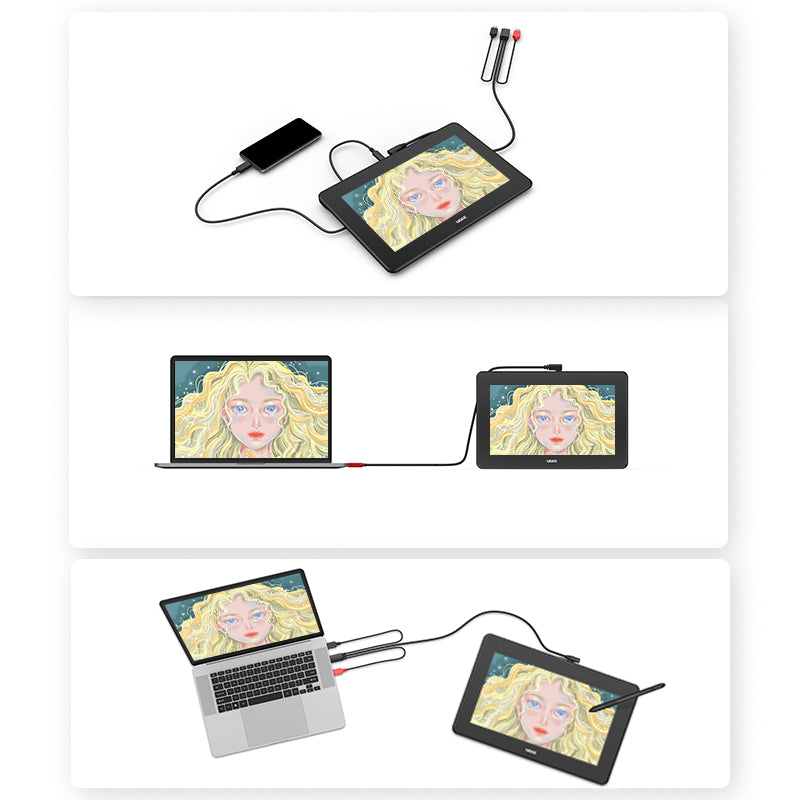
- 더 이상 AC 전원 어댑터를 연결할 필요가 없습니다! 포함된 3개의 in1 케이블(HDMI 및 2개의 USB)을 통해 플러그 앤 플레이가 가능합니다. 또한 데이터, 전원 및 DP 신호를 동시에 전송할 수 있는 1개의 완전한 기능을 갖춘 Type-C 케이블(패키지에는 포함되지 않음)을 통해 Type-C에서 Type-C 연결을 지원합니다.
VAT Included
VAT Included
Product prices include VAT(Europe)
What's Inside
What's Inside
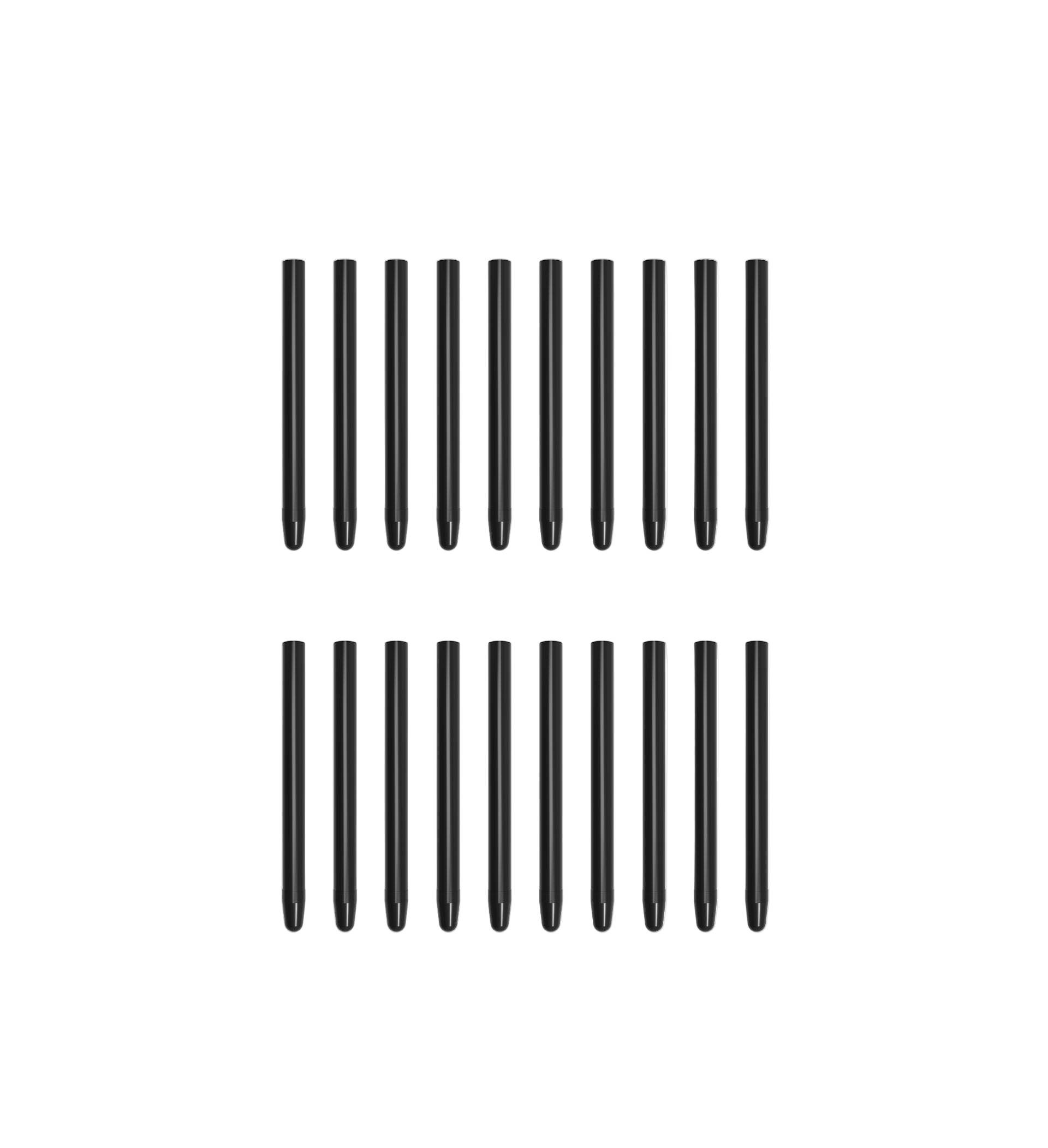
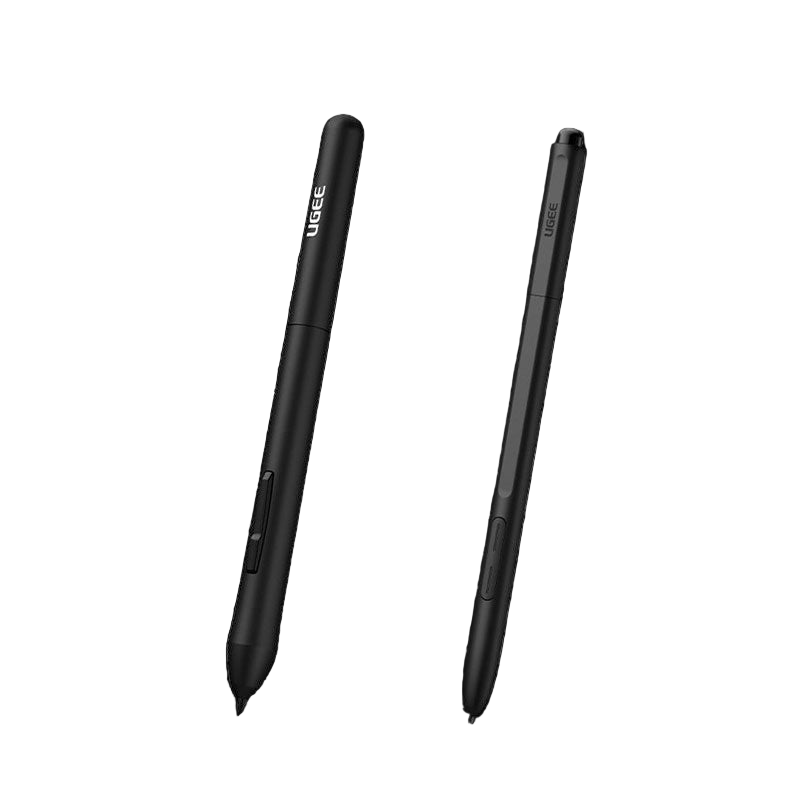
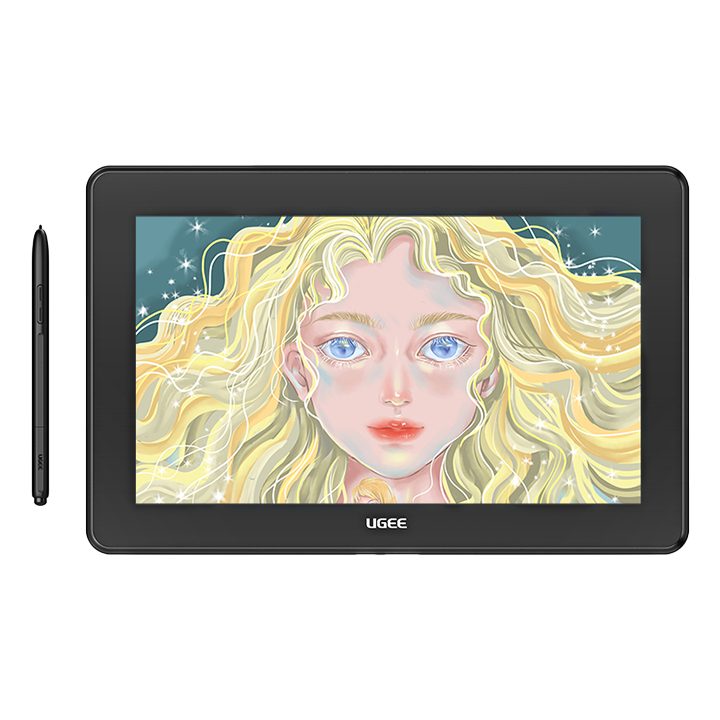
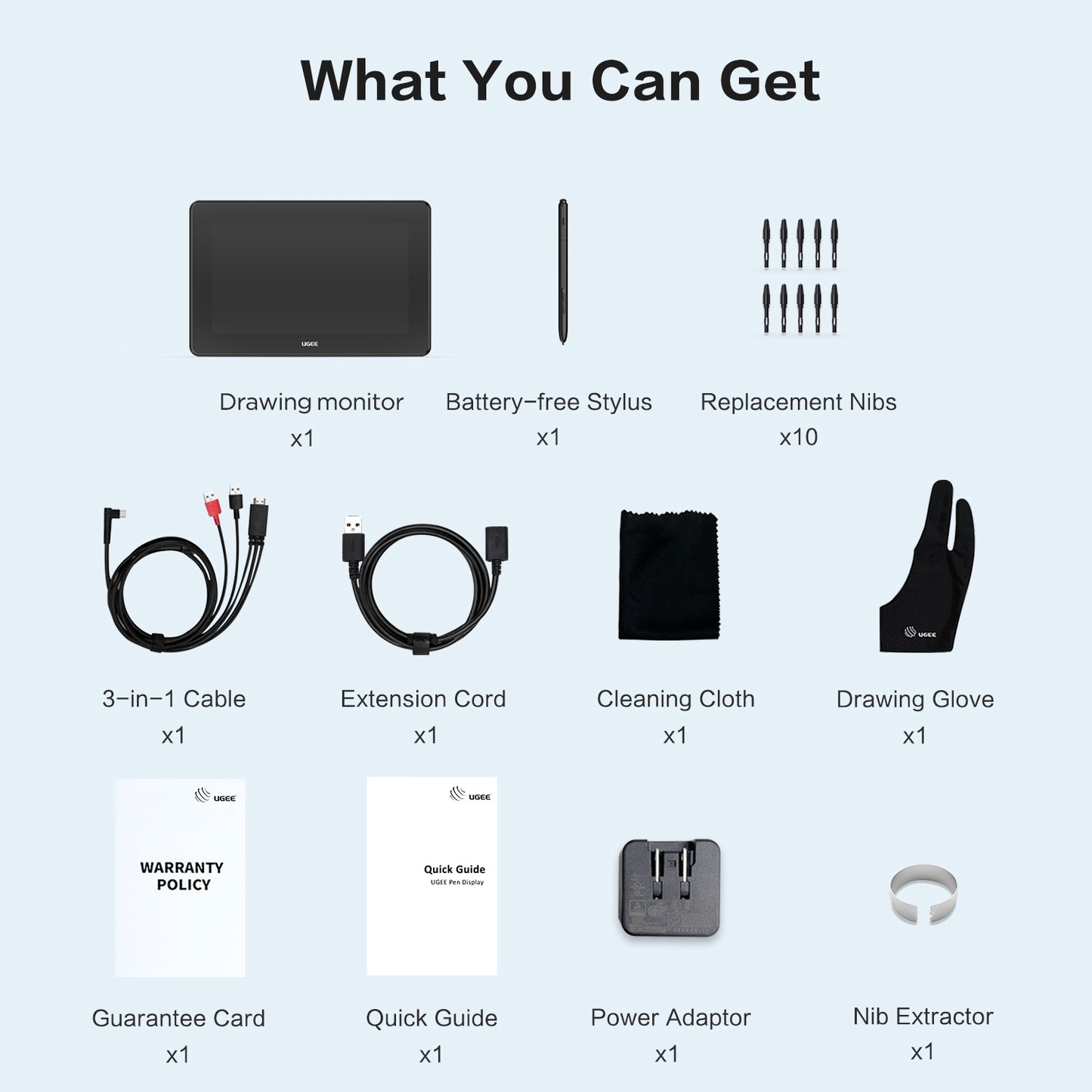
U1600 comes with a battery-free stylus, a connection cable and extended cable, 10 replacement nibs and nib extractor.
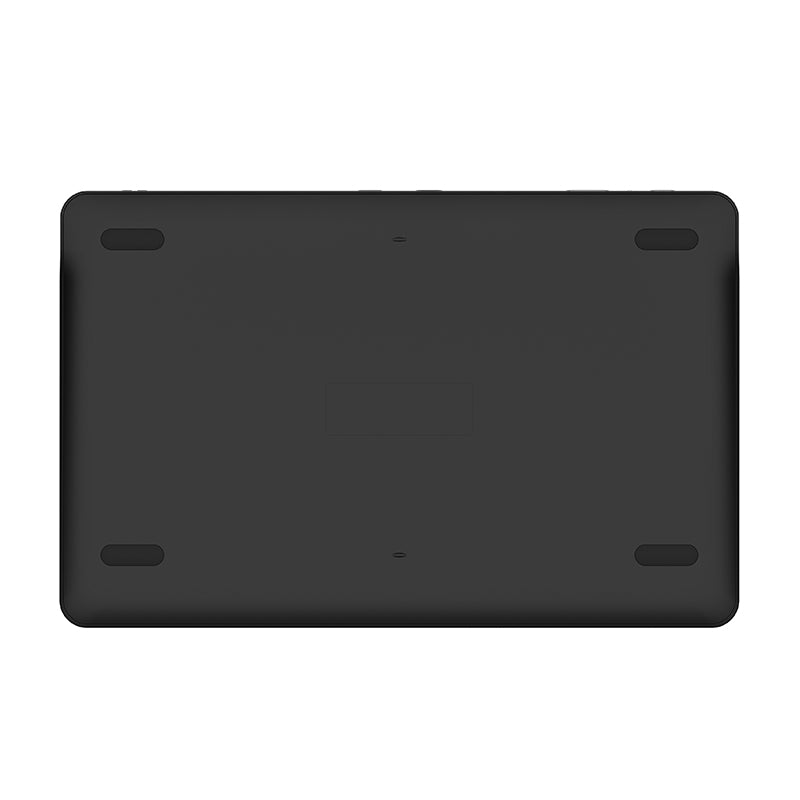
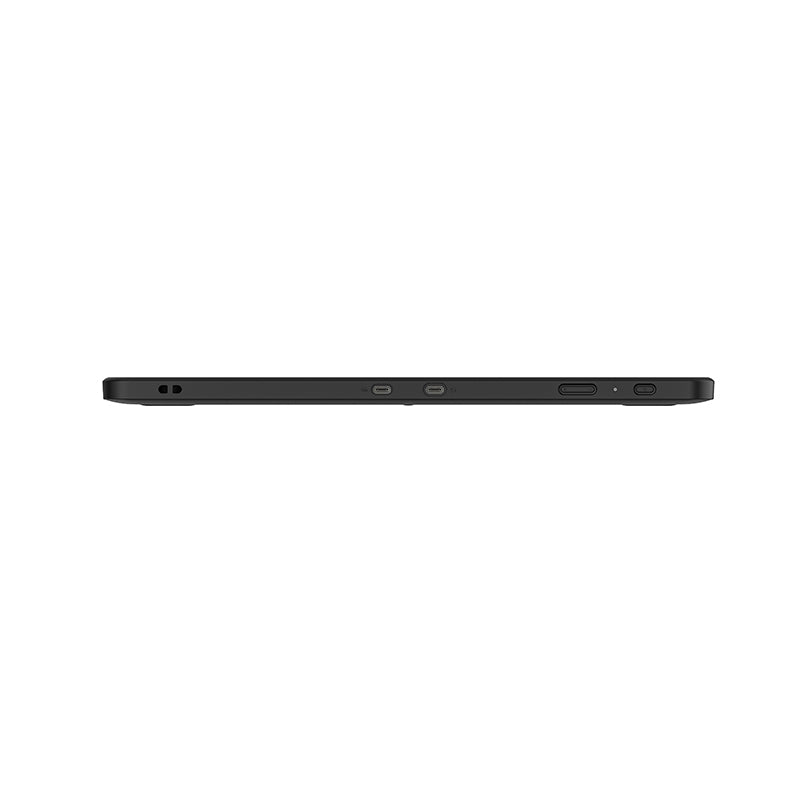
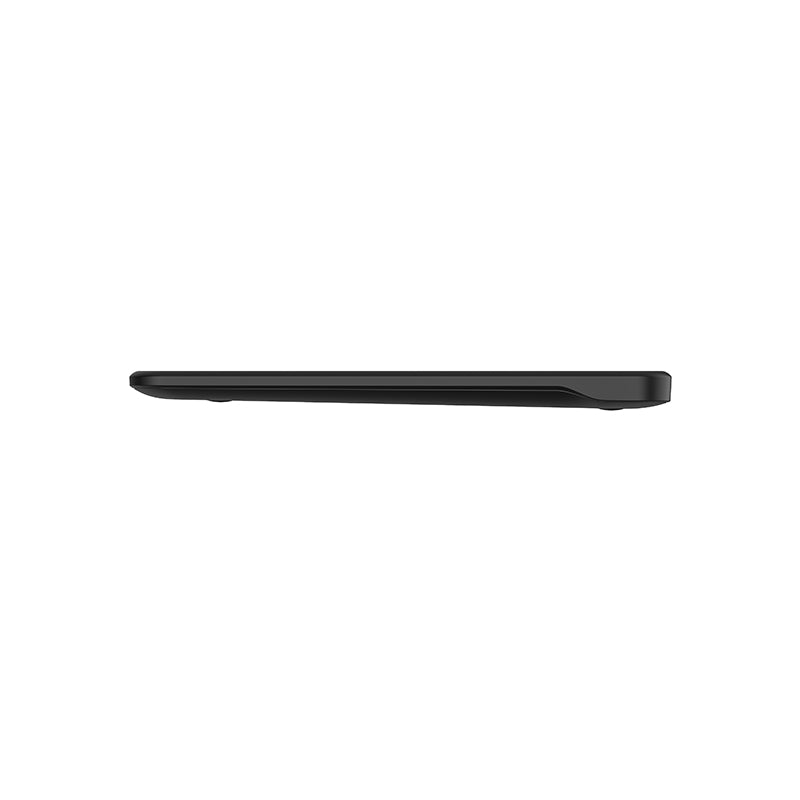
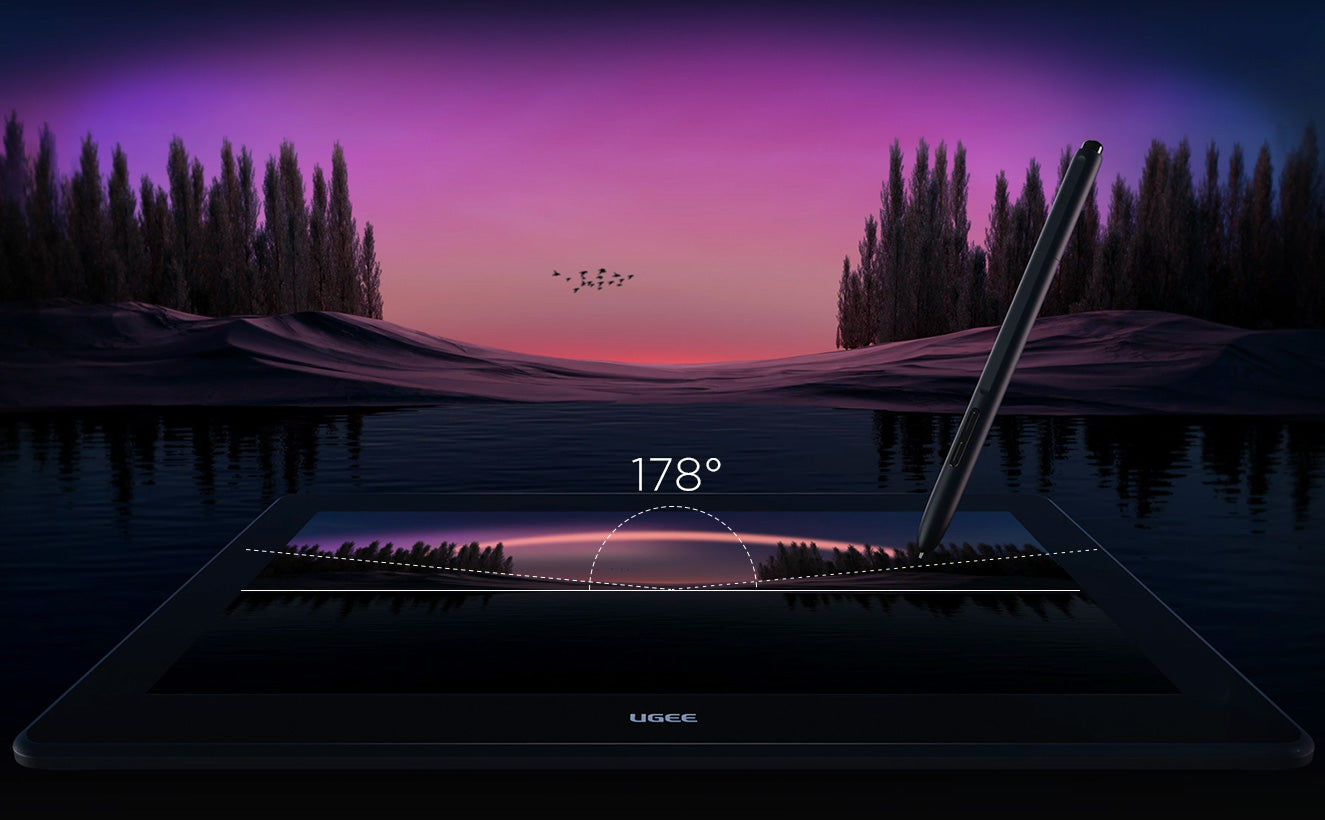
From Any Angle Images Remain Crisp
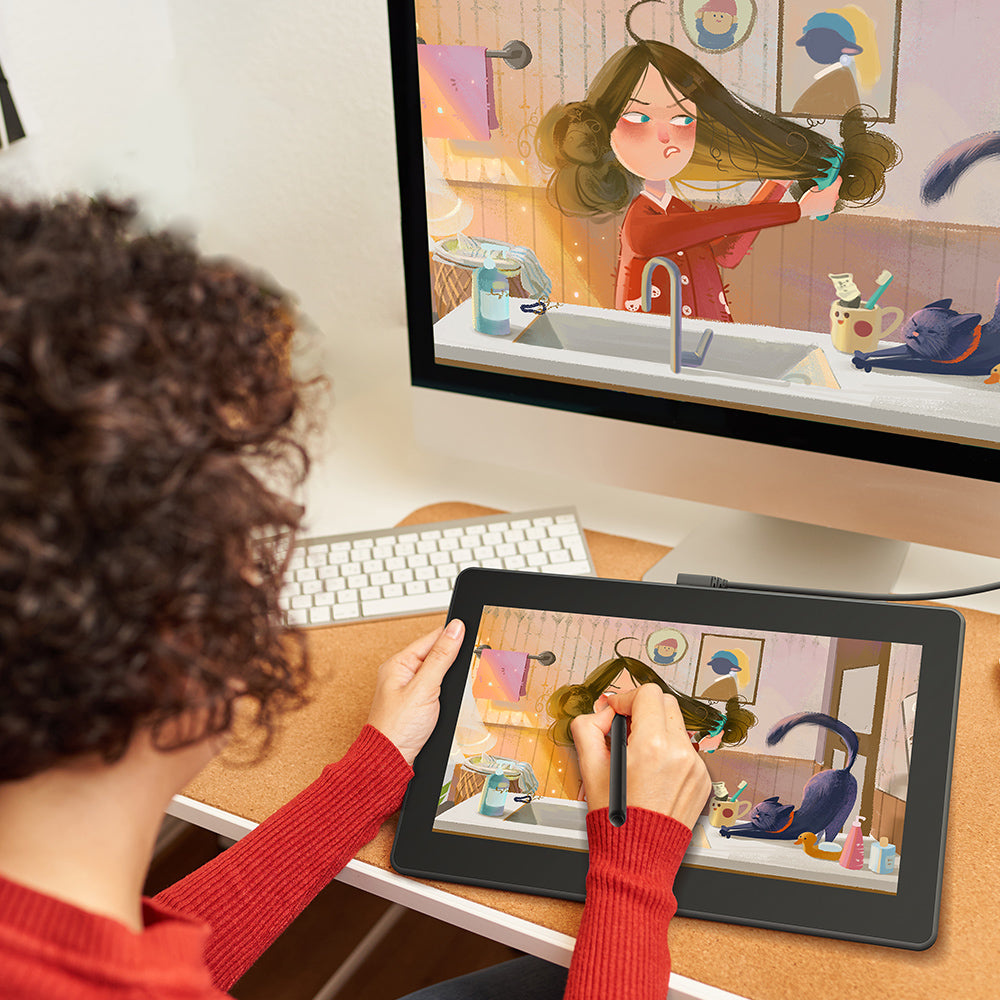
Designed with a whopping viewing angle of 178°, images stay clear and sharp when viewed from the side, allowing you to build the ideal setup for optimal comfort.
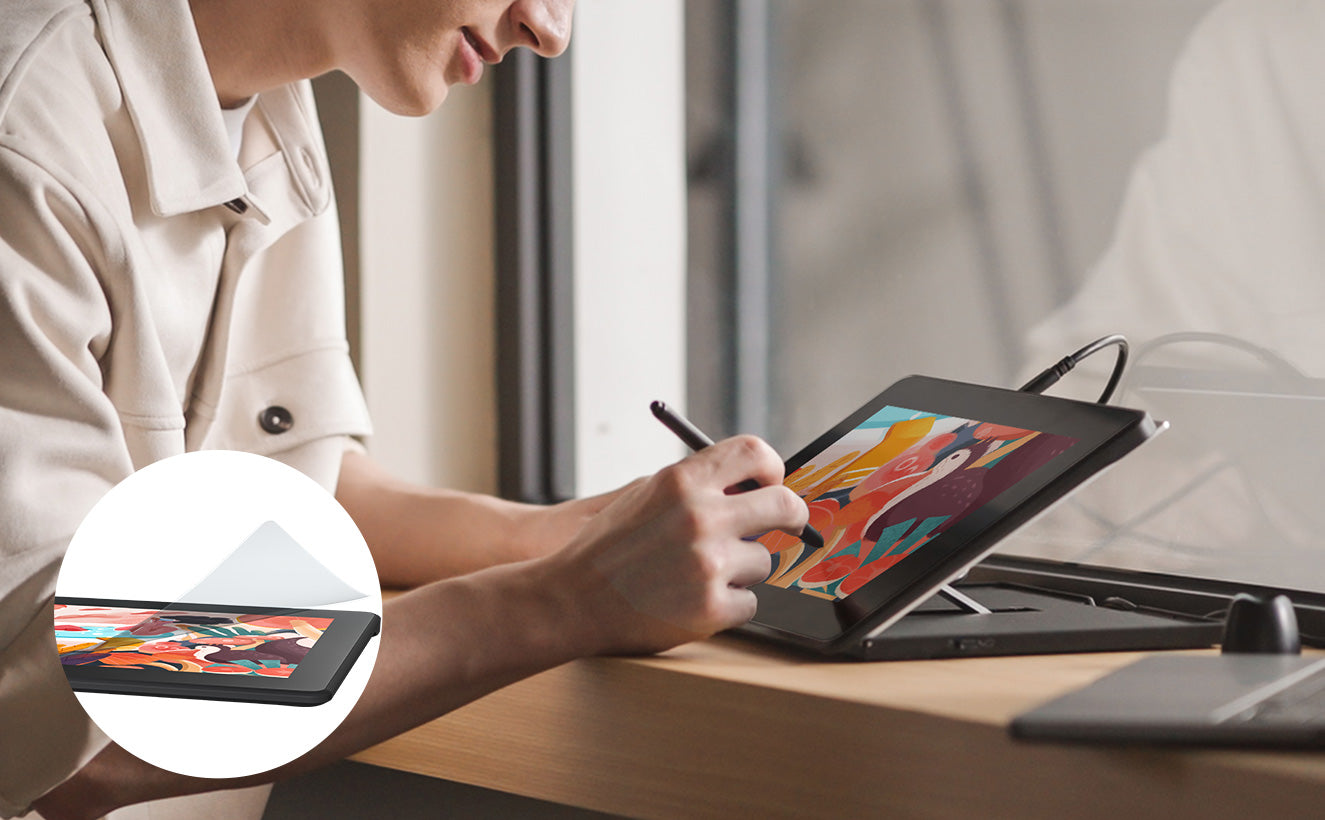
Pre-applied AG film Protects Your Eyes
AG protective film of ugee U1600 drawing monitor preserves vibrant colors and reduces glare, keeping your eyes comfortable during your creation and making you feel close to a traditional drawing experience.
Better Colour Accuracy
The Laminated screen with a super-wide viewing angle displays a total of 16.7 million colors, wide color gamut of up to 127% sRGB and 1000:1 high contrast, making your images appear vivid and brilliant. More accurate colors and shades than you expect.
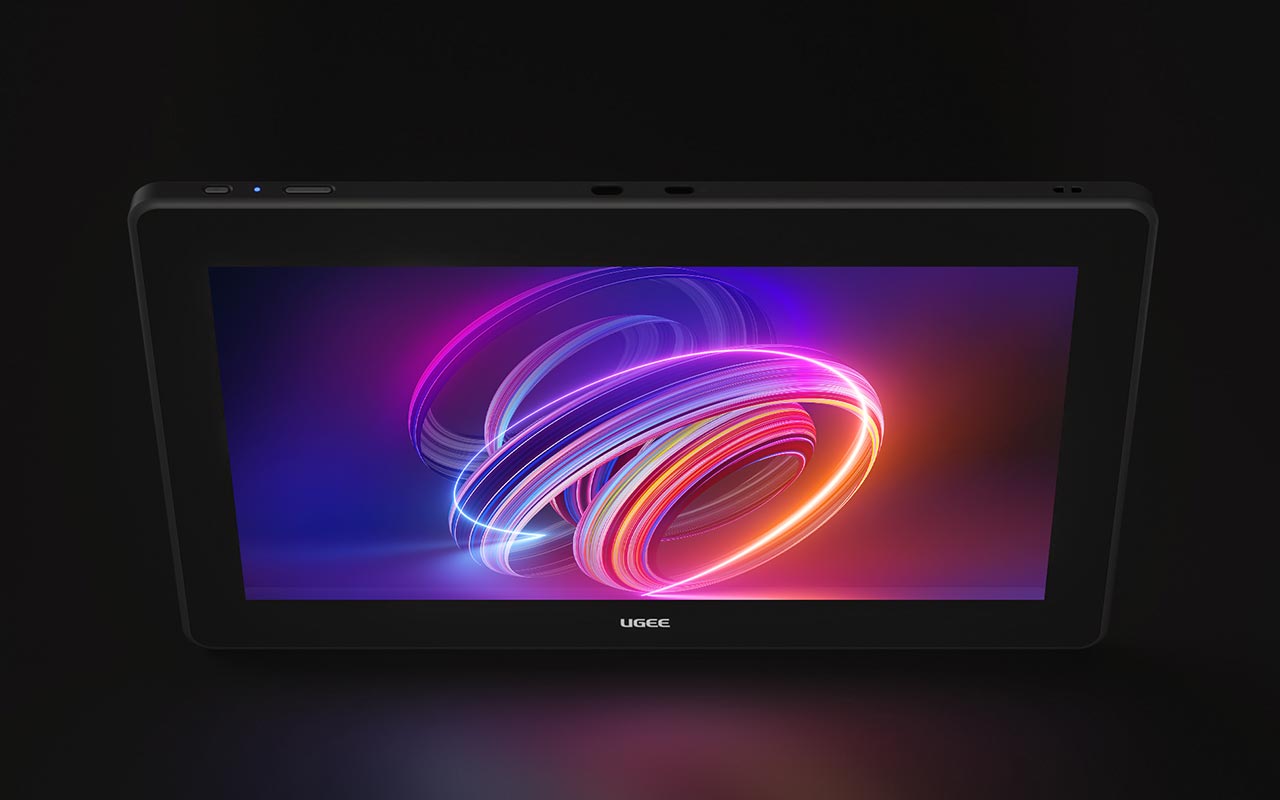
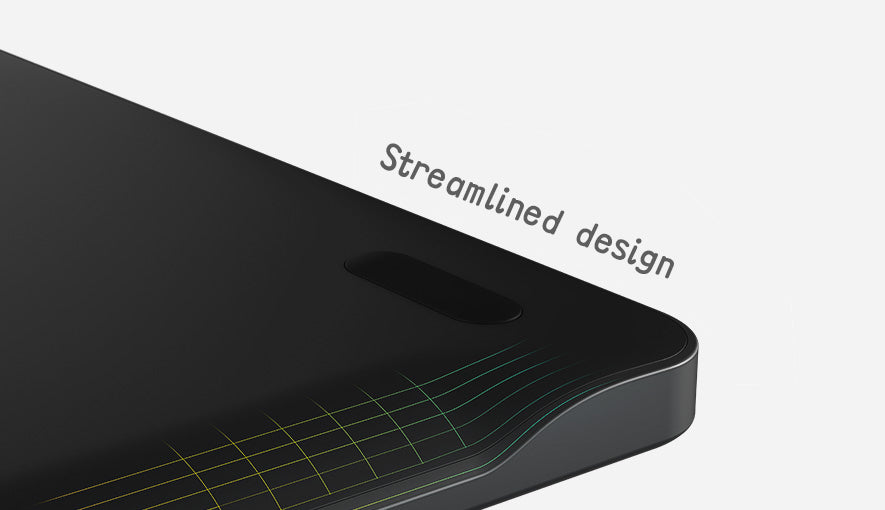
Fantastic Experience.
The appearance boasts a minimalist aesthetic. As a result of ergonomic posture presets and an optimized structure, both simplicity and comfort are achieved.
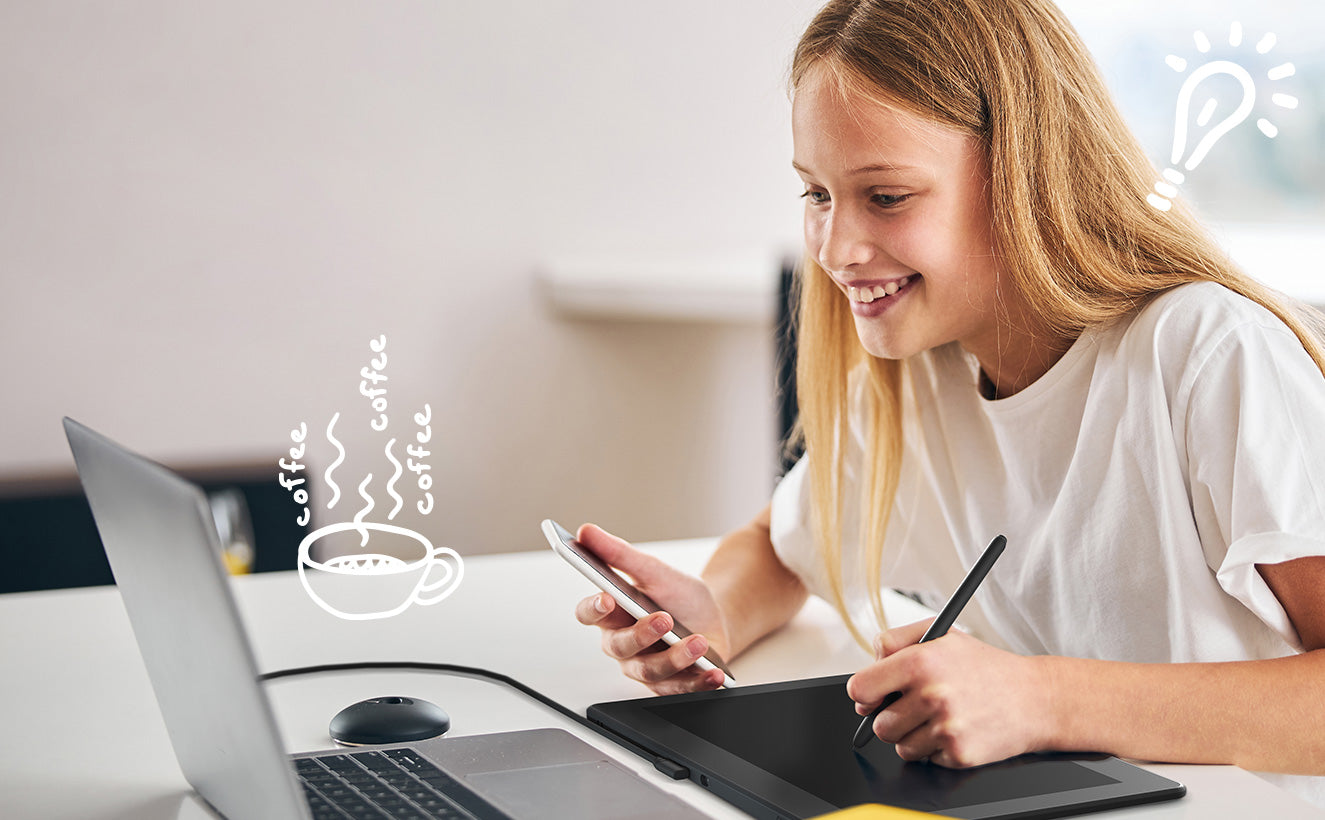
In Drawing Tablet Mode Extends Work Time
To use the digital drawing tablet mode with low power consumption, press the power key for 3 seconds while the monitor is powered on.
Wide Compatibility
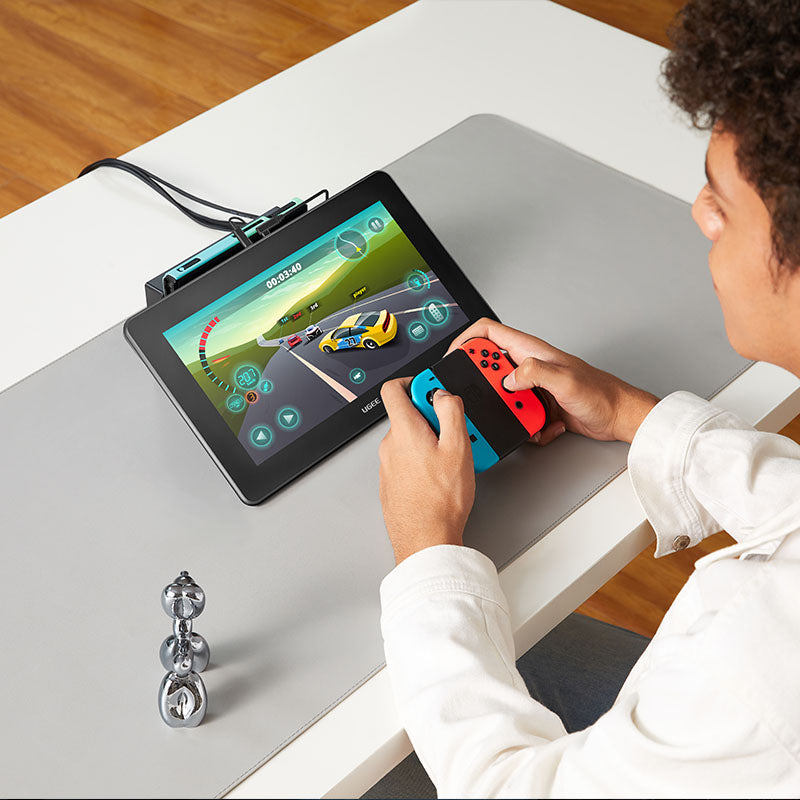
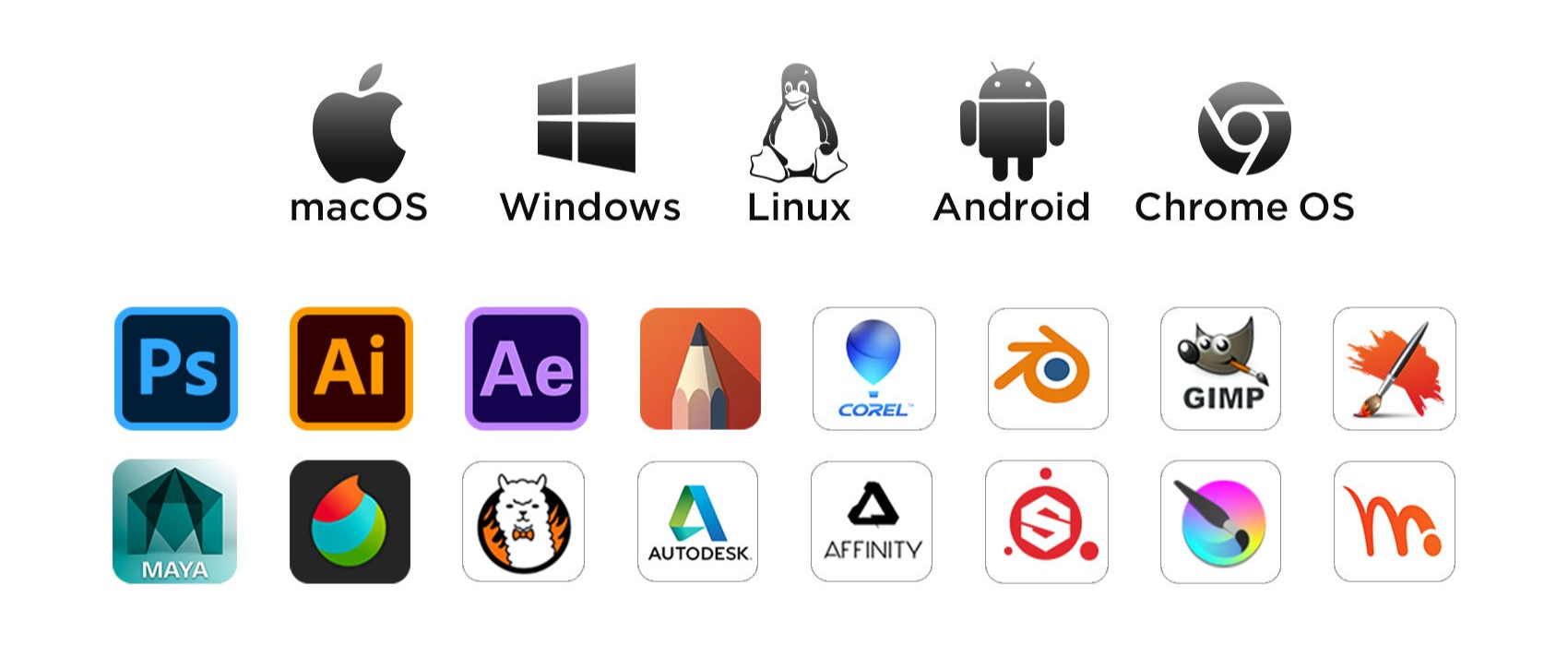
ugee Drawing Monitor is compatible with Windows, Mac OS, Linux, and Chrome OS. It also works well with Android devices and popular drawing software.
How to Get Started?
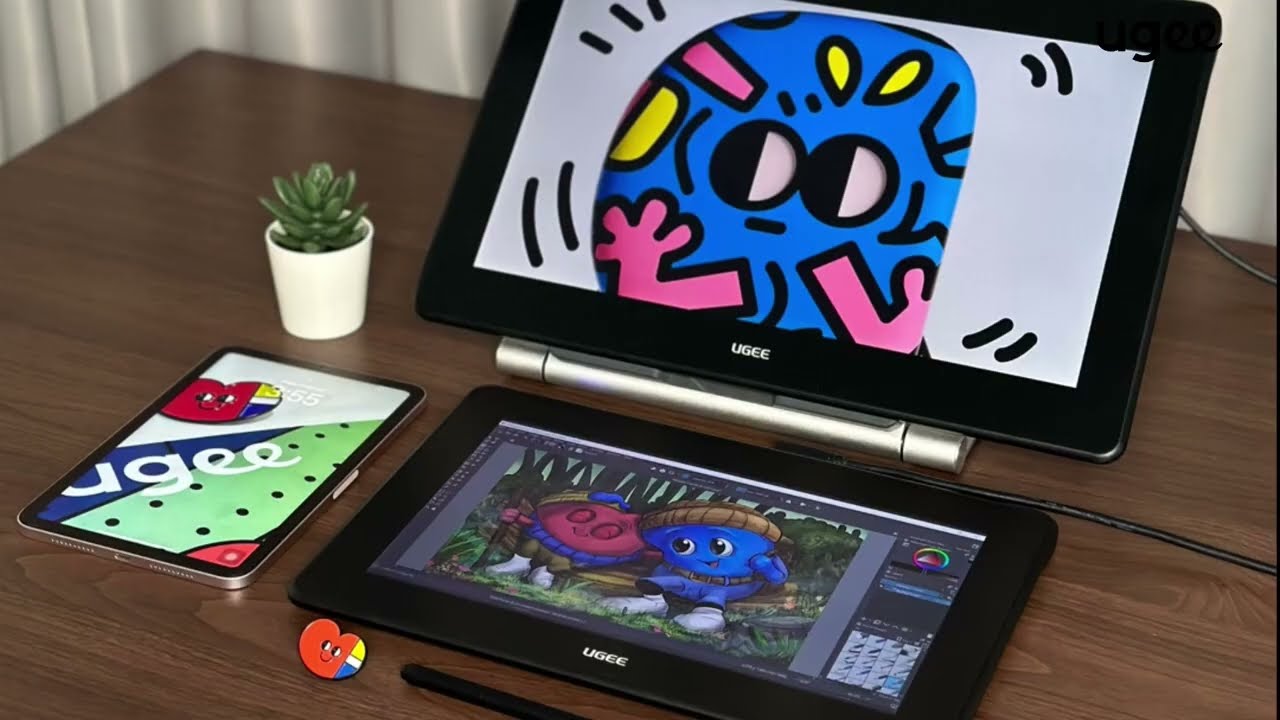
1. How to Connect Drawing Monitor to Laptop
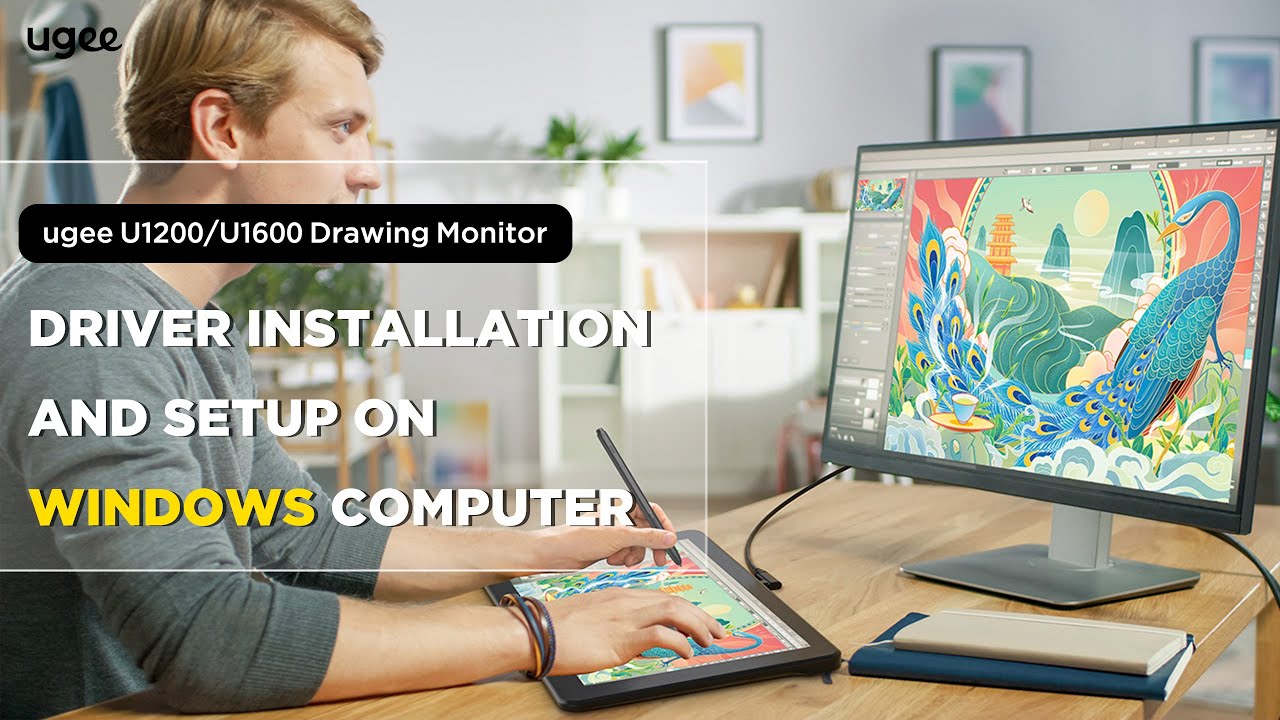
2. How to Install and Setup Drawing Monitor Driver on Windows Computer
3. How to Install and Setup Drawing Monitor Driver on Mac Computer
FAQ
How long will it take for my order to arrive?
It depends on your delivery address. Orders (excluding pre-order products, some accessories and gifts) usually take 2-3 business days to process and 3-15 business days to deliver. Please note that weekends and holidays as well as special weather will cause delivery delays. If you do not receive the package, please contact us directly and provide your order number.
How to track the delivery status?
Once the order is shipped, a shipping email with a tracking number will be sent to the order email. Please keep this email to track delivery status. If you are unable to track your order, please contact us with the order number.
No signal on ugee Drawing Monitor
1.If your computer is laptop, please check if you can use the USB-C to C cable for connecting this tablet to your computer.
2.If your computer is desktop-PC, you have to use 3-in-1 cable (how to use 3-in-1 cable). When you can't find the full-featured USB-C port in your laptop, you have to use 3-in-1 cable too.
3.If all above still don't work, please contact us with a video which can show the cable connection clearly when you use 3-in-1 cable to connect this tablet.
Can the drawing tablet with screen be used alone?
No, you need to connect to a smartphone, laptop or PC, it is not a standalone device.
Can the brightness of the screen of the drawing Monitor be adjusted?
You can adjust the screen brightness according to your usage habits. The graphic drawing screen comes pre-laminated with AG anti-glare film to reduce interference of reflections to protect your eyes.
What is the meaning of the indicator light?
a. Press the power button to turn on the power, the blue indicator light is constantly on after turning on the power, and press the power button again to turn off the power.
b. Standby state, orange constant light
c. Press and hold the power button for 3 seconds, the blue and orange indicator lights flash staggeredly to enter the drawing tablet mode. Press the power button again to resume regular mode.