

商品情報にスキップ
1 の 10

Free Shipping

Lifetime Support

30 Days Money Back Guarantee

12 Months Warranty

ugee 11.6" Drawing Monitor UE12

ugee 11.6" Drawing Monitor UE12

通常価格 $159.00USD
通常価格 $189.00USD セール価格 $159.00USD

Description

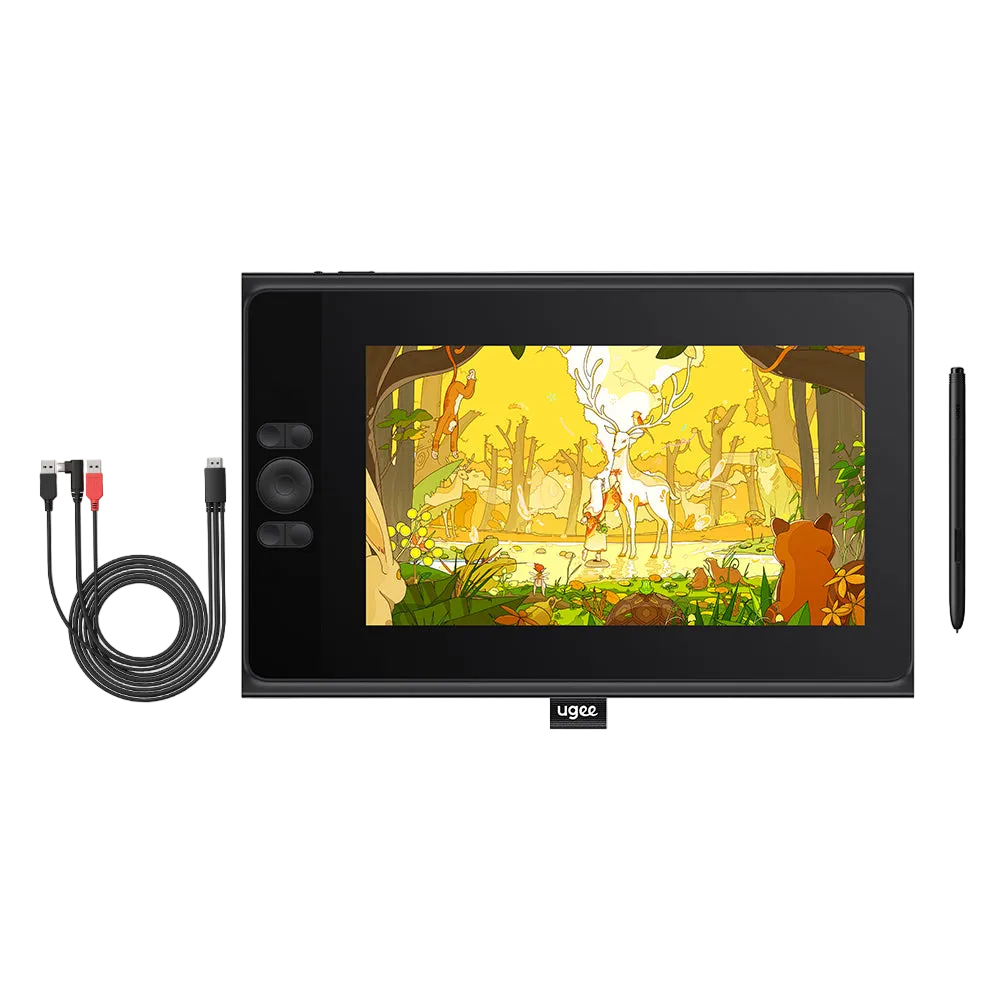
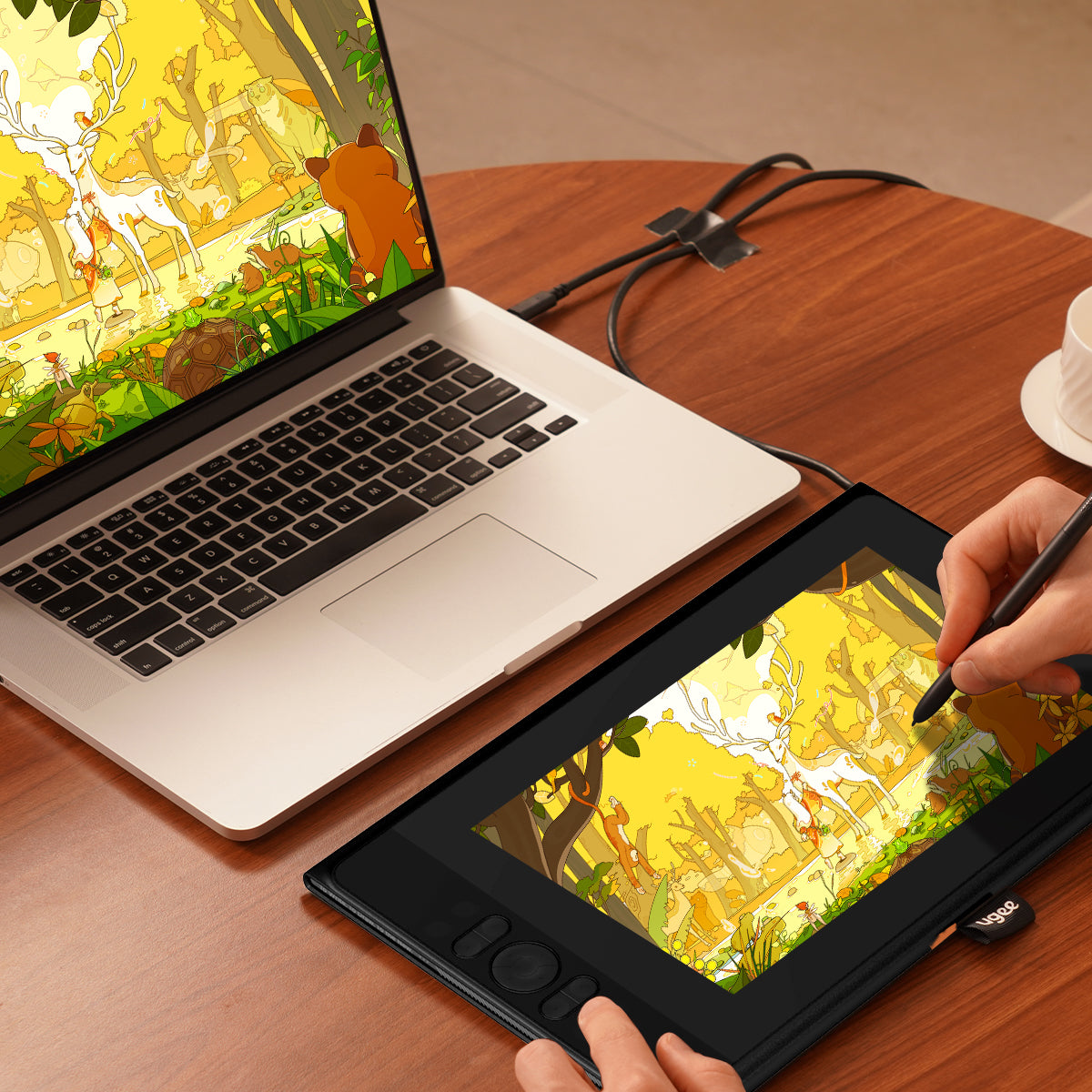
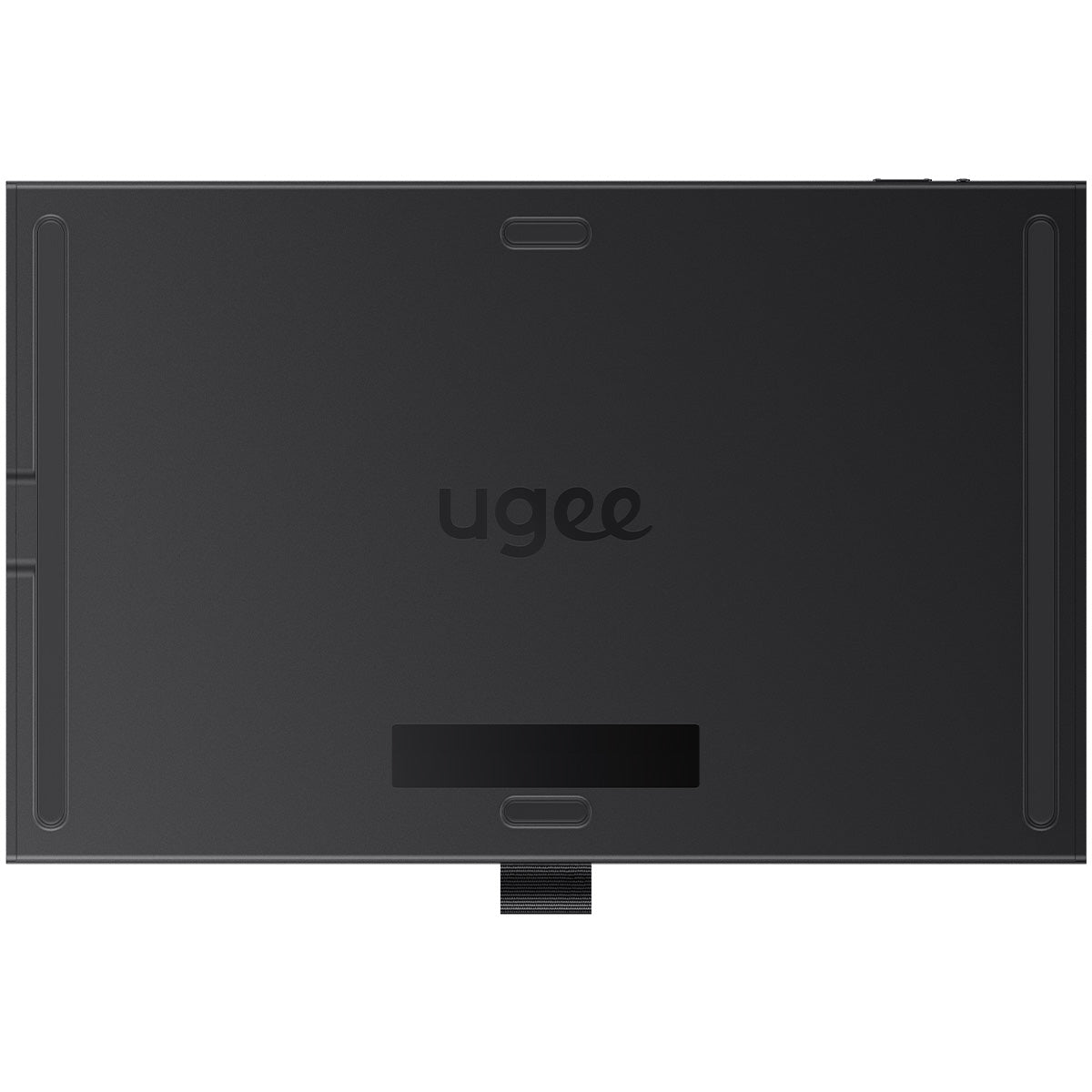
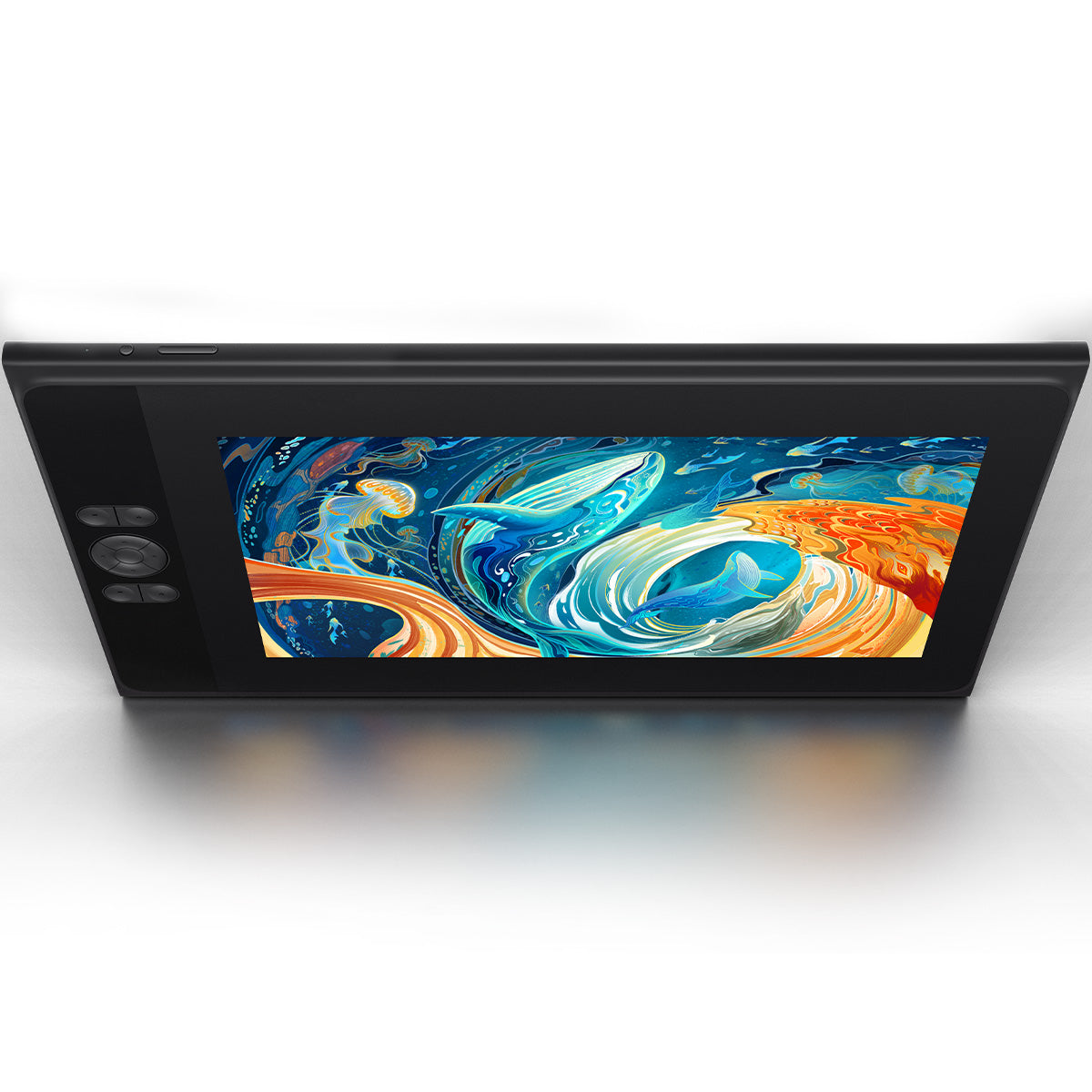
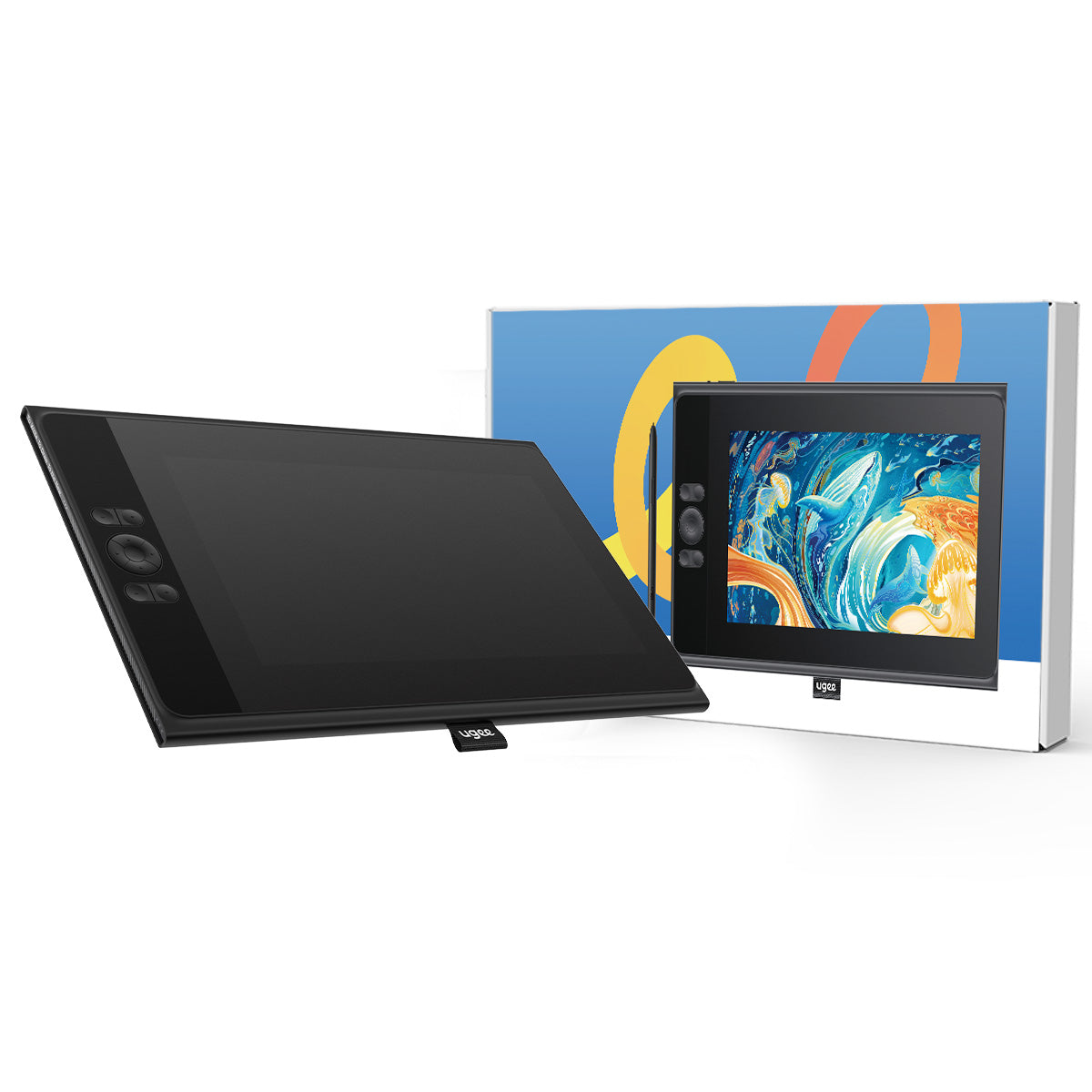
Featuring an 11.6-inch FHD (1920*1080) full-laminated, anti-glare screen, the UE12 display provides a zero-parallax drawing experience, ensuring precise, high-definition drawings down to the minutest details. 3-in-1 cable included.

VAT Included

Product prices include VAT(Europe)

What's in the package

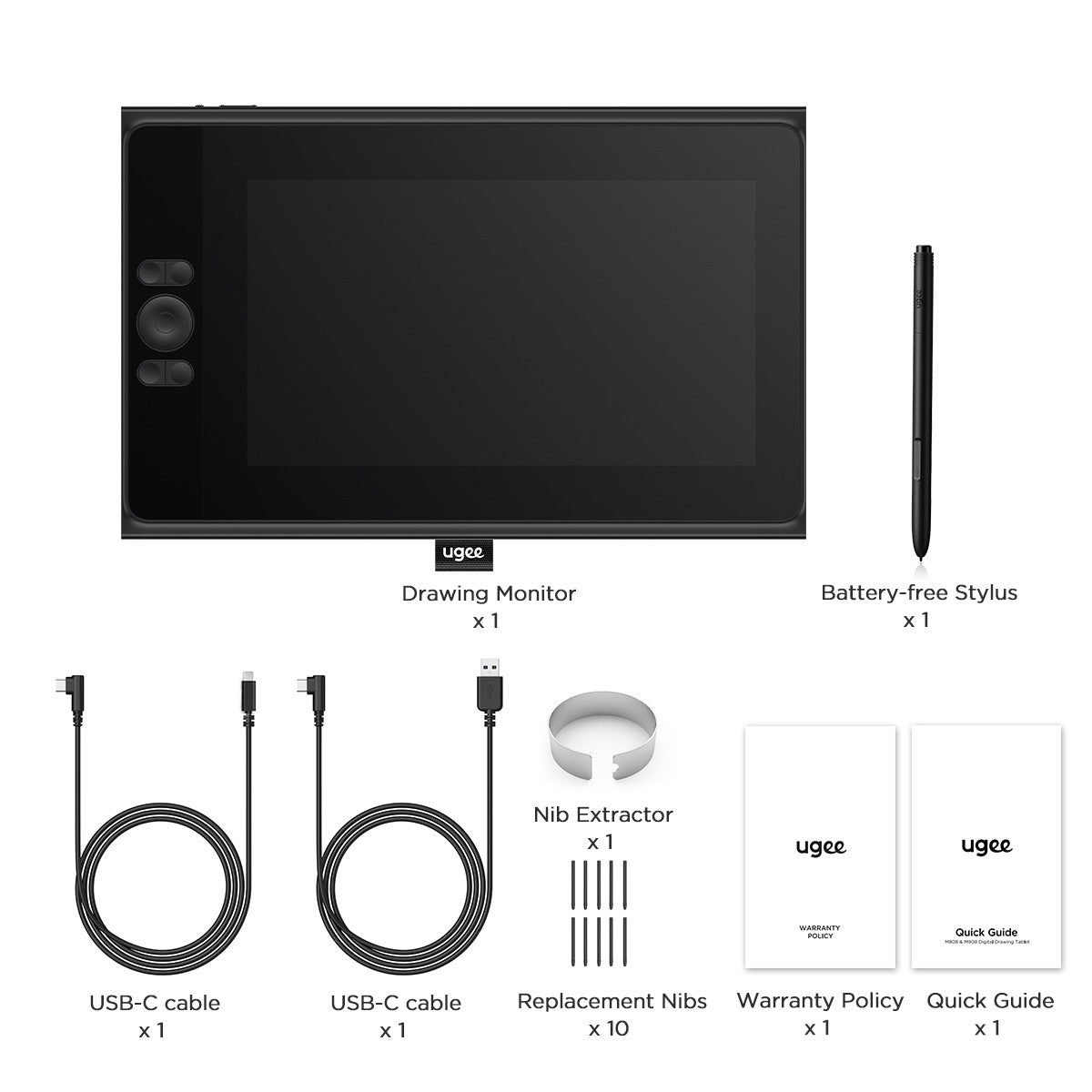
UE12 comes with a battery-free stylus, a 3-in-1 cable, 2 USB-C connection cables, 10 replacement nibs and nib extractor.
Choose An Accessory
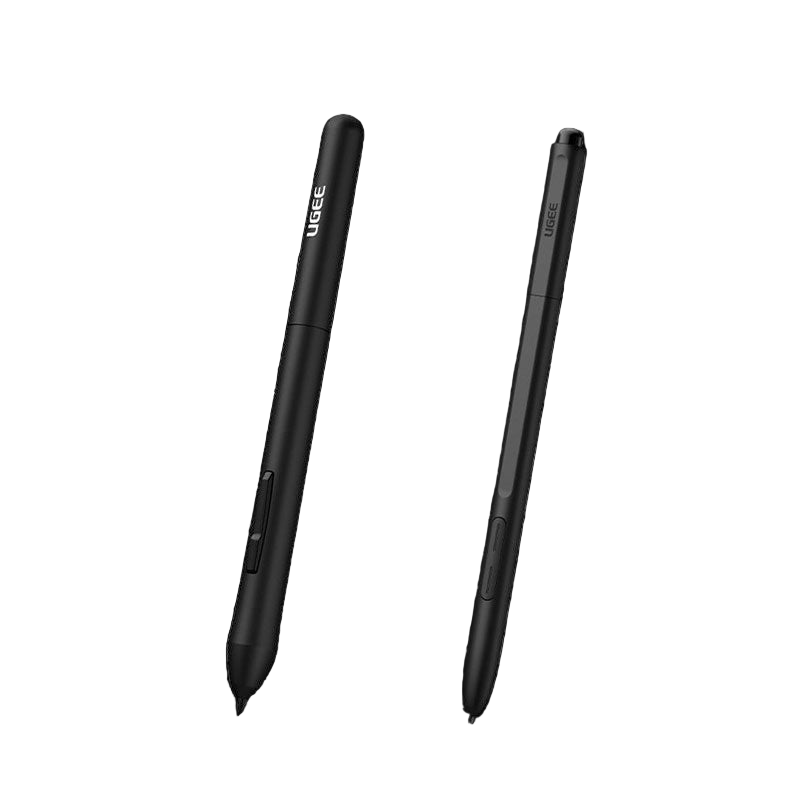
Two black styluses with 'Ugee' branding on a white background
通常価格 $15.00USD
通常価格 $15.00USD セール価格 $15.00USD
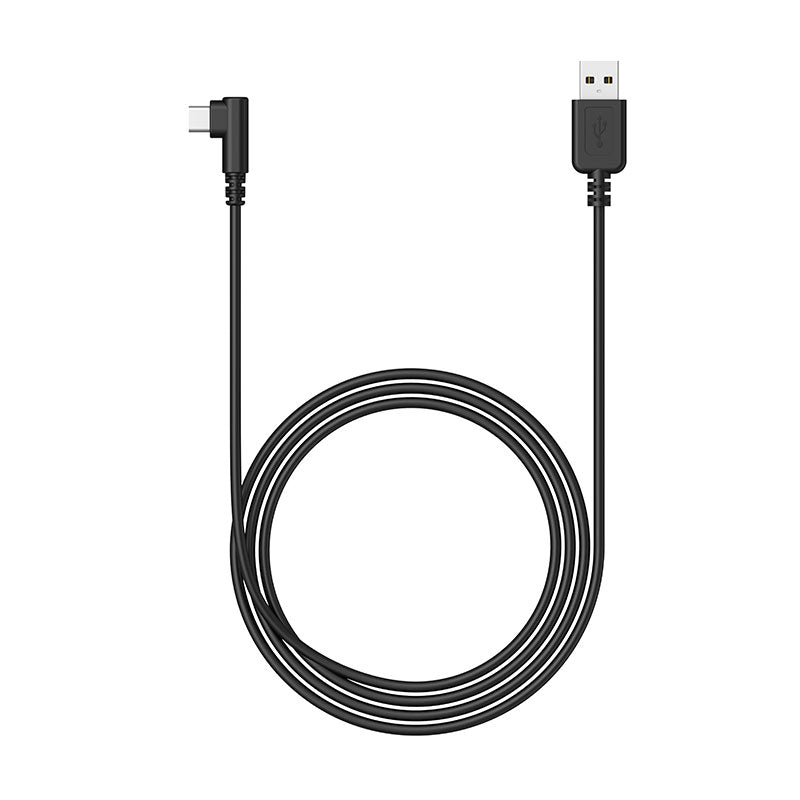
ugee Connecting Cables
通常価格 $15.00USD
通常価格 $15.00USD セール価格 $15.00USD
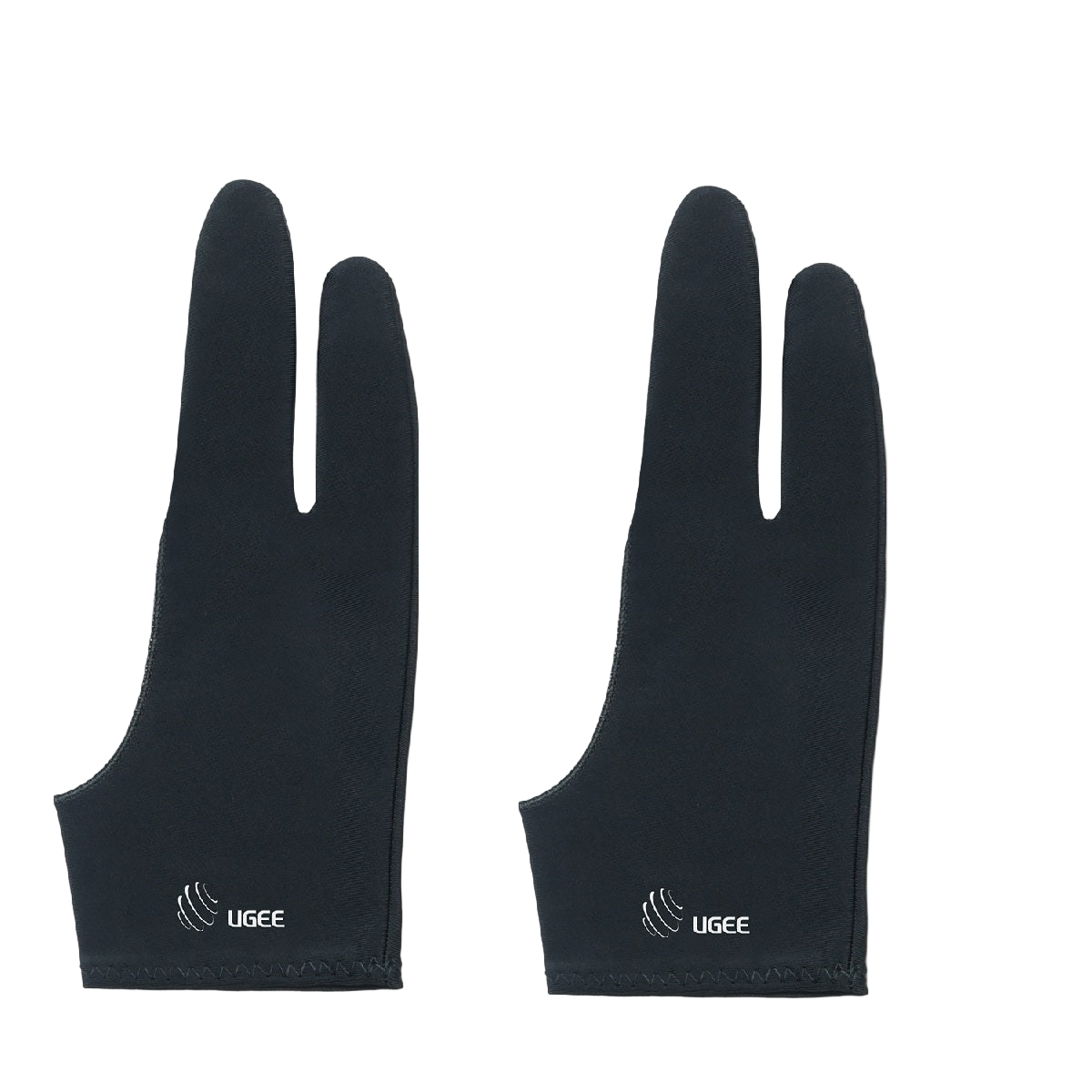
A pair of black ugee artist gloves designed for digital drawing, covering the hand and fingers with the brand logo visible.
通常価格 $9.00USD
通常価格 $9.00USD セール価格 $9.00USD
  • American Express
  • Apple Pay
  • Google Pay
  • iDEAL Wero
  • Mastercard
  • PayPal
  • Shop Pay
  • Union Pay
  • Visa
  • Klarna
詳細を表示する

Full-Laminated Screen with Brilliant Colors

Equipped with a full-laminated screen, the UE12 display encompasses multiple high-color-coverage professional color spaces comparing with traditional limitation of single color space.
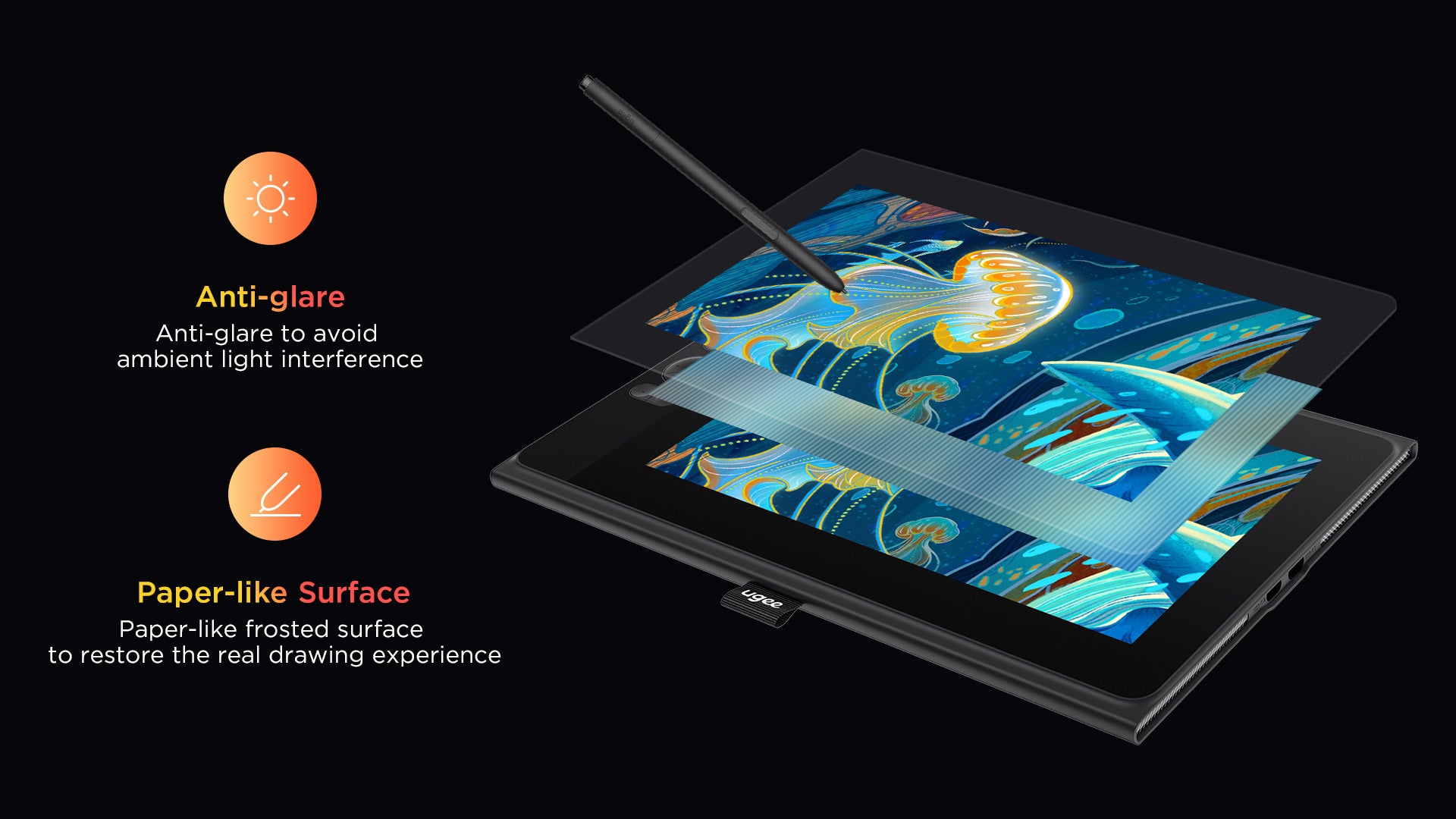
Excellent Drawing Experience

More color options. Authentically reproduce every stroke of color andpresent every detail with finesse. Artwork comes to life, almost tangible. Create stunning masterpieces effortlessly!

  • 124%

    sRGB
  • 8

    Shortcut Keys
  • 16K

    Pressure Levels

Pencil-like Battery-Free Stylus

Equipped with two programmable hot keys, allowing you to effortlessly toggle between drawing tools and maximize your efficiency
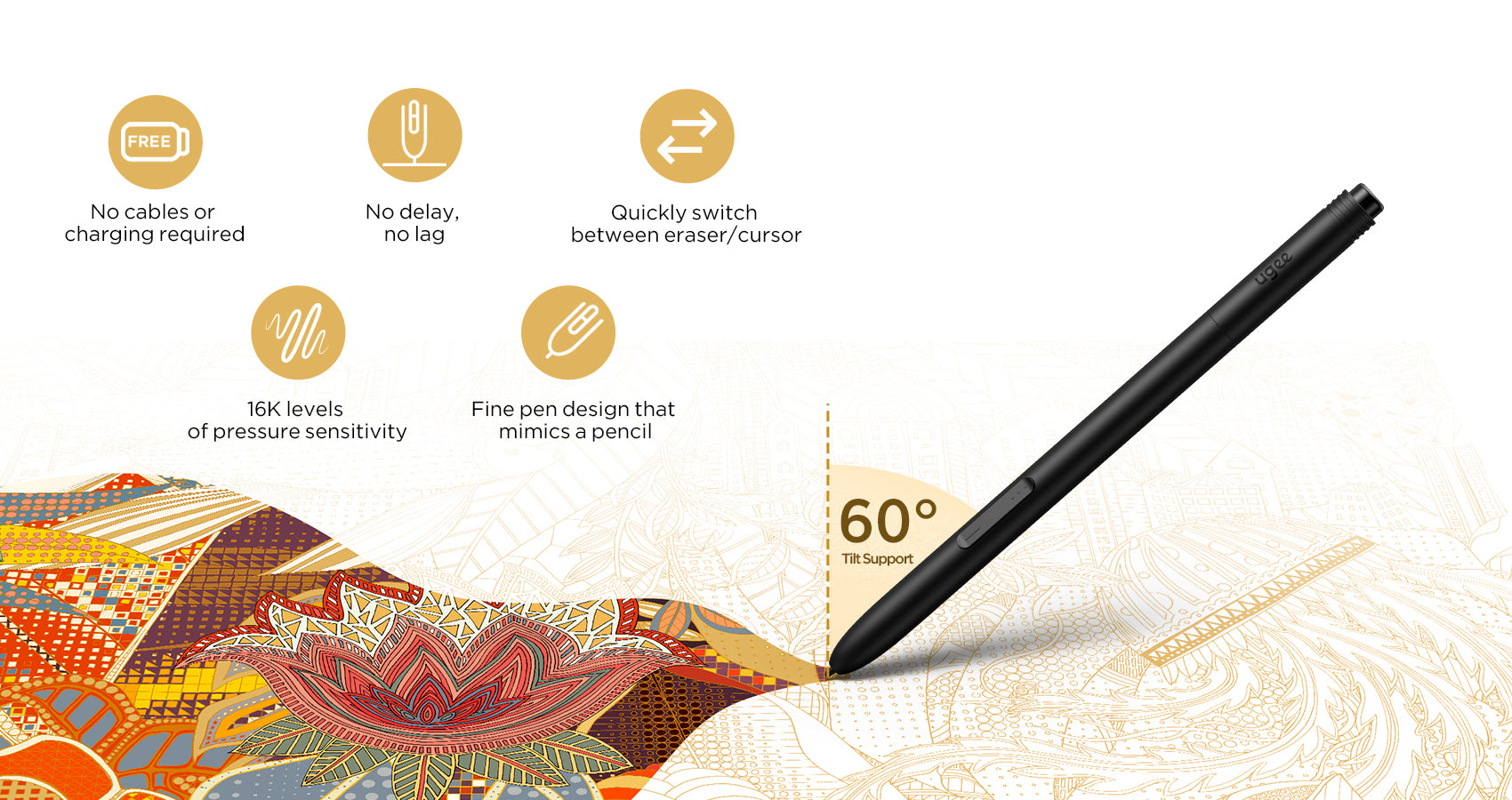
Greater Flexibility in Connection

Dual Type-C Ports Comfort
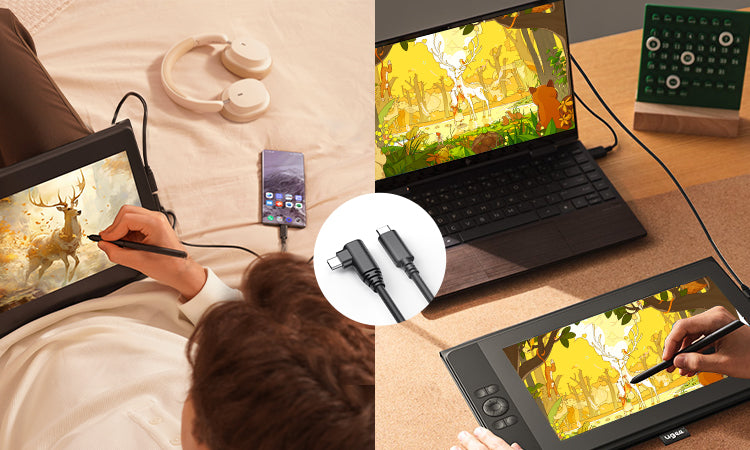
Featuring two built-in Type-C ports, the drawing monitor allows for hassle-free blind insertion in both directions.
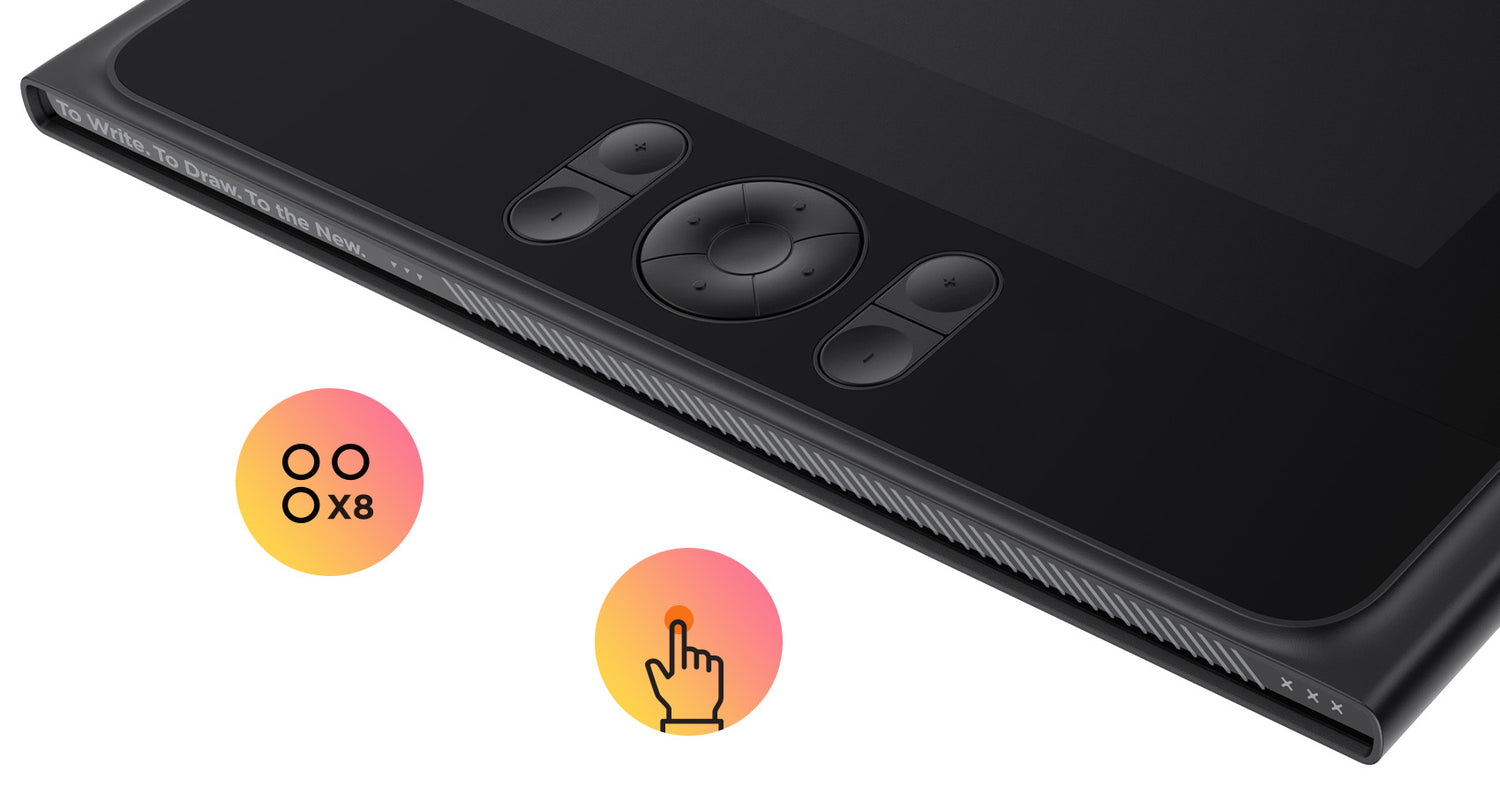
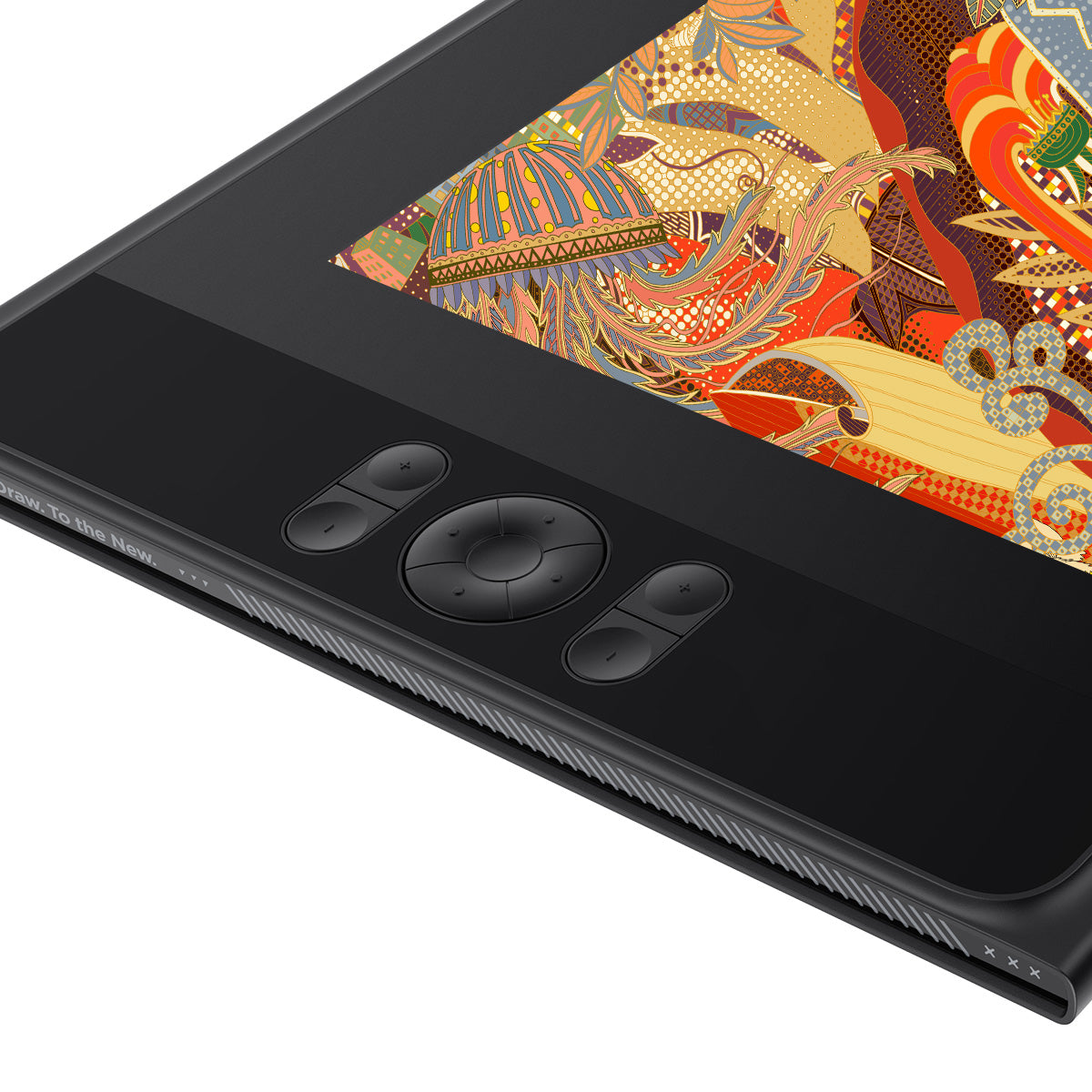
8 Shortcut Keys for Efficient Drawing

Switch between tools and functions quickly, and adjust drawing tools precisely for enhanced productivity.
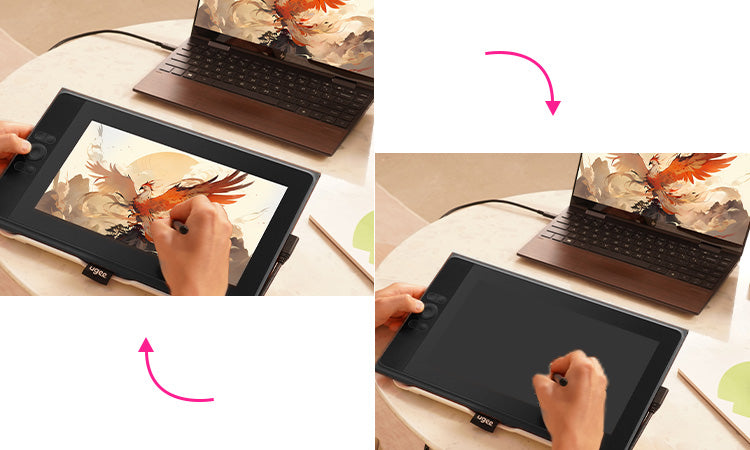
Seamless Switch to Tablet Mode

Transform from a standby screen to a "drawing tablet" within seconds, unleashing boundless creativity

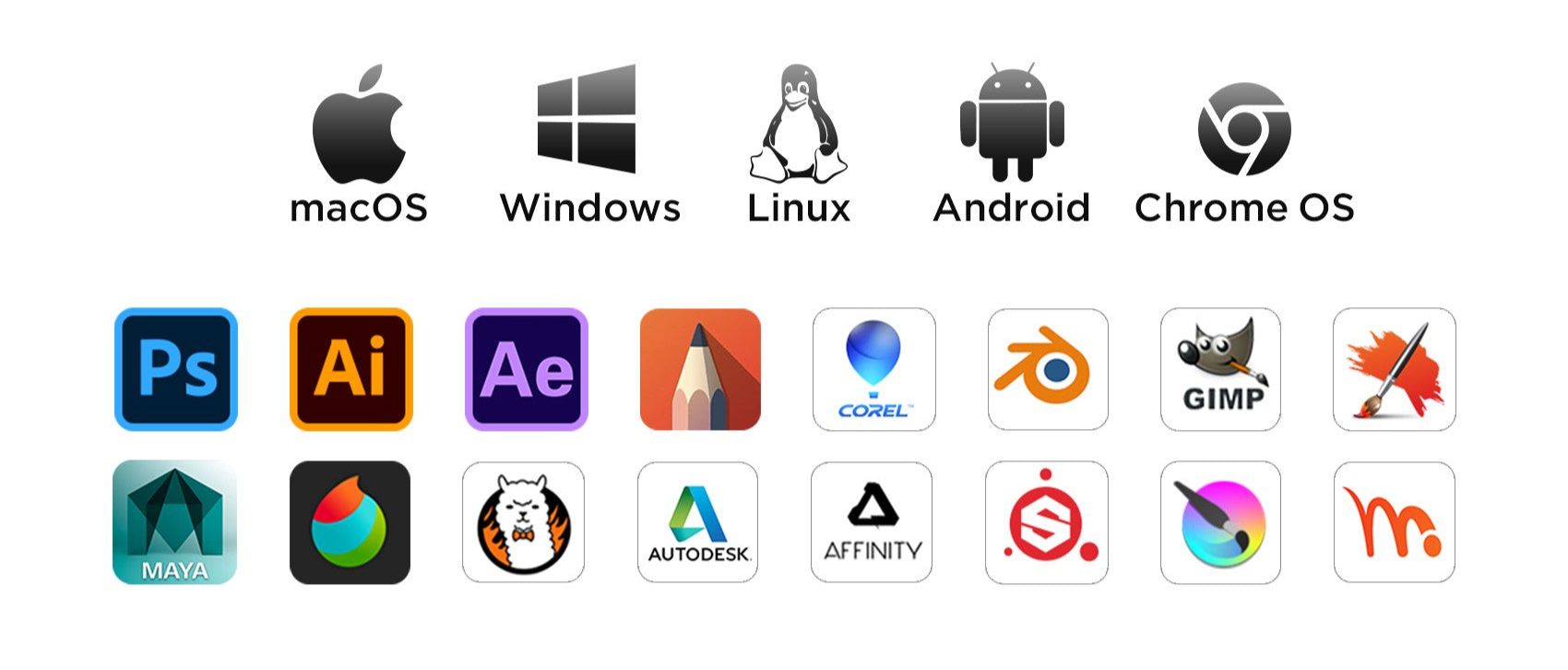
Wide Compatibility

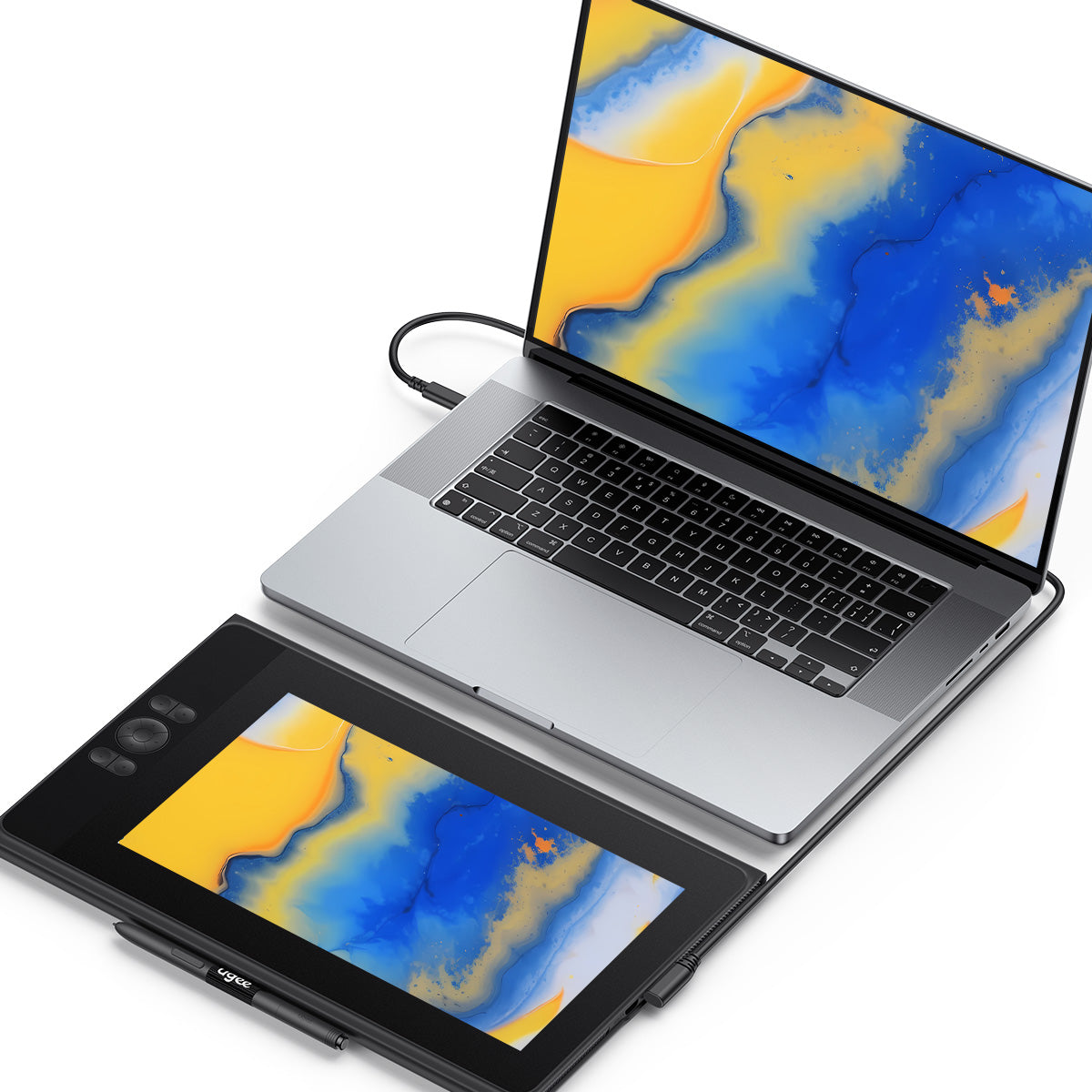
ugee Drawing Monitor is compatible with Windows, Mac OS, Linux, and Chrome OS. It also works well with Android devices )and popular drawing software.
FAQ

How long will it take for my order to arrive?

It depends on your delivery address. Orders (excluding pre-order products, some accessories and gifts) usually take 2-3 business days to process and 3-15 business days to deliver. Please note that weekends and holidays as well as special weather will cause delivery delays. If you do not receive the package, please contact us directly and provide your order number.

How to track the delivery status?

Once the order is shipped, a shipping email with a tracking number will be sent to the order email. Please keep this email to track delivery status. If you are unable to track your order, please contact us with the order number.

No signal or black screen on Drawing Monitor?

1.If your computer is laptop, please check if you can use the USB-C to C cable for connecting this tablet to your computer.

2.If your computer is desktop-PC, you have to use 3-in-1 cable (how to use 3-in-1 cable). When you can't find the full-featured USB-C port in your laptop, you have to use 3-in-1 cable too.

3.If all above still don't work, please contact us with a video which can show the cable connection clearly when you use 3-in-1 cable to connect this tablet.

Can the drawing tablet with screen be used alone?

No, you need to connect to a smartphone, laptop or PC, it is not a standalone device.

Can the brightness of the screen of the drawing Monitor be adjusted?

You can adjust the screen brightness according to your usage habits. The graphic drawing screen comes pre-laminated with AG anti-glare film to reduce interference of reflections to protect your eyes.

What is the meaning of the indicator light?

a. Press the power button to turn on the power, the blue indicator light is constantly on after turning on the power, and press the power button again to turn off the power.
b. Standby state, orange constant light
c. Press and hold the power button for 3 seconds, the blue and orange indicator lights flash staggeredly to enter the drawing tablet mode. Press the power button again to resume regular mode.

Does the drawing monitor work on IOS system?

No, UE12 drawing monitor can't work on IOS sytstem like iPhone, iPad, but can work on Macbook.

How do I connect a ugee drawing tablet to an Android phone (including Android 14)?

To connect your ugee drawing tablet to an Android phone (including Android 14), follow the Android Setting Tools

R
Ruby
Great

My first drawing tablet and the setup process wasn't the smoothest. Took me a while to figure out the cables and get everything working. However after that initial hurdle it's been great.

R
Ruby
Great

My first drawing tablet and the setup process wasn't the smoothest. Took me a while to figure out the cables and get everything working. However after that initial hurdle it's been great.

X
Xavier
For digital art but not for professionals

As a hobbyist I find the UE12 does everything I need. The pressure sensitivity and tilt support are great for my painting style. But if I were a professional artist I'd probably need more. It has some limitations with color accuracy and overall build quality. But for a beginner or someone who just draws for fun it's an amazing deal.?

X
Xavier
For digital art but not for professionals

As a hobbyist I find the UE12 does everything I need. The pressure sensitivity and tilt support are great for my painting style. But if I were a professional artist I'd probably need more. It has some limitations with color accuracy and overall build quality. But for a beginner or someone who just draws for fun it's an amazing deal.?

P
Paisley
Works fine as a second monitor

I bought this primarily to use as a second monitor for my PC with the occasional drawing. It works perfectly for that. The image is clear and colors are acceptable. The software drivers installed without any problems on my Windows machine. It's a very versatile device for the price.?

P
Paisley
Works fine as a second monitor

I bought this primarily to use as a second monitor for my PC with the occasional drawing. It works perfectly for that. The image is clear and colors are acceptable. The software drivers installed without any problems on my Windows machine. It's a very versatile device for the price.?

E
Ezekiel
Fantastic budget pick for 2026

I spent a long time looking for an affordable drawing tablet and the UE12 is the best under $200 in my opinion. The 11.6-inch screen is good the 124% sRGB color is fine for digital art and the anti-glare screen is great for my bright workspace. It's perfect for someone who wants to draw directly on a screen without spending a fortune.?

L
Leah
A decent budget screen but check your laptop ports

I like the tablet but the setup wasn't as plug-and-play as I'd hoped. The 3-in-1 cable uses HDMI and USB which isn't great for modern laptops with limited ports. I had to buy an external expansion hub to make it work. Once I got it going the screen and pen were great for my needs but this is a crucial point for laptop users to consider.

M
Miles
Good

I've had my UE12 for two years and it's served me well. It's a fantastic entry-level device. However my screen just broke and I'm thinking of upgrading to the larger UE16 model. I feel a bit cramped on the 12-inch screen sometimes and want more room to work. Overall it's a good product but I'm ready for something bigger.

A
Aria
Solid budget option for students

As a design student on a budget this tablet has been a lifesaver. It covers all the essential features I need for assignments. The screen size is decent for my small desk and it's easy to carry to the library. There's a bit of a learning curve and you have to be careful with the ports but the price-to-performance is outstanding.?

Z
Zoe
Great for on-the-go use

I mainly use this as a secondary display and for drawing while traveling. The 12-inch size is pretty portable. It's so convenient to just plug it in with a single USB-C cable and get to work. The screen quality is more than enough for my needs and it's a huge upgrade over a screenless tablet for on-the-go sketching.?

B
Blake
Good value

I'm happy with the purchase overall. The screen is clear and the pen is responsive.

E
Eleanor
The pen is not for everyone

I've been using this for a few weeks and the screen is fine for the price but I'm having issues with the pen. The PH23 pen feels a bit cheap and slippery to hold and I find my hand gets tired during long drawing sessions.

A
Austin
Good for beginners

For the price it's a solid screen tablet. The 11-inch screen is a good size and the anti-glare coating is nice. One thing to note: the 3-in-1 cable it comes with has multiple plugs and can be awkward if your laptop doesn't have many ports. You might need an external adapter. It's a bit of a hassle but manageable.?

S
Stella
Perfect entry-level pen display

This is my first pen display after using a screenless tablet. The hand-eye coordination feels so much more natural. The colors are decent for the price—a definite step up from my laptop screen. It was easy to set up and works with all my software like Photoshop and Krita. It's a great way to start with digital art without breaking the bank.?

L
Levi
Great but cable is awkward

I've been using this for a few weeks. The 3-to-1 cable is a bit of a pain to manage as the USB-C end is at a right angle.

S
Sebestian
Really great for the price

I use it on Krita, well the pen pressure is great. The buttons are also programmable and the software is simple. Not to mention I even use it as a dual monitor sometimes. This tablet has changed my life.

A
Angel
Fine

Works flawlessly with my drawing softwares.

A
Anar
Effective

Lightweight yet durable. The pen shortcuts do save me hours.

J
Juan
Pretty good

Gifted this to my friend—they loved how intuitive the shortcuts are and how smoothly it handles detailed work.

J
Joshu
Budget tablet

The pressure sensitivity mimics real brushes perfectly.

R
Ryan
Love

Love it! The customizable shortcuts boosted my productivity instantly

M
Mark
Good

The tablet is fine but I need to buy a 3-in-1 cable to connect.

M
Maria
Worth the price.

Recommended.

H
Hanley
Good for the price.

I have searched for many products and purchased this in the end. It is much cheaper than others. Hope it is durable and lasts a long time.

F
Frances
More convenient to draw.

I don't need to look at my laptop while drawing on the tablet. This drawing monitor makes me more concentrated on my job. Love how convenient it is!

M
Maxine
So far it's great.

This drawing tablet has fantastic resolution and vivid colors. The 8 hotkeys speed up my workflow. I used it all the time. Perfect.

F
Fannie
Good customer service.

I had a bit of trouble figuring out how to set up the buttons, so I contacted their support team for help. They got back to me super fast and gave me clear instructions to sort it out. If you run into any issues, just contact them. Overall, I recommend this tablet. It works like a charm!

N
Noble
Worked as described.

Drawing on this tablet is effortless, making my job a breeze. Totally satisfied with it.

M
Milburn
Missing wire.

The package only includes an HDMI wire, and the additional USB C wire needs to be purchased separately from their website, which can be quite inconvenient.

H
Helena
Amazing.

Fast delivery, good quality and fantastic screen.

W
Warrior
Very good for beginners.

Very practical and beautiful.Precise and easy to configure. Highly recommended!

J
Joey
Recommended to buy this tablet.

Really, really good quality product. Easy to use, replaced my old and broken tablet with this new, better, stronger, easier to use tablet.

ugee 11.6" Drawing Monitor UE12

通常価格 $159.00USD
通常価格 $189.00USD セール価格 $159.00USD
-15%