

Zu Produktinformationen springen
1 von 10

Free Shipping

Lifetime Support

30 Days Money Back Guarantee

12 Months Warranty

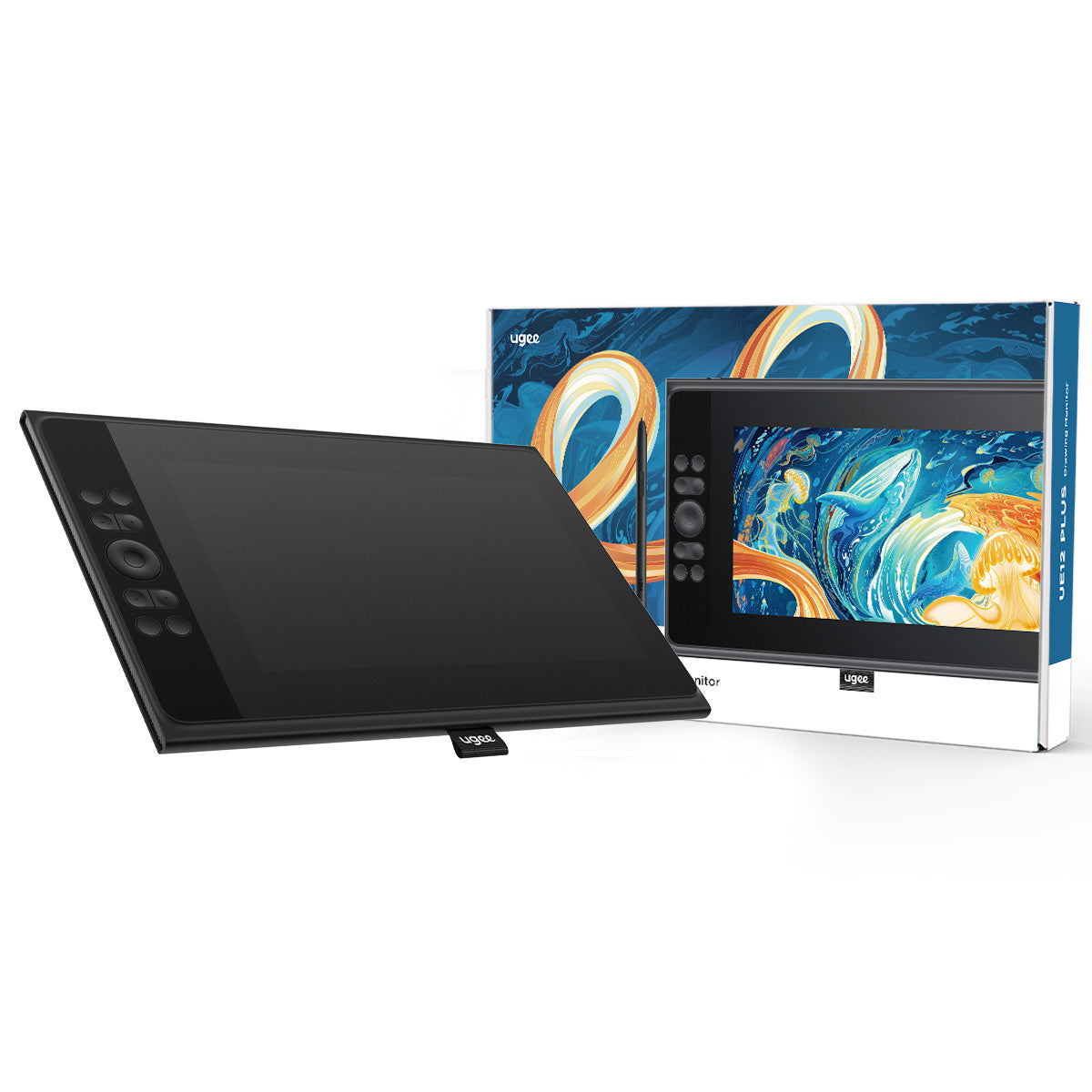
ugee 11,9" Zeichenmonitor UE12 PLUS

ugee 11,9" Zeichenmonitor UE12 PLUS

Normaler Preis $169.00USD
Normaler Preis $209.00USD Verkaufspreis $169.00USD

Description

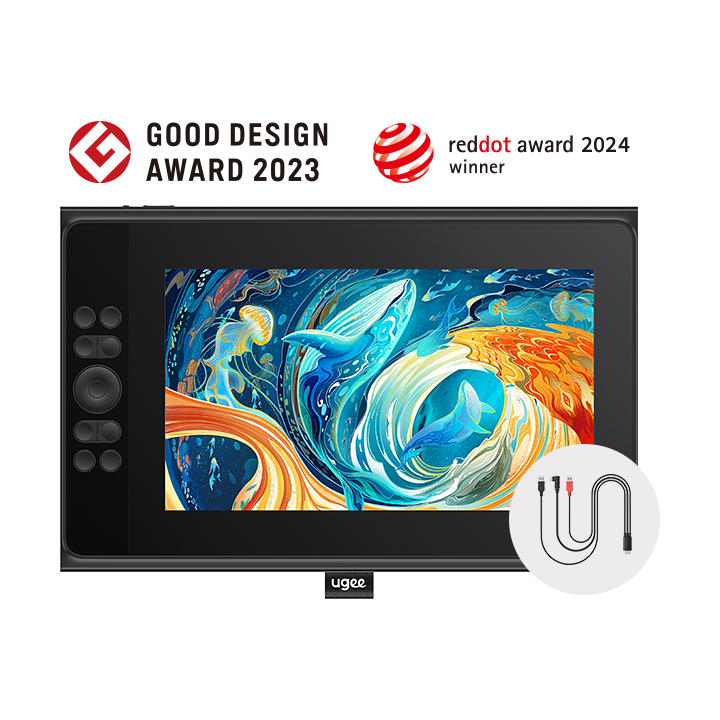
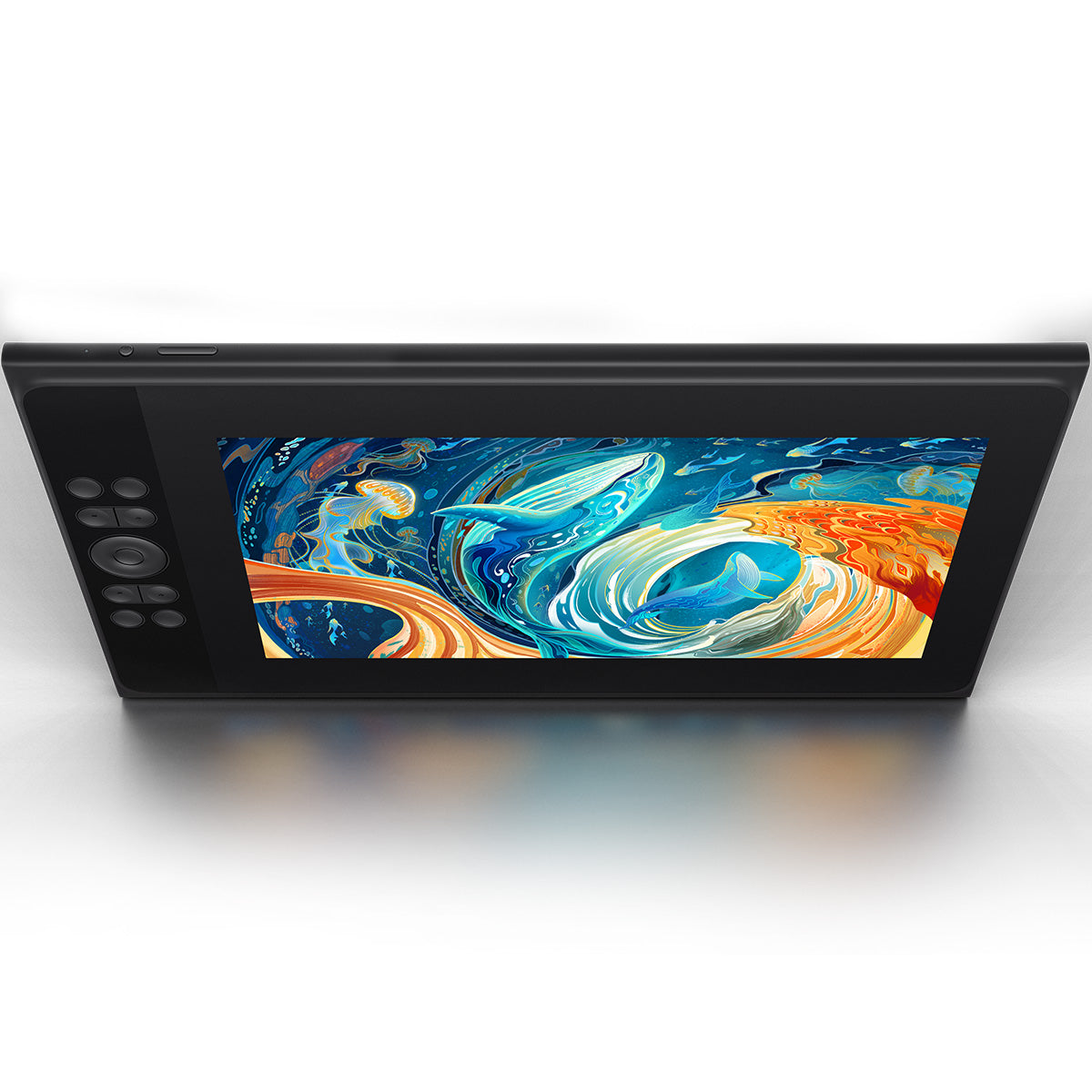
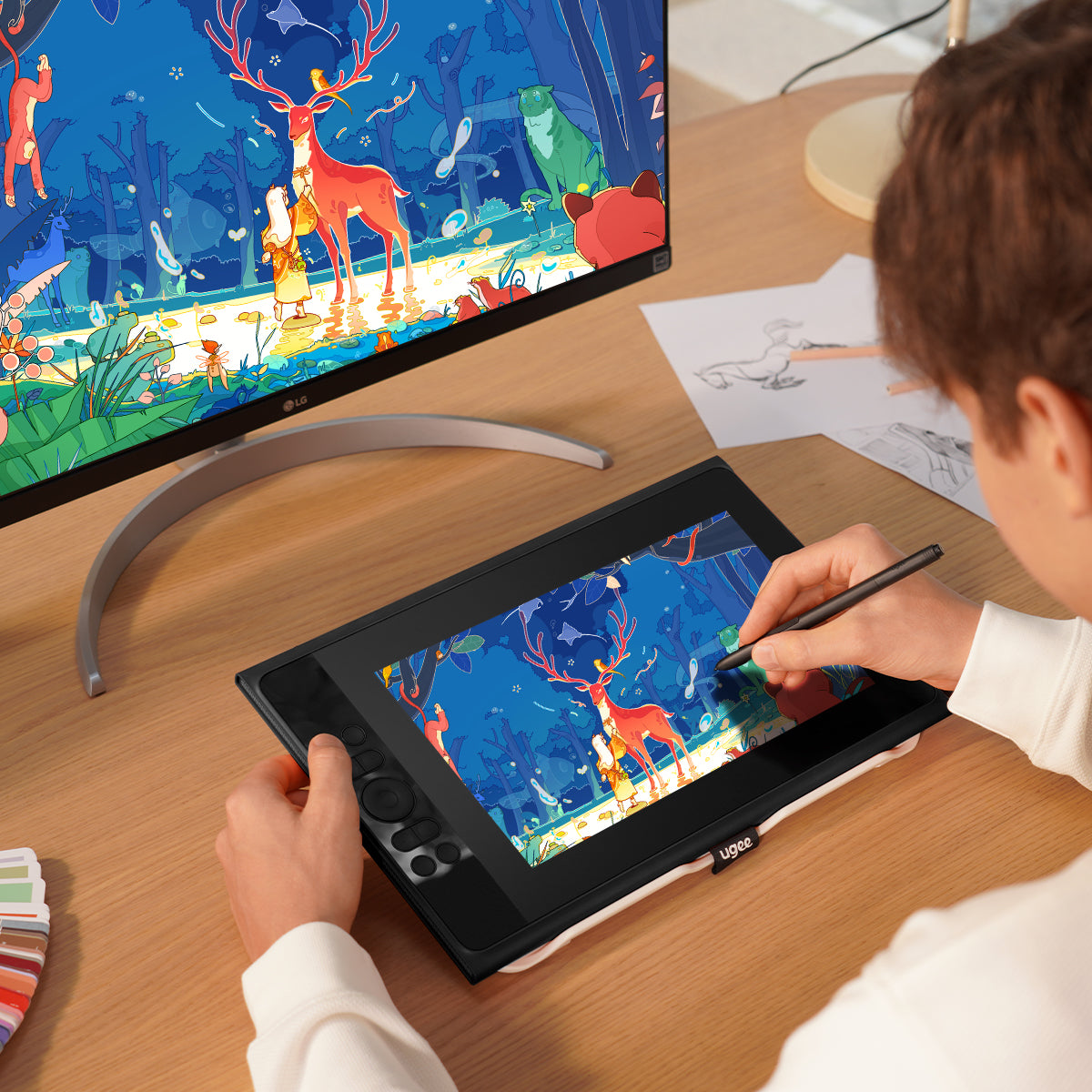
Das UE12 Plus verfügt über ein 11,9 Zoll großes, volllaminiertes und entspiegeltes FHD-Display (1920 x 1080) und bietet ein fehlerfreies Zeichenerlebnis ohne Parallaxe. So werden alle Striche in lebendigen Farben und alle Schattierungen brillant dargestellt. Ein 3-in-1-Kabel ist im Lieferumfang enthalten.

inkl. MwSt.

Die Produktpreise verstehen sich inklusive Mehrwertsteuer (Europa)

Was ist drin

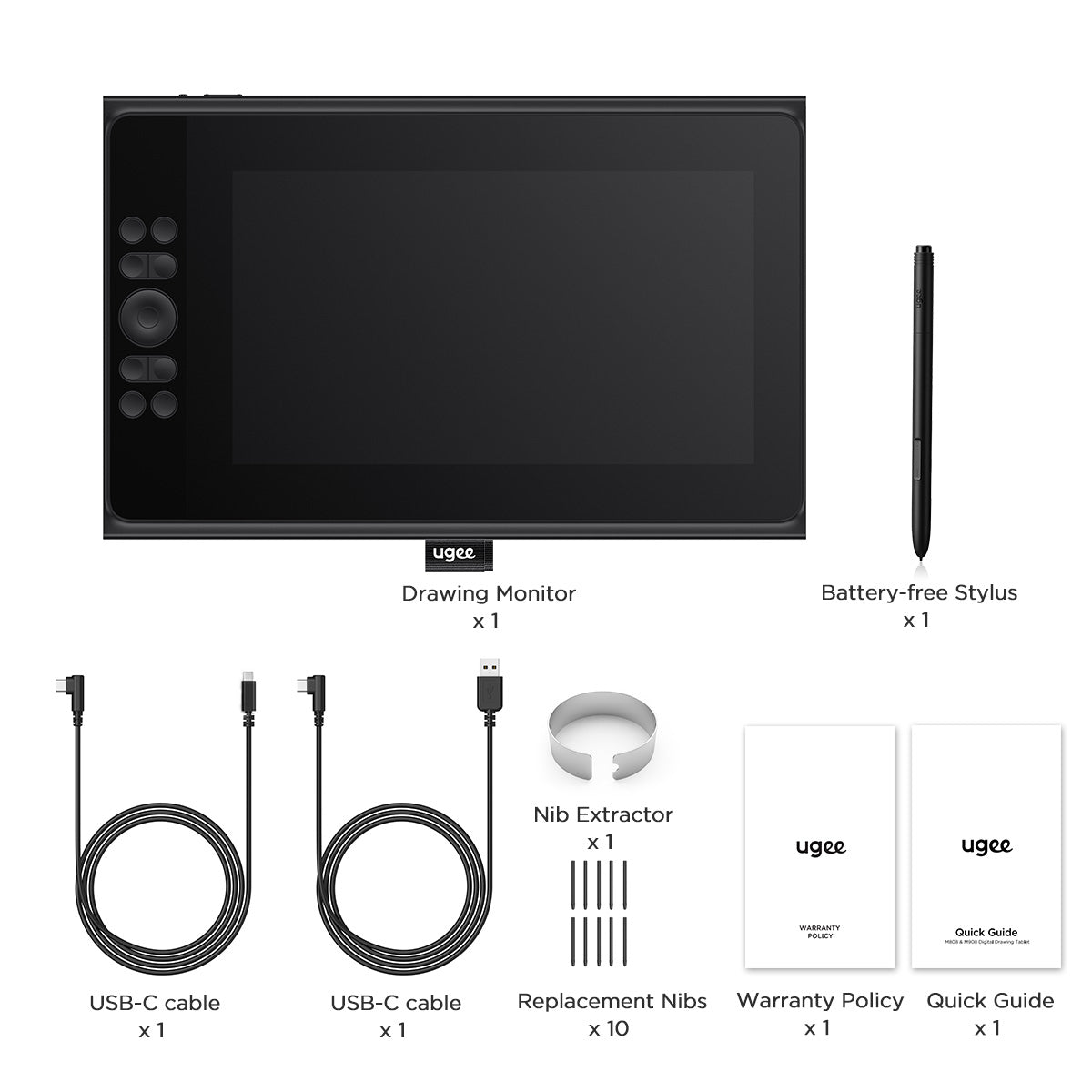
UE12 PLUS wird mit einem batterielosen Stift, einem 3-in-1-Kabel, 2 USB-C-Verbindungskabeln, 10 Ersatzspitzen und einem Spitzenabzieher geliefert.
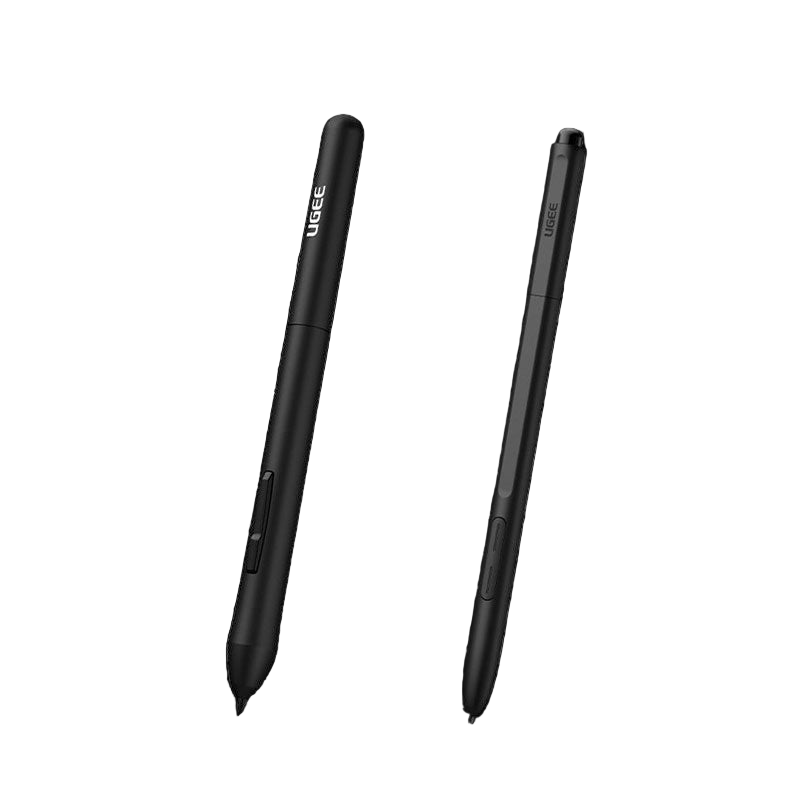
Choose An Accessory
Two black styluses with 'Ugee' branding on a white background
Normaler Preis $15.00USD
Normaler Preis $15.00USD Verkaufspreis $15.00USD
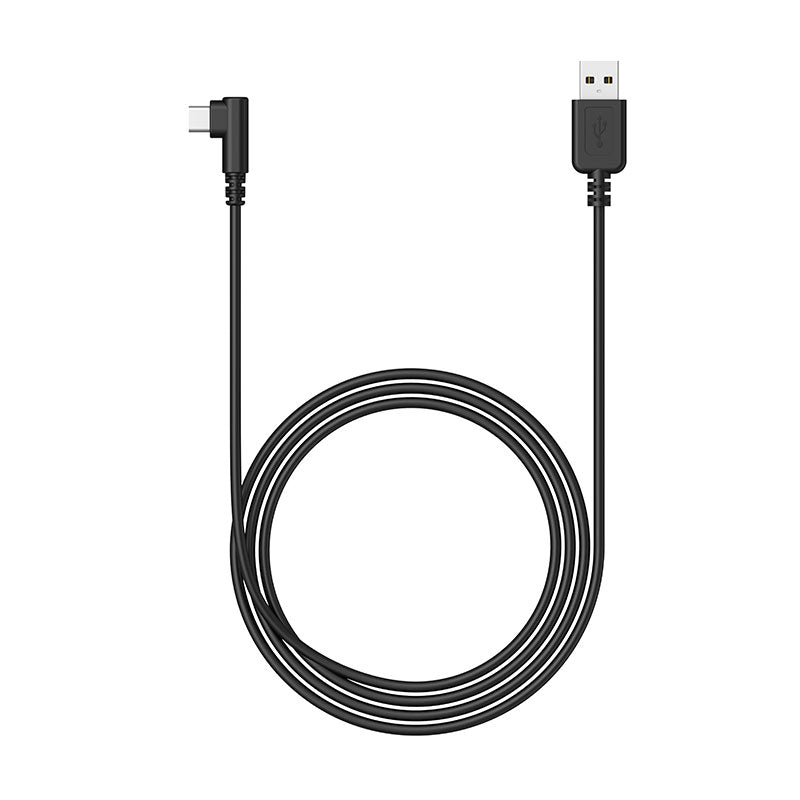
Verbindungskabel
Normaler Preis $15.00USD
Normaler Preis $15.00USD Verkaufspreis $15.00USD
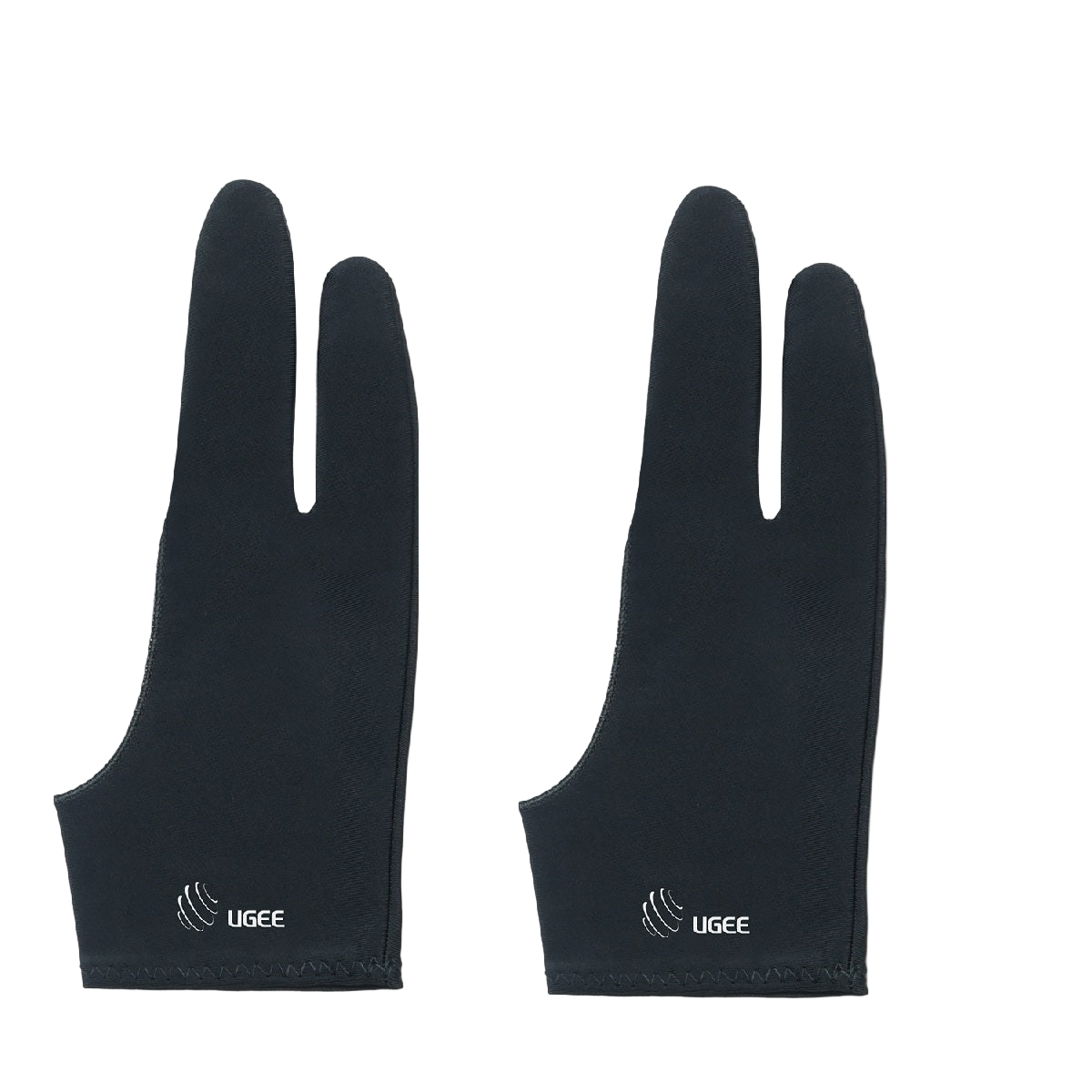
A pair of black ugee artist gloves designed for digital drawing, covering the hand and fingers with the brand logo visible.
Normaler Preis $9.00USD
Normaler Preis $9.00USD Verkaufspreis $9.00USD
  • American Express
  • Apple Pay
  • Google Pay
  • iDEAL Wero
  • Mastercard
  • PayPal
  • Shop Pay
  • Union Pay
  • Visa
  • Klarna
Vollständige Details anzeigen

Volllaminierter Bildschirm mit brillanten Farben

Ausgestattet mit einem vollständig laminierten Bildschirm umfasst das UE12-Display mehrere professionelle Farbräume mit hoher Farbabdeckung im Vergleich zur herkömmlichen Beschränkung auf einen einzelnen Farbraum.
Hervorragende Zeichenerfahrung

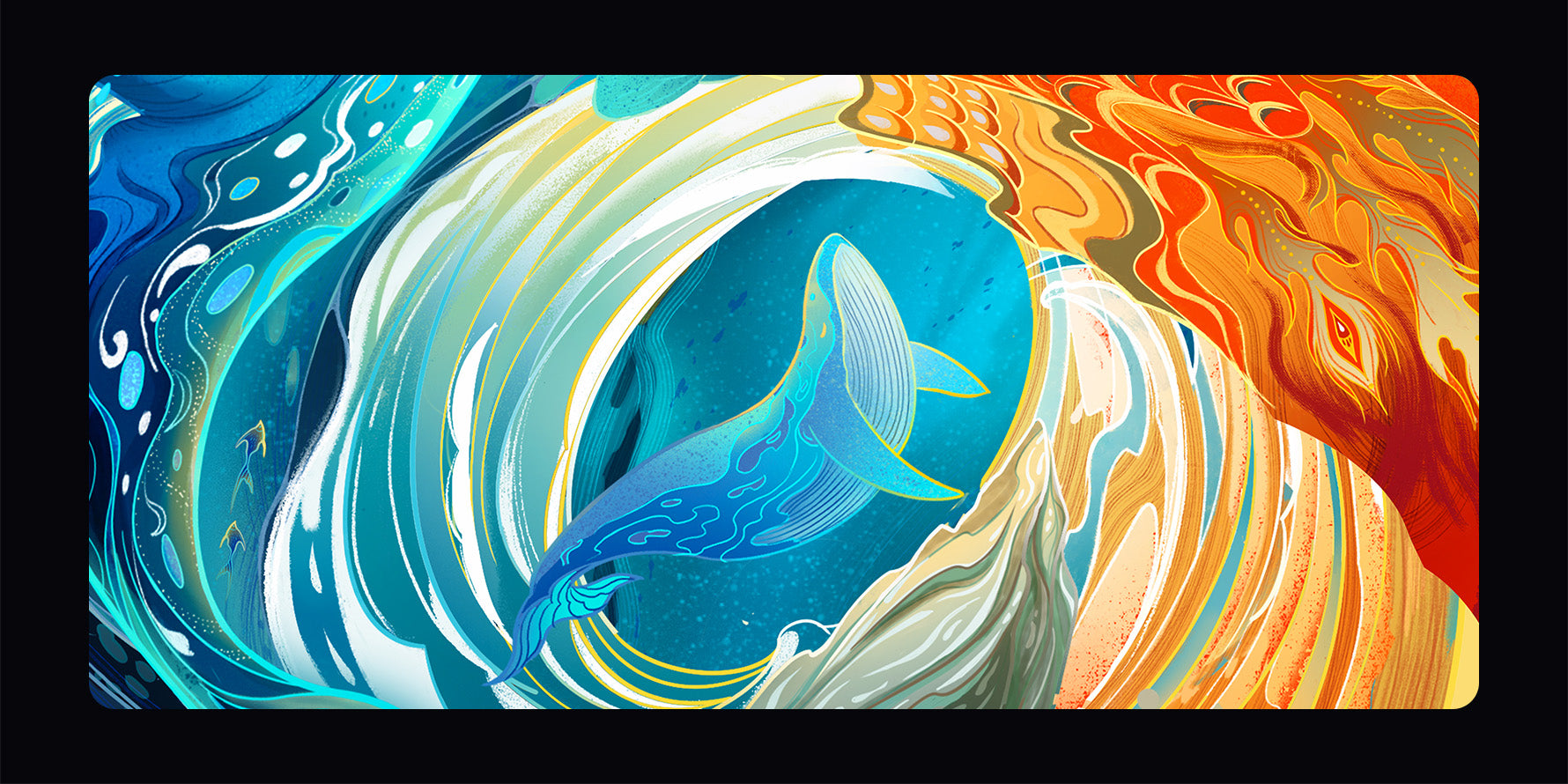
Mehr Farboptionen. Reproduzieren Sie jeden Farbstrich authentisch und stellen Sie jedes Detail mit Finesse dar. Kunstwerke werden zum Leben erweckt, fast greifbar. Erstellen Sie mühelos atemberaubende Meisterwerke!
  • 147 %

    sRGB
  • 8

    Tastenkombinationen
  • 16K

    Druckstufen

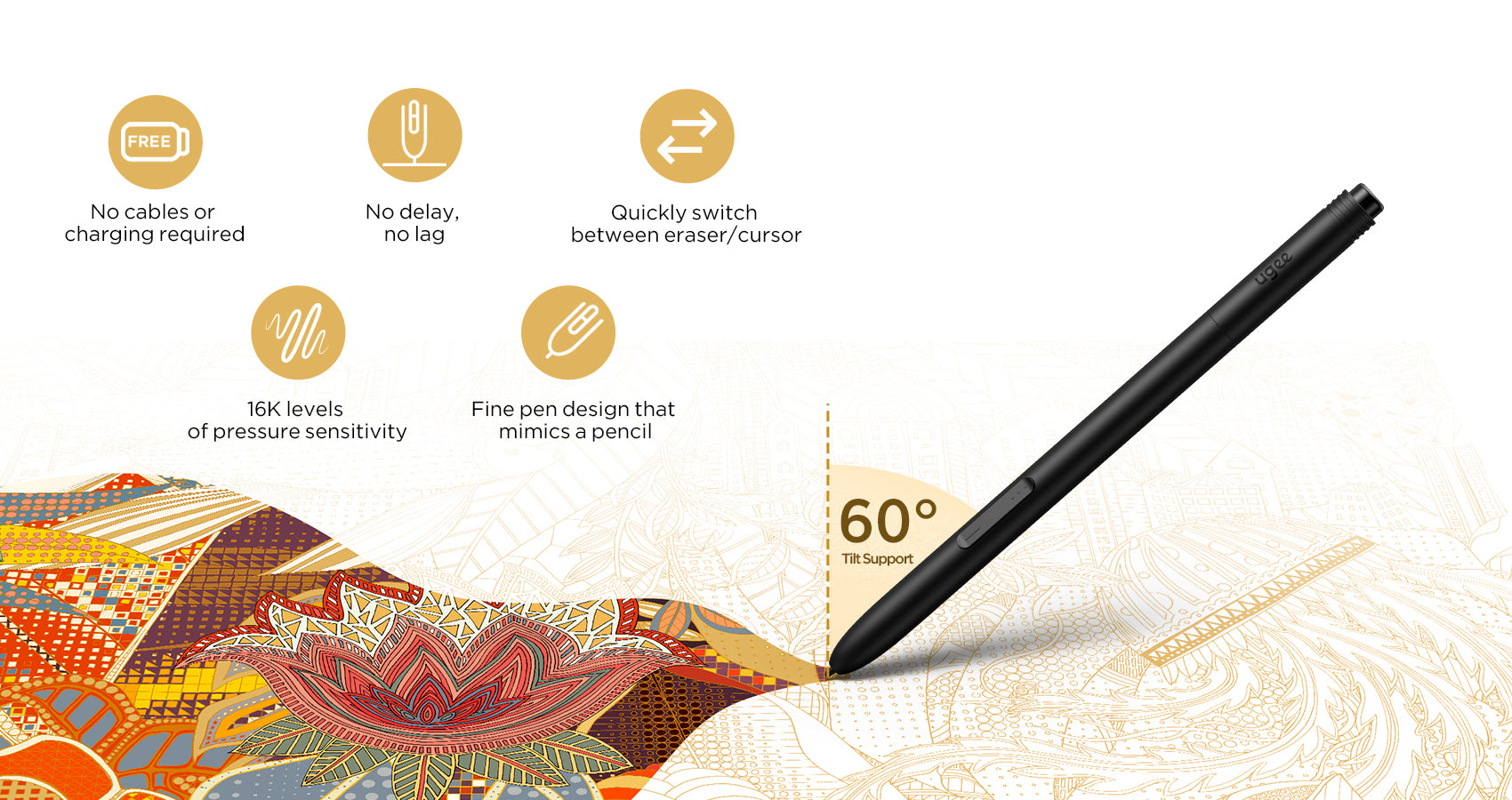
Bleistiftähnlicher, batterieloser Stift

Ausgestattet mit zwei programmierbaren Hotkeys, mit denen Sie mühelos zwischen Zeichenwerkzeugen wechseln und Ihre Effizienz maximieren können
Mehr Flexibilität bei der Verbindung

Komfortable zwei Typ-C-Anschlüsse
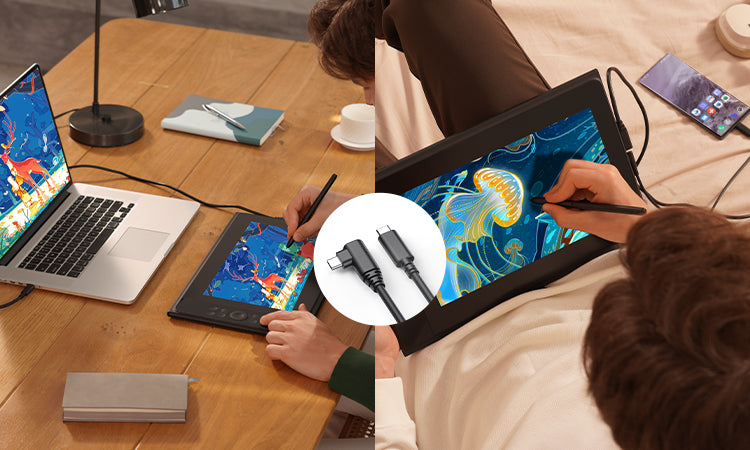
Der Zeichenmonitor ist mit zwei integrierten Typ-C-Anschlüssen ausgestattet und ermöglicht ein problemloses blindes Einstecken in beide Richtungen.
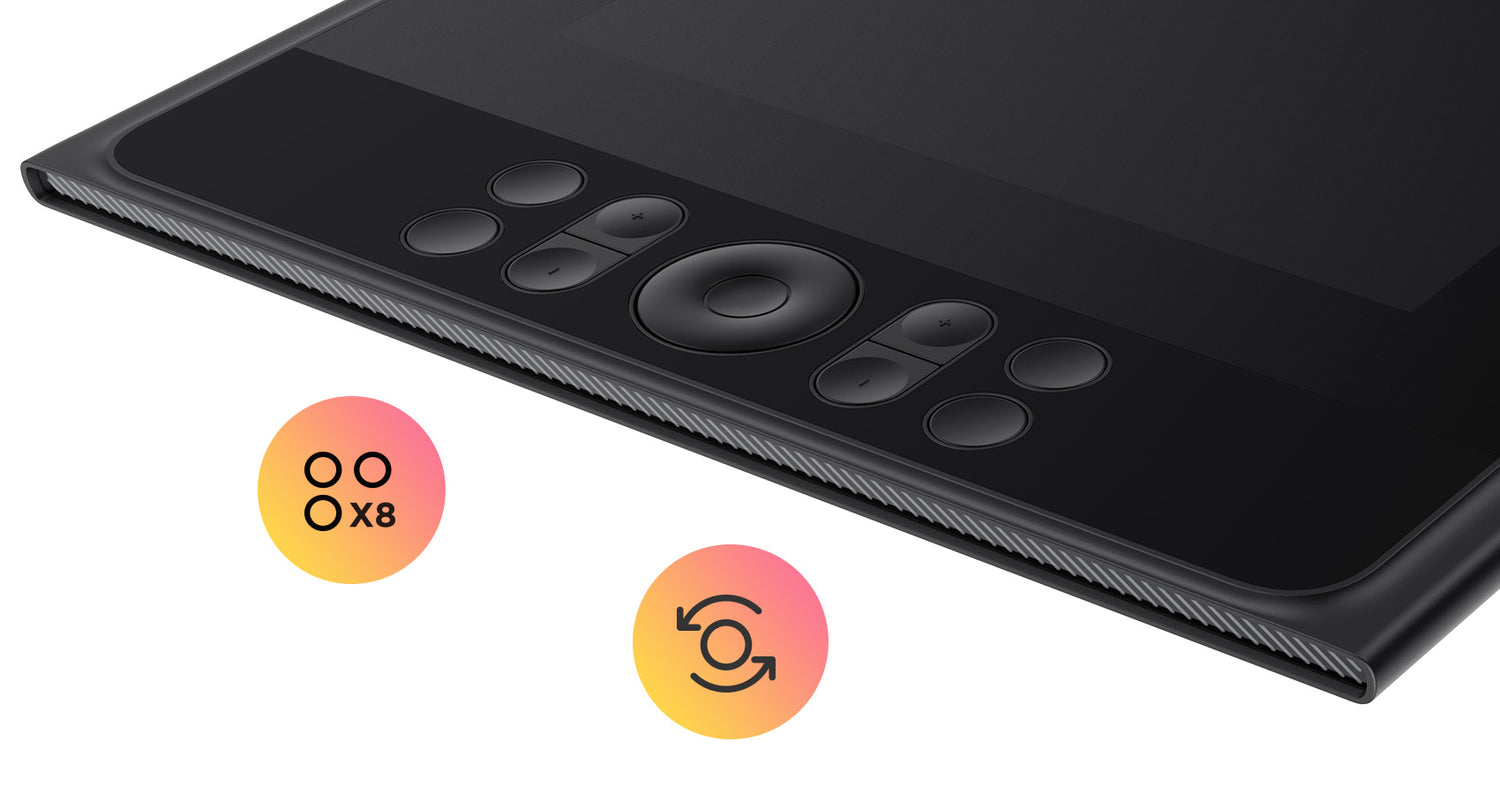
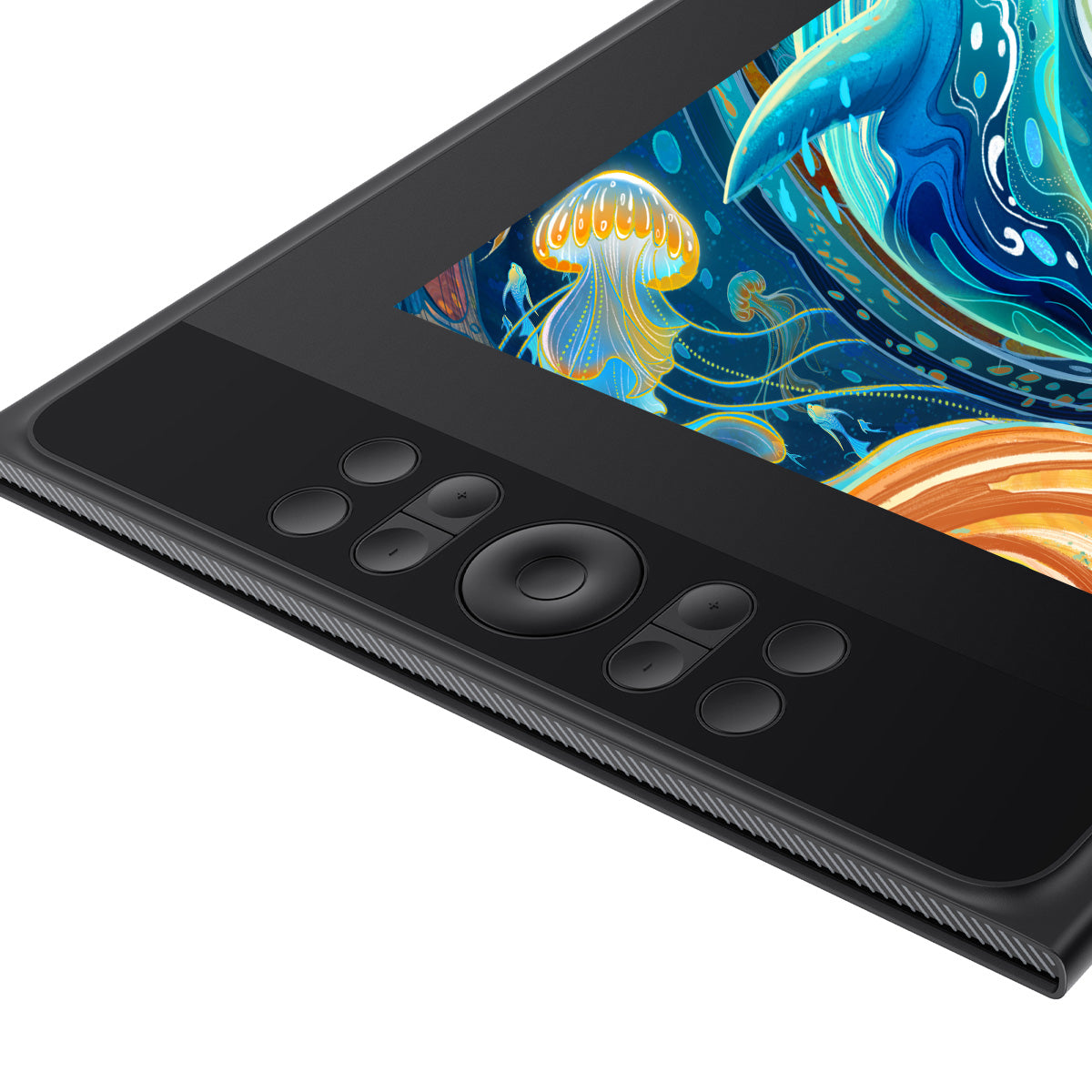
8 Tastenkombinationen und Scrollrad für effizientes Zeichnen

Wechseln Sie schnell zwischen Werkzeugen und Funktionen und passen Sie die Zeichenwerkzeuge präzise an, um die Produktivität zu steigern.
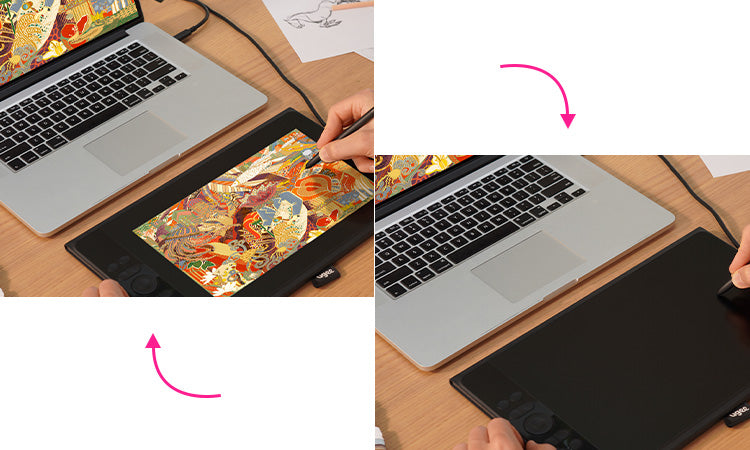
Nahtloser Wechsel in den Tablet-Modus

Verwandeln Sie sich innerhalb von Sekunden von einem Standby-Bildschirm in ein „Zeichentablett“ und entfesseln Sie grenzenlose Kreativität

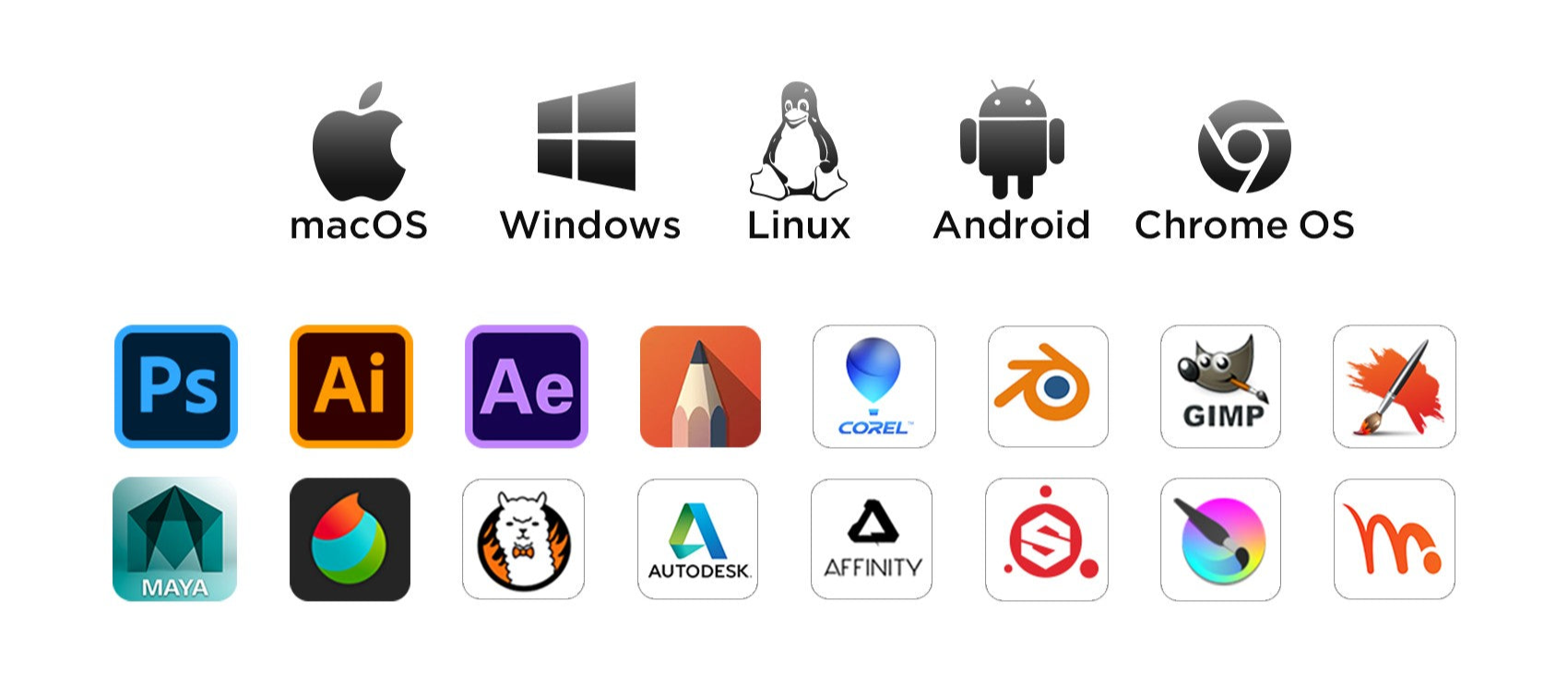
Breite Kompatibilität

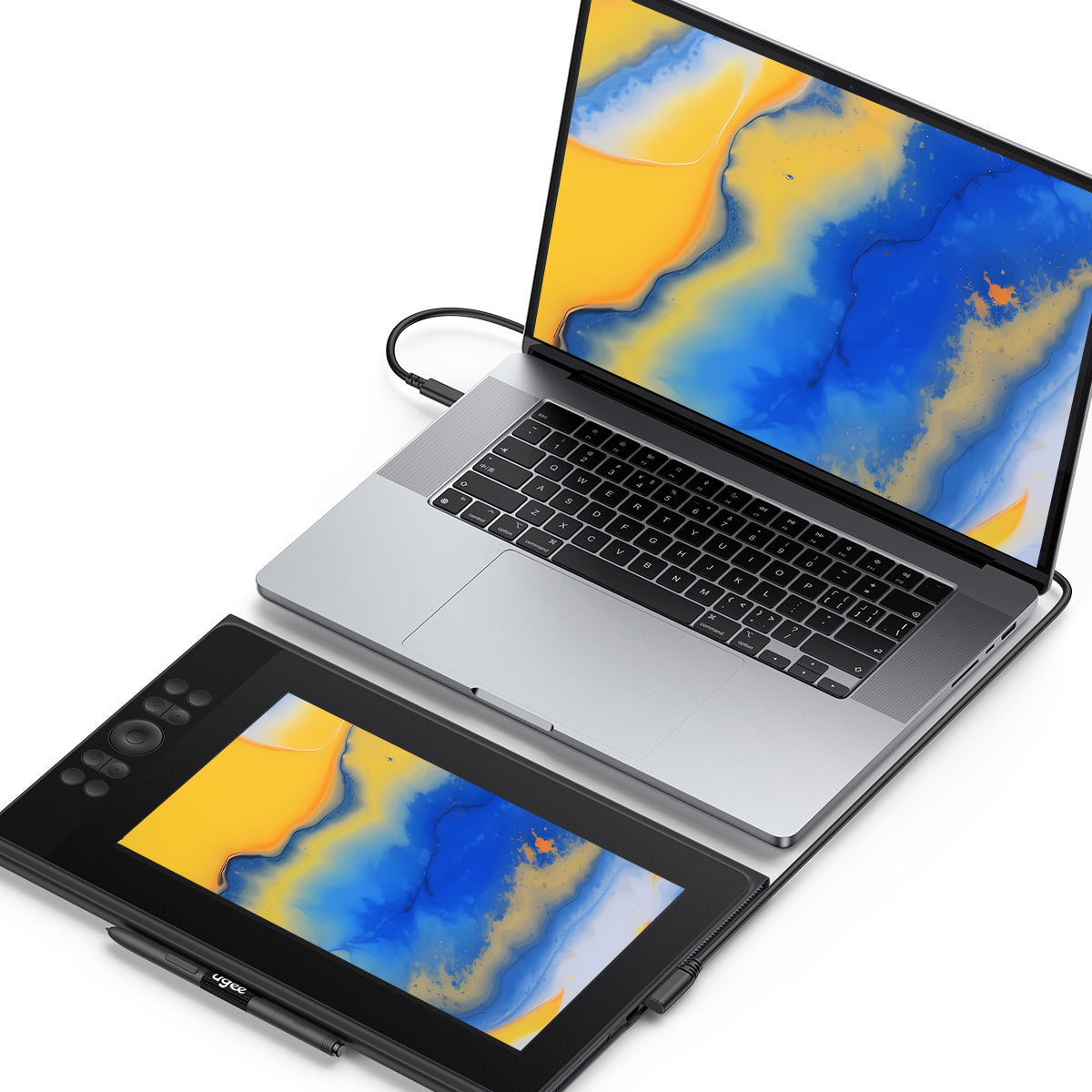
Der ugee Drawing Monitor ist kompatibel mit Windows, Mac OS, Linux und Chrome OS. Er funktioniert auch einwandfrei mit Android-Geräten und gängiger Zeichensoftware.
Häufig gestellte Fragen

Wie lange dauert es, bis meine Bestellung ankommt?

Dies hängt von Ihrer Lieferadresse ab. Die Bearbeitung von Bestellungen (ausgenommen Vorbestellungsprodukte, einige Accessoires und Geschenke) dauert in der Regel 2-3 Werktage und die Lieferung 3-15 Werktage. Bitte beachten Sie, dass Wochenenden und Feiertage sowie besondere Wetterbedingungen zu Lieferverzögerungen führen können. Wenn Sie das Paket nicht erhalten, kontaktieren Sie uns bitte direkt und geben Sie Ihre Bestellnummer an.

Wie kann ich meine Bestellung verfolgen oder Lieferaktualisierungen erhalten?

Sobald Ihre Bestellung versandt wurde, senden wir Ihnen eine Versandbestätigungs-E-Mail mit einer Sendungsverfolgungsnummer an Ihre E-Mail-Adresse. Bitte bewahren Sie diese E-Mail auf, um den Status Ihrer Bestellung zu verfolgen. Wenn Sie Ihre Bestellung nicht verfolgen können, kontaktieren Sie uns bitte und geben Sie Ihre Bestellnummer an, um den Status zu überprüfen.

Kein Signal auf dem UE12 PLUS-Zeichenmonitor

1. Wenn es sich bei Ihrem Computer um einen Laptop handelt, prüfen Sie bitte, ob Sie das USB-C-auf-C-Kabel zum Verbinden dieses Tablets mit Ihrem Computer verwenden können.

2.Wenn Ihr Computer ein Desktop-PC ist, müssen Sie ein 3-in-1-Kabel verwenden ( so verwenden Sie ein 3-in-1-Kabel ). Wenn Sie den voll funktionsfähigen USB-C-Anschluss an Ihrem Laptop nicht finden können, müssen Sie auch ein 3-in-1-Kabel verwenden.

3.Wenn alles oben genannte immer noch nicht funktioniert, kontaktieren Sie uns bitte mit einem Video, das die Kabelverbindung deutlich zeigt, wenn Sie dieses Tablet mit einem 3-in-1-Kabel anschließen.

Kann das Zeichentablett mit Bildschirm alleine verwendet werden?

Nein, Sie müssen eine Verbindung zu einem Smartphone, Laptop oder PC herstellen, es handelt sich nicht um ein eigenständiges Gerät.

Kann die Helligkeit des Bildschirms des Zeichnungsmonitors angepasst werden?

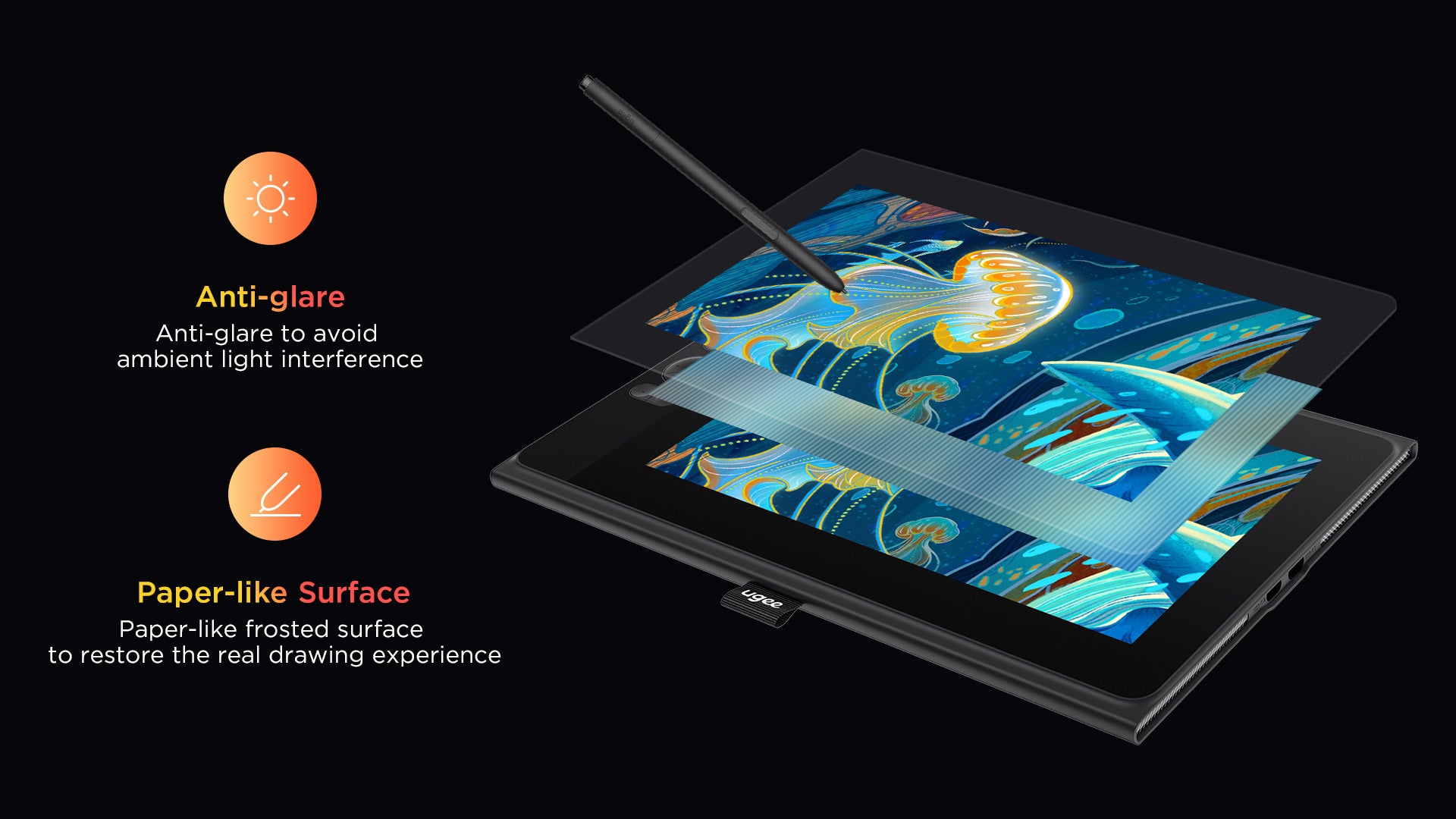
Sie können die Bildschirmhelligkeit Ihren Nutzungsgewohnheiten anpassen. Der Grafik-Zeichenbildschirm ist mit AG-Blendschutzfolie vorlaminiert, um Interferenzen durch Reflexionen zu reduzieren und Ihre Augen zu schützen.

Was bedeutet die Kontrollleuchte?

a. Drücken Sie die Einschalttaste, um das Gerät einzuschalten. Die blaue Kontrollleuchte leuchtet nach dem Einschalten konstant. Drücken Sie die Einschalttaste erneut, um das Gerät auszuschalten.
b. Standby-Zustand, orange Dauerlicht
c. Halten Sie die Einschalttaste 3 Sekunden lang gedrückt. Die blauen und orangefarbenen Kontrollleuchten blinken abwechselnd, um in den Zeichentablettmodus zu wechseln. Drücken Sie die Einschalttaste erneut, um in den normalen Modus zurückzukehren.

Funktioniert der Zeichenmonitor auf iOS-Systemen?

Nein, UE12 Plus funktioniert nicht auf iOS-Systemen wie iPhone und iPad, aber auf MacBooks schon.

Wie verbinde ich ein Ugee-Zeichentablett mit einem Android-Telefon (einschließlich Android 14)?

Um Ihr ugee-Zeichentablett mit einem Android-Smartphone (einschließlich Android 14) zu verbinden, folgen Sie den Anweisungen in den Android-Einstellungen.

C
Chloe
Simple to set up

This was my first drawing monitor and the setup was incredibly easy. I just plugged it in via USB-C downloaded the driver and it worked immediately. A perfect first buy for a budding digital artist .

N
Nathan
Good BUY

I've had this for a few months and it's served me well as an entry point into digital art. The specs are amazing for the price. However I'm finding the 11.9-inch screen a bit small for my work especially when Photoshop toolbars take up so much space. I'm planning to upgrade to the bigger UE16 for more drawing room?.

M
Madison
Solid choice for Android users

I was surprised to find out I could connect this to my Android phone. It's a great way to get a larger precise canvas for drawing on mobile. Note that you'll need a USB-C to USB-C cable and a power source for the phone but it works flawlessly?.

J
Jacob
Amazing pen performance

The drawing experience is top-notch. The pressure sensitivity is incredibly sensitive and there's almost no lag.

S
Sofia
The dial is a game-changer for painting

The mechanical dial on the side is a fantastic feature. I use it to zoom in and out or change brush size on the fly which has sped up my workflow significantly. Combined with the 8 express keys I rarely need to reach for my keyboard anymore?.

R
Ryan
Works perfectly for photo retouching

As a photographer I use this for culling and retouching. The 1080p resolution is fine for this though it isn't 4K.
The color accuracy is very good for editing skin tones and the pen allows for precise dodging and burning.

E
Elizabeth
Hefty bezels

The bezels are definitely big which makes the physical tablet larger than the 11.9-inch screen suggests.

J
Jack
Great for Students

I'm a graphic design student and the color accuracy is what sold me. The ability to switch between color spaces (sRGB Adobe RGB DCI-P3) is a pro-level feature rarely seen at this price. My prints match my screen closely which saves me money and frustration?.

E
Emily
A big step up from a screenless tablet

Moving from a standard pen tablet to this was a revelation. The hand-eye coordination is so much more natural. The colors are accurate right out of the box and the full lamination means there's no parallax (gap between the pen tip and cursor). It feels like you're drawing directly on the paper?.

O
Olivia
Good quality

Good quality so far.

J
John
Well

Works seamlessly with Photoshop and Clip Studio.

M
Matthew
Comfortable PEN

The stylus is light and comfortable and the 16k pressure levels are truly responsive—even the lightest touch is registered.

P
Peter
Worh buying

Worth every penny! Smooth parallax-free display, and the pen’s pressure range handles everything from light sketches to bold lines

A
Abigail
Excellent for note-taking and office work

I'm not an artist I'm a teacher who needs to annotate PDFs. This screen is perfect for that. The clarity is excellent the 16:9 aspect ratio works great with my lecture slides and the wheel makes zooming in on details effortless. It saves me so much paper!?

R
Robert
For drawing

I use this daily for illustration.

M
Micheal
I like it

The pen feels premium, and shortcuts are easy to program. Tablet responds instantly to every stroke and adapts perfectly to my art style

T
Tylor
Great device

?I use it primarily for editing photos with Lightroom so I've configured the express keys on the tablet specifically for Lr. The tablet drivers installed without any hassles. The tablet configuration program is pretty straight forward but could use a bit more explanation (not much in tool tips.) It sets up primarily for right-handed users but you can flip the configuration around for lefties.?

F
Frank
Great gift

Bought this for my nephew’s birthday—he’s obsessed! ‘It’s way better than my old tablet,’ he says. The shortcuts are his favorite.

R
Raven
Compact but powerful

Compact but powerful.

M
Max
Customizable

Upgraded from an older model— customizable buttons blew me away

C
Christopher
Beware of the single USB-C limitation

I love the idea of a single cable but it turns out my laptop's USB-C port doesn't provide enough power. I had to buy the 3-in-1 cable separately to get it to work reliably which was an extra cost I didn't plan for. Check your laptop specs first! Besides that the pen is amazing and the shortcut keys are a lifesaver?.

E
Evelyn
Perfect for a portable setup

I bought this specifically because of the single USB-C connection. I can just plug it into my laptop and go—no messing with a bulky 3-in-1 cable. It's light enough to slip into my bag for the library and the foldable pen holder loop is a neat touch. The screen isn't the brightest but the anti-glare works great and I love the paper-like feel?.

A
Aron
Good

smooth response

A
Andrew
A game-changer for students on a budget

This tablet is an incredible value for the price! The 16k pressure sensitivity is unreal and the colors are fantastic—99% DCI-P3 is a spec I never expected at this price point.
The only downside is the screen brightness which is a bit low but for a starter pen display it's a small compromise for the price?.

D
Dylan
Perfect

Perfect for beginners and pros alike. Responsive surface precise pressure control = no lag or frustration

J
Joseph
Change my workflow

Setup took 2 minutes! The pen’s ergonomic design and shortcuts are game-changers for my workflow

G
G.T
My gift

My sister loved this as a graduation gift - the performance is professional grade.

I
Irvin
Good brand.

The touch ring and 8 buttons have greatly improved my workflow. Love it so much!

Z
Zelene
More than a drawing monitor.

At first, I only use it as a drawing tool. But later I find it works nicely as a second screen.I couldn't be happier.

H
Hamlin
Perfect.

Perfect for people who have grasped certain drawing skills. Not recommended for beginners.

R
Ryan
Superb drawing monitor.

It is easy to set up and compatible with many drawing programs, but it doesn't come with the USB C to C cable.

T
Theodora
High quality.

The display screen is clear and the pen is very smooth to use. There is almost no delays when drawing. And the price is also very right for me.

F
Fletcher
Impressive.

Impressed with this drawing tablet's screen! The colors are vivid, and the pen glides smoothly. It's also easy to carry around. The only drawback is it gets scratched easily. Better buy a screen protector.

ugee 11,9" Zeichenmonitor UE12 PLUS

Normaler Preis $169.00USD
Normaler Preis $209.00USD Verkaufspreis $169.00USD
-19%