
Zu Produktinformationen springen
1 von 9

Free Shipping

Lifetime Support

30 Days Money Back Guarantee

12 Months Warranty

ugee 10" Zeichentablett M808

ugee 10" Zeichentablett M808

Normaler Preis $39.00USD
Normaler Preis $39.00USD Verkaufspreis $39.00USD

Description

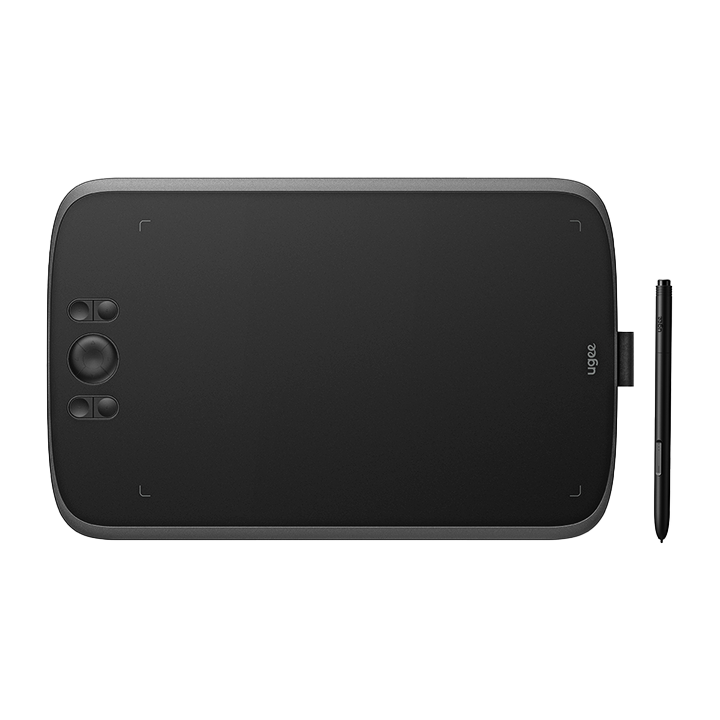
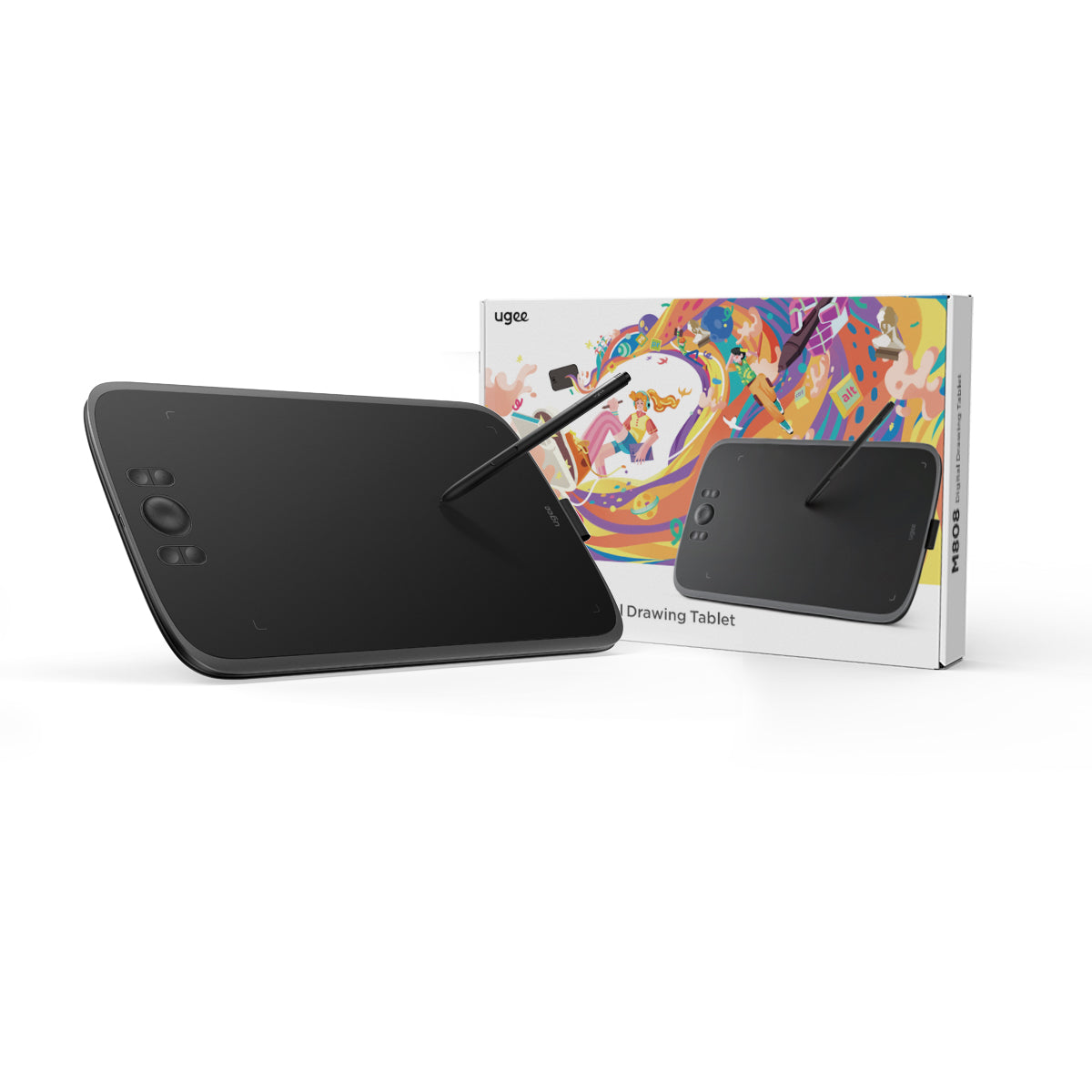
In Kombination mit dem neuen PH23-Stift bietet das ugee M808 acht Schnellzugriffstasten für ein flüssiges und komfortables Zeichenerlebnis. Es ist kompatibel mit Windows, Mac und Android und eignet sich ideal für digitales Zeichnen und die Fotobearbeitung. 16.000 Druckstufen.

inkl. MwSt.

Die Produktpreise verstehen sich inklusive Mehrwertsteuer (Europa)

Was ist drin

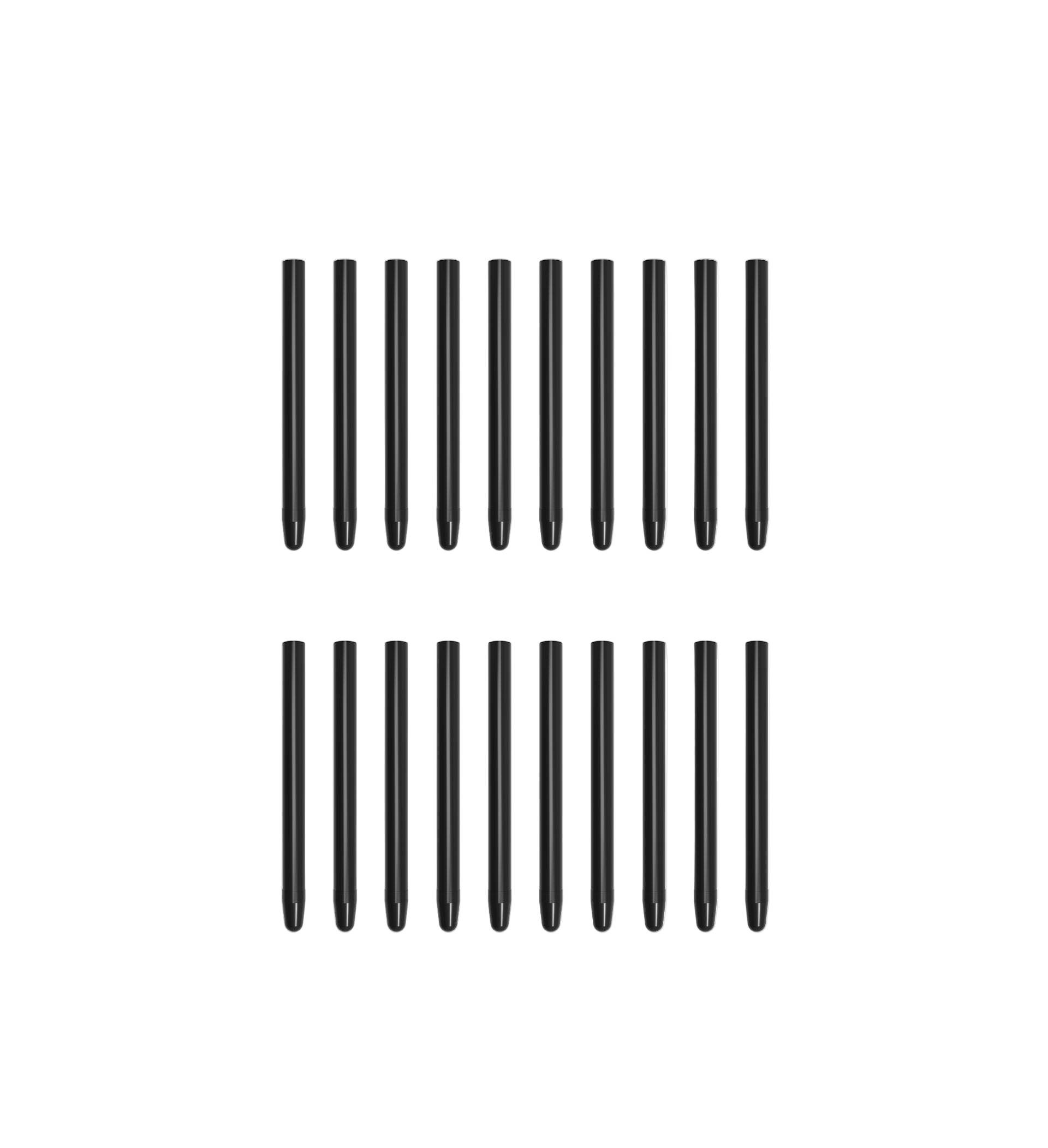
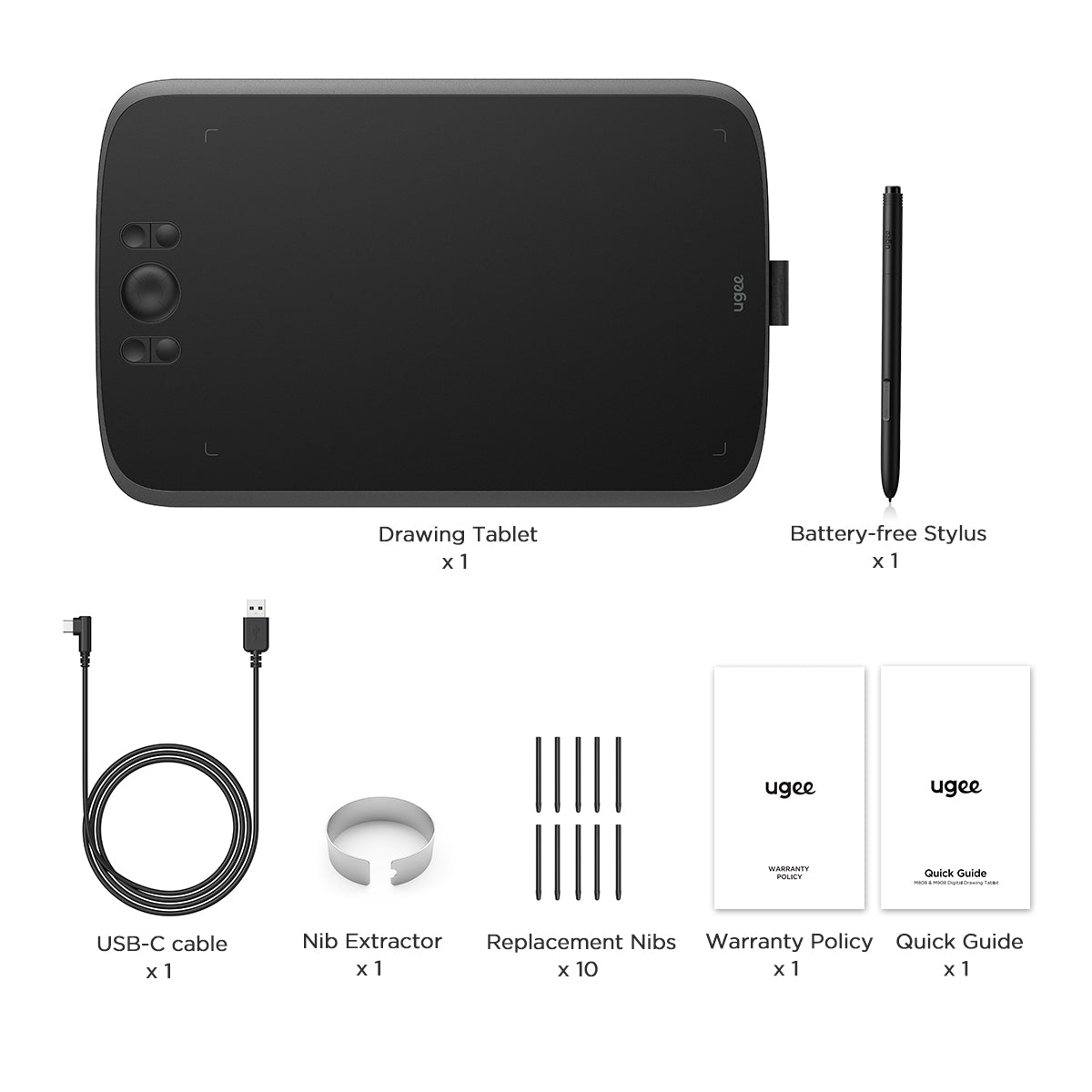
M808 wird mit einem batterielosen Stift, einem USB-C-Verbindungskabel, 10 Ersatzspitzen und einem Spitzenabzieher geliefert.
Choose An Accessory
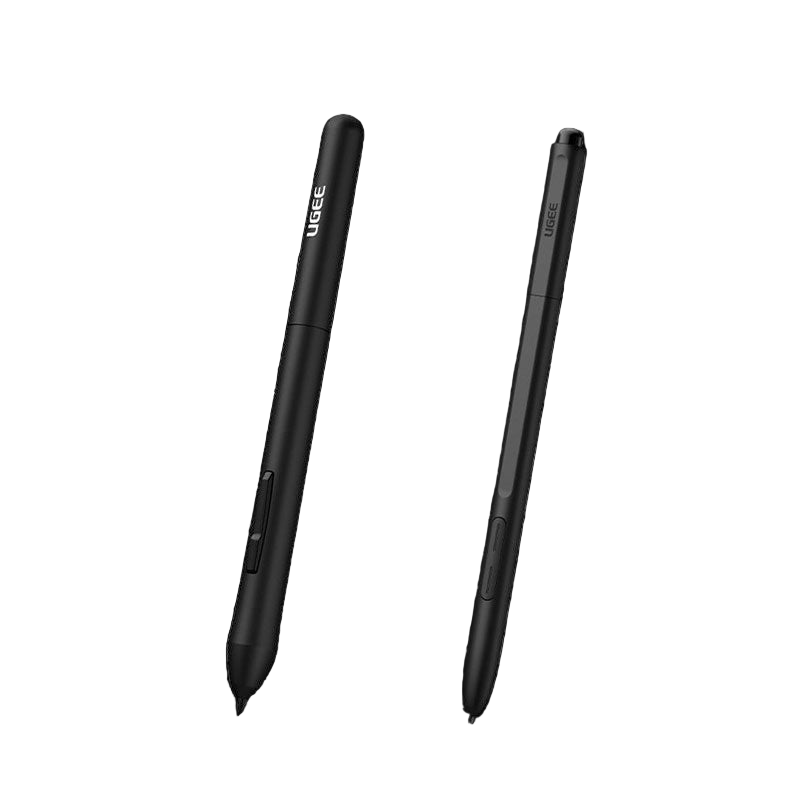
Two black styluses with 'Ugee' branding on a white background
Normaler Preis $15.00USD
Normaler Preis $15.00USD Verkaufspreis $15.00USD
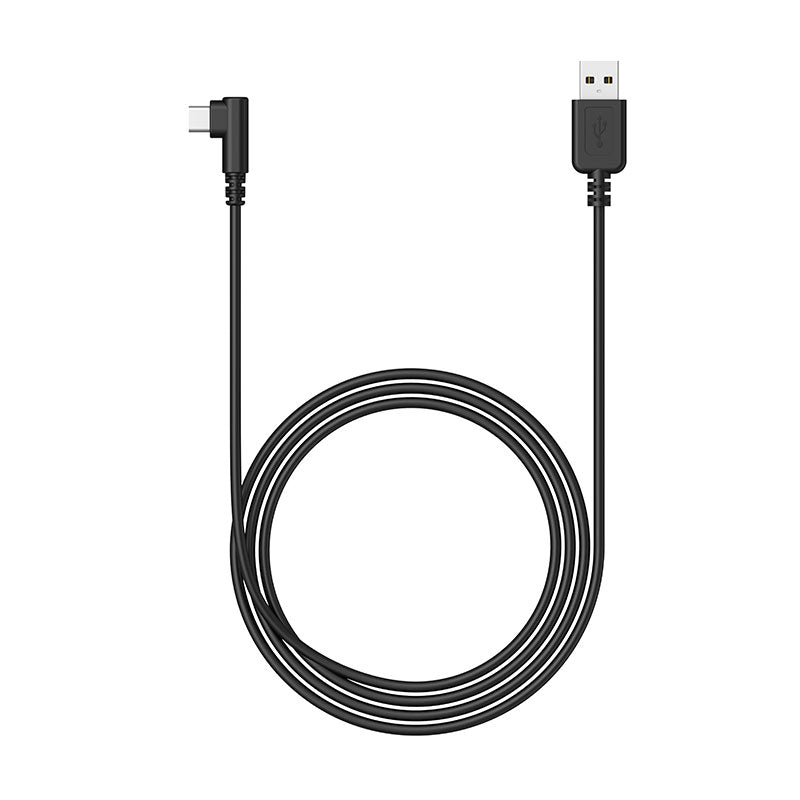
Verbindungskabel
Normaler Preis $15.00USD
Normaler Preis $15.00USD Verkaufspreis $15.00USD
Batterieloser Eingabestift
Normaler Preis $15.00USD
Normaler Preis $15.00USD Verkaufspreis $15.00USD
  • American Express
  • Apple Pay
  • Google Pay
  • iDEAL Wero
  • Mastercard
  • PayPal
  • Shop Pay
  • Union Pay
  • Visa
  • Klarna
Vollständige Details anzeigen

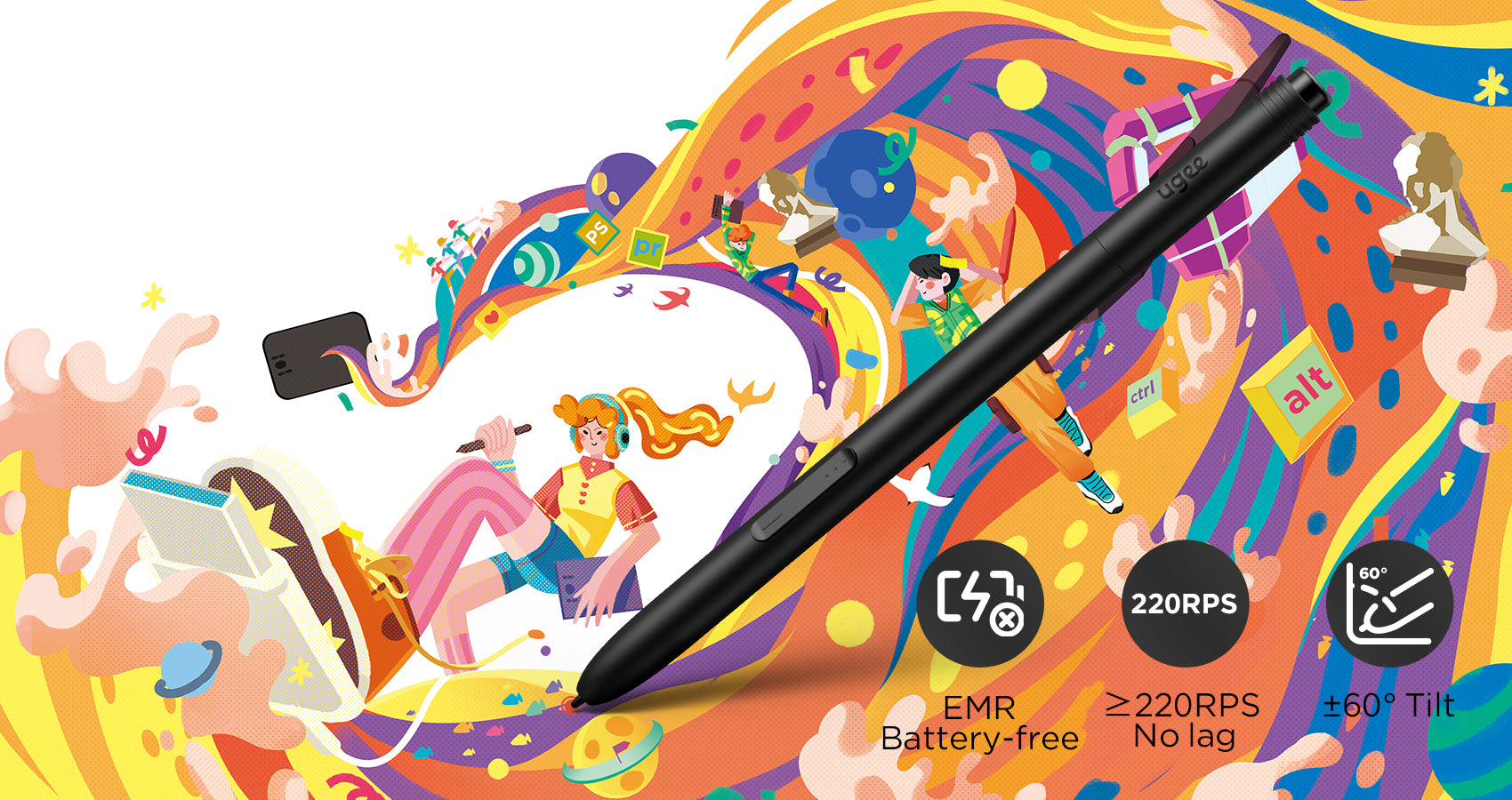
Batterieloser Stift der neuen Generation

Erleben Sie das ultimative Upgrade mit unserer neuen Stiftgeneration PH23, ausgestattet mit fortschrittlicher passiver elektromagnetischer Technologie. Im Vergleich zu herkömmlichen Stiften kontrolliert der PH23 die Schwingöffnung der Spitze deutlich auf <0,1 mm und gewährleistet so präzises und gleichmäßiges Zeichnen ohne unerwünschte Schwingungen oder Rückprall.
Verbessern Sie die Zeicheneffizienz

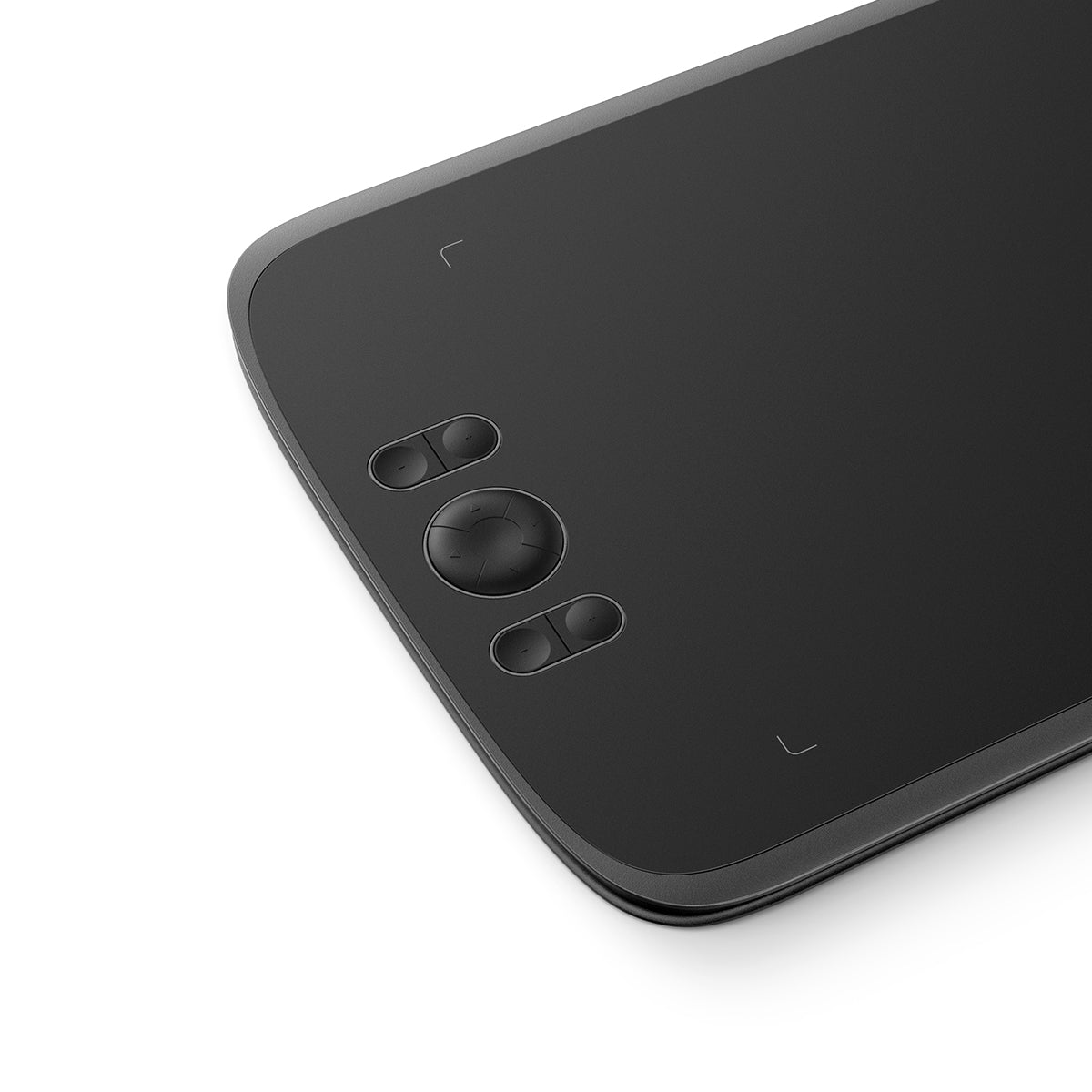
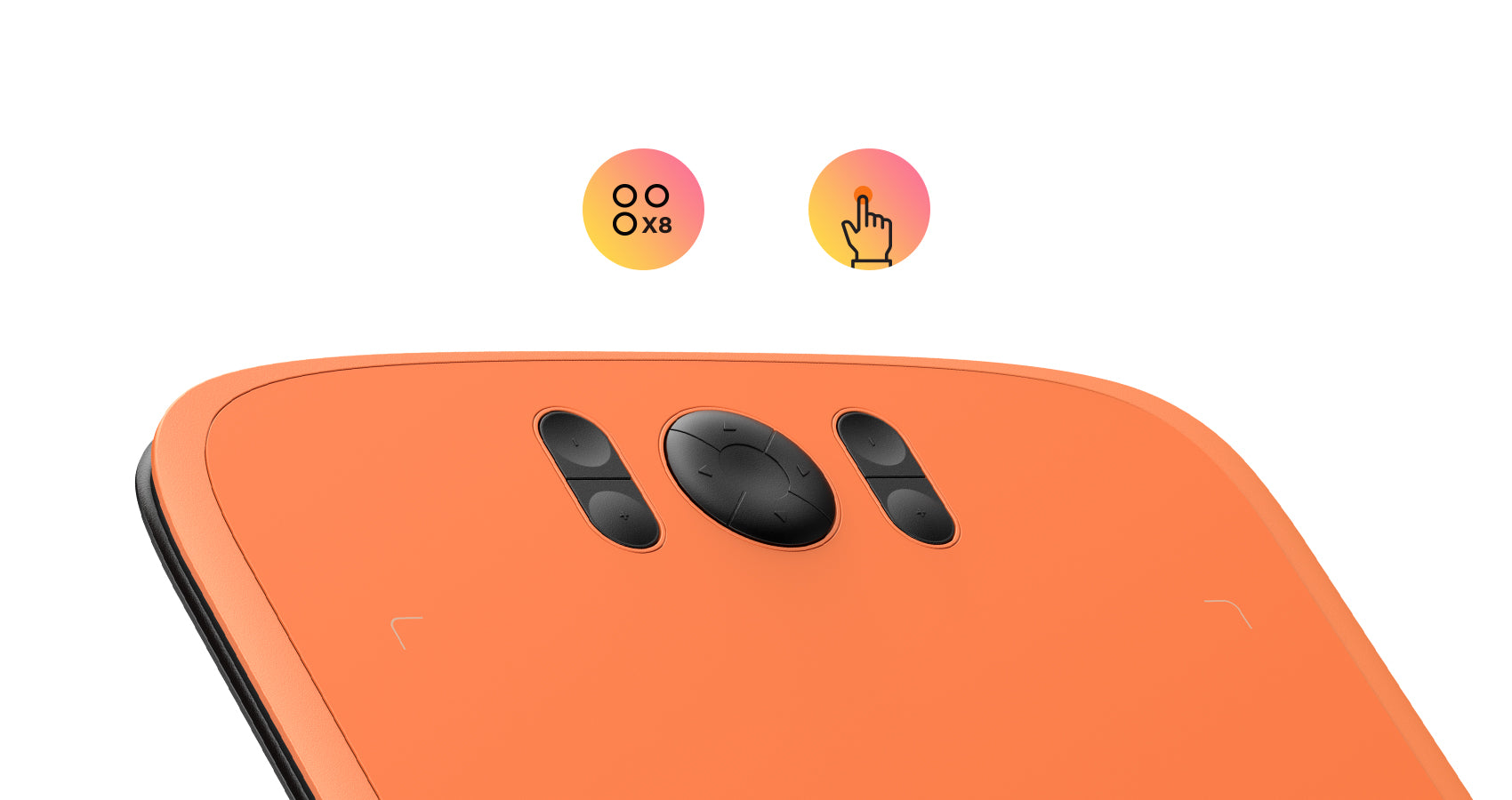
Das M808 ist mit 8 anpassbaren, praktisch positionierten Tastenkombinationen mit strukturiertem Design für eine einfache Blindbedienung ausgestattet. So können Sie problemlos loslegen und sich ohne Ablenkungen auf Ihren kreativen Prozess konzentrieren, was die Zeicheneffizienz erheblich verbessert.
Passen Sie Ihre Präferenzen an

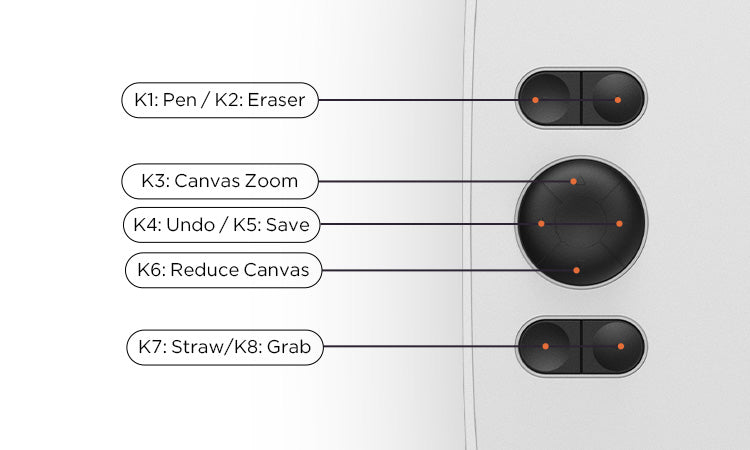
Die Standardeinstellungen der Tastenkombinationen entsprechen häufig verwendeten Zeichenwerkzeugen wie Stift, Radiergummi, Pinselgrößenanpassung und Rückgängig usw. Sie können die Tastenkombinationen auch über den Computer nach Ihren Wünschen anpassen.
Schnelle Verbindung

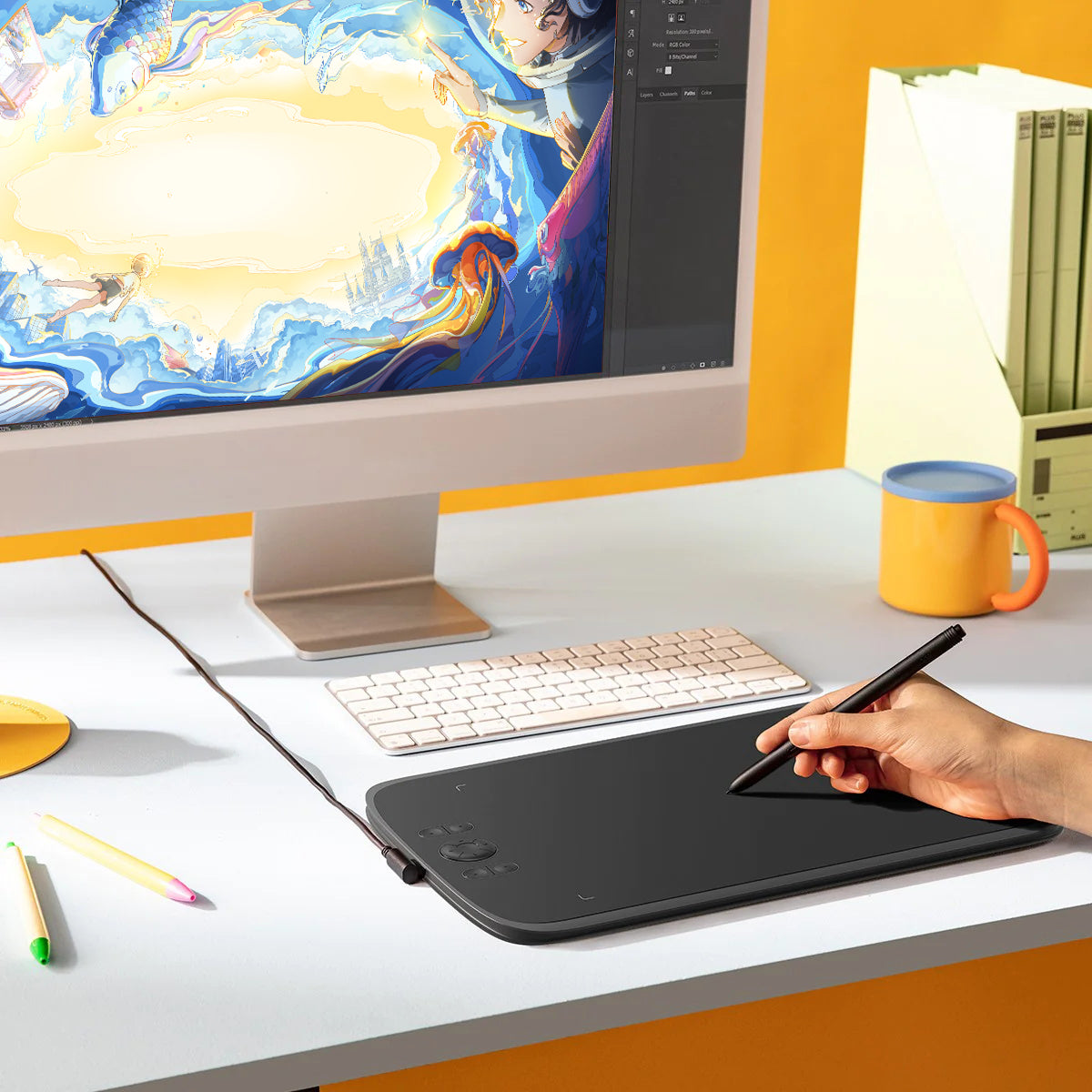
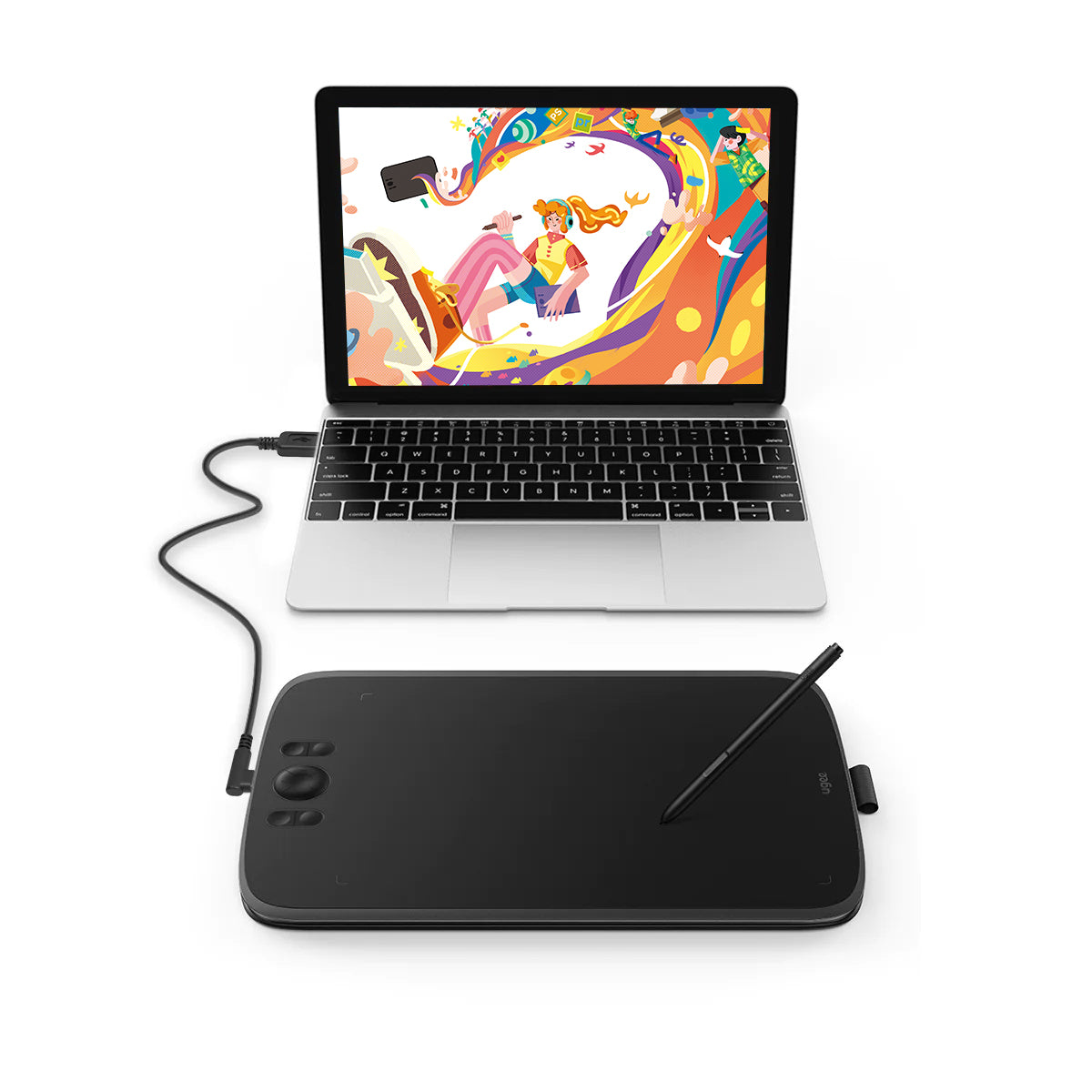
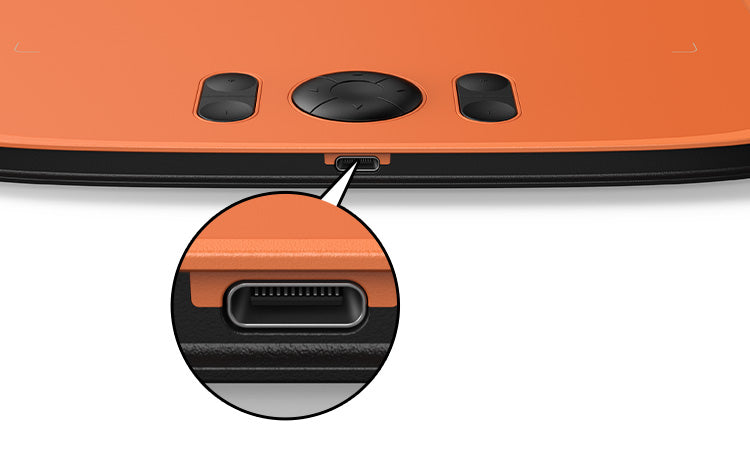
Dieses Zeichentablett ist mit einem gängigen Typ-C-Anschluss ausgestattet, der ein blindes Einstecken für mehr Komfort ermöglicht. Mit nur einem USB-A-zu-C-Kabel können Sie das Zeichentablett mühelos an Ihren Computer, Laptop, Ihr Android-Telefon und -Tablet anschließen und Ihren kreativen Prozess sofort starten.

Zeichnen auf Android-Telefonen

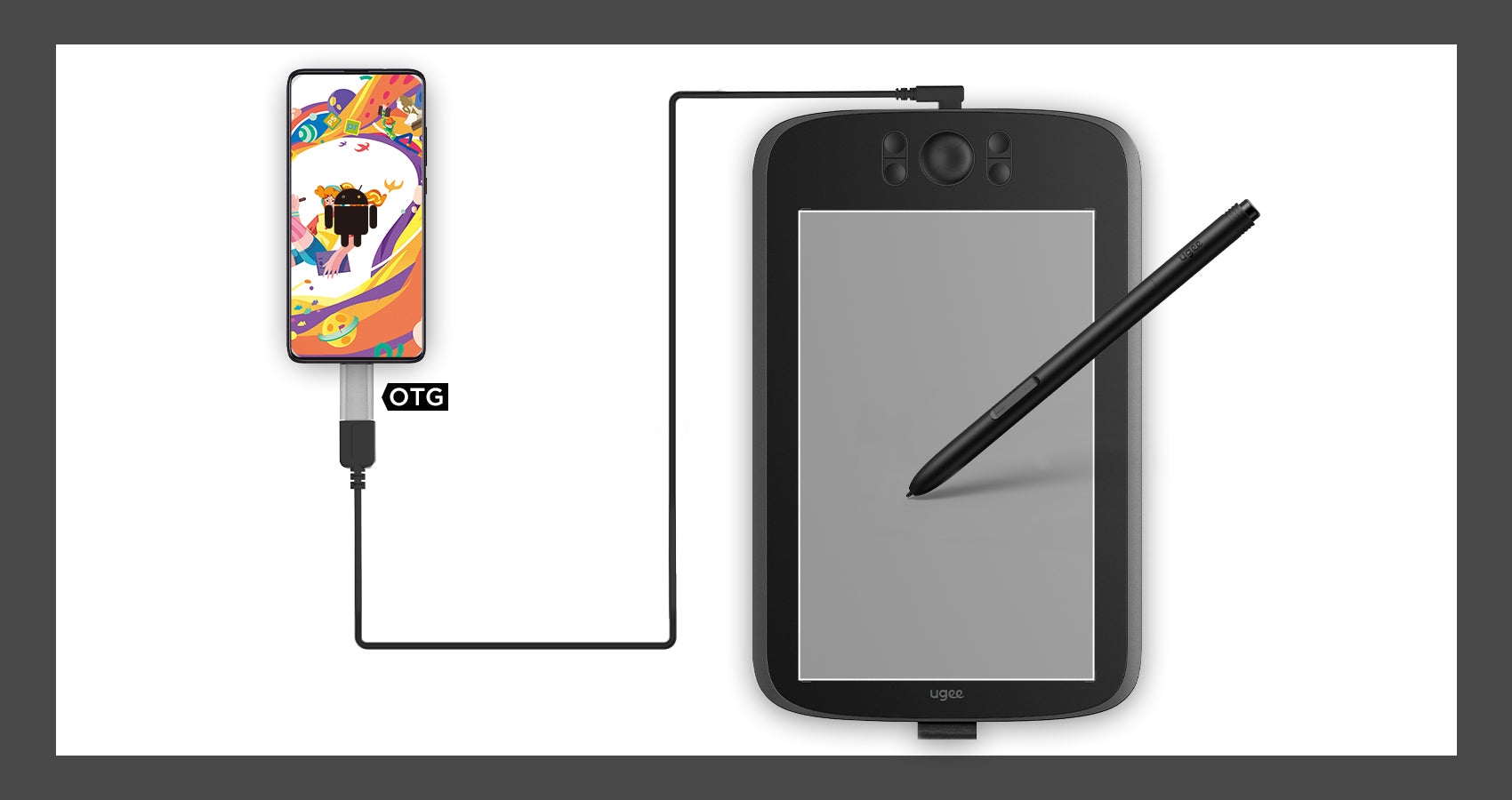
Neben Computern unterstützt das Zeichentablett auch die Verbindung und Nutzung von Android-Telefonen. Der standardmäßige vertikale Tafelzustand beim Verbinden entspricht den Zeichengewohnheiten von Mobiltelefonen.
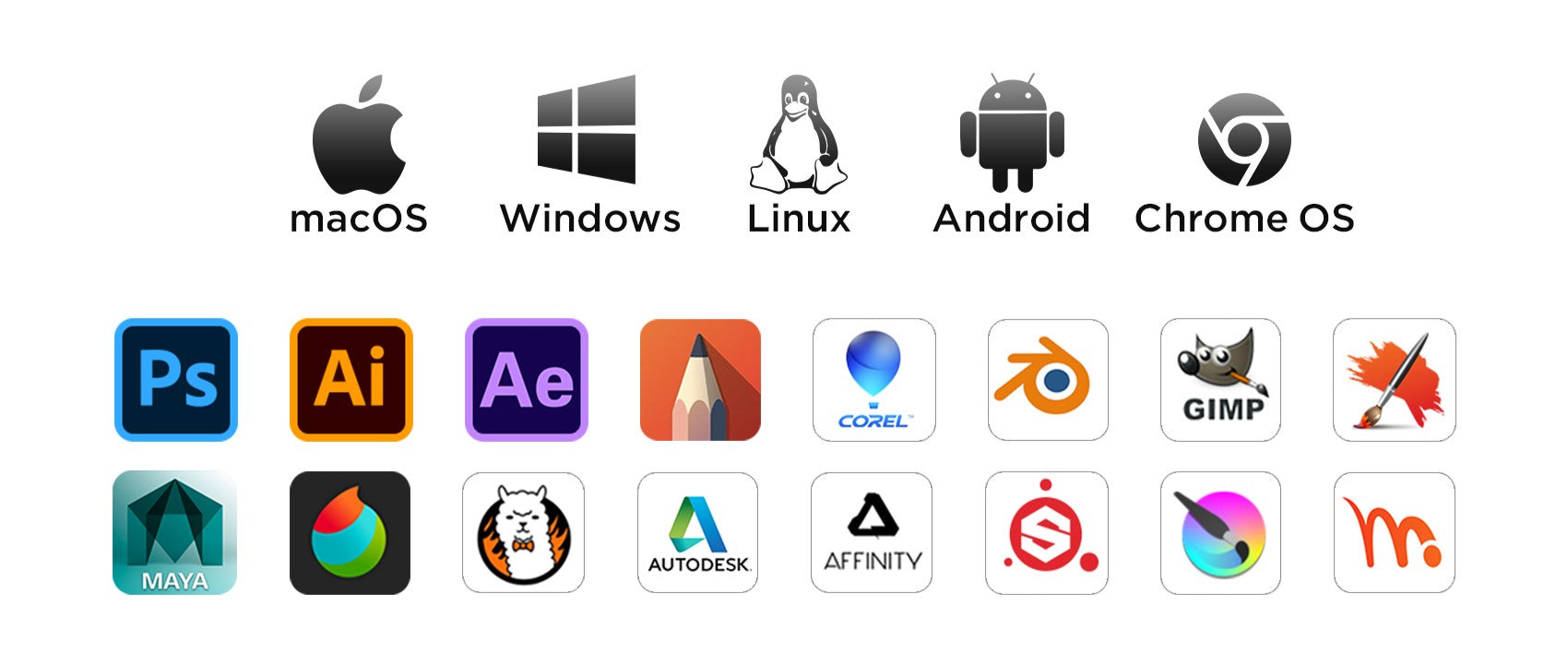
Kompatibel mit mehreren Systemen und Software

Unterstützt Windows 11/10/8/7, Mac OS X 10.13–10.10, Chromebooks (Hinweis: Chrome OS 88.0.4324.109 und neuere Versionen sind erforderlich), Android 6 (oder höher) und Linux-Systeme. Unterstützt Medibang, Clip Studio Paint, SAI, Adobe Photoshop, Illustrator, Corel Draw, Corel Painter, Sketchbook, Manga Studio usw.
Häufig gestellte Fragen

Wie lange dauert es, bis meine Bestellung ankommt?

Dies hängt von Ihrer Lieferadresse ab. Die Bearbeitung von Bestellungen (ausgenommen Vorbestellungsprodukte, einige Accessoires und Geschenke) dauert in der Regel 2-3 Werktage und die Lieferung 3-15 Werktage. Bitte beachten Sie, dass Wochenenden und Feiertage sowie besondere Wetterbedingungen zu Lieferverzögerungen führen können. Wenn Sie das Paket nicht erhalten, kontaktieren Sie uns bitte direkt und geben Sie Ihre Bestellnummer an.

Wie kann ich meine Bestellung verfolgen oder Lieferaktualisierungen erhalten?

Sobald Ihre Bestellung versandt wurde, senden wir Ihnen eine Versandbestätigungs-E-Mail mit einer Sendungsverfolgungsnummer an Ihre E-Mail-Adresse. Bitte bewahren Sie diese E-Mail auf, um den Status Ihrer Bestellung zu verfolgen. Wenn Sie Ihre Bestellung nicht verfolgen können, kontaktieren Sie uns bitte und geben Sie Ihre Bestellnummer an, um den Status zu überprüfen.

Warum funktioniert der Stiftdruck nicht?

Der Stiftdruck hängt von den von Ihnen verwendeten Apps/Software ab, und nicht alle unterstützen den Stiftdruck. Apps, die die Funktion des Stiftdrucks unterstützen, wie Adobe Photoshop, Krita, Adobe Ilustrator, SketchBook usw.

Funktioniert das Tablet unter IOS?

Nein, es funktioniert nicht auf dem IOS-System

Wie verbinde ich ein Ugee-Zeichentablett mit einem Android-Telefon (einschließlich Android 14)?

Um Ihr UGEE-Zeichentablett mit einem Android-Smartphone (einschließlich Android 14) zu verbinden, folgen Sie den Anweisungen in den Android-Einstellungen.

D
Duncan
Great value for the price.

This tablet is much bigger than I expected. It's been working flawlessly for almost one month, very great performance.

D
Dale
Very happy with this purchase.

My son loves it and uses it to draw all the time. Excellent.

M
Montgomery
Very easy to use.

Just plug it in your phone and then you are good to go. For laptop use, a driver download is required, but it's still a breeze. Both methods are user-friendly and hassle-free.

E
Eileen
Feels scratchy.

It works fine. The only problem is the tablet feels slightly scratchy.

D
Dion
Must-have tool.

It is a great tool for learning digital art. Having it makes me spend more time practicing my drawing skills. I will buy a drawing monitor as I become a more skilled digital artist.

L
Leslie
Pretty good.

The item looks and works as advertised.Just need some time to get used to it.

K
Kirk
Works as advertised.

No complaints with this tablet and stylus.

W
Wallace
I love it.

Worth buying.

S
Stream
Great item.

It works well with my Macbook.Very suitable learning tools for starters.

R
Rosa
Entry-level product.

I am pleased with it so far. Although it lags sometimes, it is still good for an entry-level tablet in this market.

C
Constant
Not easy for children.

I bought it as a gift for my daughter. She is very happy with it. However, we don't know how to set these buttons.It didn't come with instructions.

B
Belle
Good product

There are plenty features to enable your productivity.

I
Irvin
Never used one of these before

I worked it out quite quickly. I can also imagine that if you used a tutorial to use it too you would have no issues learning it even if you’re slightly not so ‘techy’. Great Quality too!

W
Wenda
Good sensitivity.

I use it to draw on photoshop and play osu games. Really great to use.

W
Wylie
Worth the money

I use it all the time.It works prefectly and cheap.

W
Woodsman
Great alternative for mouse.

It is much more convenient to use than mouse when you draw digitally or take notes.

D
Dirk
Incredibly easy to learn

I was able to learn how to utilise this tablet within an hour of receiving it. It's incredibly easy to use and functions with any app you care to use for it.

T
Tanya
My first tablet.

I've always desired a drawing tablet and finally discovered the UGEE M808. After spending an hour with it, I'm impressed. The stylus feels like a genuine pen??natural and smooth, offering an excellent drawing experience.

S
Sherlock
Prompt Delivery

Smaller than my previous graphic tablet, much more sturdy. Works fine thus far.

P
Patty
My first Tablet

I needed a tablet for 3D sculpting and modelling. I must say that it is pretty hard to get used to drawing and 3D wise, but overall really good and I'm very happy as this was a really cheap option.

M
Megan
Decent

It does work but it scratches very easy.

G
Galvin
Bad compatibility.

It may be only compatible with specific drawing apps. It is disappointing that when I use MS Word or PowerPoint, it doesn't work as I expected.

L
Leonard
100% recommend

It’s a good size and it’s portable, and it’s fairly easy to set up if you follow the instructions that come with it.

M
Miriam
For the price, it's good.but ...

Cursor and pen alignment could be better, I've tried a few things to improve it, but maybe I'm missing something. Other than that it does the job.

M
Melanie
Excellent product.

It has good performance and works well with my chromebook.

G
Gerald
Easy to use.

Easy to understand what to do, how to do. Just follow the instructions.

G
Goddard
Worth the money.

I was searching for an affordable alternative to an iPad for digital note-taking and drawing. This product solved everything! Simply connect it to your laptop, and you will feel like writing on paper. Amazing.

C
Cub
Good value.

I'm just get interested in digital drawing and this one is what I expected. It sometimes may be glitchy but no big deal.

B
Beguiling
Easy to use

Easy to use and functional. I'm just beginning to learn digital art. I use it to paint with Photoshop and it works well.

I
Isaac
Good quality.

It is well built and compatible with my laptop and phones. Love it.

D
Darian
Love it.

Simple to use and the hot keys are very helpful.

R
Raymond
Brilliant starter pad

Not to shabby, very easy installation. This is my first digital drawing pad so I have nothing to compare it too however for the price I can't grumble, time to be creative!

T
Timothea
The user manual needs improving.

The product is great, but the user manual doesn't give clear instructions about how to download the driver and finish the settings. It takes more time to figure it out.

ugee 10" Zeichentablett M808

Normaler Preis $39.00USD
Normaler Preis $39.00USD Verkaufspreis $39.00USD