






Free Shipping

Lifetime Support

30 Days Money Back Guarantee

12 Months Warranty
ugee 15,4" Zeichenmonitor UE16
ugee 15,4" Zeichenmonitor UE16
Description
Description
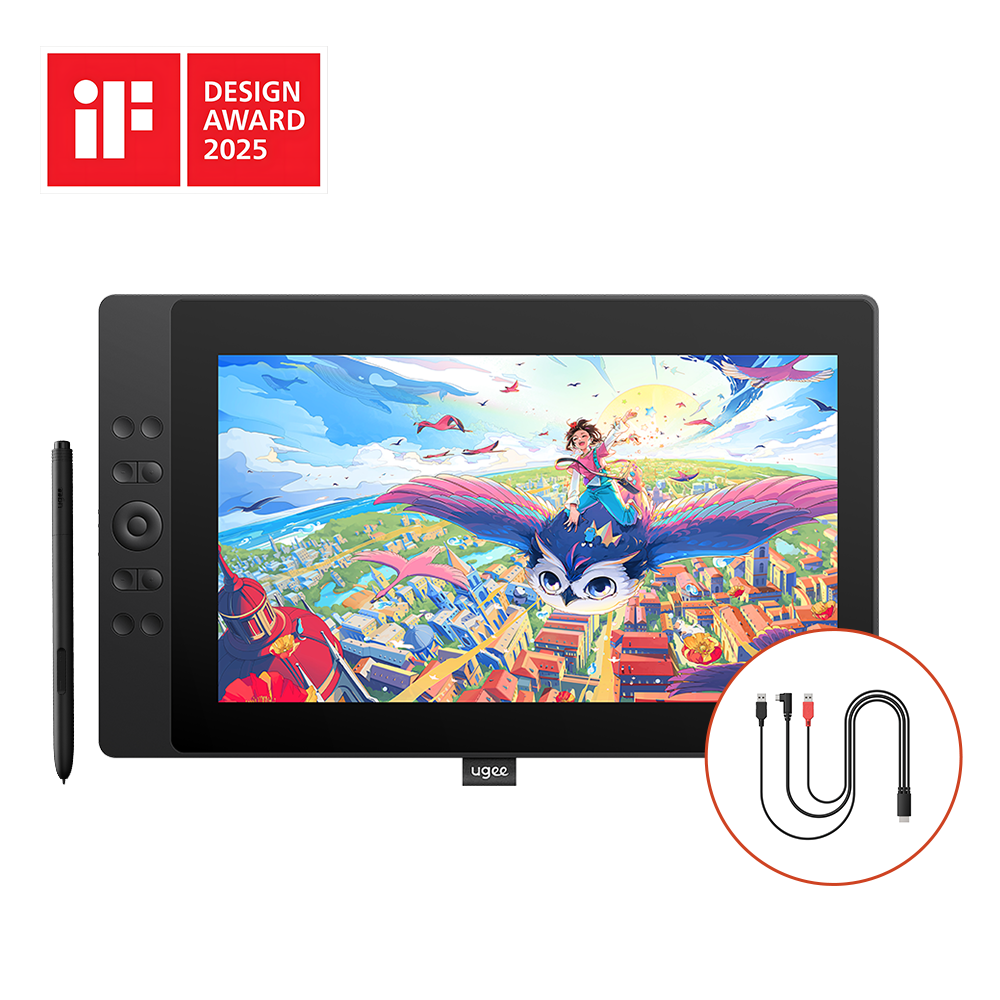
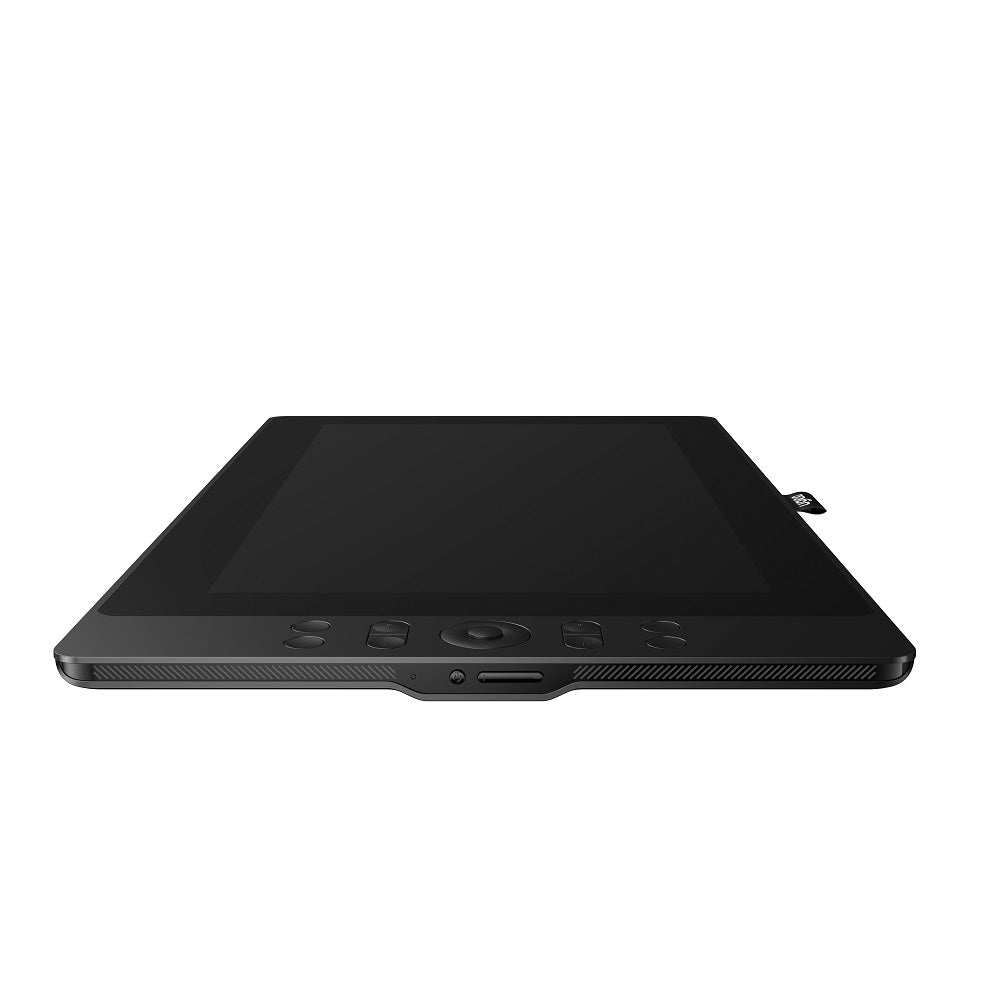
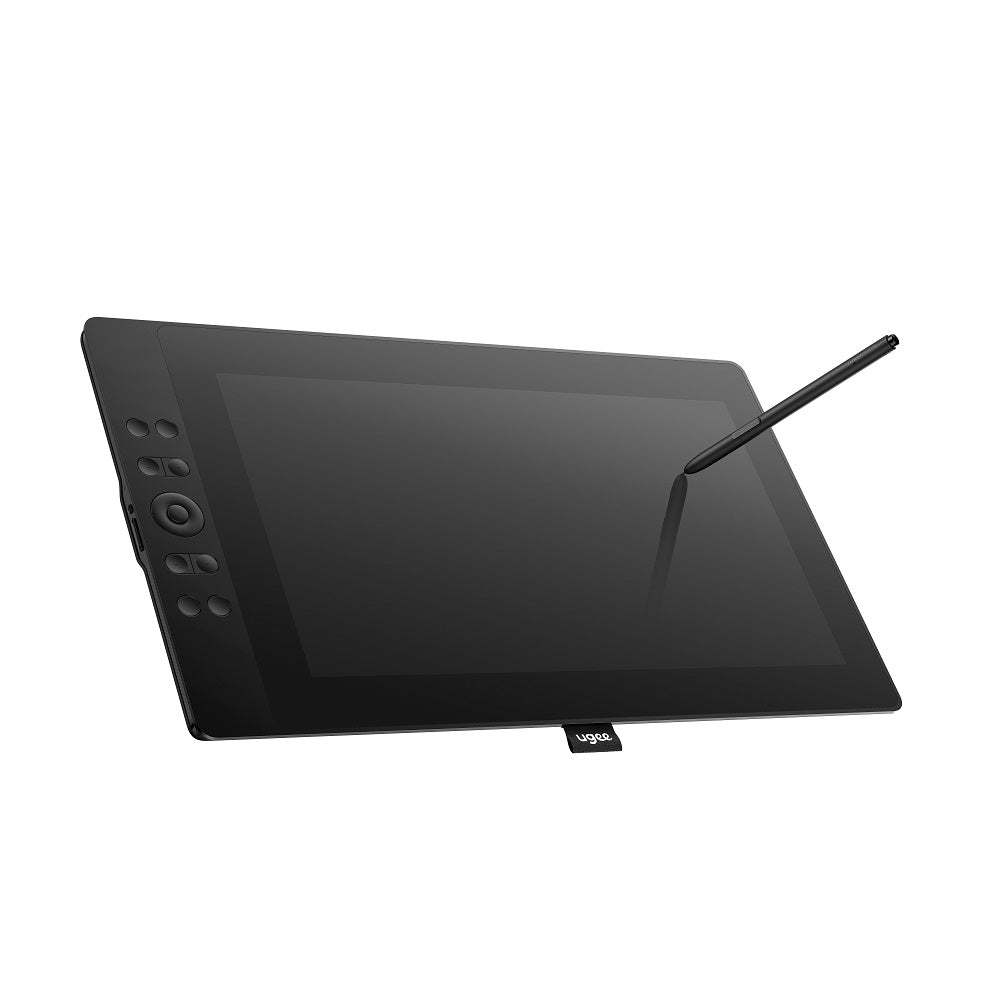
Mit einem 15,4-Zoll-Display in einem leichten 1,28 kg Gehäuse bietet der UE16 viel Platz für grenzenlose Kreativität. Lassen Sie Ihrer Fantasie freien Lauf und lassen Sie sich überall inspirieren. Mit dem UE16 werden Sie zum wahren Verfechter künstlerischer Freiheit. 3-in-1-Kabel im Lieferumfang enthalten. Ausgezeichnet mit dem iF Design Award 2025.
Key Features
- 15.4" large screen weighs only 1.3kg
- 143% sRGB ultra-high color gamut
- U-Pencil with 16K pressure levels
- 8+1 Customized floating shortcut keys
- Stronge system compatibility
inkl. MwSt.
inkl. MwSt.
Die Produktpreise verstehen sich inklusive Mehrwertsteuer (Europa)
Was ist drin
Was ist drin
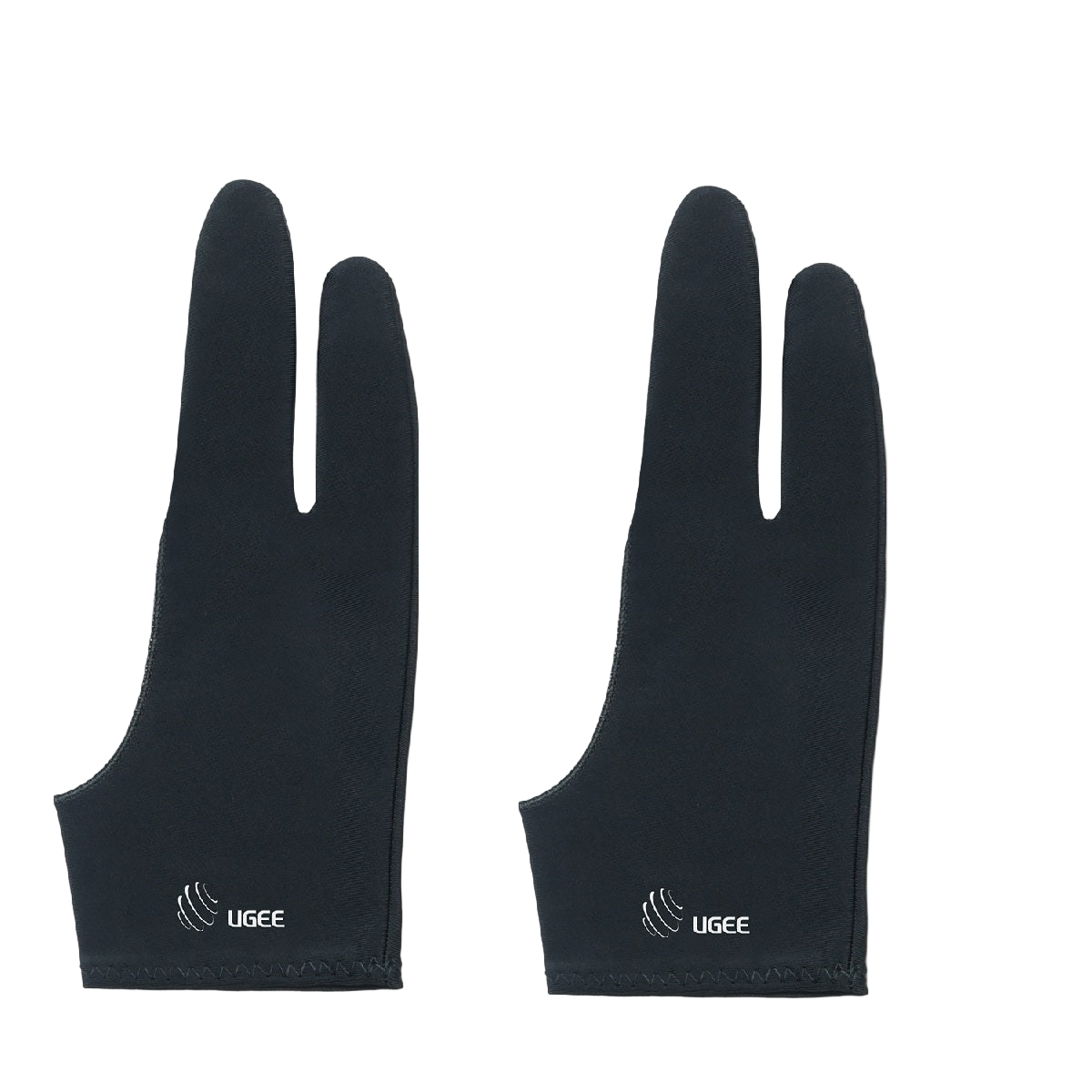
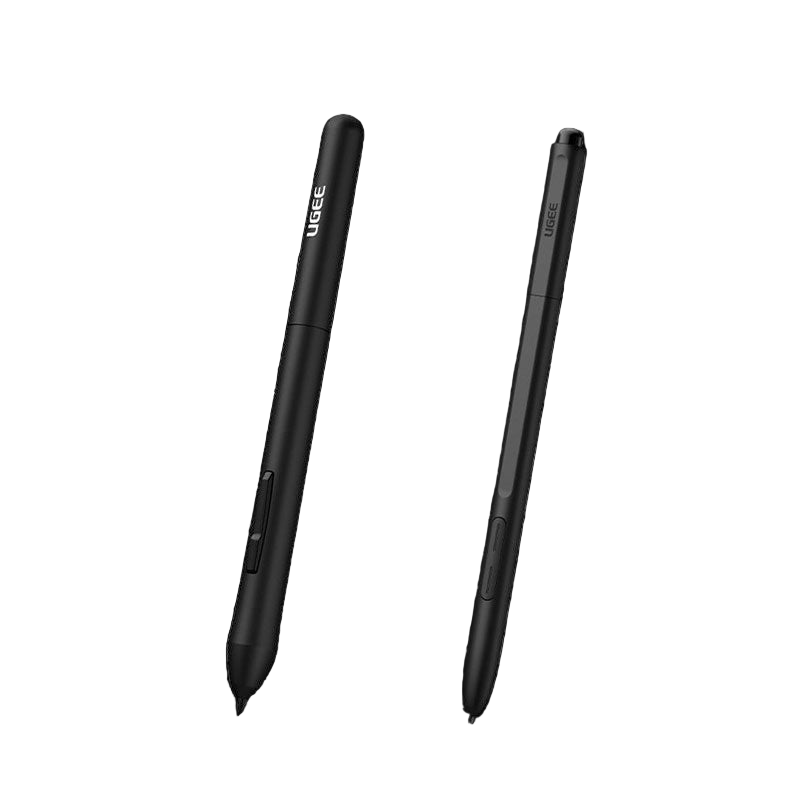
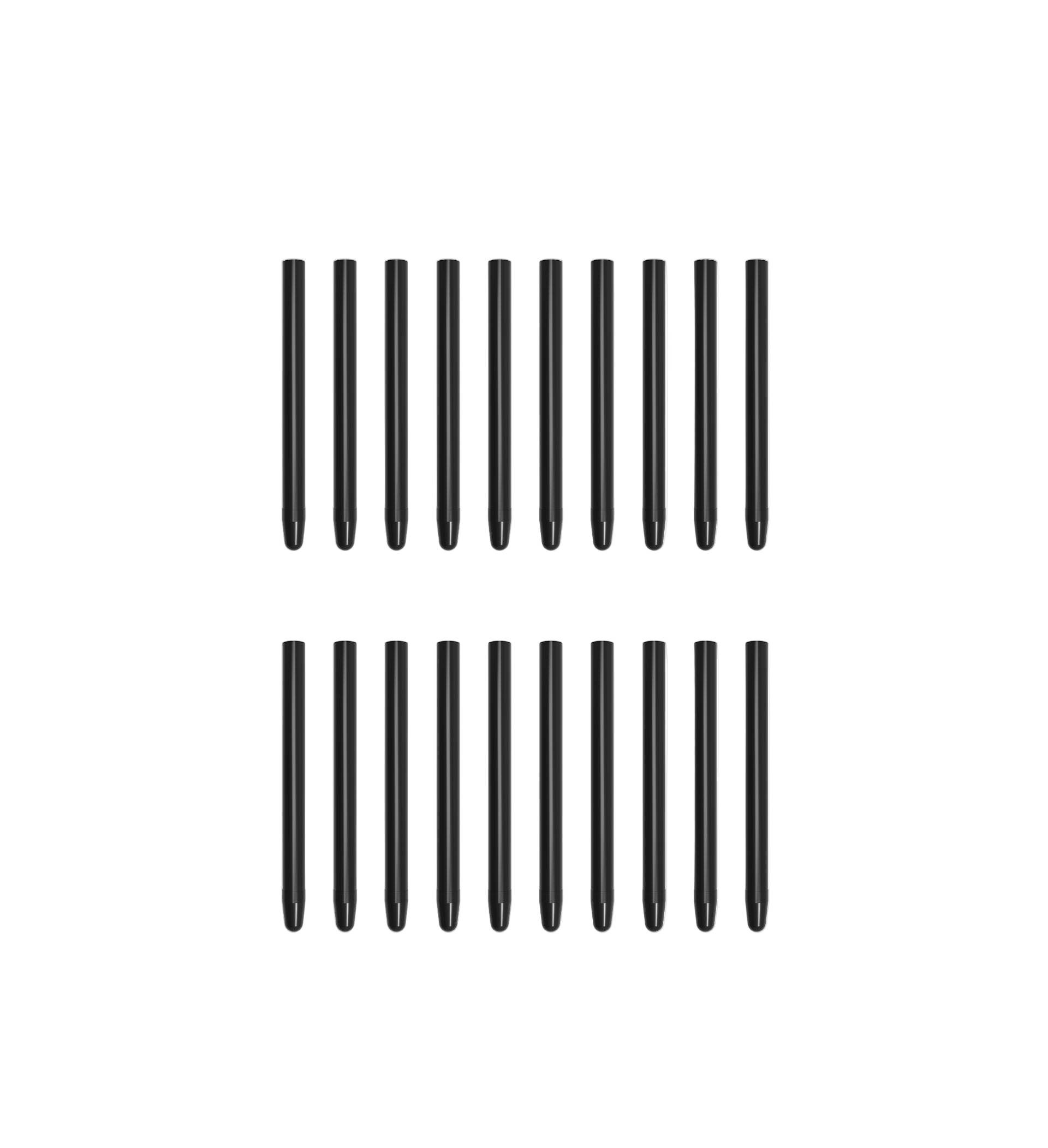
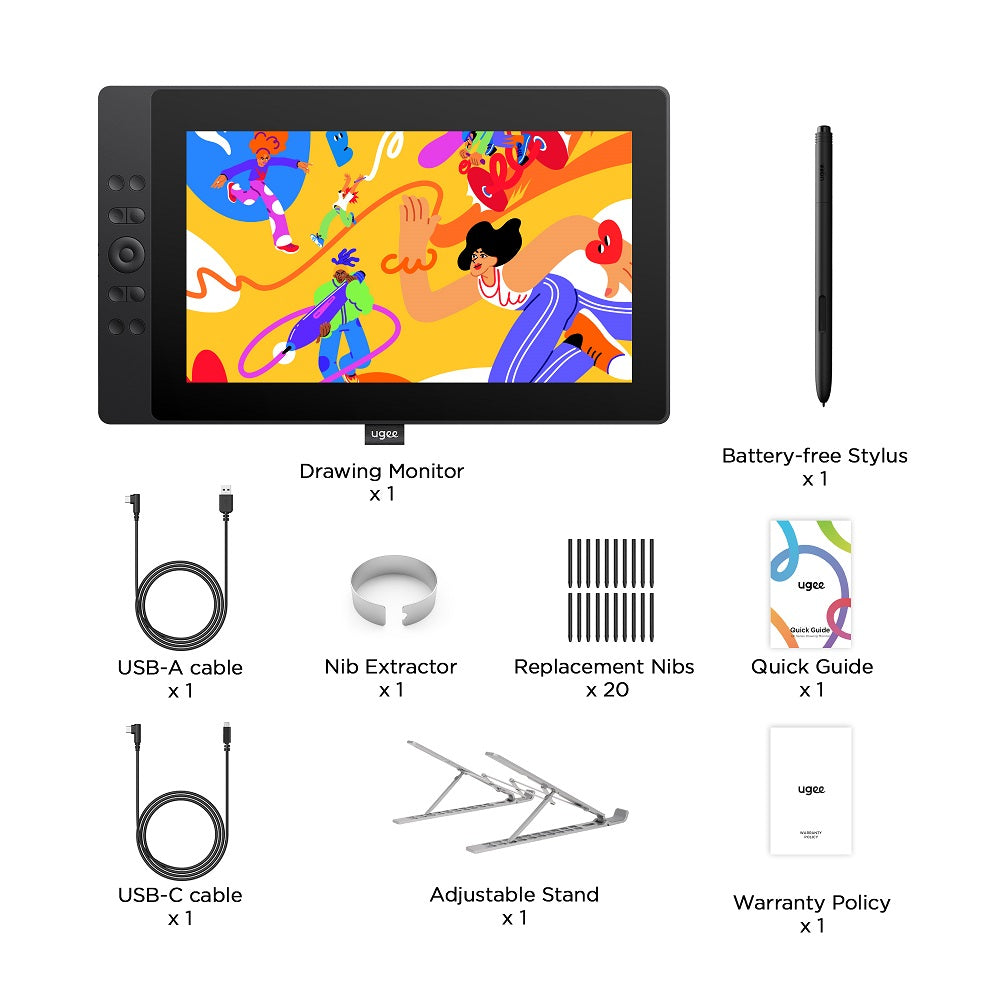
UE16 wird mit einem batterielosen Stift, einem Ständer, einem 3-in-1-Kabel, 2 USB-C-Verbindungskabeln, einem Reinigungstuch, 20 Ersatzspitzen und einem Spitzenabzieher geliefert.





UE16 Drawing Monitor
Play with Colors. Paint Your Brilliance.
143% sRGB High Color Gamut I 16K Pressure Levels
Watch the video

iF Design Award
Winner


Larger, and More Vibrant.

U-Pencil with 16K pressure levels
Delicate strokes with smooth transitions in thickness and intensity.

15.4" large screen weighs only 1.28kg
Lightweight and slim with larger drawing space.

143% sRGB ultra-high color gamut
Replicates true-to-life colors like a photograph.

Switch between four color spaces
Designed for matching different color preferences.
15.4" large screen weighs only 1.28kg
Lightweight and slim with larger drawing space.

Customized floating shortcut keys
No need for complex keyboard operations, achieving a new level of efficiency.
Switch between four color spaces
Designed for matching different color preferences.

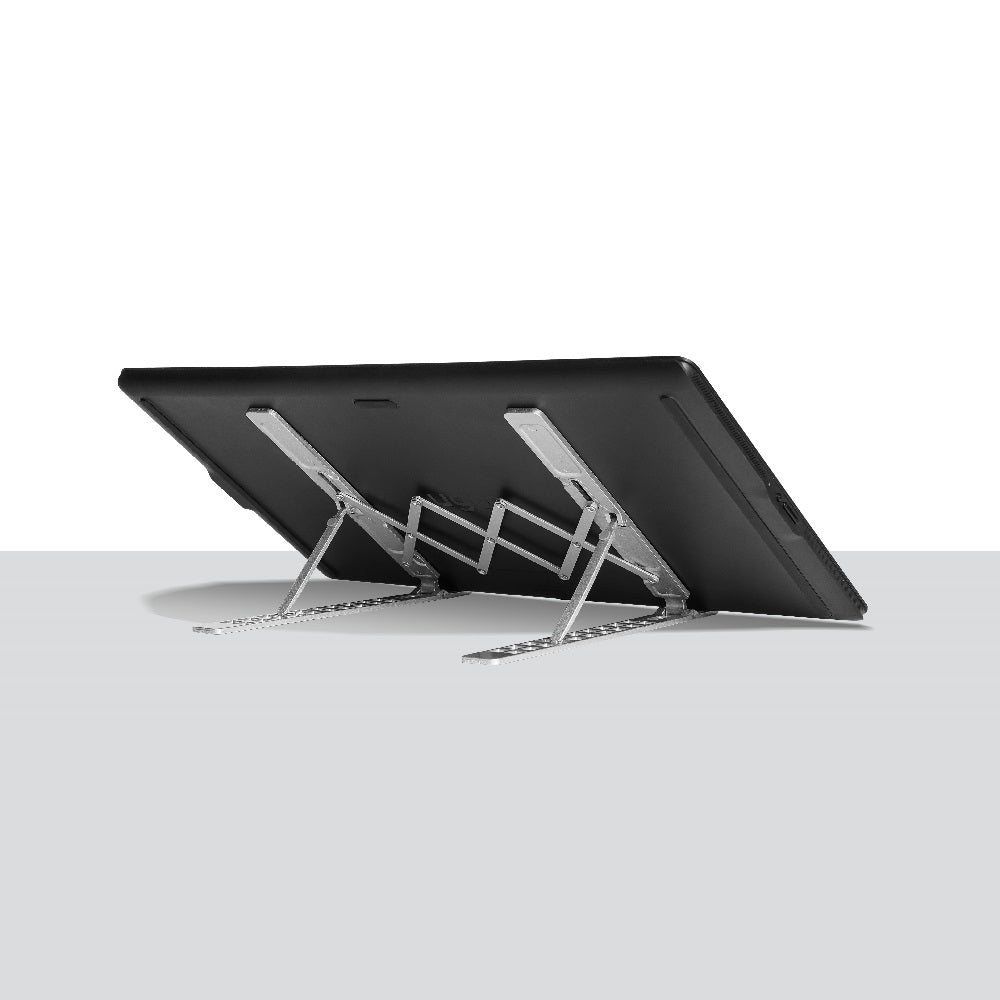
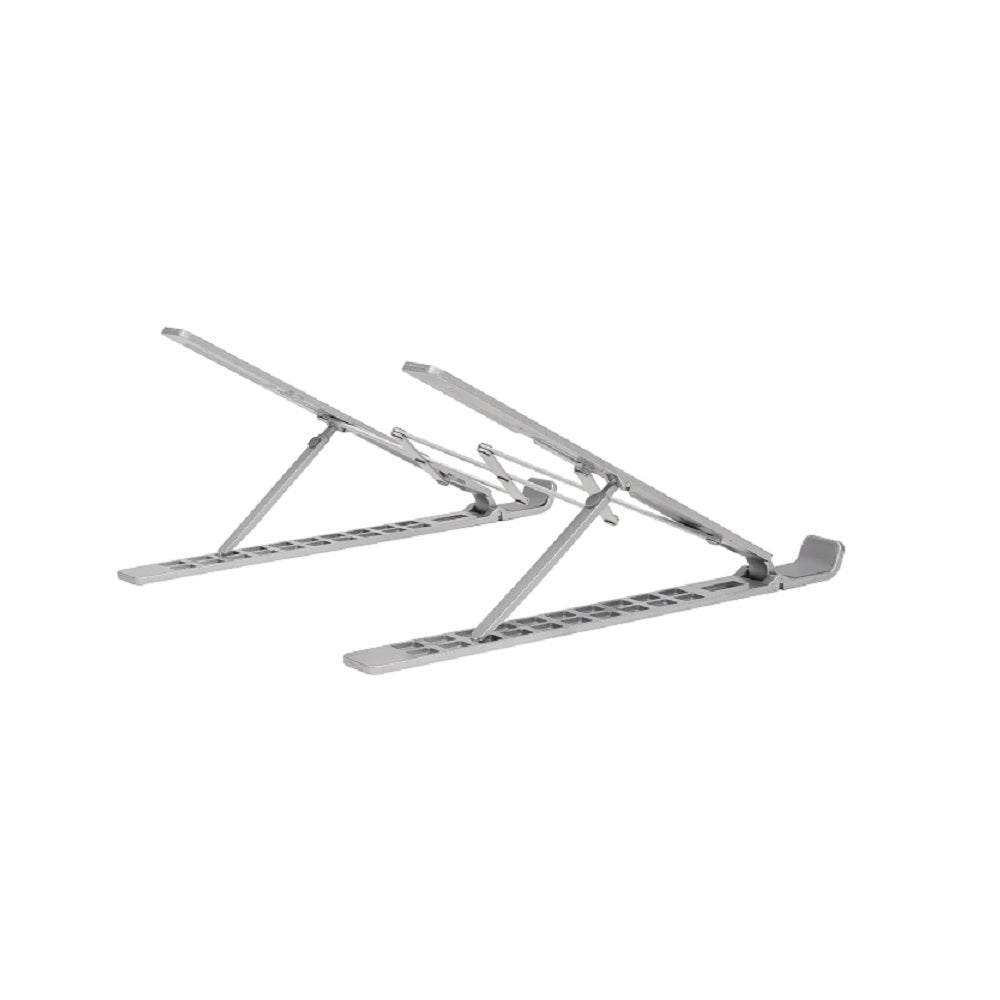
10-gear adjustable stand
Multiple angles for comfort and freedom in creative postures.

Built-in Type-C port
Direct connection with just one cable, enabling instant creativity.


Strong system compatibility
Works seamlessly with popular systems and drawing software


Large, yet Lightweight.fashionable, and Portable.
Break the stereotype
of "big and heavy"
Provide all-around "freedom"
With a 15.4" display housed within a lightweight 1.28kg frame,
the UE16 offers a spacious canvas for unlimited creative expression.
Embrace the freedom to unleash your imagination and be inspired wherever you go.
With the UE16, you would become a true advocate of artistic freedom.


Large as
15.4 inch

Light as
1.28kg

Thin as
13mm
A Fusion of Tech and Fashion
Unleash the Trendsetter in You
With its sleek all-black body and gently curved edges, the UE16 is a true embodiment of style and technology. Experience the perfect blend of modern aesthetics and cutting-edge technology, all encapsulated within a single screen. The UE16 is here to set new trends and redefine the boundaries of style.


Exquisite Colors, Extraordinary Display.
143% sRGB Ultra-high Color Gamut
More than just creativity
Exceeding competitors by 143% sRGB ultra-high color gamut, the UE16 showcases
an exceptional ability to reproduce 16.7 million colors with its 8-bit color depth.
This precision and finesse ensure an accurate and vivid portrayal of the true nature of objects.
Whether it's for color display or releasing one's creative potential, the UE16 truly stands out.


143% sRGB
High Color Gamut

16.7M
Color Quantity

8bit
Color Depth


Standard Gamut
Wide Gamut
Four Color Spaces
Switch Your Visual Experience Freely
With the options of sRGB, Adobe RGB, DCI-P3, and Black & White mode, the UE16 allows you to
seamlessly transition between different visual experiences whether you're drawing, designing, or simply reading.
Tailored to meet your distinct color preferences, our product puts you in the driver's seat of your own visual journey.

Black & White mode
DCI-P3
sRGB
Adobe RGB

* Press the Brightness+ and Brightness- buttons simultaneously to switch color spaces.

Color Coverage Rate:
99.8%sRGB
91.6%NTSC
93.9%Adobe RGB
98.6%DCI-P3
*Color coverage ≠ color gamut (the maximum color coverage can only reach 100% sRGB). Professional design display devices emphasize high color coverage, which can greatly enhance the accuracy of screen color reproduction.
New Generation Stylus U-Pencil
Pencil-like Grip, Smooth Creation
16K Pressure Sensitivity
Exquisite Craftsmanship in Every Detail
U-Pencil offers a remarkable pressure level, ensuring that your creations are rich and vibrant. With its ability to vary line thickness and intensity,
it brings out the beauty of natural strokes.
Whether you are drawing or writing,
each stroke is effortlessly translated onto the screen,
resulting in flawless and precise lines.


16K
Pressure Levels

±60°
Tilt

5080
LPI

No need
for Charging
Right-Click Function
Pencil-Like Design
No Wobbling and Rebounding
Switch Between Pen/Eraser
Pressure-Sensitive Eraser


Pencil-like Grip
For Effortless Creativity
Designed with a slim body for comfortable grip, U-Pencil feels just like using a pencil, allowing for natural and fluid strokes.
U-Pencil features two customized hotkeys and a pressure-sensitive eraser. With the quick access to drawing tools, your creative process will be more smooth and seamless.

Stability and Precision
To Support Your Imagination
With an ultra-short recoiling distance, the stylus remains stable while drawing, with no wobbling or rebounding. Achieve a ±0.3mm center accuracy, offering a 40% increase in precision. No more delays as you enjoy enhanced cursor positioning for precise control.
Floating&Physical Shortcut Keys.
Real Efficient, Truly User-Friendly.
Draw with Floating
Shortcut Keys
Take Your Efficiency
to New Heights
Tired of lengthy pathways to access your drawing tools? 16pcs of customized floating shortcut keys allow you to simply set them up and drag "the floating window" to your preferred position. Now, with just a single tap, your favorite tools are at your fingertips. Say goodbye to constantly reaching for your keyboard or mouse and watch your efficiency skyrocket.

Physical Shortcut Keys & Wheel
Another Efficient Option for Artists
Featuring 8 physical shortcut keys, the UE16 provides a tactile feedback that enhances the drawing experience. Additionally, the scroll wheel allows for seamless transition between 4 preset functions by pressing the switch button, ensuring that creative ideas flow effortlessly and smoothly without any interruption.


Brush Tool / Eraser Tool
Increase Brush Size / Decrease Brush Size
Zoom In / Zoom Out
Save / New Layer via Copy
Undo/Redo
More Comfortable, More Immersive,
More Efficient.
10-Gear Adjustable Stand
For Effortless Creativity
Easily adjust the aluminum alloy stand to your desired angle, ranging from 21° to 64°. This foldable and lightweight stand offers ten gears, ensuring maximum comfort and productivity. Bid farewell to fatigue and discomfort and say hello to boundless inspiration and efficiency.

Foldable and lightweight

Equipped with Type-C Ports
Connect to Devices in an Instant
With type-c ports, you can connect the UE16 to your devices in seconds. Eliminate clutter and tangles since the UE16 supports a single USB-C cable connection, ensuring a neat and efficient workspace. Upgrade to this new dislay today and experience seamless connectivity for enhanced productivity.
* ① 3-in-1 Connection
* ② Full-function USB-C

Full Compatibility
Unstoppable Power
Support mainstream operating systems, including Windows 7 or later version, Mac OS 10.12 or later version,
Chrome OS 88 or later version, Android 9.0 or later version, and Linux.
Compatible with various popular drawing & design apps, such as Adobe Photoshop, Illustrator, SAI, ibis Paint X, MediBang, etc.
With the UE16, your creation is unstoppable.


Explore More Possibilities

Illustration drawing


Graphic design


Video editing

Fun and games

Office meetings

Drawing Monitor

Battery-Free Stylus

Replacement Nibs x 20

Nib Extractor

USB-A to C Cable

USB-C to C Cable

3-in-1 Cable

Adjustable Stand

Cleaning Cloth

Warranty Card

Quick Guide
Wie man anfängt?
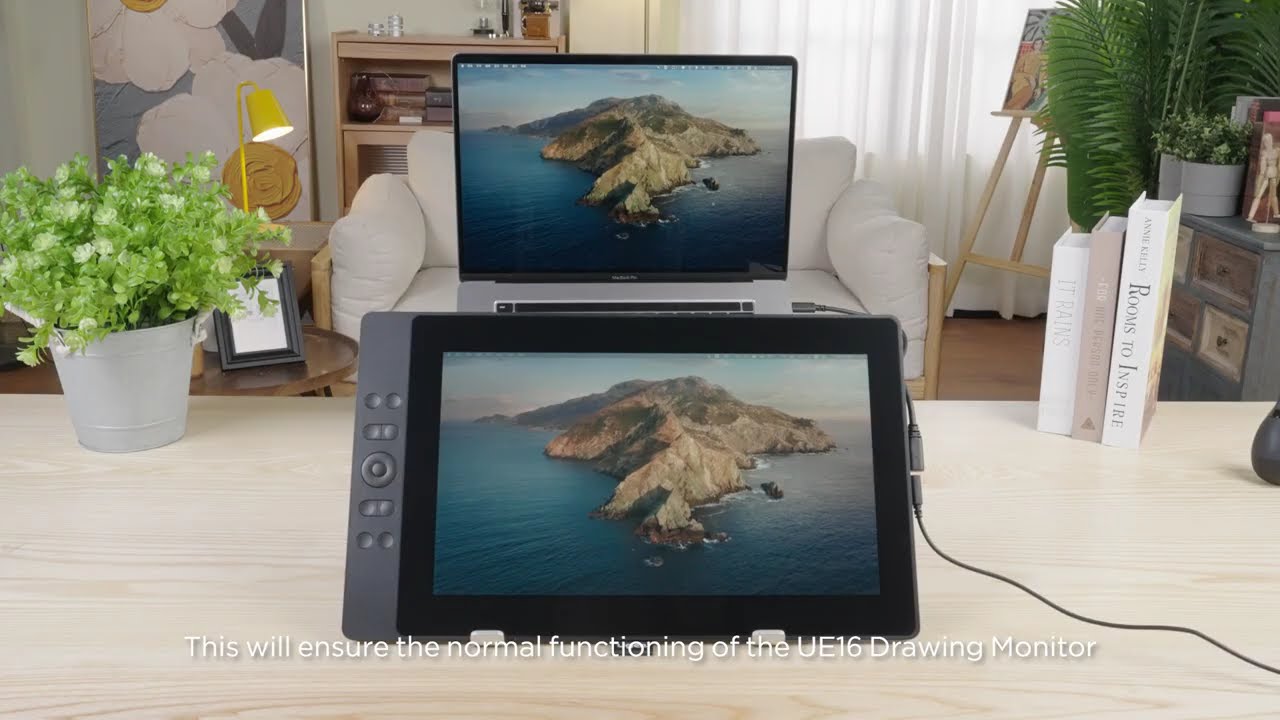
1. So schließen Sie den UE16-Zeichenmonitor an Ihren Laptop an
Wie richte ich den ugee UE16 Zeichenmonitor ein? – Fragen und Antworten
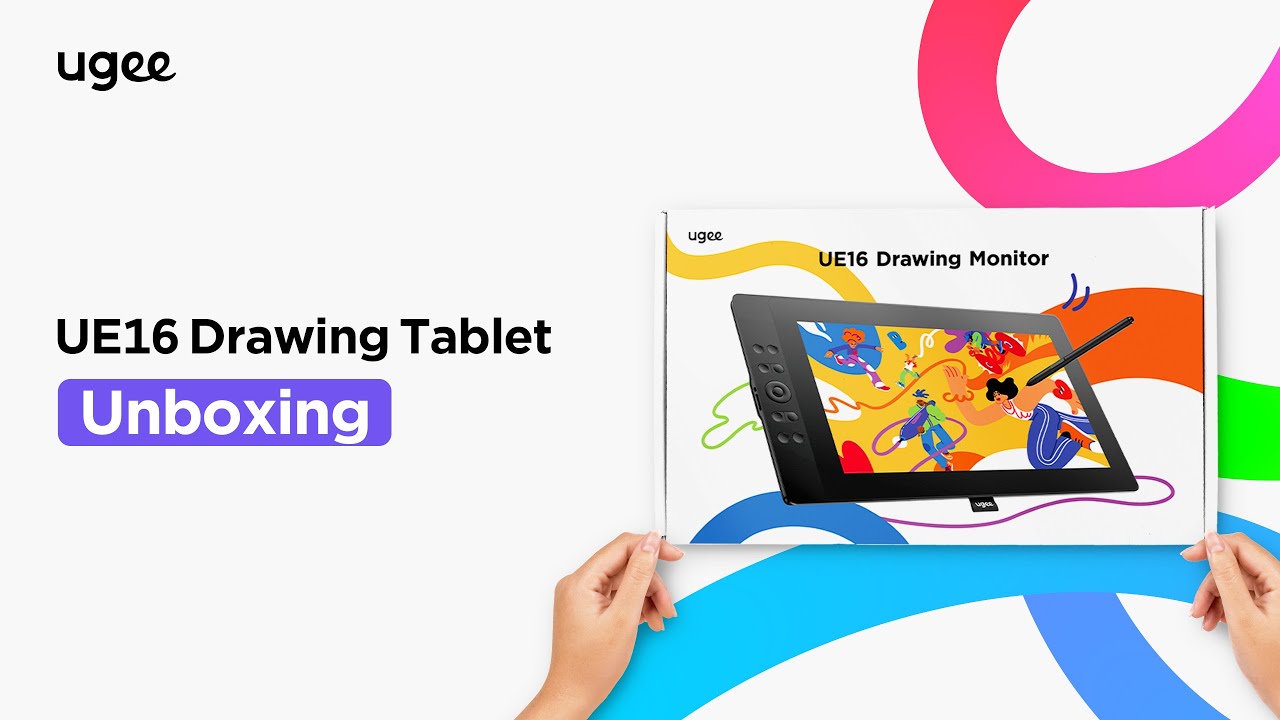
Lieferumfang des ugee UE16 Zeichenmonitors – Unboxing
Häufig gestellte Fragen
Wie lange dauert es, bis meine Bestellung ankommt?
Dies hängt von Ihrer Lieferadresse ab. Die Bearbeitung von Bestellungen (ausgenommen Vorbestellungsprodukte, einige Accessoires und Geschenke) dauert in der Regel 2-3 Werktage und die Lieferung 3-15 Werktage. Bitte beachten Sie, dass Wochenenden und Feiertage sowie besondere Wetterbedingungen zu Lieferverzögerungen führen können. Wenn Sie das Paket nicht erhalten, kontaktieren Sie uns bitte direkt und geben Sie Ihre Bestellnummer an.
Wie kann ich meine Bestellung verfolgen oder Lieferaktualisierungen erhalten?
Sobald Ihre Bestellung versandt wurde, senden wir Ihnen eine Versandbestätigungs-E-Mail mit einer Sendungsverfolgungsnummer an Ihre E-Mail-Adresse. Bitte bewahren Sie diese E-Mail auf, um den Status Ihrer Bestellung zu verfolgen. Wenn Sie Ihre Bestellung nicht verfolgen können, kontaktieren Sie uns bitte und geben Sie Ihre Bestellnummer an, um den Status zu überprüfen.
Kann das Zeichentablett mit Bildschirm alleine verwendet werden?
Nein, Sie müssen eine Verbindung zu einem Smartphone, Laptop oder PC herstellen, es handelt sich nicht um ein eigenständiges Gerät.
Kann die Helligkeit des Bildschirms des Zeichnungsmonitors angepasst werden?
Sie können die Bildschirmhelligkeit Ihren Nutzungsgewohnheiten anpassen. Der Grafik-Zeichenbildschirm ist mit AG-Blendschutzfolie vorlaminiert, um Interferenzen durch Reflexionen zu reduzieren und Ihre Augen zu schützen.
Was bedeutet die Kontrollleuchte?
a. Drücken Sie die Einschalttaste, um das Gerät einzuschalten. Die blaue Kontrollleuchte leuchtet nach dem Einschalten konstant. Drücken Sie die Einschalttaste erneut, um das Gerät auszuschalten.
b. Standby-Zustand, orange Dauerlicht
c. Halten Sie die Einschalttaste 3 Sekunden lang gedrückt. Die blauen und orangefarbenen Kontrollleuchten blinken abwechselnd, um in den Zeichentablettmodus zu wechseln. Drücken Sie die Einschalttaste erneut, um in den normalen Modus zurückzukehren.
Funktioniert der Zeichenmonitor auf iOS-Systemen?
Nein, der UE16-Zeichenmonitor funktioniert nicht auf iOS-Systemen wie iPhone und iPad, aber auf MacBooks schon.
Wie verbinde ich ein Ugee-Zeichentablett mit einem Android-Telefon?
Um Ihr Ugee-Zeichentablett mit einem Android-Telefon zu verbinden, folgen Sie den Anweisungen in den Android-Einstellungen.