

Ir directamente a la información del producto
1 de 10

Free Shipping

Lifetime Support

30 Days Money Back Guarantee

12 Months Warranty

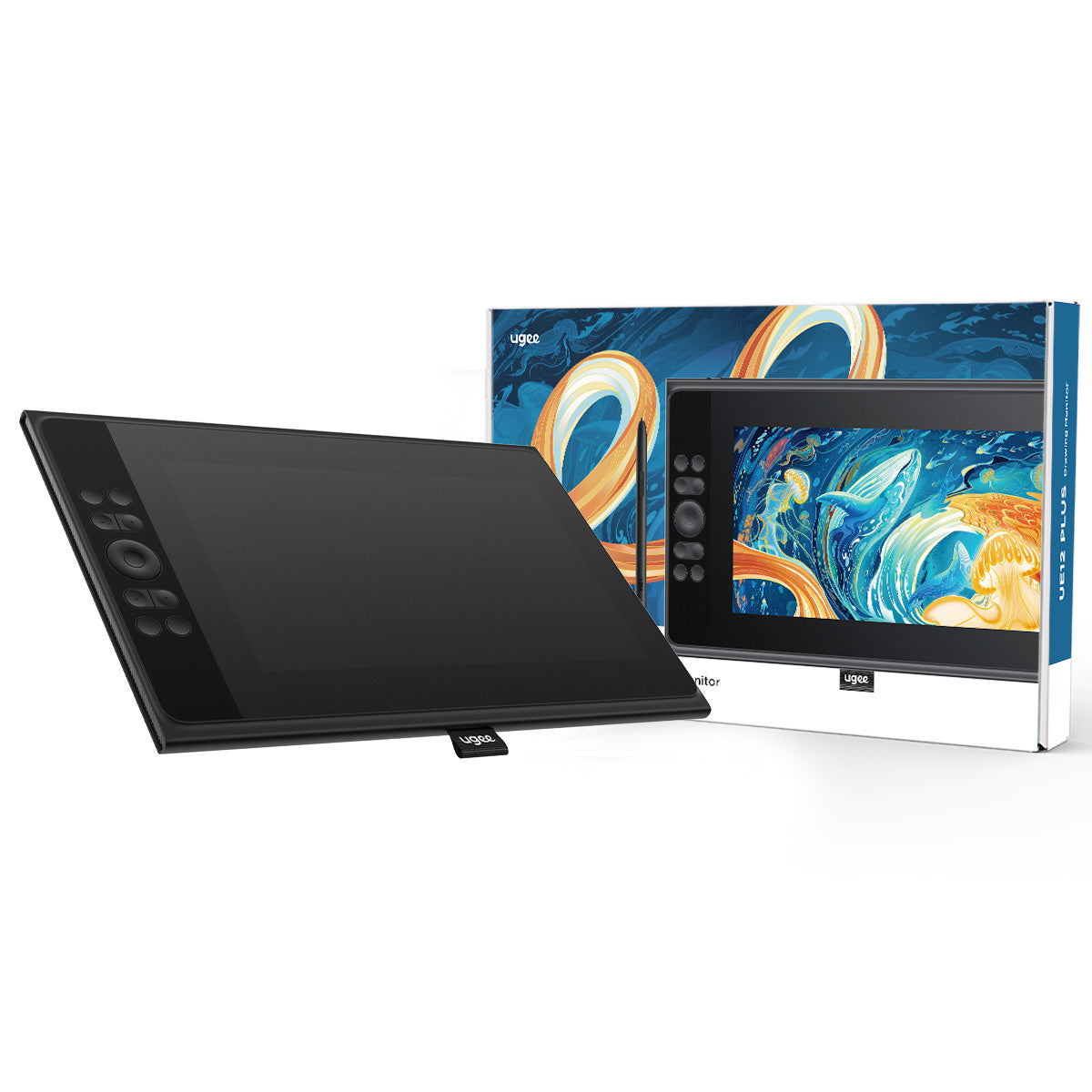
Monitor de dibujo ugee de 11,9" UE12 PLUS

Monitor de dibujo ugee de 11,9" UE12 PLUS

Precio habitual $169.00USD
Precio habitual $209.00USD Precio de oferta $169.00USD

Description

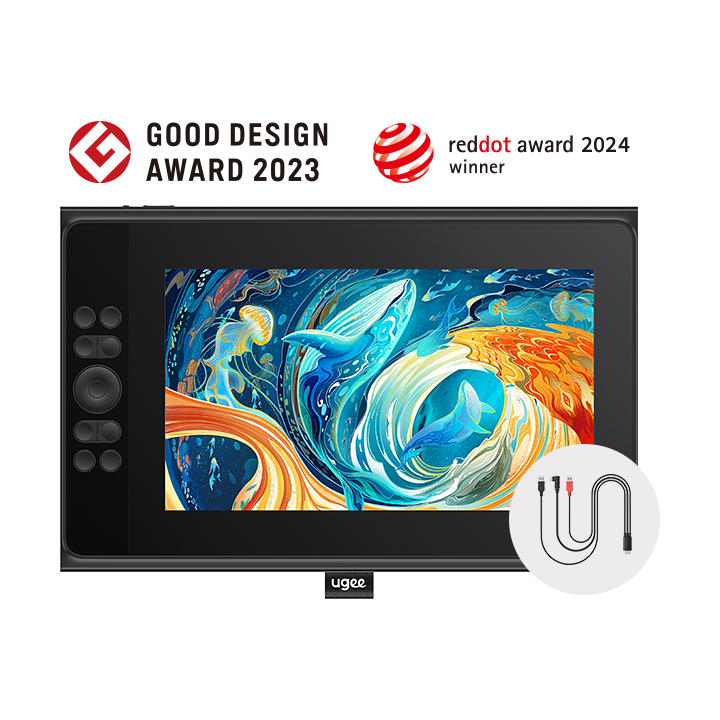
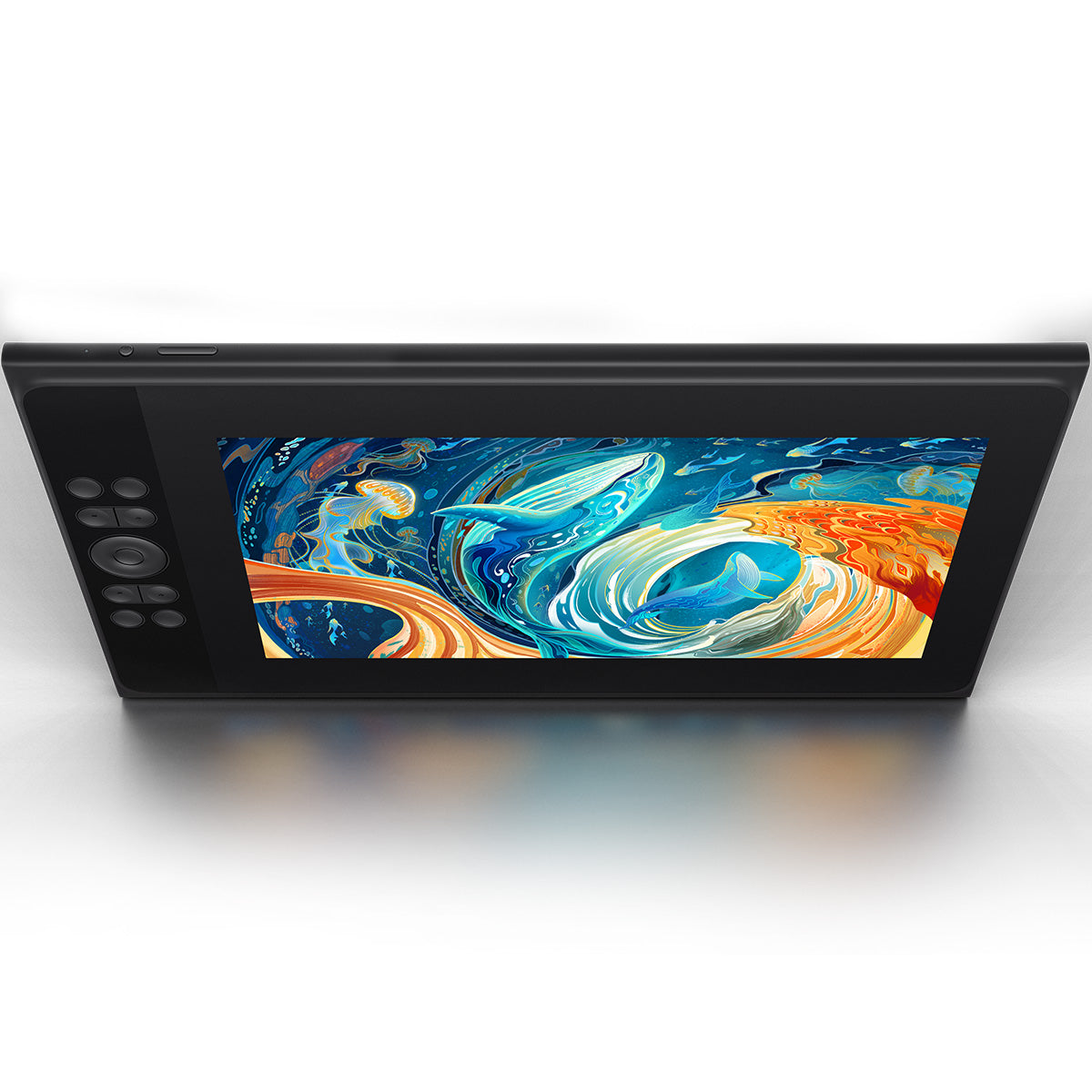
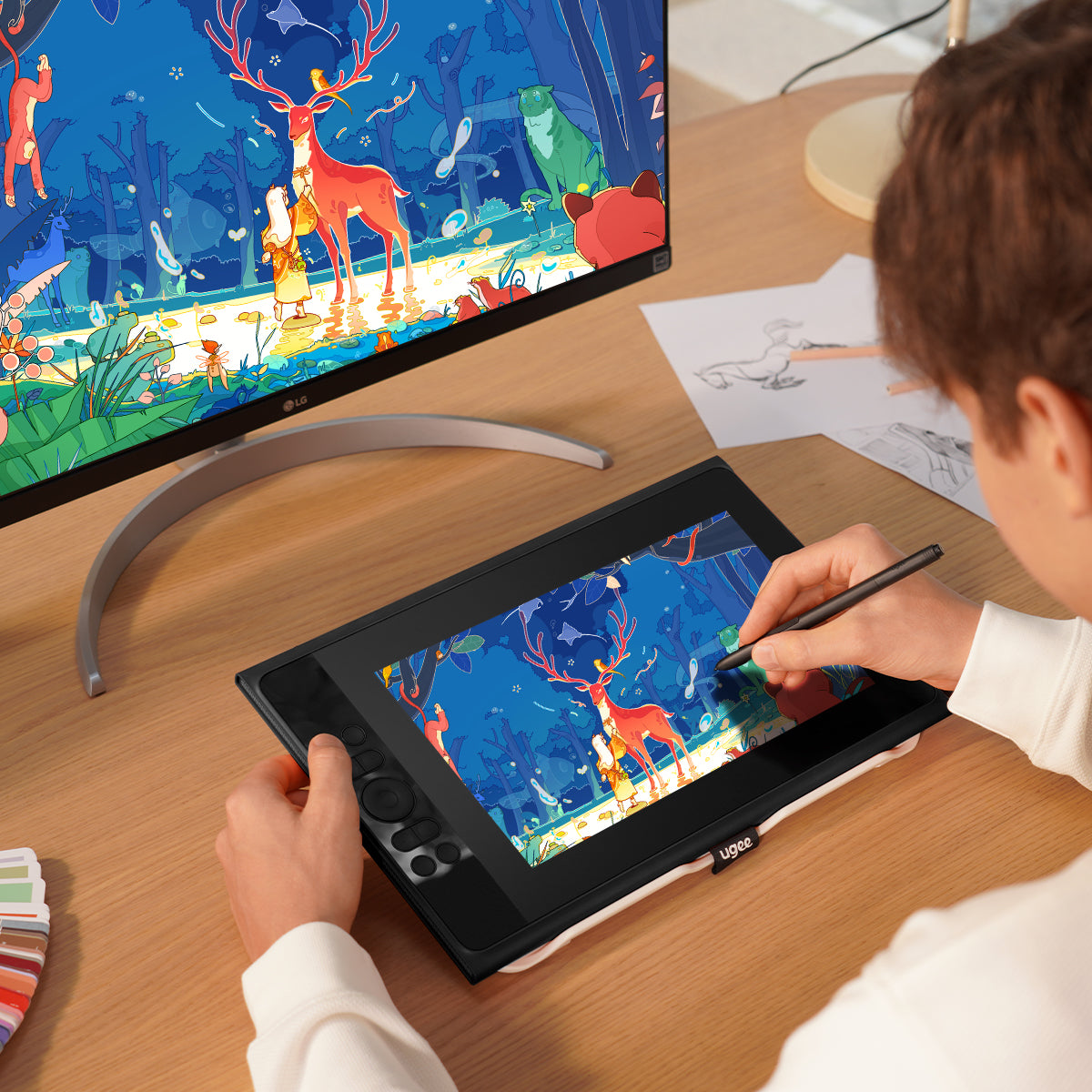
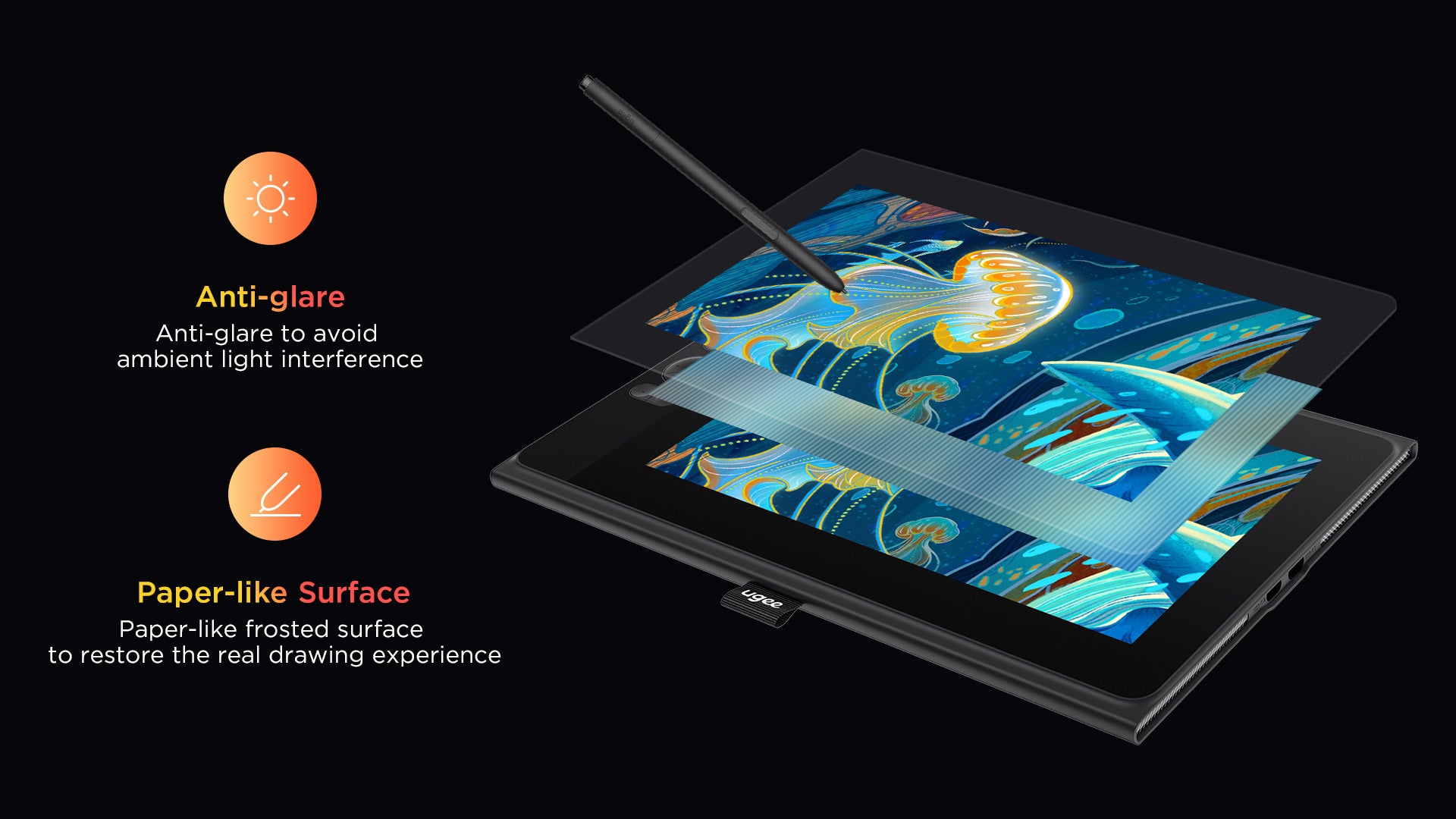
Con una pantalla FHD (1920*1080) totalmente laminada y antirreflejo de 11,9 pulgadas, el UE12 Plus proporciona una experiencia de dibujo sin paralaje, lo que garantiza que cada trazo cobre vida en tonos vibrantes y que cada tono se muestre de forma vibrante. Cable 3 en 1 incluido.

IVA incluido

Los precios de los productos incluyen IVA (Europa)

¿Qué hay dentro?

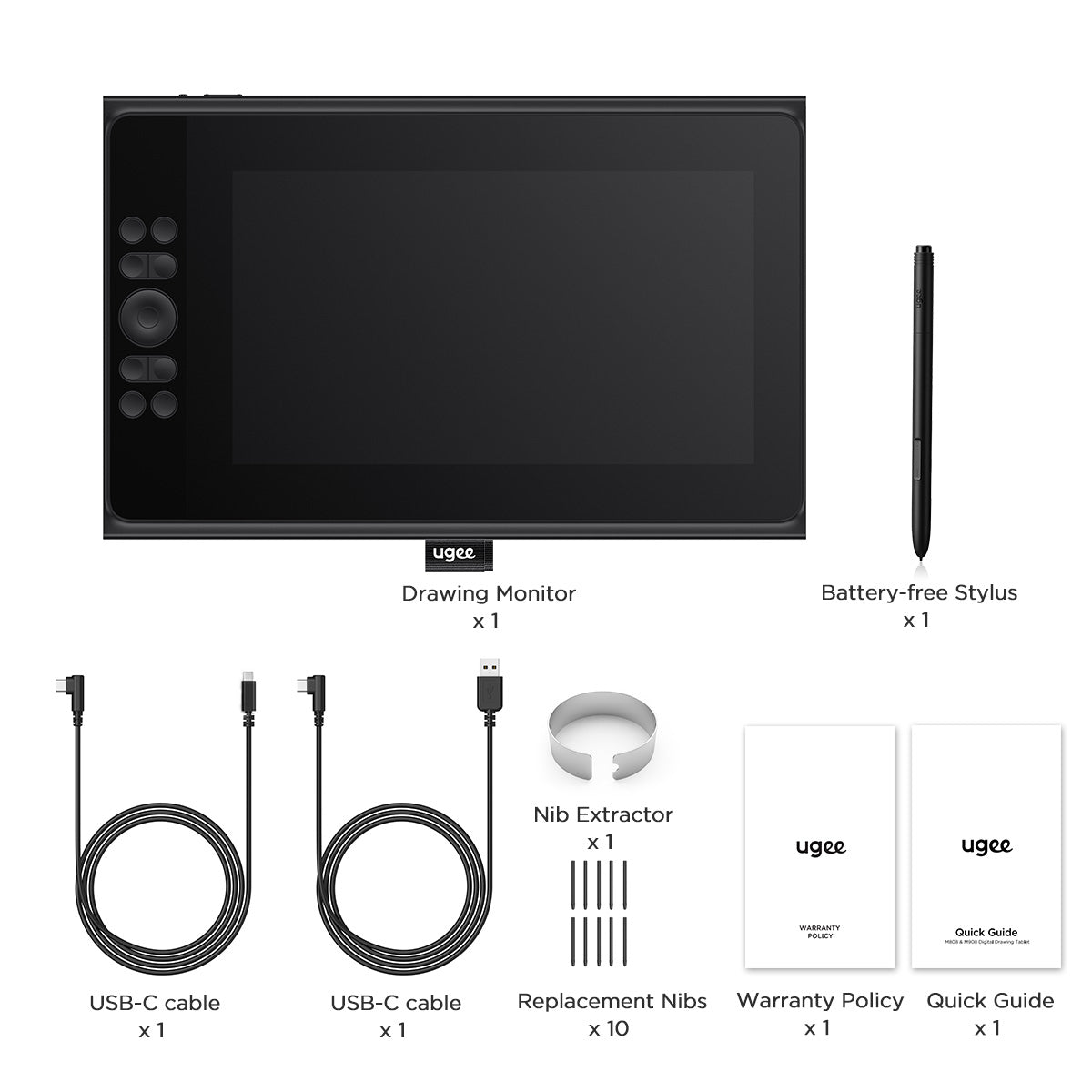
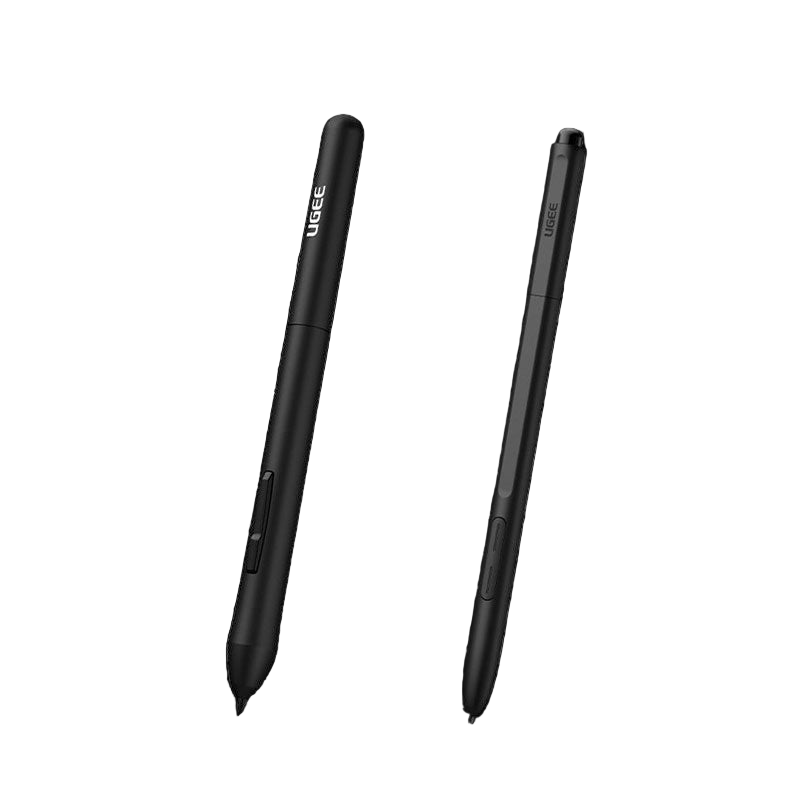
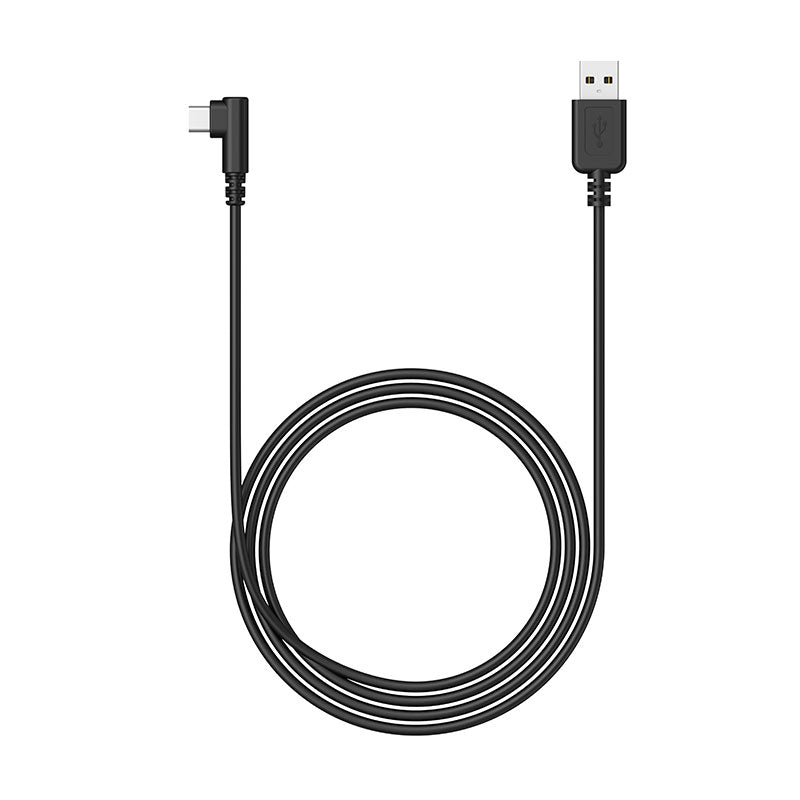
UE12 PLUS viene con un lápiz óptico sin batería, un cable 3 en 1, 2 cables de conexión USB-C, 10 puntas de repuesto y un extractor de puntas.
Choose An Accessory
Two black styluses with 'Ugee' branding on a white background
Precio habitual $15.00USD
Precio habitual $15.00USD Precio de oferta $15.00USD
Cables de conexión
Precio habitual $15.00USD
Precio habitual $15.00USD Precio de oferta $15.00USD
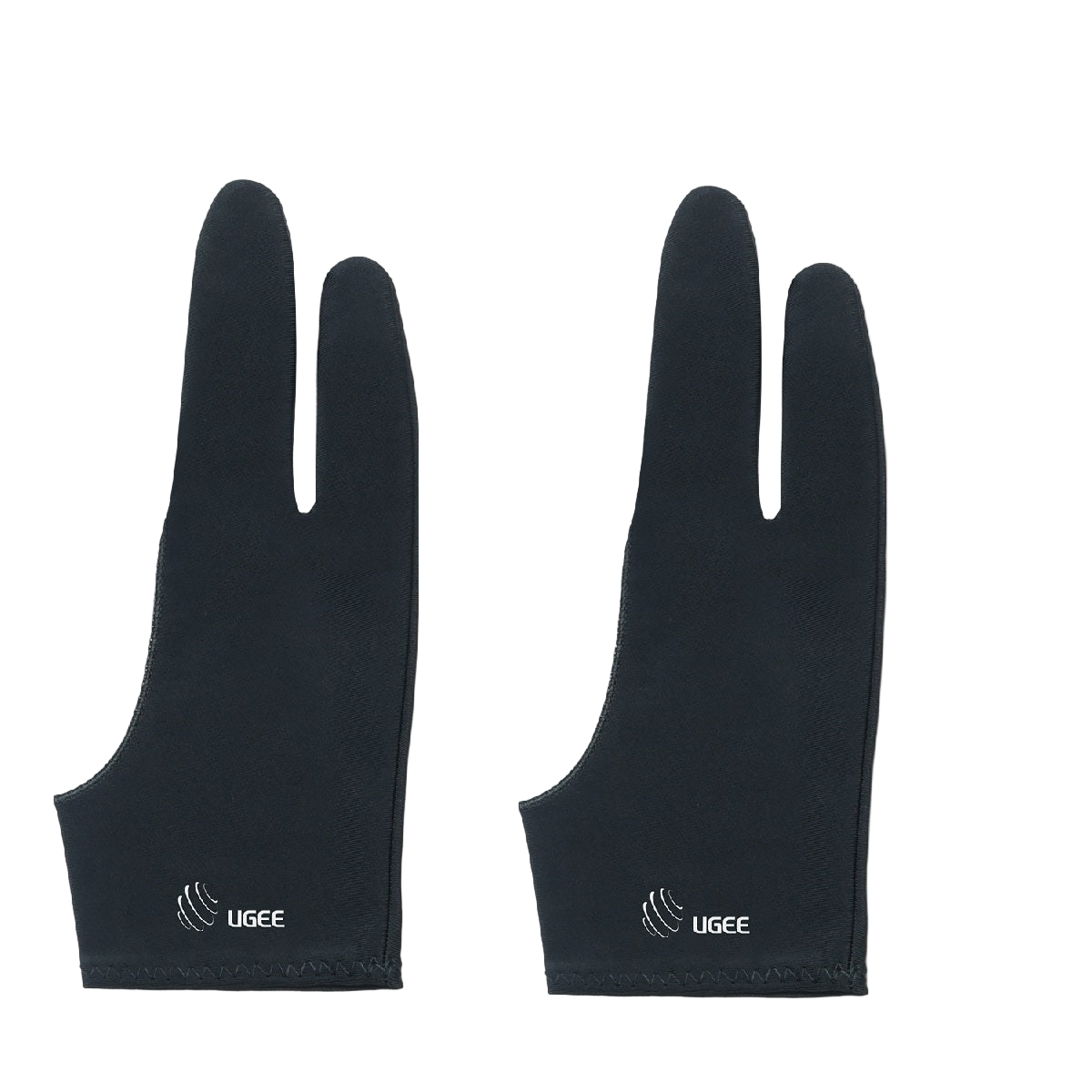
A pair of black ugee artist gloves designed for digital drawing, covering the hand and fingers with the brand logo visible.
Precio habitual $9.00USD
Precio habitual $9.00USD Precio de oferta $9.00USD
  • American Express
  • Apple Pay
  • Google Pay
  • iDEAL Wero
  • Mastercard
  • PayPal
  • Shop Pay
  • Union Pay
  • Visa
  • Klarna
Ver todos los detalles

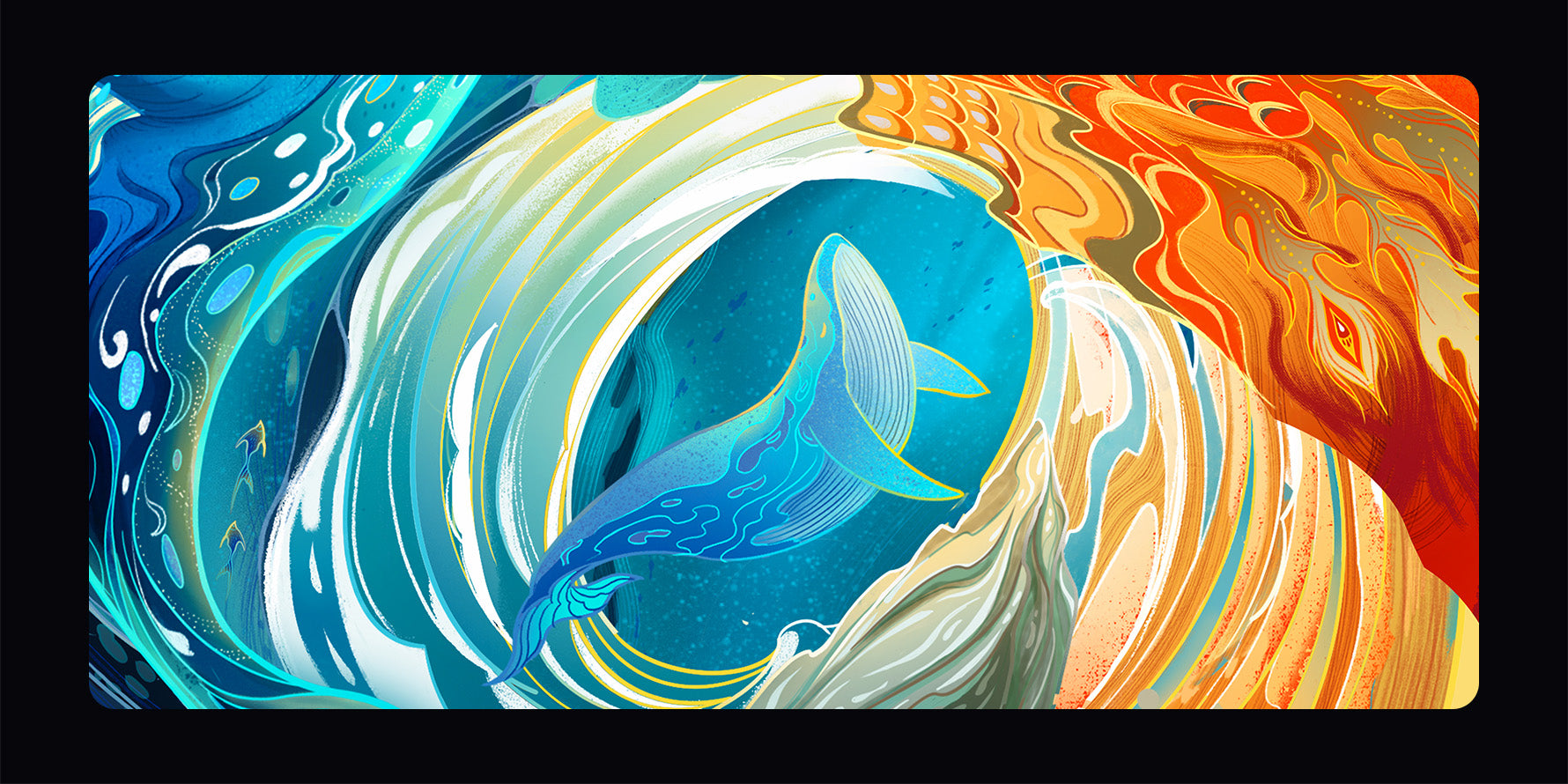
Pantalla completamente laminada con colores brillantes

Equipada con una pantalla completamente laminada, la pantalla UE12 abarca múltiples espacios de color profesionales de alta cobertura de color en comparación con la limitación tradicional del espacio de color único.
Excelente experiencia de dibujo

Más opciones de color. Reproduce de forma auténtica cada pincelada de color y presenta cada detalle con delicadeza. Las obras de arte cobran vida, son casi tangibles. ¡Crea impresionantes obras maestras sin esfuerzo!
  • 147%

    sRGB
  • 8

    Teclas de acceso directo
  • 16K

    Niveles de presión

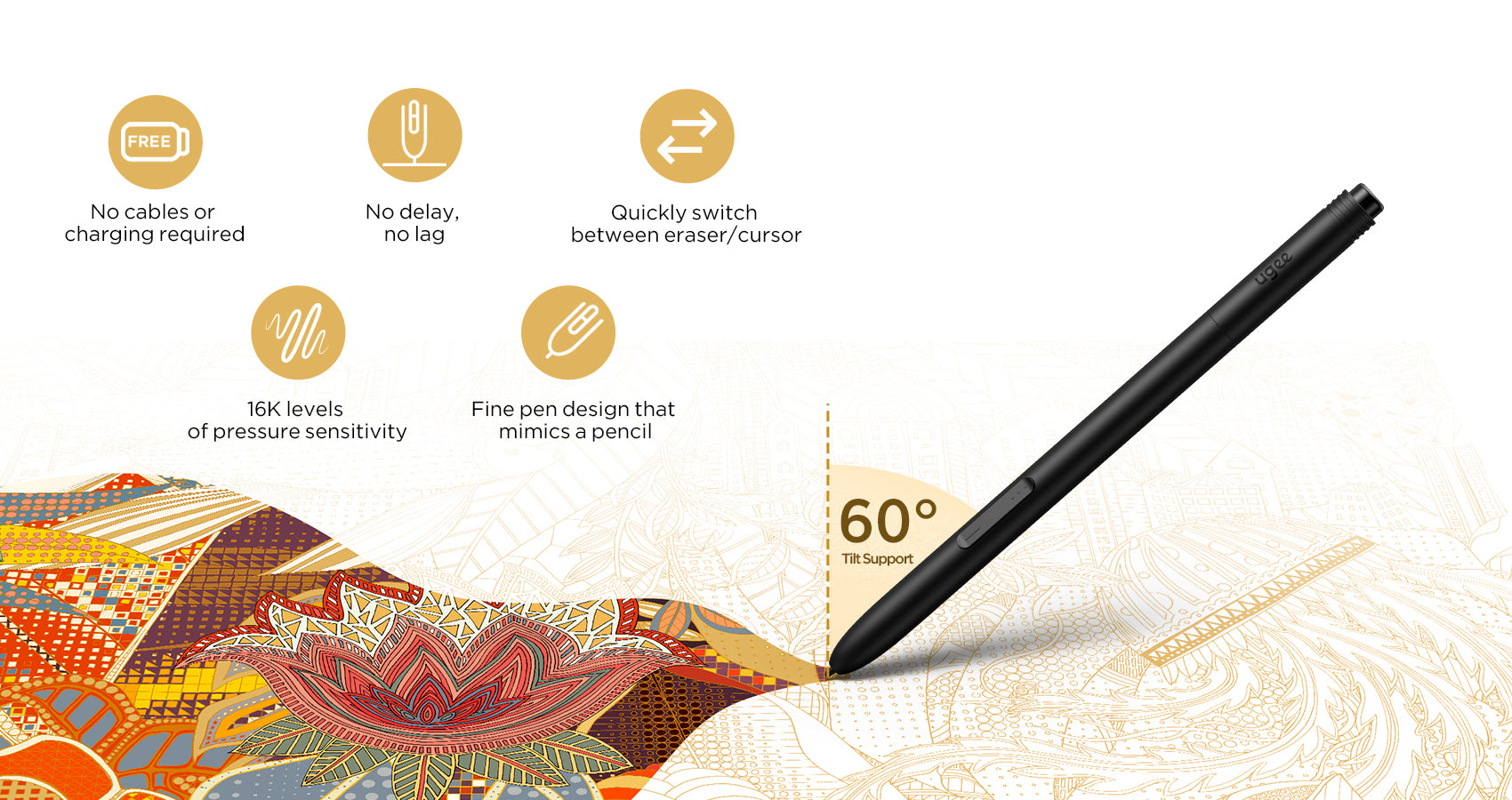
Lápiz óptico sin batería, similar a un lápiz

Equipado con dos teclas de acceso rápido programables, que le permiten alternar sin esfuerzo entre herramientas de dibujo y maximizar su eficiencia.
Mayor flexibilidad en la conexión

Comodidad con dos puertos tipo C
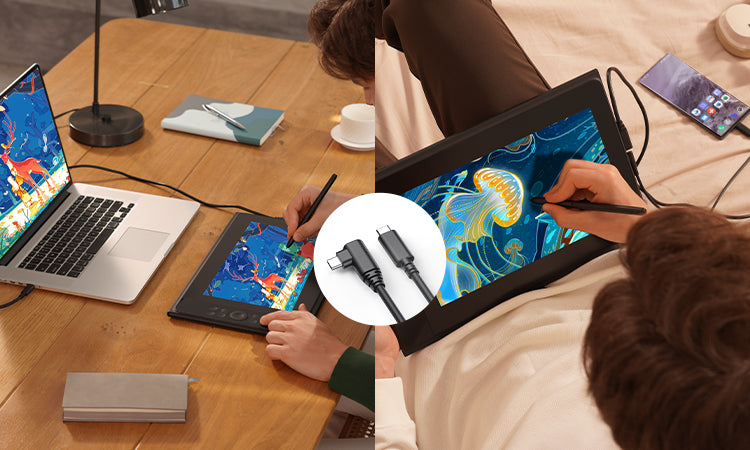
Con dos puertos tipo C integrados, el monitor de dibujo permite una inserción a ciegas sin complicaciones en ambas direcciones.
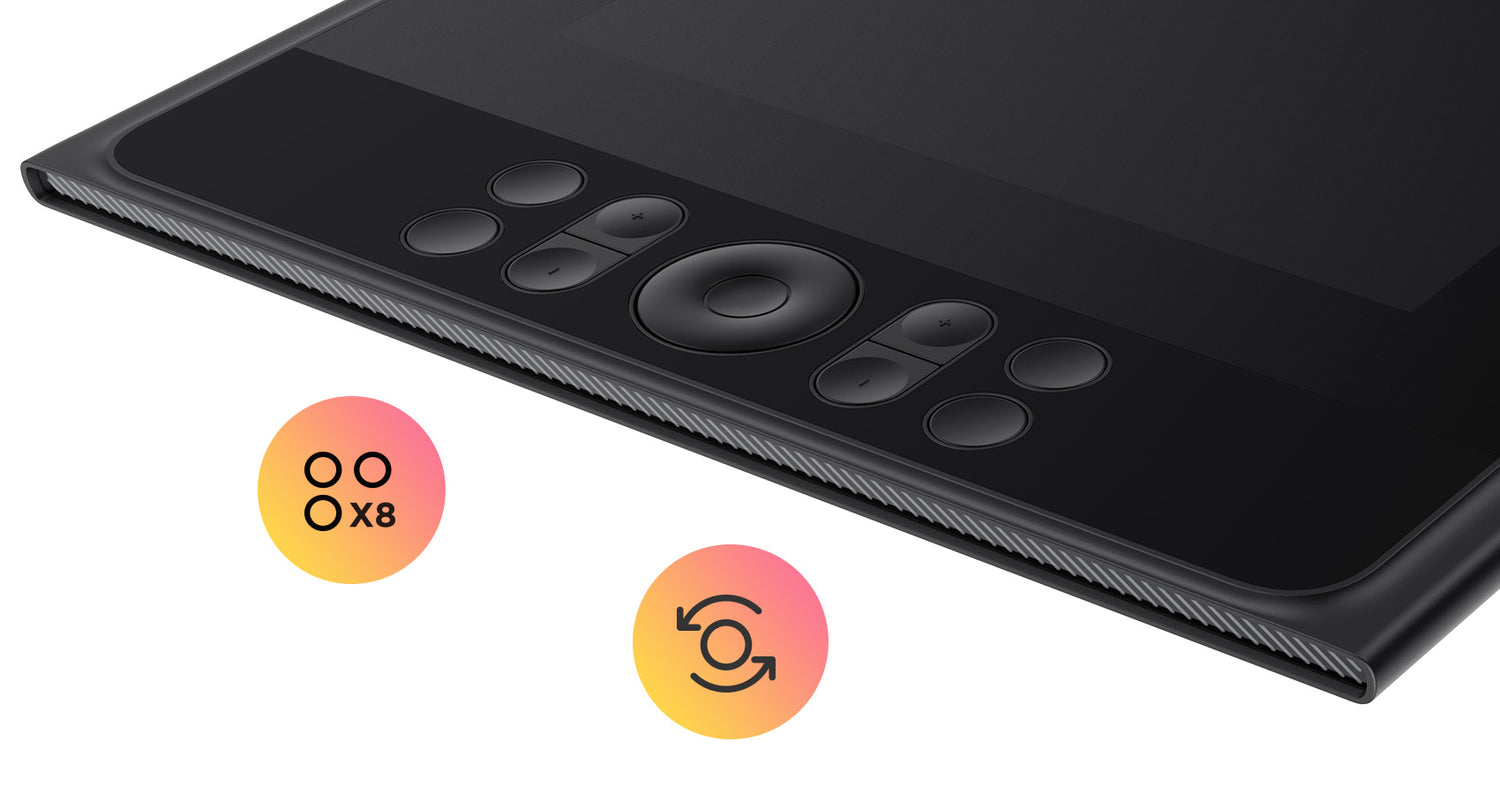
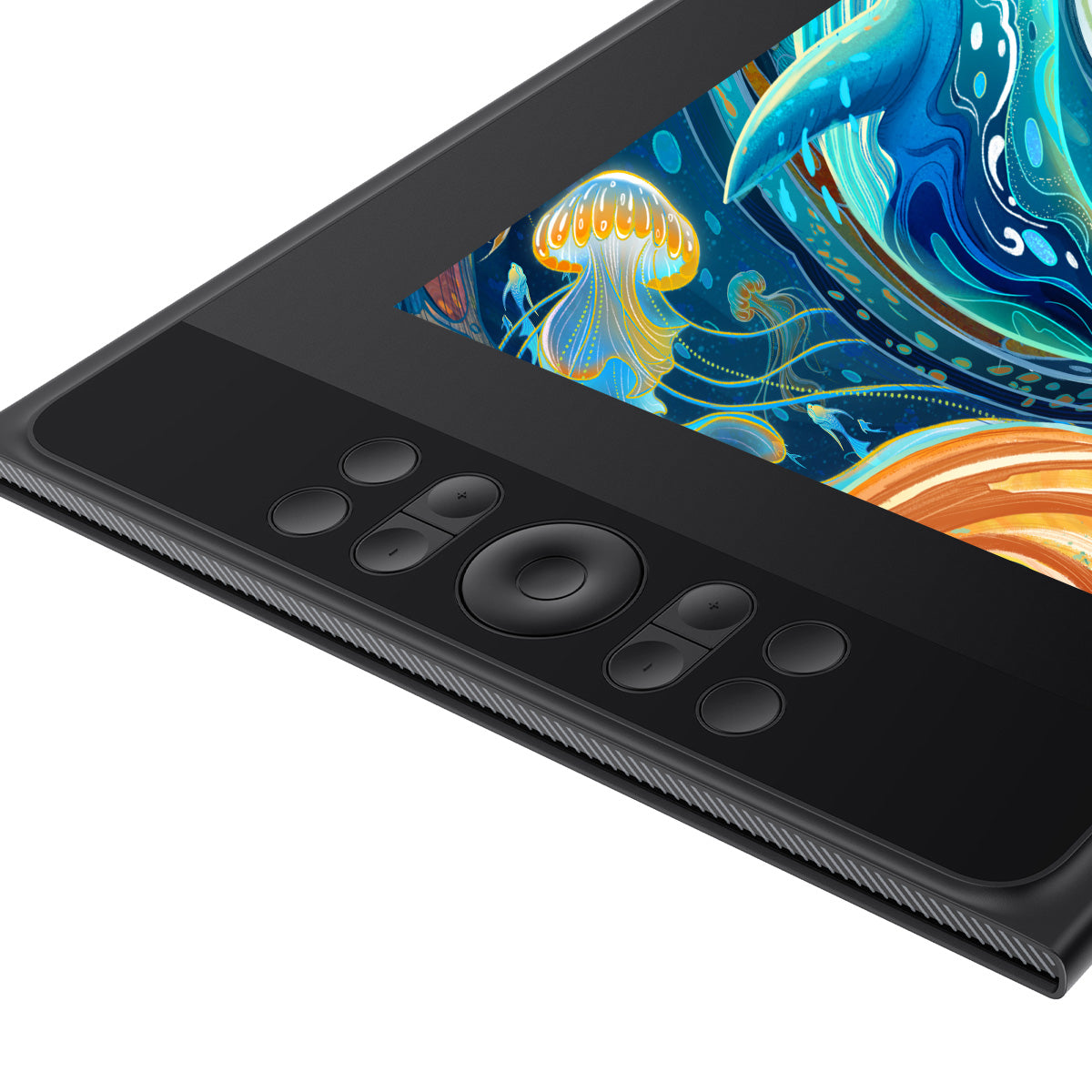
8 teclas de acceso directo y rueda de desplazamiento para un dibujo eficiente

Cambie entre herramientas y funciones rápidamente y ajuste las herramientas de dibujo con precisión para mejorar la productividad.
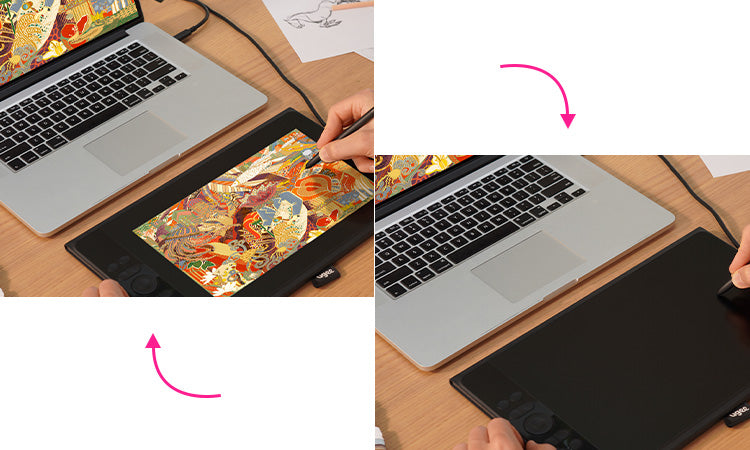
Cambio perfecto al modo tableta

Transfórmate de una pantalla de espera a una "tableta de dibujo" en cuestión de segundos, dando rienda suelta a una creatividad sin límites

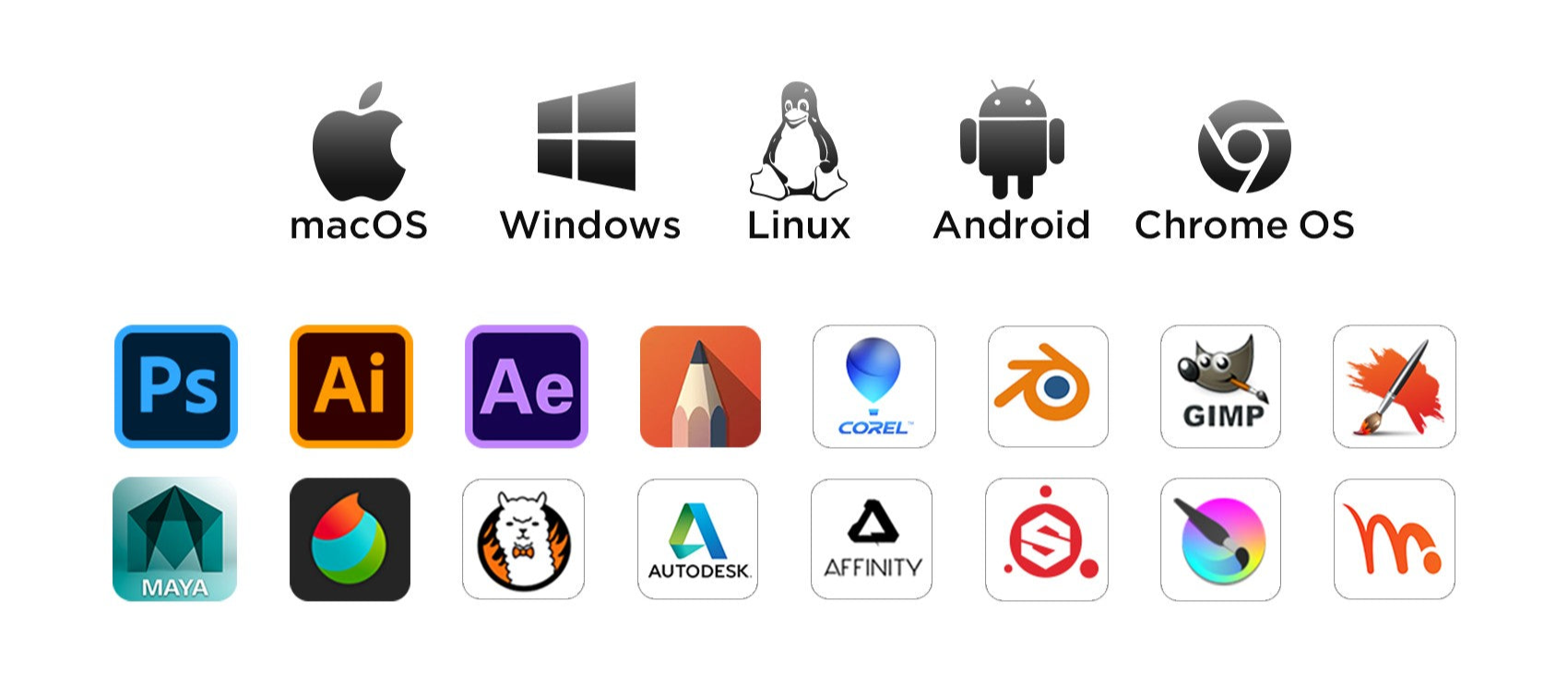
Amplia compatibilidad

Ugee Drawing Monitor es compatible con Windows, Mac OS, Linux y Chrome OS. También funciona bien con dispositivos Android y programas de dibujo populares.
Preguntas frecuentes

¿Cuánto tiempo tardará en llegar mi pedido?

Depende de tu dirección de envío. Los pedidos (excluidos los productos en preventa, algunos accesorios y regalos) suelen tardar entre 2 y 3 días laborables en procesarse y entre 3 y 15 días laborables en entregarse. Ten en cuenta que los fines de semana y los días festivos, así como las condiciones meteorológicas especiales, pueden provocar retrasos en la entrega. Si no recibes el paquete, ponte en contacto con nosotros directamente y proporciónanos tu número de pedido.

¿Cómo puedo rastrear mi pedido o recibir actualizaciones de entrega?

Una vez que se envíe su pedido, le enviaremos un correo electrónico de confirmación de envío con un número de seguimiento a su dirección de correo electrónico. Conserve este correo electrónico para realizar un seguimiento del estado de su pedido. Si no puede realizar un seguimiento de su pedido, comuníquese con nosotros y proporciónenos su número de pedido para verificar el estado.

No hay señal en el monitor de dibujo UE12 PLUS

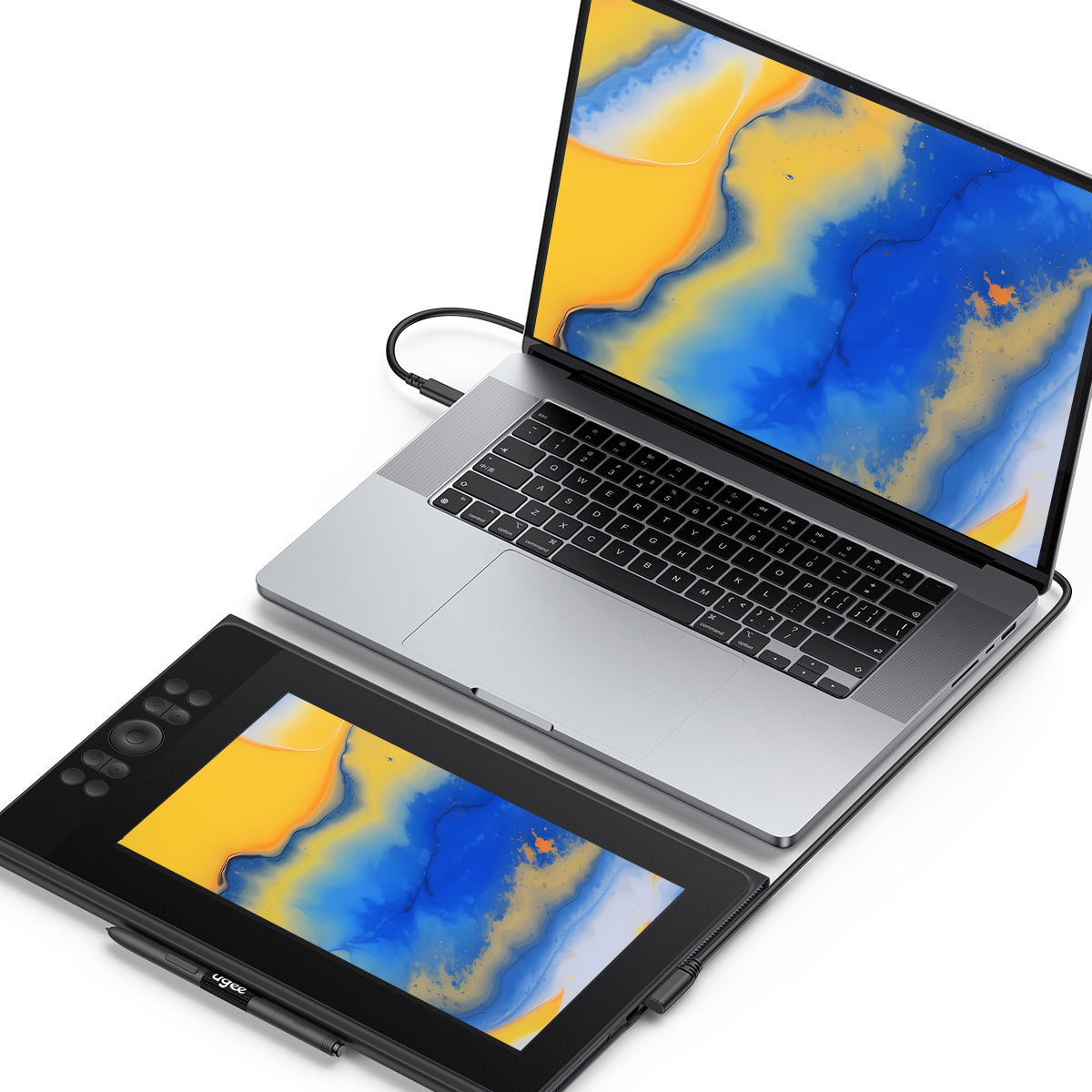
1. Si su computadora es una computadora portátil, verifique si puede usar el cable USB-C a C para conectar esta tableta a su computadora.

2. Si su computadora es una PC de escritorio, debe usar un cable 3 en 1 ( cómo usar un cable 3 en 1 ). Si no puede encontrar el puerto USB-C con todas las funciones en su computadora portátil, también debe usar un cable 3 en 1.

3. Si todo lo anterior aún no funciona, contáctenos con un video que pueda mostrar claramente la conexión del cable cuando use el cable 3 en 1 para conectar esta tableta.

¿Se puede utilizar sola la tableta gráfica con pantalla?

No, necesitas conectarte a un teléfono inteligente, computadora portátil o PC, no es un dispositivo independiente.

¿Se puede ajustar el brillo de la pantalla del Monitor de dibujo?

Puede ajustar el brillo de la pantalla según sus hábitos de uso. La pantalla de dibujo gráfico viene prelaminada con una película antideslumbrante AG para reducir la interferencia de los reflejos y proteger sus ojos.

¿Cuál es el significado de la luz indicadora?

a. Presione el botón de encendido para encender el dispositivo. La luz indicadora azul permanecerá encendida de manera constante después de encenderlo. Presione el botón de encendido nuevamente para apagarlo.
b. Estado de espera, luz naranja fija
c. Mantenga presionado el botón de encendido durante 3 segundos; las luces indicadoras azul y naranja parpadearán de manera escalonada para ingresar al modo de tableta de dibujo. Presione el botón de encendido nuevamente para reanudar el modo normal.

¿Funciona el monitor de dibujo en el sistema IOS?

No, UE12 Plus no puede funcionar en sistemas iOS como iPhone o iPad, pero sí en MacBook.

¿Cómo conecto una tableta de dibujo ugee a un teléfono Android (incluido Android 14)?

Para conectar su tableta de dibujo ugee a un teléfono Android (incluido Android 14), siga las Herramientas de configuración de Android

C
Chloe
Simple to set up

This was my first drawing monitor and the setup was incredibly easy. I just plugged it in via USB-C downloaded the driver and it worked immediately. A perfect first buy for a budding digital artist .

N
Nathan
Good BUY

I've had this for a few months and it's served me well as an entry point into digital art. The specs are amazing for the price. However I'm finding the 11.9-inch screen a bit small for my work especially when Photoshop toolbars take up so much space. I'm planning to upgrade to the bigger UE16 for more drawing room?.

M
Madison
Solid choice for Android users

I was surprised to find out I could connect this to my Android phone. It's a great way to get a larger precise canvas for drawing on mobile. Note that you'll need a USB-C to USB-C cable and a power source for the phone but it works flawlessly?.

J
Jacob
Amazing pen performance

The drawing experience is top-notch. The pressure sensitivity is incredibly sensitive and there's almost no lag.

S
Sofia
The dial is a game-changer for painting

The mechanical dial on the side is a fantastic feature. I use it to zoom in and out or change brush size on the fly which has sped up my workflow significantly. Combined with the 8 express keys I rarely need to reach for my keyboard anymore?.

R
Ryan
Works perfectly for photo retouching

As a photographer I use this for culling and retouching. The 1080p resolution is fine for this though it isn't 4K.
The color accuracy is very good for editing skin tones and the pen allows for precise dodging and burning.

E
Elizabeth
Hefty bezels

The bezels are definitely big which makes the physical tablet larger than the 11.9-inch screen suggests.

J
Jack
Great for Students

I'm a graphic design student and the color accuracy is what sold me. The ability to switch between color spaces (sRGB Adobe RGB DCI-P3) is a pro-level feature rarely seen at this price. My prints match my screen closely which saves me money and frustration?.

E
Emily
A big step up from a screenless tablet

Moving from a standard pen tablet to this was a revelation. The hand-eye coordination is so much more natural. The colors are accurate right out of the box and the full lamination means there's no parallax (gap between the pen tip and cursor). It feels like you're drawing directly on the paper?.

O
Olivia
Good quality

Good quality so far.

J
John
Well

Works seamlessly with Photoshop and Clip Studio.

M
Matthew
Comfortable PEN

The stylus is light and comfortable and the 16k pressure levels are truly responsive—even the lightest touch is registered.

P
Peter
Worh buying

Worth every penny! Smooth parallax-free display, and the pen’s pressure range handles everything from light sketches to bold lines

A
Abigail
Excellent for note-taking and office work

I'm not an artist I'm a teacher who needs to annotate PDFs. This screen is perfect for that. The clarity is excellent the 16:9 aspect ratio works great with my lecture slides and the wheel makes zooming in on details effortless. It saves me so much paper!?

R
Robert
For drawing

I use this daily for illustration.

M
Micheal
I like it

The pen feels premium, and shortcuts are easy to program. Tablet responds instantly to every stroke and adapts perfectly to my art style

T
Tylor
Great device

?I use it primarily for editing photos with Lightroom so I've configured the express keys on the tablet specifically for Lr. The tablet drivers installed without any hassles. The tablet configuration program is pretty straight forward but could use a bit more explanation (not much in tool tips.) It sets up primarily for right-handed users but you can flip the configuration around for lefties.?

F
Frank
Great gift

Bought this for my nephew’s birthday—he’s obsessed! ‘It’s way better than my old tablet,’ he says. The shortcuts are his favorite.

R
Raven
Compact but powerful

Compact but powerful.

M
Max
Customizable

Upgraded from an older model— customizable buttons blew me away

C
Christopher
Beware of the single USB-C limitation

I love the idea of a single cable but it turns out my laptop's USB-C port doesn't provide enough power. I had to buy the 3-in-1 cable separately to get it to work reliably which was an extra cost I didn't plan for. Check your laptop specs first! Besides that the pen is amazing and the shortcut keys are a lifesaver?.

E
Evelyn
Perfect for a portable setup

I bought this specifically because of the single USB-C connection. I can just plug it into my laptop and go—no messing with a bulky 3-in-1 cable. It's light enough to slip into my bag for the library and the foldable pen holder loop is a neat touch. The screen isn't the brightest but the anti-glare works great and I love the paper-like feel?.

A
Aron
Good

smooth response

A
Andrew
A game-changer for students on a budget

This tablet is an incredible value for the price! The 16k pressure sensitivity is unreal and the colors are fantastic—99% DCI-P3 is a spec I never expected at this price point.
The only downside is the screen brightness which is a bit low but for a starter pen display it's a small compromise for the price?.

D
Dylan
Perfect

Perfect for beginners and pros alike. Responsive surface precise pressure control = no lag or frustration

J
Joseph
Change my workflow

Setup took 2 minutes! The pen’s ergonomic design and shortcuts are game-changers for my workflow

G
G.T
My gift

My sister loved this as a graduation gift - the performance is professional grade.

I
Irvin
Good brand.

The touch ring and 8 buttons have greatly improved my workflow. Love it so much!

Z
Zelene
More than a drawing monitor.

At first, I only use it as a drawing tool. But later I find it works nicely as a second screen.I couldn't be happier.

H
Hamlin
Perfect.

Perfect for people who have grasped certain drawing skills. Not recommended for beginners.

R
Ryan
Superb drawing monitor.

It is easy to set up and compatible with many drawing programs, but it doesn't come with the USB C to C cable.

T
Theodora
High quality.

The display screen is clear and the pen is very smooth to use. There is almost no delays when drawing. And the price is also very right for me.

F
Fletcher
Impressive.

Impressed with this drawing tablet's screen! The colors are vivid, and the pen glides smoothly. It's also easy to carry around. The only drawback is it gets scratched easily. Better buy a screen protector.

Monitor de dibujo ugee de 11,9" UE12 PLUS

Precio habitual $169.00USD
Precio habitual $209.00USD Precio de oferta $169.00USD
-19%