
Ir directamente a la información del producto
1 de 9

Free Shipping

Lifetime Support

30 Days Money Back Guarantee

12 Months Warranty

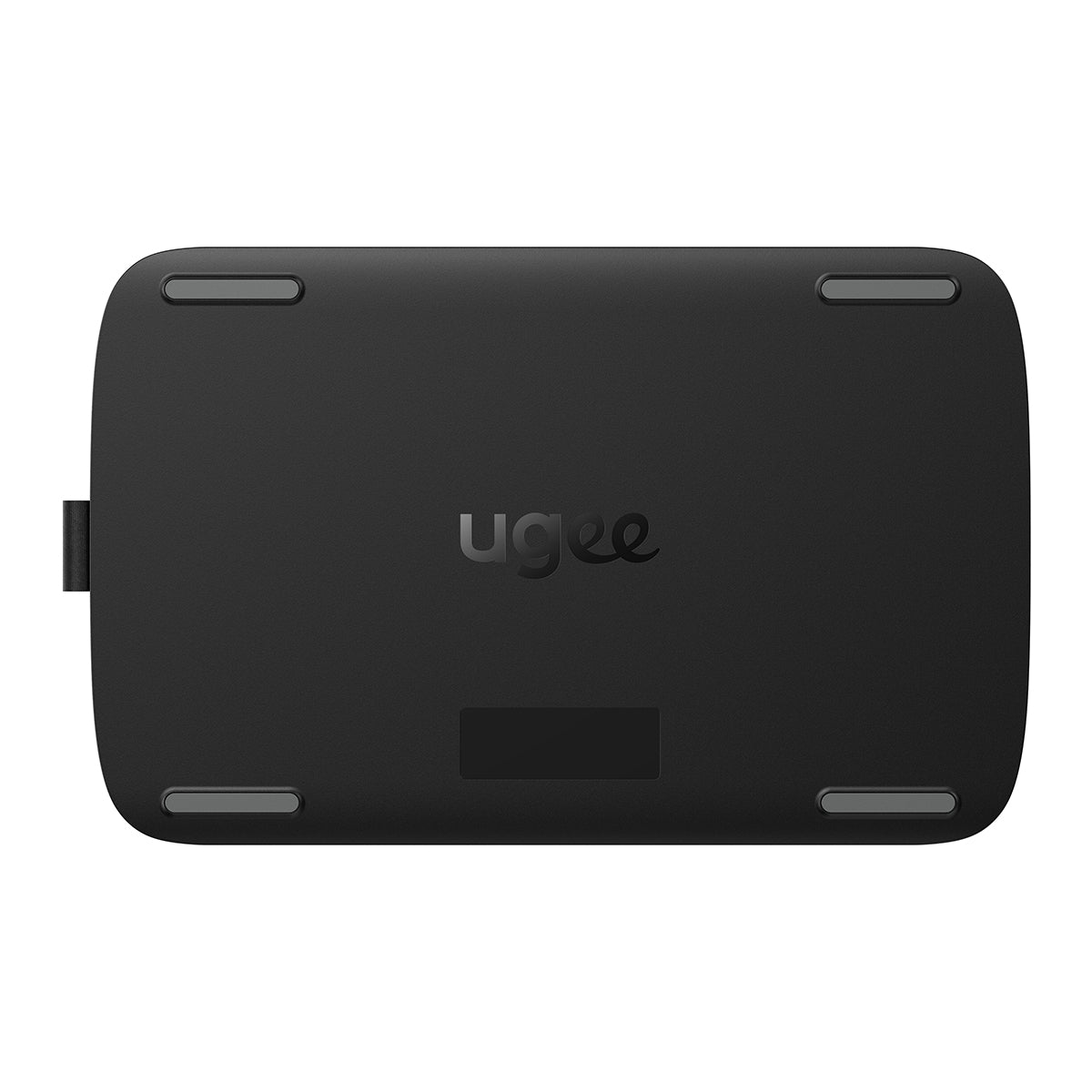
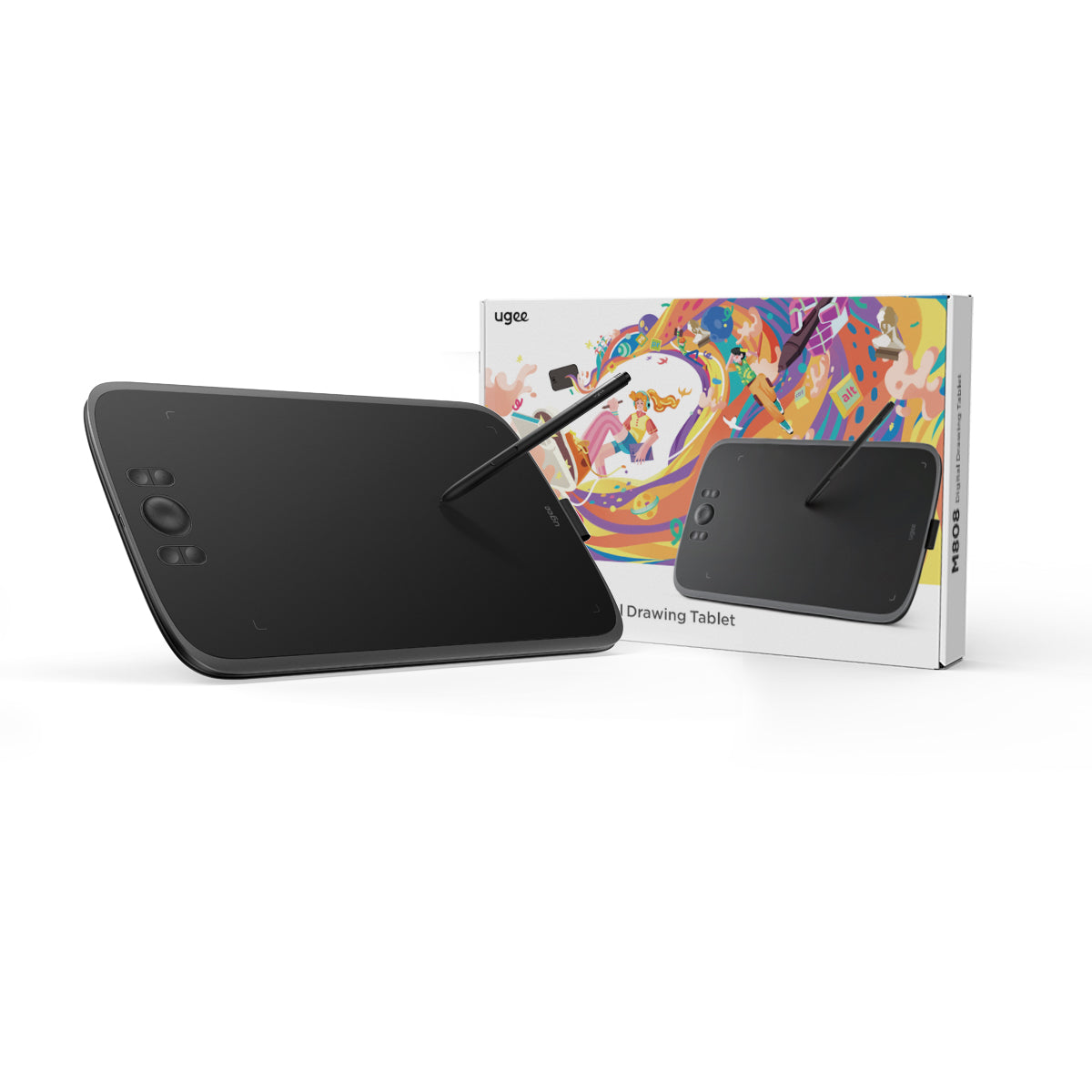
Tableta de dibujo Ugee 10" M808

Tableta de dibujo Ugee 10" M808

Precio habitual $39.00USD
Precio habitual $39.00USD Precio de oferta $39.00USD

Description

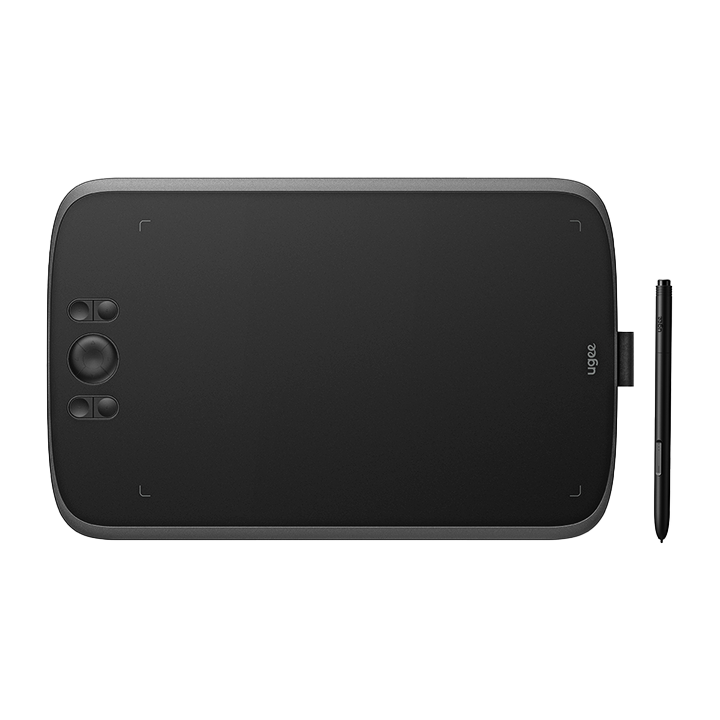
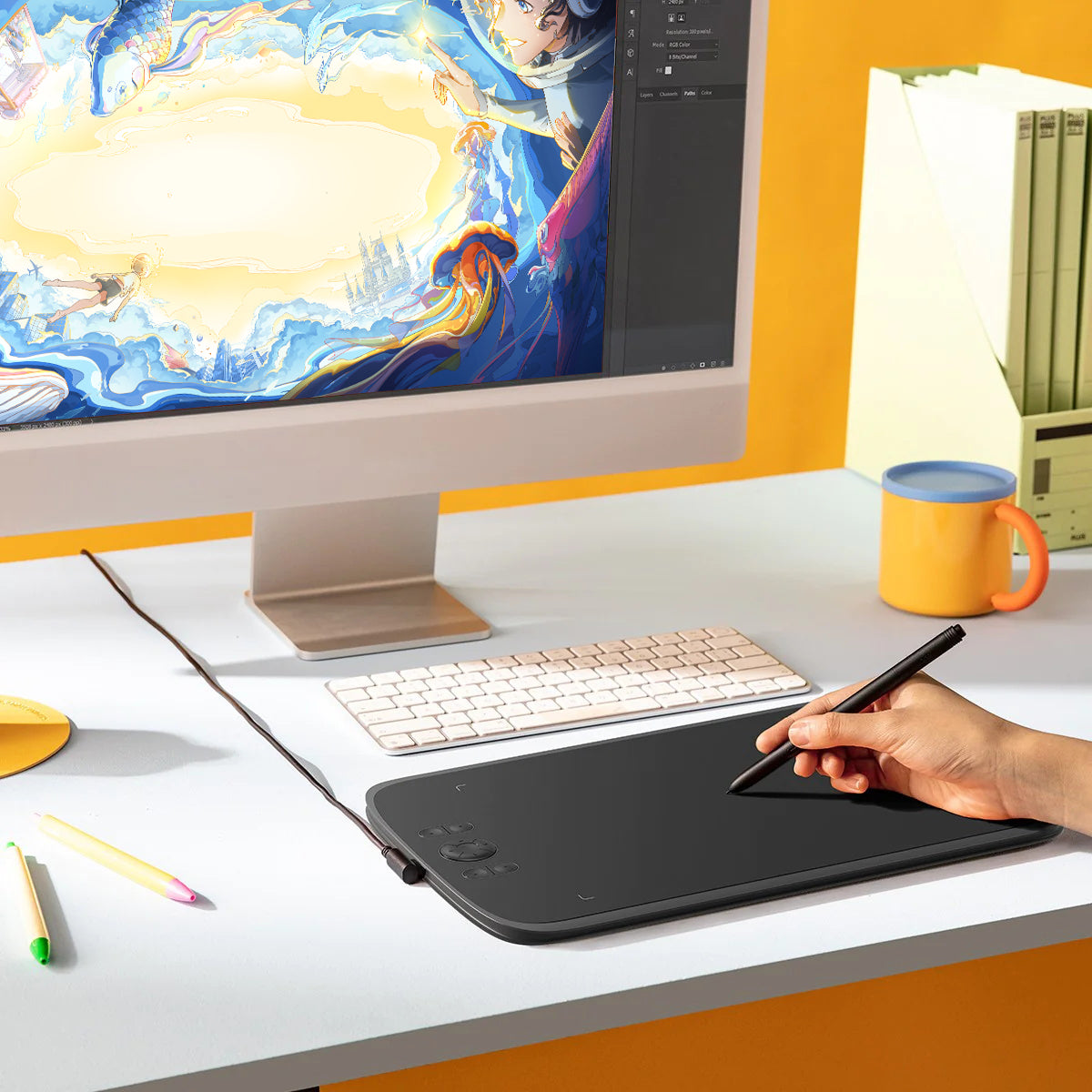
Junto con la nueva generación de lápiz óptico PH23, el ugee M808 está equipado con 8 teclas de acceso directo, lo que proporciona una experiencia de dibujo suave y conveniente, compatible con Windows/Mac/Android, para dibujo digital y edición de fotografías. 16K niveles de presión.

IVA incluido

Los precios de los productos incluyen IVA (Europa)

¿Qué hay dentro?

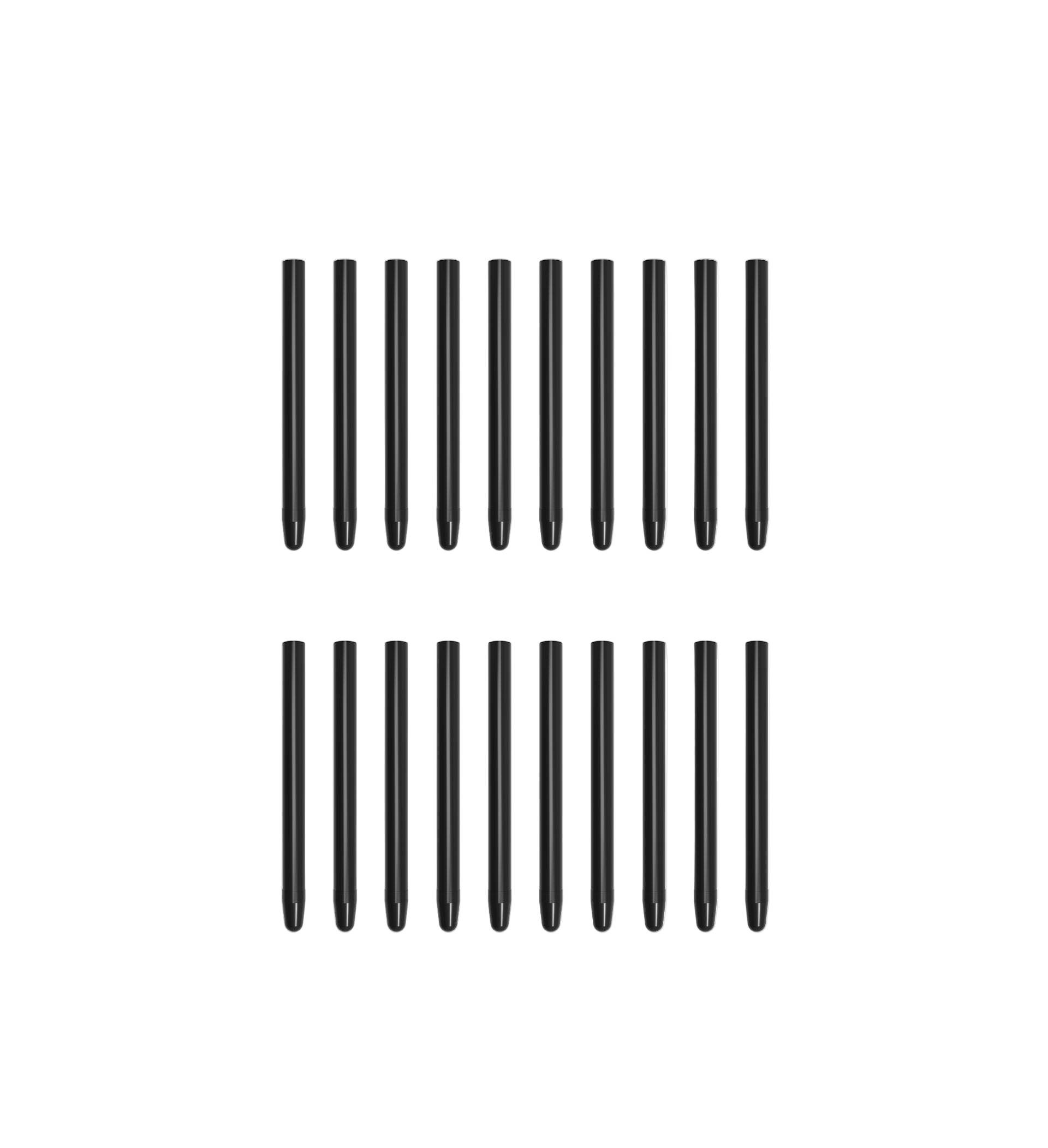
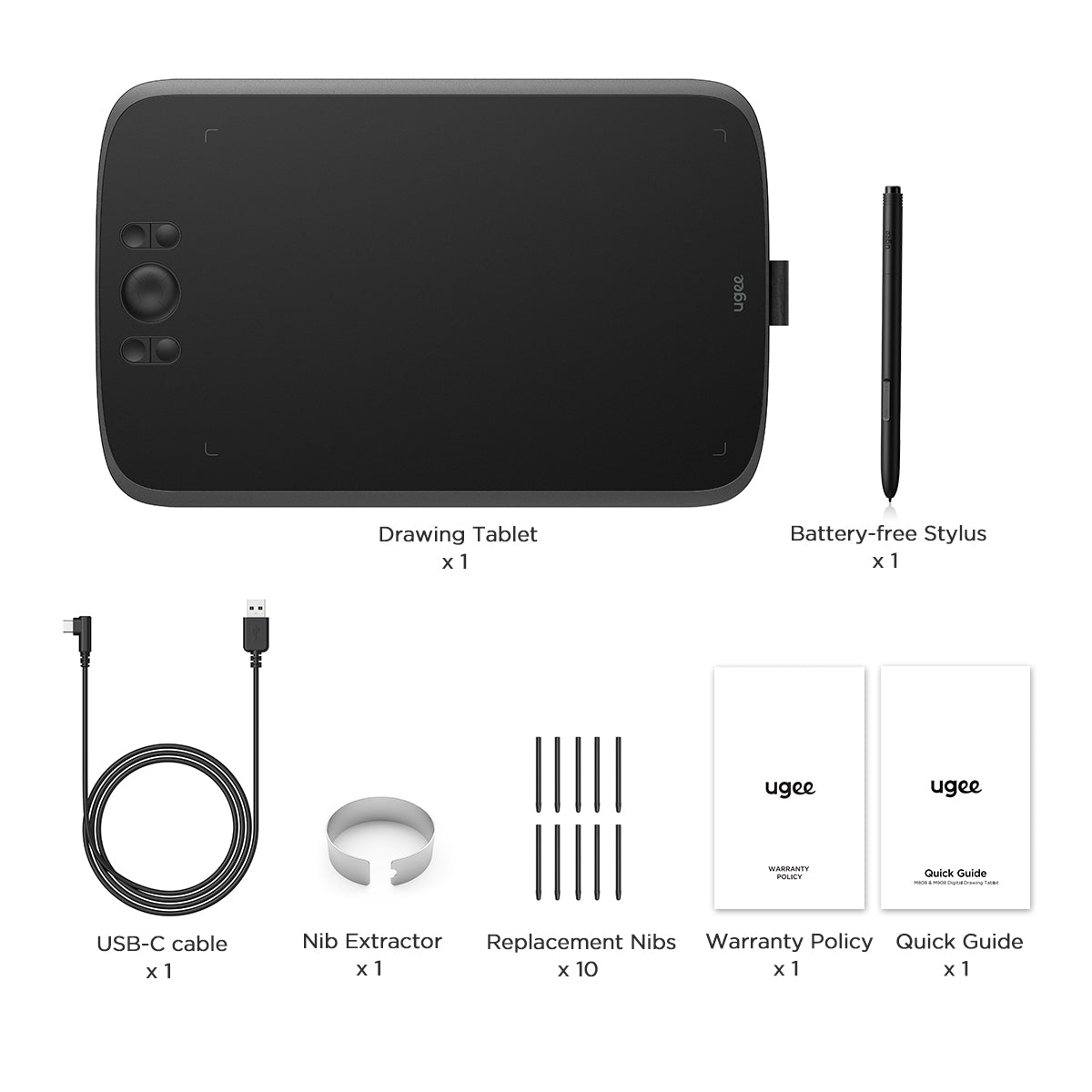
El M808 viene con un lápiz óptico sin batería, un cable de conexión USB-C, 10 puntas de repuesto y un extractor de puntas.
Choose An Accessory
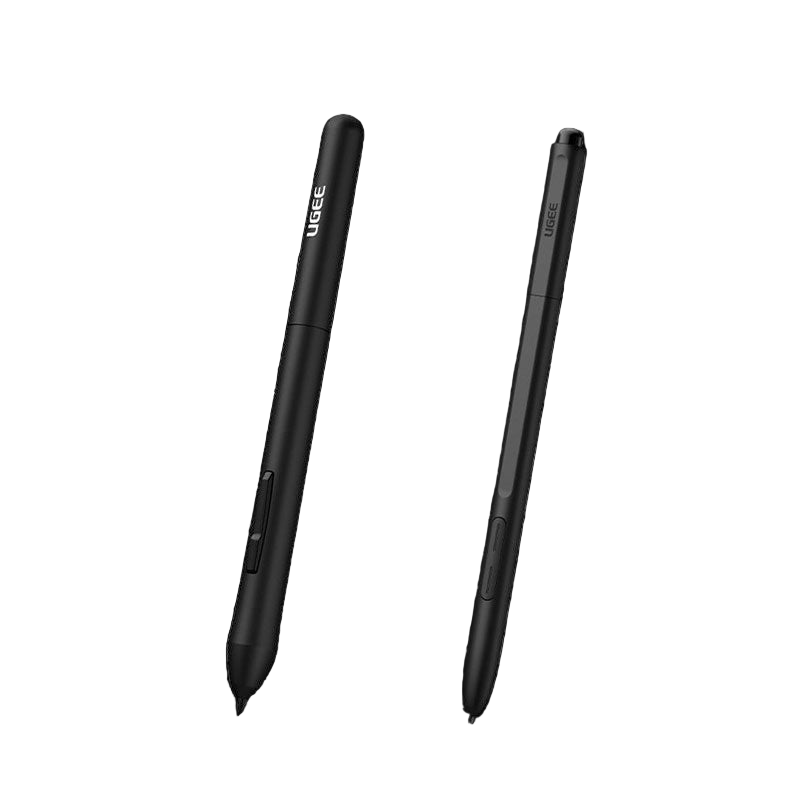
Two black styluses with 'Ugee' branding on a white background
Precio habitual $15.00USD
Precio habitual $15.00USD Precio de oferta $15.00USD
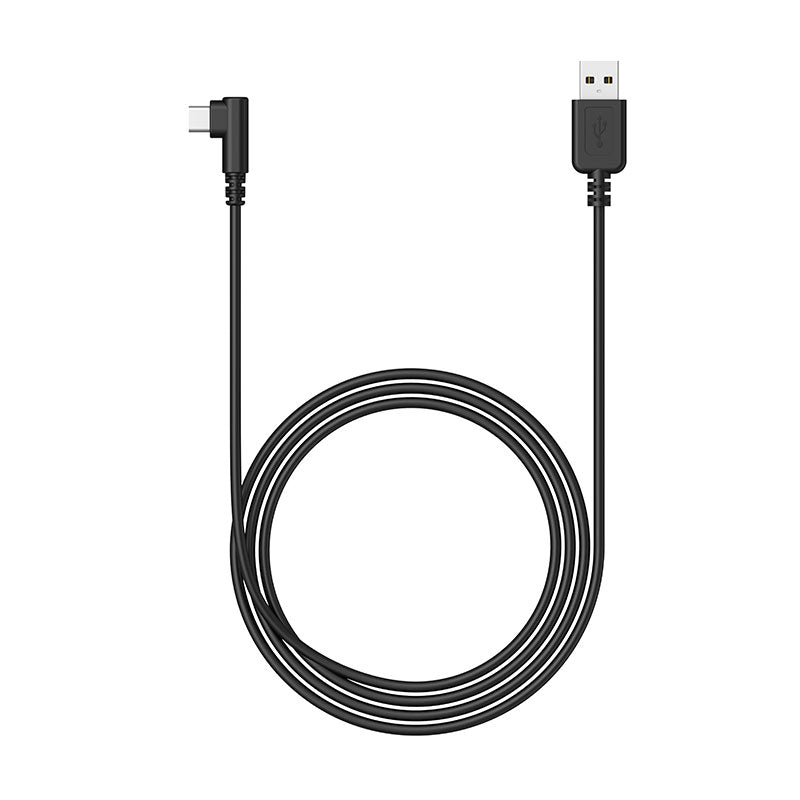
Cables de conexión
Precio habitual $15.00USD
Precio habitual $15.00USD Precio de oferta $15.00USD
Stylus sin batería
Precio habitual $15.00USD
Precio habitual $15.00USD Precio de oferta $15.00USD
  • American Express
  • Apple Pay
  • Google Pay
  • iDEAL Wero
  • Mastercard
  • PayPal
  • Shop Pay
  • Union Pay
  • Visa
  • Klarna
Ver todos los detalles

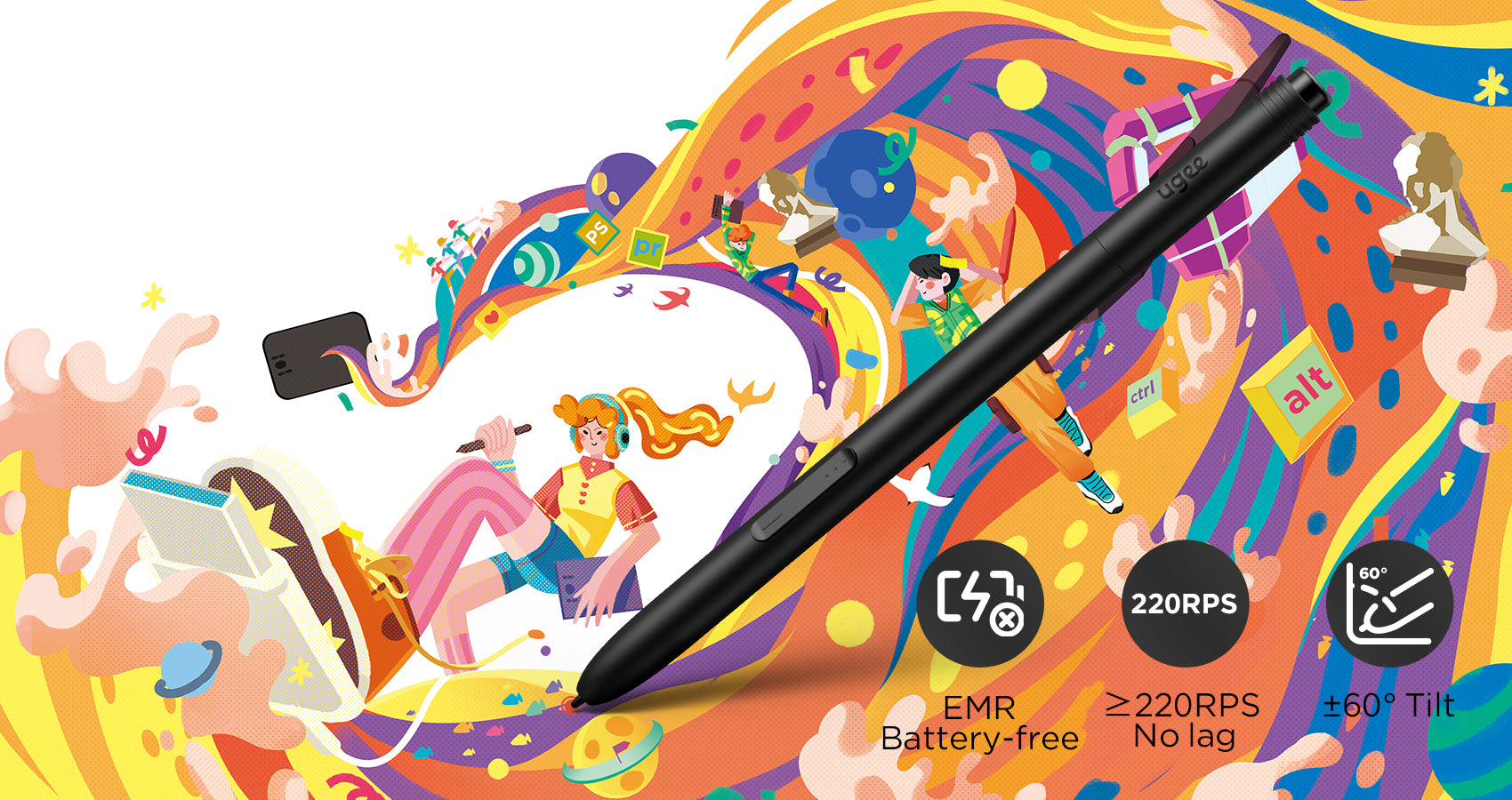
Lápiz óptico de nueva generación sin batería

Experimente la máxima actualización con nuestra nueva generación de lápices ópticos PH23, equipados con tecnología electromagnética pasiva avanzada. En comparación con los lápices ópticos tradicionales, el PH23 controla significativamente la apertura de la punta a <0,1 mm , lo que garantiza un dibujo preciso y suave sin oscilaciones ni rebotes no deseados.
Mejorar la eficiencia del dibujo

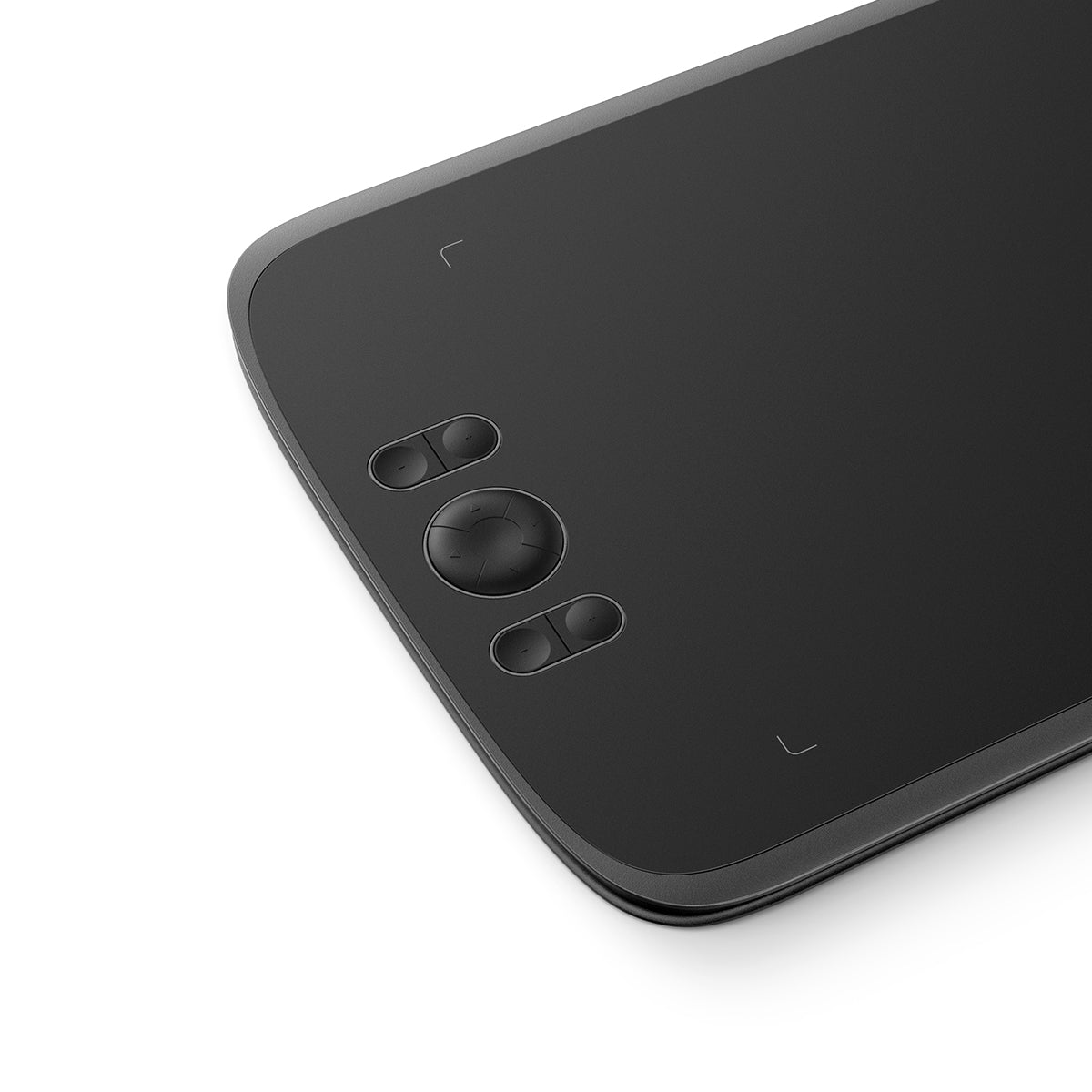
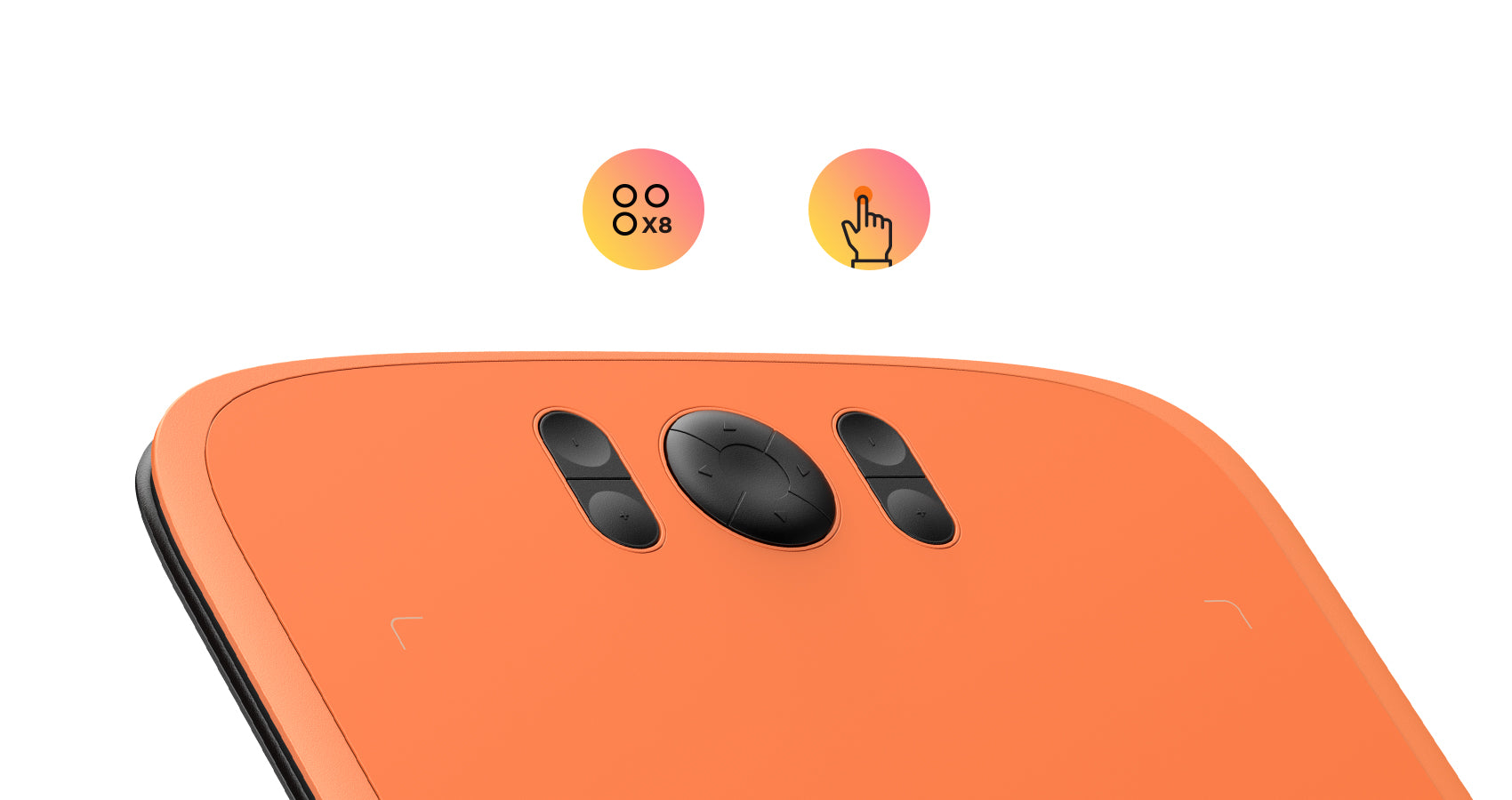
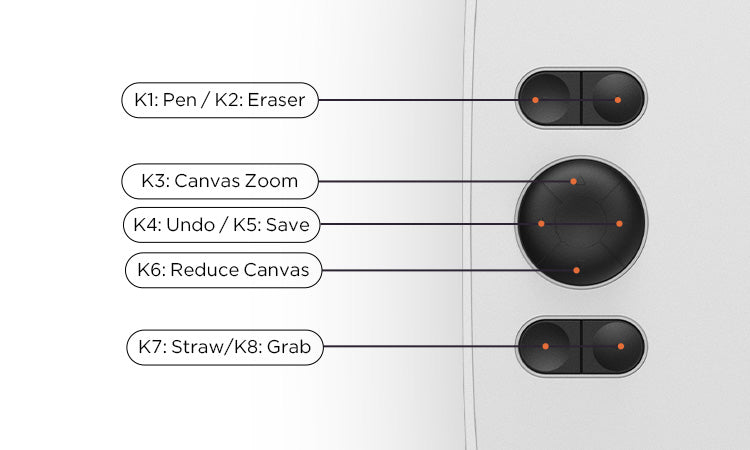
El M808 está equipado con 8 teclas de acceso directo personalizables ubicadas convenientemente con un diseño texturizado para una fácil operación a ciegas, comience fácilmente y permanezca concentrado en su proceso creativo sin distracciones, mejorando enormemente la eficiencia del dibujo.
Personaliza tus preferencias

La configuración predeterminada de las teclas de acceso directo son herramientas de dibujo de uso común, como lápiz, borrador, ajuste del tamaño del pincel y deshacer, etc. También puede personalizar las teclas de acceso directo a través de la computadora según sus preferencias.
Conexión rápida

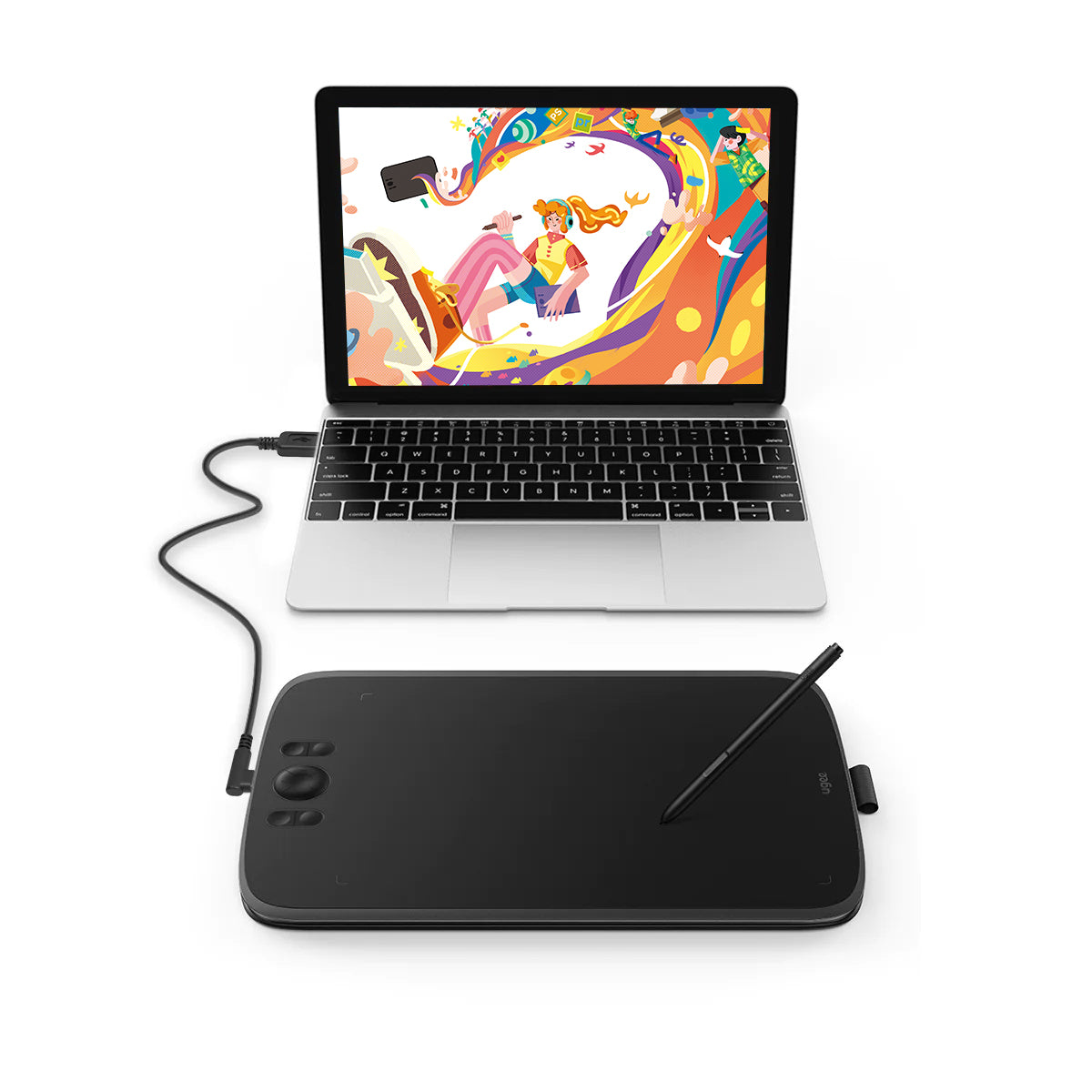
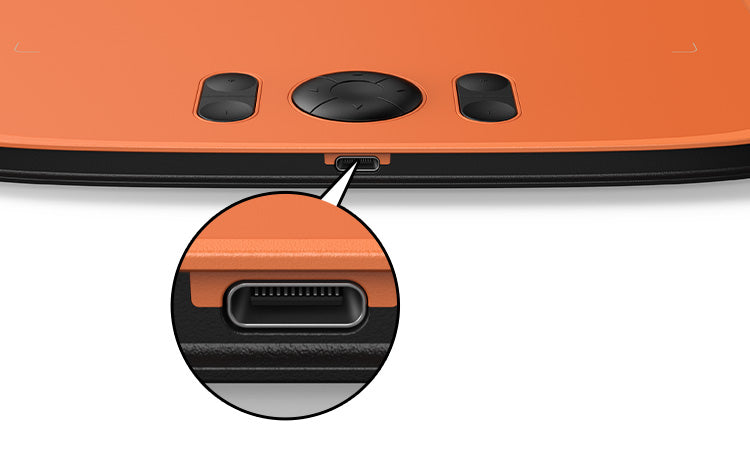
Esta tableta de dibujo viene equipada con un puerto tipo C convencional, lo que permite una conexión a ciegas para una mayor comodidad. Con solo un cable USB-A a C, puede conectar sin esfuerzo la tableta de dibujo a su computadora, computadora portátil, teléfono y tableta Android, y comenzar su proceso creativo al instante.

Dibujar en teléfonos Android

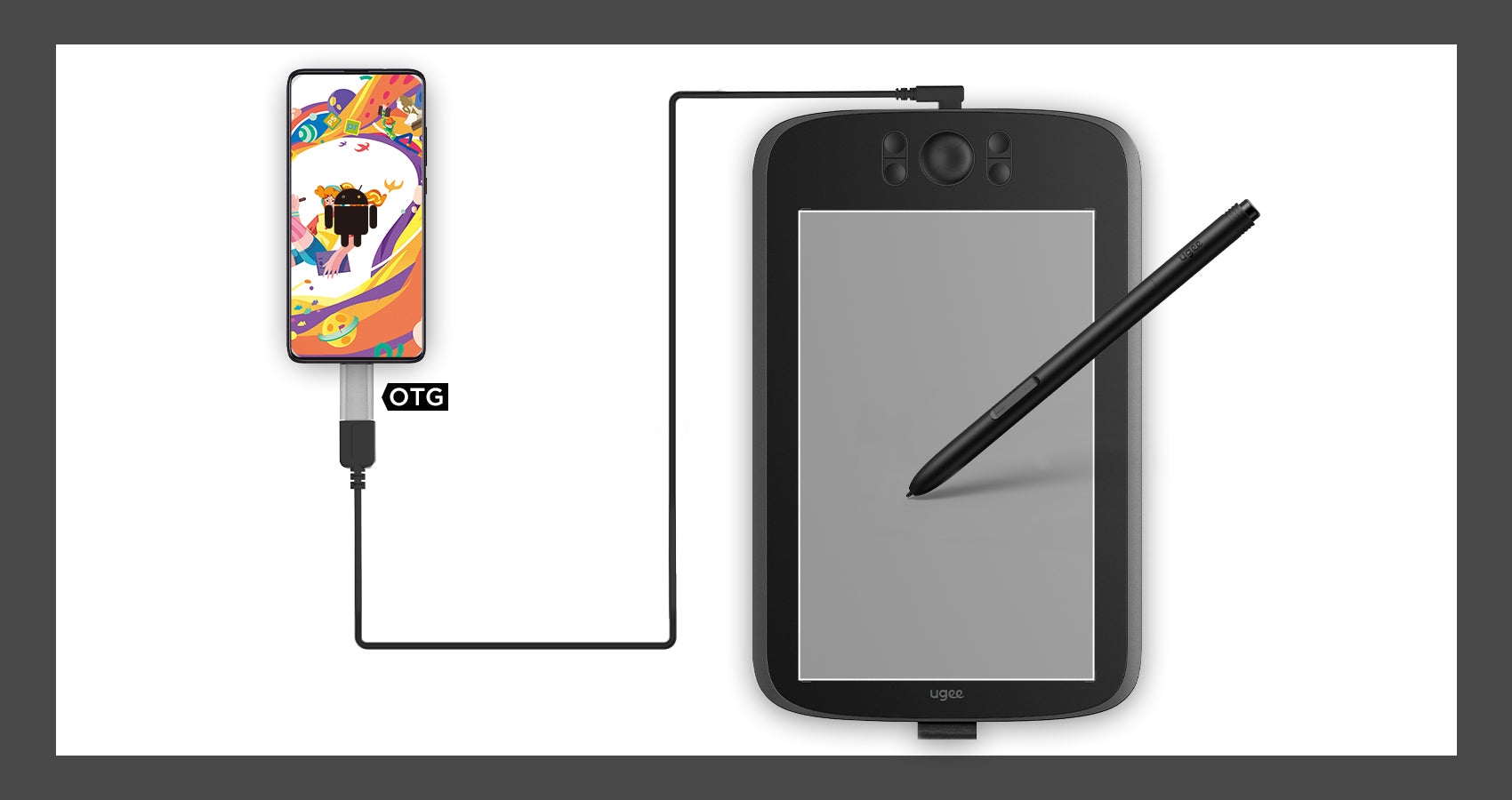
Además de las computadoras, la tableta de dibujo también admite la conexión y el uso de teléfonos Android. El estado de tablero vertical predeterminado al conectarse se adapta al hábito de dibujar con el teléfono móvil.
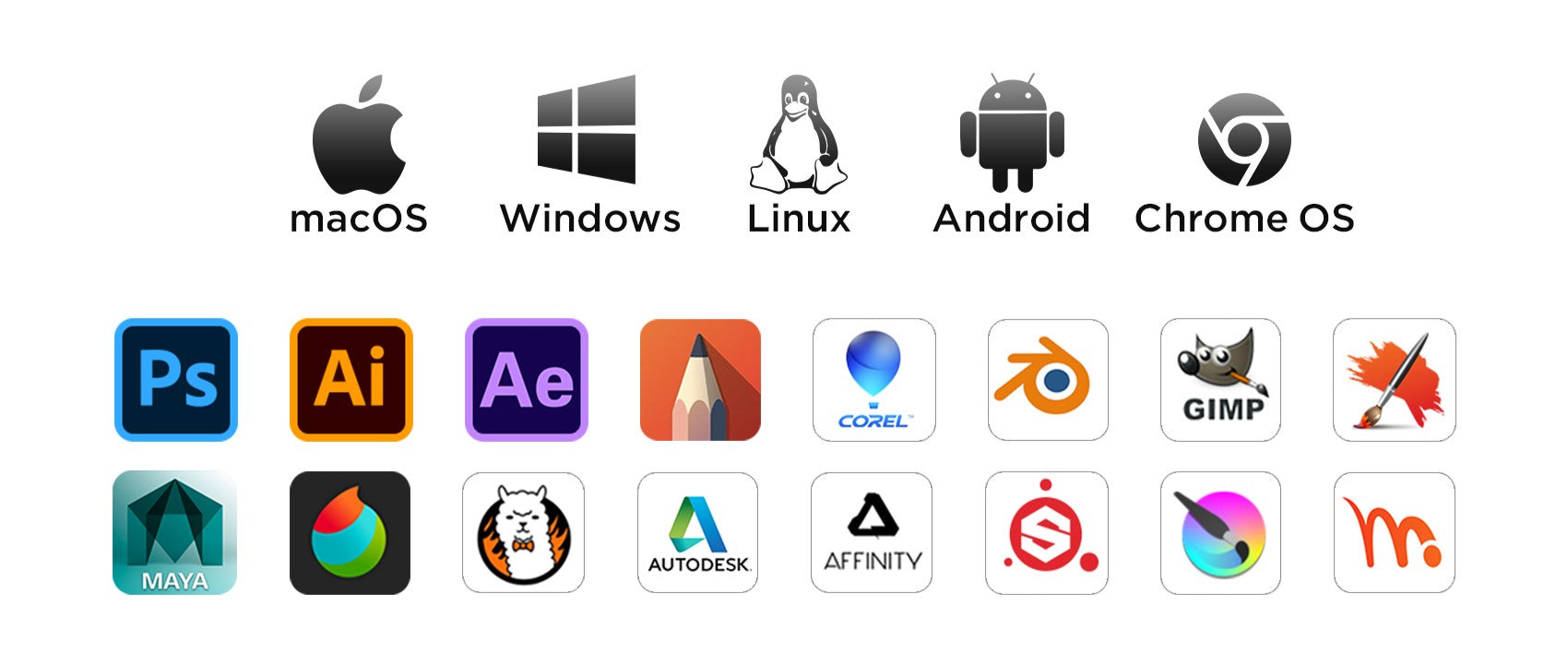
Compatible con múltiples sistemas y software

Compatible con Windows 11/10/8/7, Mac OS X 10.13~10.10, Chromebooks (Nota: se requiere Chrome Os 88.0.4324.109 y versiones más nuevas), Android 6 (o posterior) y sistemas Linux. Compatible con Medibang, Clip Studio Paint, SAI, Adobe Photoshop, Illustrator, Corel Draw, Corel Painter, Sketchbook, Manga Studio, etc.
Preguntas frecuentes

¿Cuánto tiempo tardará en llegar mi pedido?

Depende de tu dirección de envío. Los pedidos (excluidos los productos en preventa, algunos accesorios y regalos) suelen tardar entre 2 y 3 días laborables en procesarse y entre 3 y 15 días laborables en entregarse. Ten en cuenta que los fines de semana y los días festivos, así como las condiciones meteorológicas especiales, pueden provocar retrasos en la entrega. Si no recibes el paquete, ponte en contacto con nosotros directamente y proporciónanos tu número de pedido.

¿Cómo puedo rastrear mi pedido o recibir actualizaciones de entrega?

Una vez que se envíe su pedido, le enviaremos un correo electrónico de confirmación de envío con un número de seguimiento a su dirección de correo electrónico. Conserve este correo electrónico para realizar un seguimiento del estado de su pedido. Si no puede realizar un seguimiento de su pedido, comuníquese con nosotros y proporciónenos su número de pedido para verificar el estado.

¿Por qué la presión del lápiz no funciona?

En cuanto a la presión del lápiz, depende de las aplicaciones/software que utilices, y no todos admiten la presión del lápiz. Aplicaciones que admiten la función de presión del lápiz, como Adobe Photoshop, Krita, Adobe Ilustrator, SketchBook, etc.

¿La tableta funciona en IOS?

No, no puede funcionar en el sistema IOS.

¿Cómo conecto una tableta de dibujo ugee a un teléfono Android (incluido Android 14)?

Para conectar su tableta de dibujo UGEE a un teléfono Android (incluido Android 14), siga las Herramientas de configuración de Android

D
Duncan
Great value for the price.

This tablet is much bigger than I expected. It's been working flawlessly for almost one month, very great performance.

D
Dale
Very happy with this purchase.

My son loves it and uses it to draw all the time. Excellent.

M
Montgomery
Very easy to use.

Just plug it in your phone and then you are good to go. For laptop use, a driver download is required, but it's still a breeze. Both methods are user-friendly and hassle-free.

E
Eileen
Feels scratchy.

It works fine. The only problem is the tablet feels slightly scratchy.

D
Dion
Must-have tool.

It is a great tool for learning digital art. Having it makes me spend more time practicing my drawing skills. I will buy a drawing monitor as I become a more skilled digital artist.

L
Leslie
Pretty good.

The item looks and works as advertised.Just need some time to get used to it.

K
Kirk
Works as advertised.

No complaints with this tablet and stylus.

W
Wallace
I love it.

Worth buying.

S
Stream
Great item.

It works well with my Macbook.Very suitable learning tools for starters.

R
Rosa
Entry-level product.

I am pleased with it so far. Although it lags sometimes, it is still good for an entry-level tablet in this market.

C
Constant
Not easy for children.

I bought it as a gift for my daughter. She is very happy with it. However, we don't know how to set these buttons.It didn't come with instructions.

B
Belle
Good product

There are plenty features to enable your productivity.

I
Irvin
Never used one of these before

I worked it out quite quickly. I can also imagine that if you used a tutorial to use it too you would have no issues learning it even if you’re slightly not so ‘techy’. Great Quality too!

W
Wenda
Good sensitivity.

I use it to draw on photoshop and play osu games. Really great to use.

W
Wylie
Worth the money

I use it all the time.It works prefectly and cheap.

W
Woodsman
Great alternative for mouse.

It is much more convenient to use than mouse when you draw digitally or take notes.

D
Dirk
Incredibly easy to learn

I was able to learn how to utilise this tablet within an hour of receiving it. It's incredibly easy to use and functions with any app you care to use for it.

T
Tanya
My first tablet.

I've always desired a drawing tablet and finally discovered the UGEE M808. After spending an hour with it, I'm impressed. The stylus feels like a genuine pen??natural and smooth, offering an excellent drawing experience.

S
Sherlock
Prompt Delivery

Smaller than my previous graphic tablet, much more sturdy. Works fine thus far.

P
Patty
My first Tablet

I needed a tablet for 3D sculpting and modelling. I must say that it is pretty hard to get used to drawing and 3D wise, but overall really good and I'm very happy as this was a really cheap option.

M
Megan
Decent

It does work but it scratches very easy.

G
Galvin
Bad compatibility.

It may be only compatible with specific drawing apps. It is disappointing that when I use MS Word or PowerPoint, it doesn't work as I expected.

L
Leonard
100% recommend

It’s a good size and it’s portable, and it’s fairly easy to set up if you follow the instructions that come with it.

M
Miriam
For the price, it's good.but ...

Cursor and pen alignment could be better, I've tried a few things to improve it, but maybe I'm missing something. Other than that it does the job.

M
Melanie
Excellent product.

It has good performance and works well with my chromebook.

G
Gerald
Easy to use.

Easy to understand what to do, how to do. Just follow the instructions.

G
Goddard
Worth the money.

I was searching for an affordable alternative to an iPad for digital note-taking and drawing. This product solved everything! Simply connect it to your laptop, and you will feel like writing on paper. Amazing.

C
Cub
Good value.

I'm just get interested in digital drawing and this one is what I expected. It sometimes may be glitchy but no big deal.

B
Beguiling
Easy to use

Easy to use and functional. I'm just beginning to learn digital art. I use it to paint with Photoshop and it works well.

I
Isaac
Good quality.

It is well built and compatible with my laptop and phones. Love it.

D
Darian
Love it.

Simple to use and the hot keys are very helpful.

R
Raymond
Brilliant starter pad

Not to shabby, very easy installation. This is my first digital drawing pad so I have nothing to compare it too however for the price I can't grumble, time to be creative!

T
Timothea
The user manual needs improving.

The product is great, but the user manual doesn't give clear instructions about how to download the driver and finish the settings. It takes more time to figure it out.

Tableta de dibujo Ugee 10" M808

Precio habitual $39.00USD
Precio habitual $39.00USD Precio de oferta $39.00USD