


Ir directamente a la información del producto
1 de 9

Free Shipping

Lifetime Support

30 Days Money Back Guarantee

12 Months Warranty

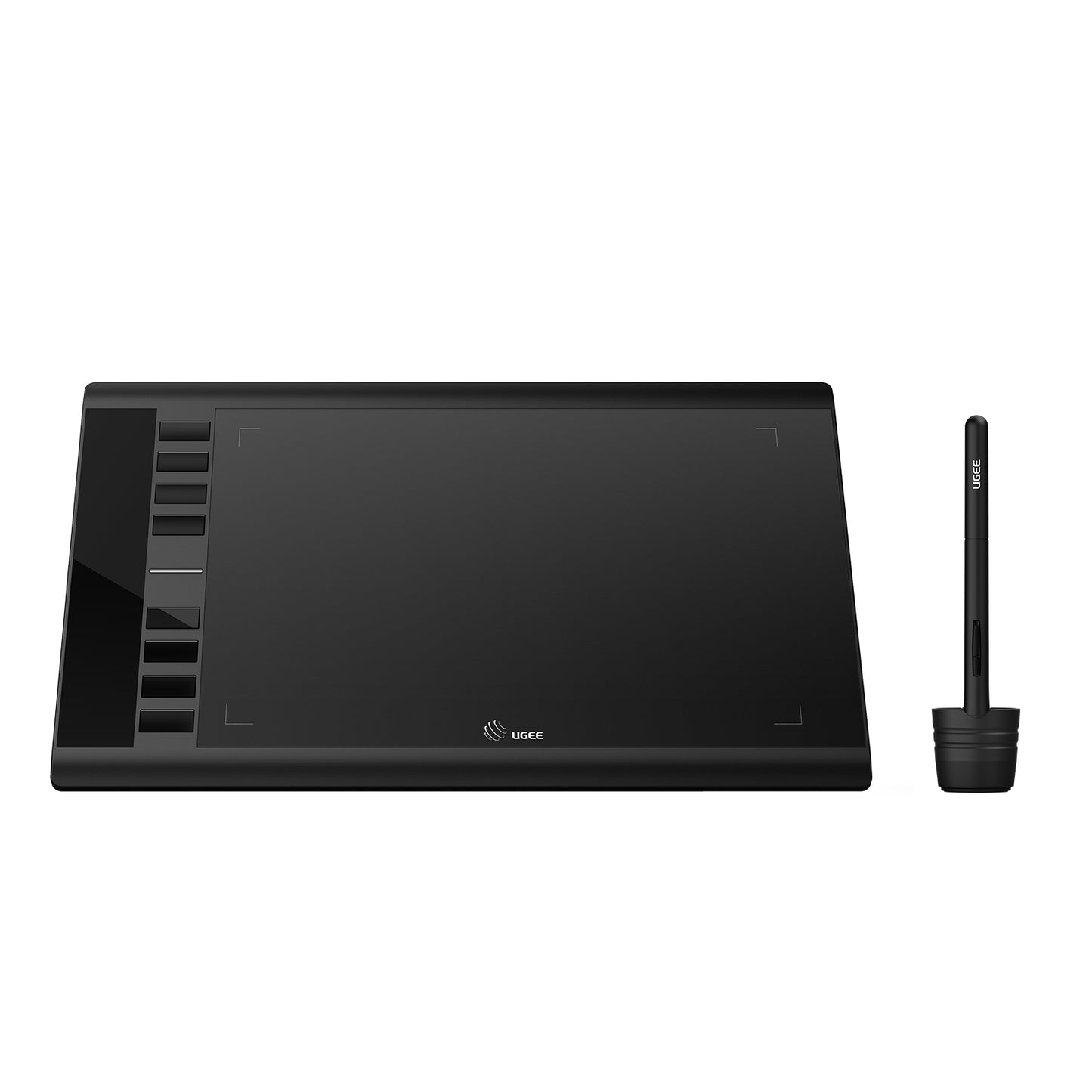
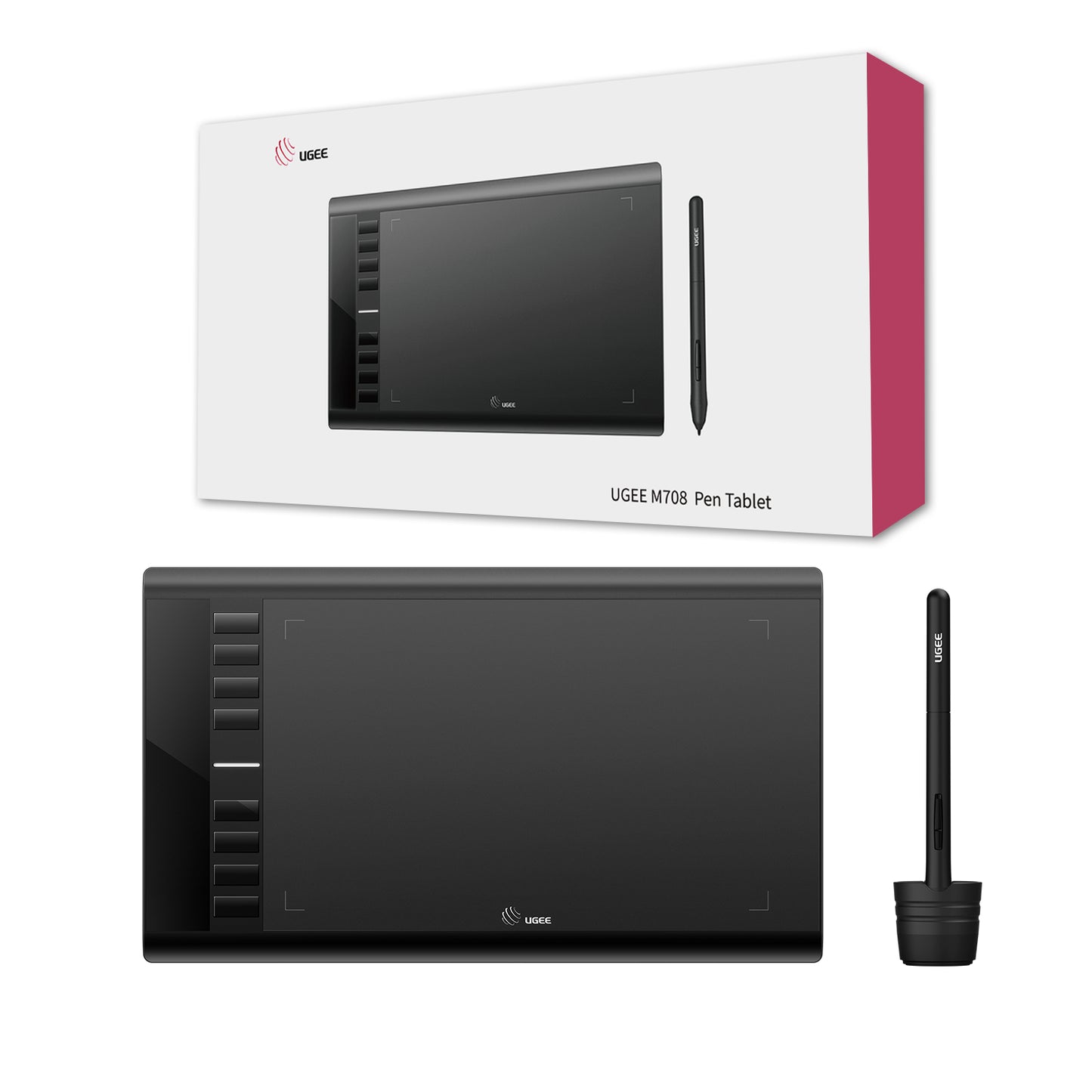
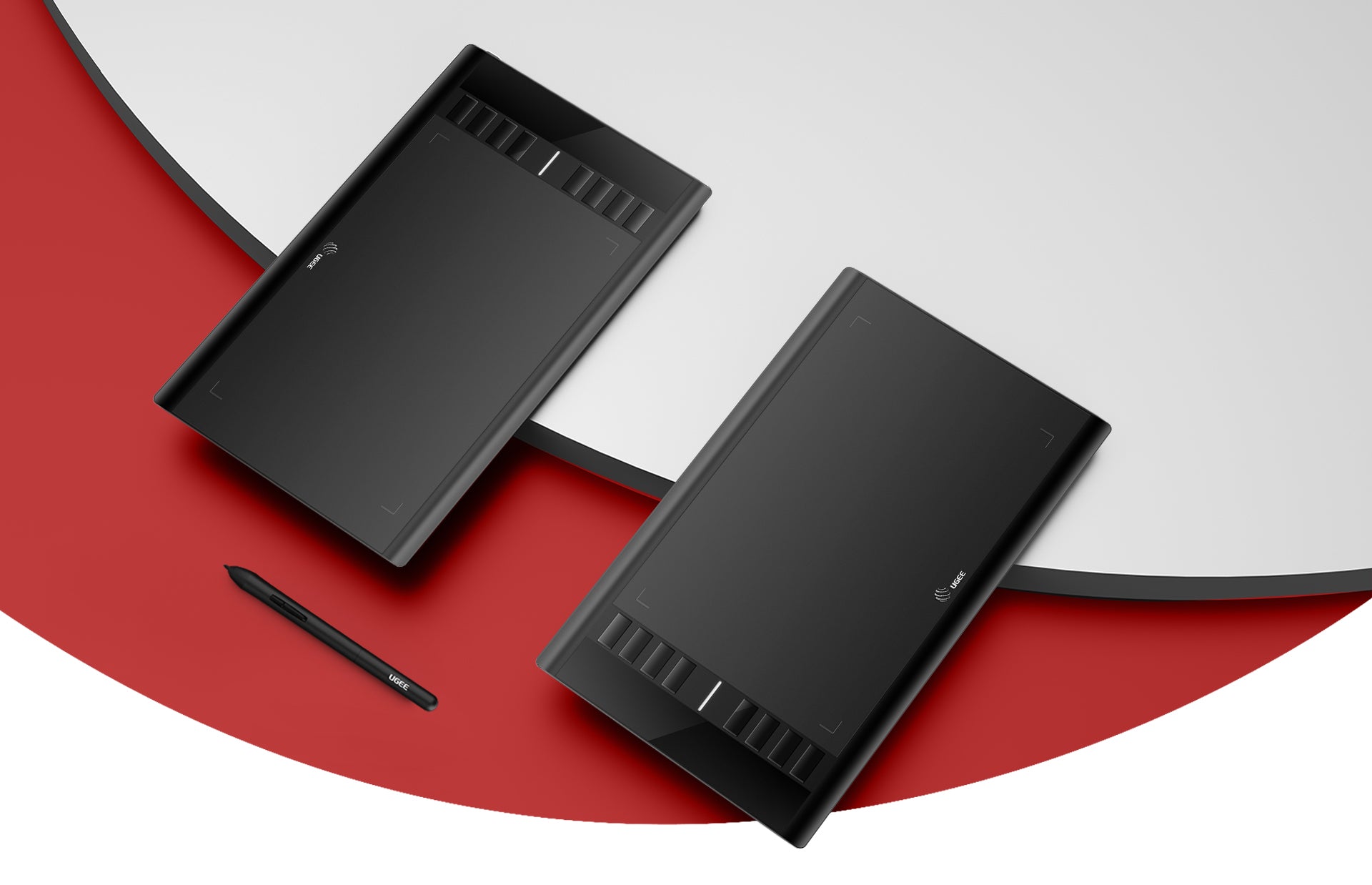
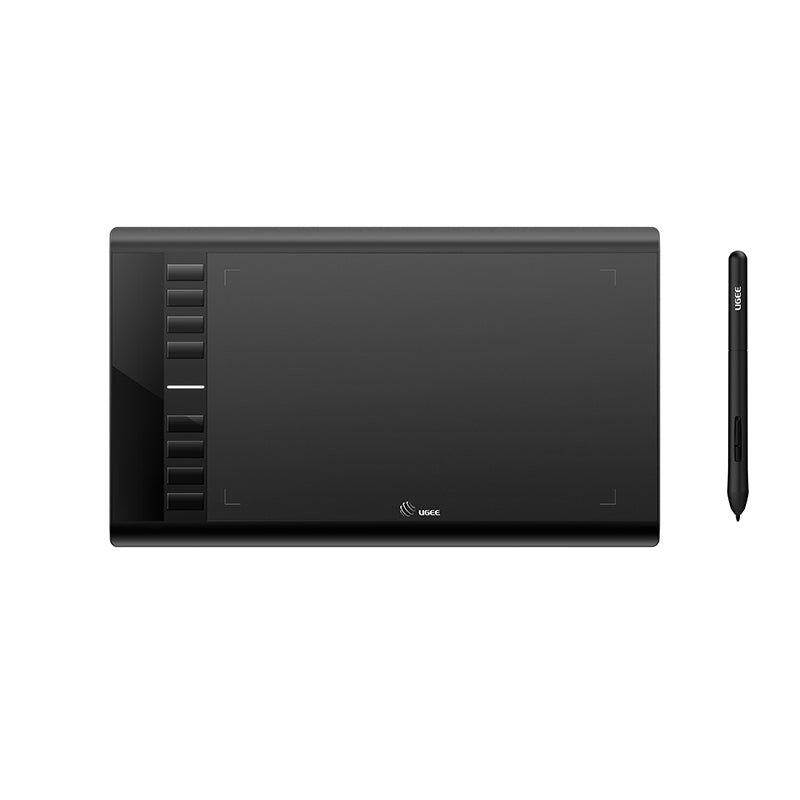
Tableta de dibujo UGEE M708

Tableta de dibujo UGEE M708

Precio habitual $49.00USD
Precio habitual $59.00USD Precio de oferta $49.00USD

Description

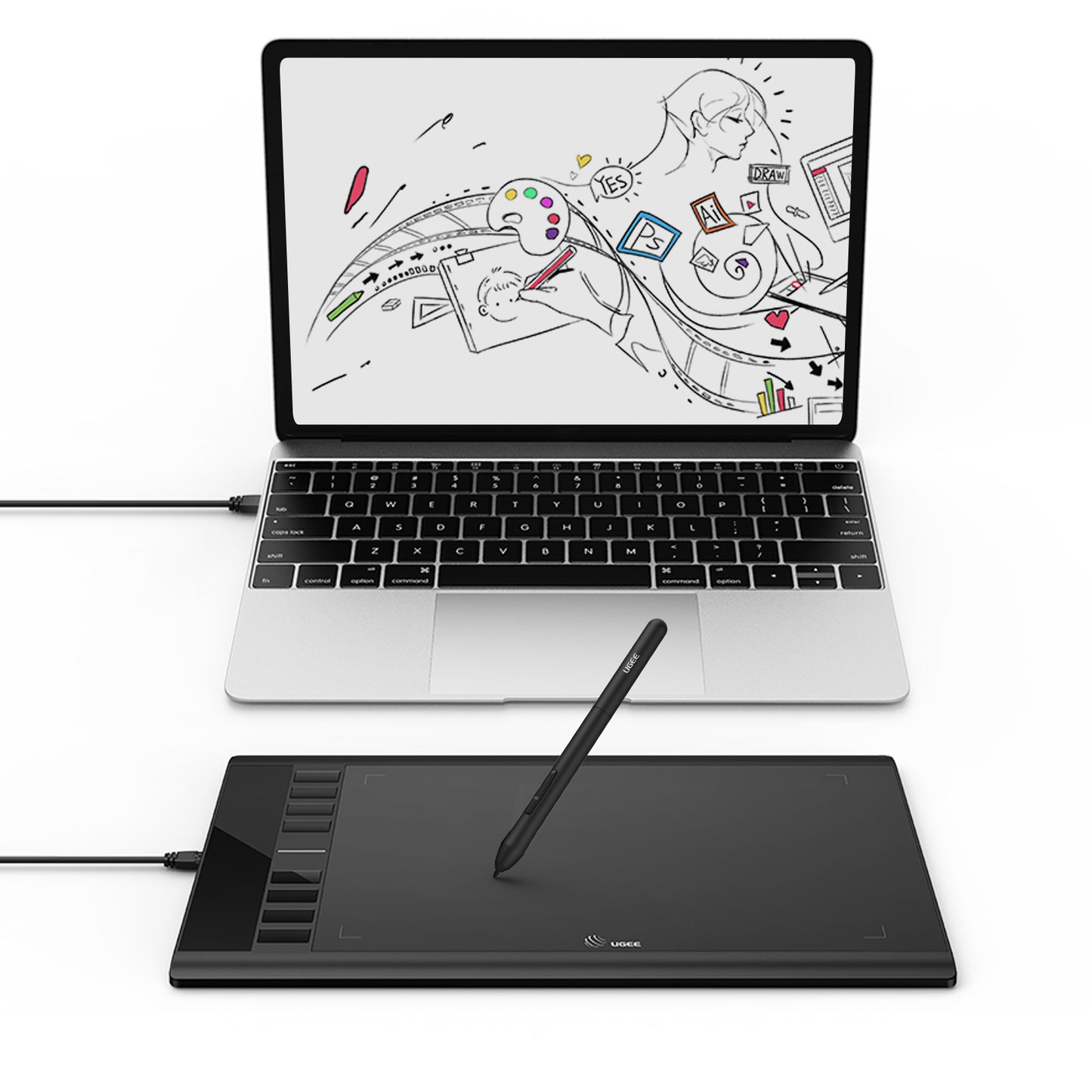
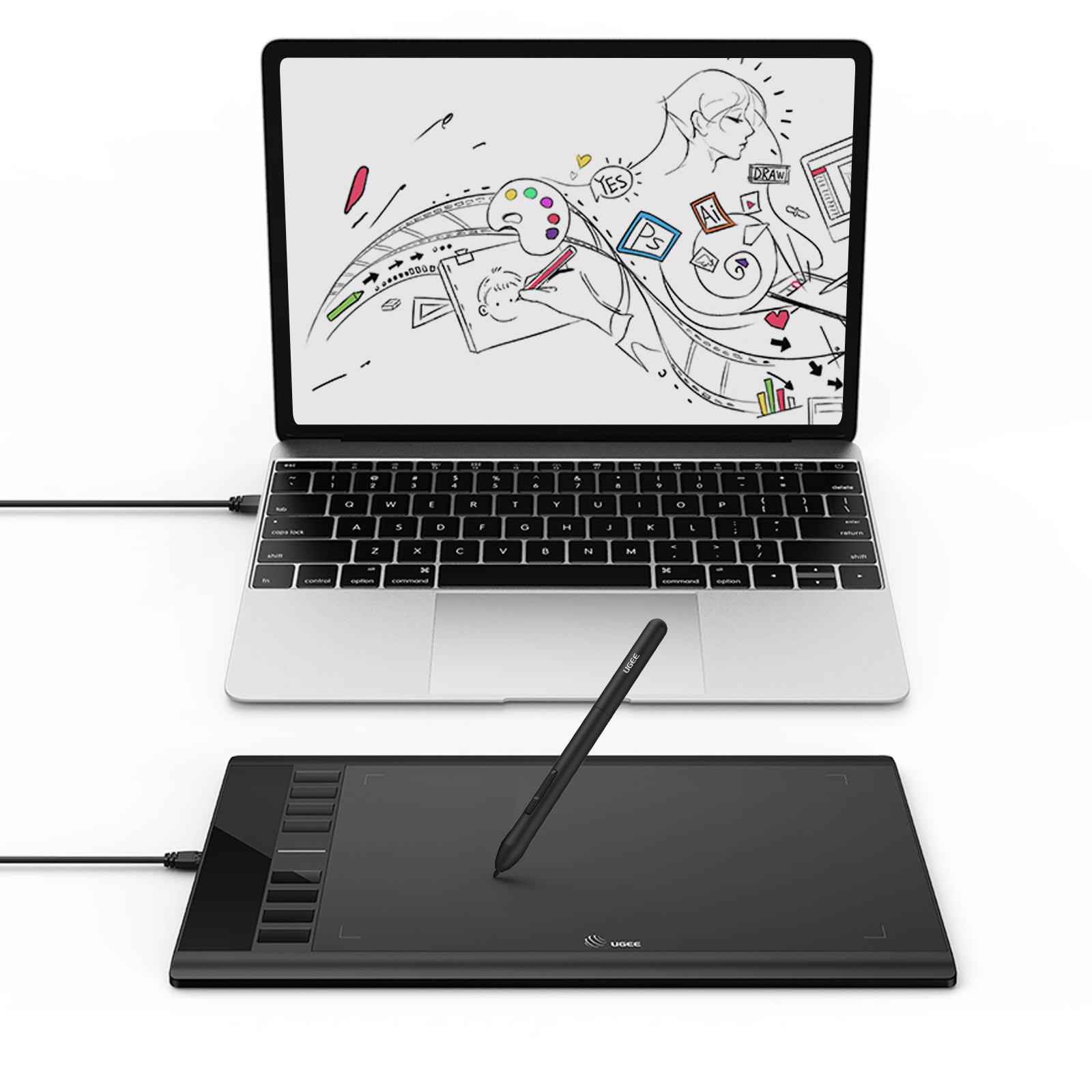
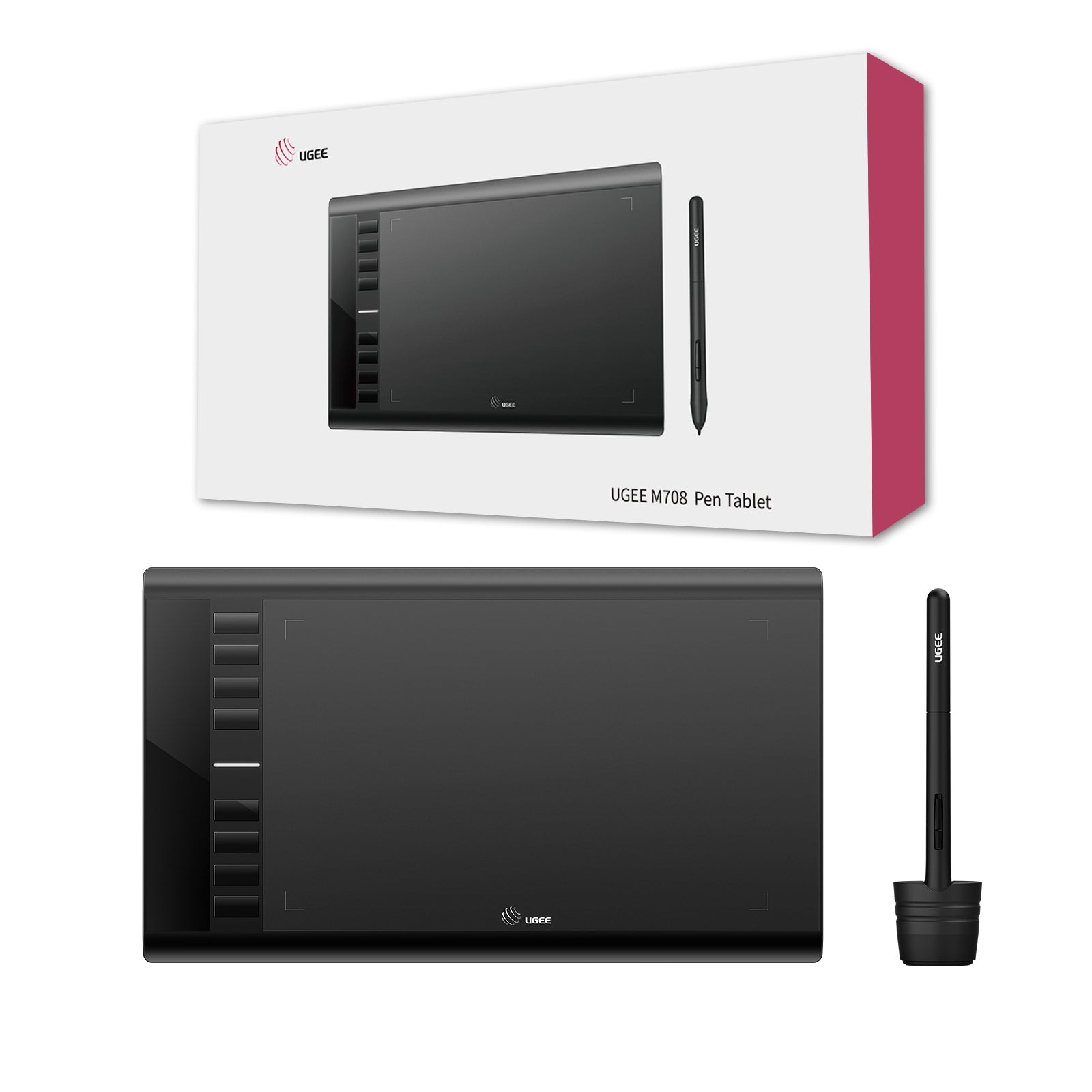
La tableta de dibujo UGEE M708 es la tableta de dibujo digital ideal que funciona con su computadora para trabajos de arte creativo de una manera eficiente para profesionales y aficionados de todas las edades.

IVA incluido

Los precios de los productos incluyen IVA (Europa)

¿Qué hay dentro?

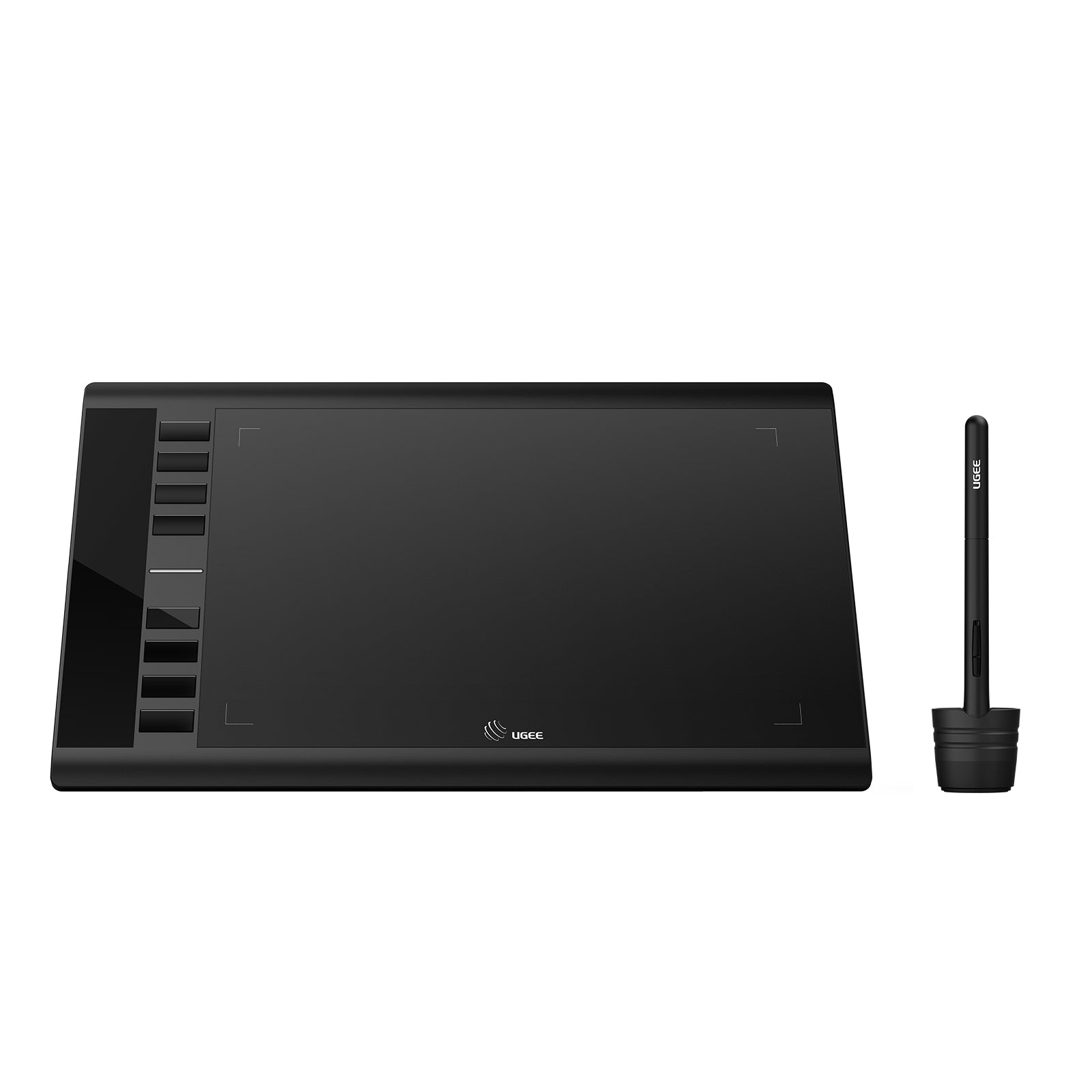
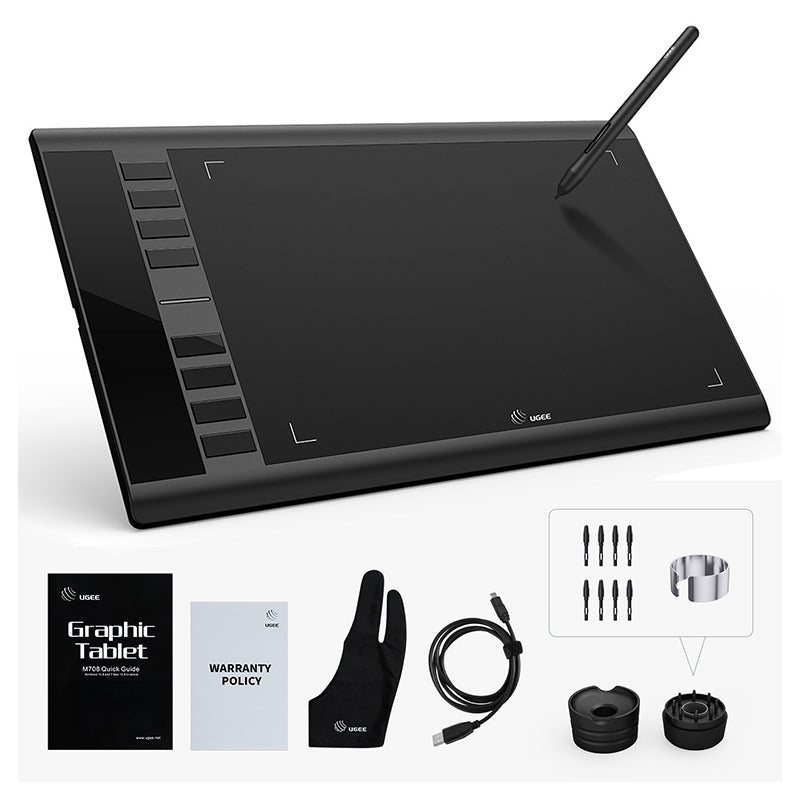
El M708 viene con un lápiz óptico sin batería, un cable de conexión USB-C, un soporte para lápiz, 8 puntas de repuesto y un guante de dibujo.
Choose An Accessory
Stylus sin batería
Precio habitual $15.00USD
Precio habitual $15.00USD Precio de oferta $15.00USD
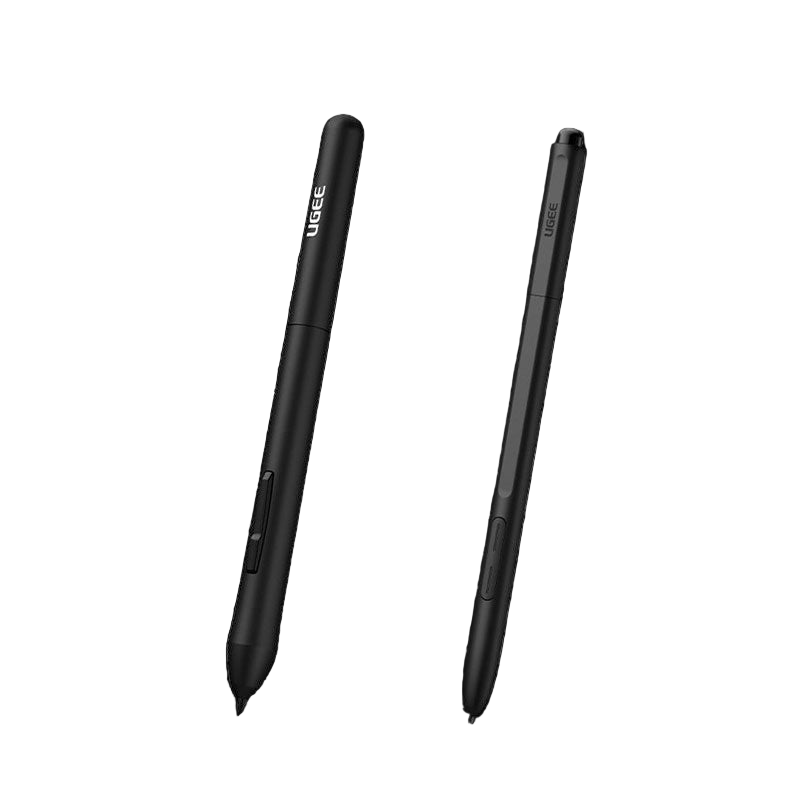
Two black styluses with 'Ugee' branding on a white background
Precio habitual $15.00USD
Precio habitual $15.00USD Precio de oferta $15.00USD
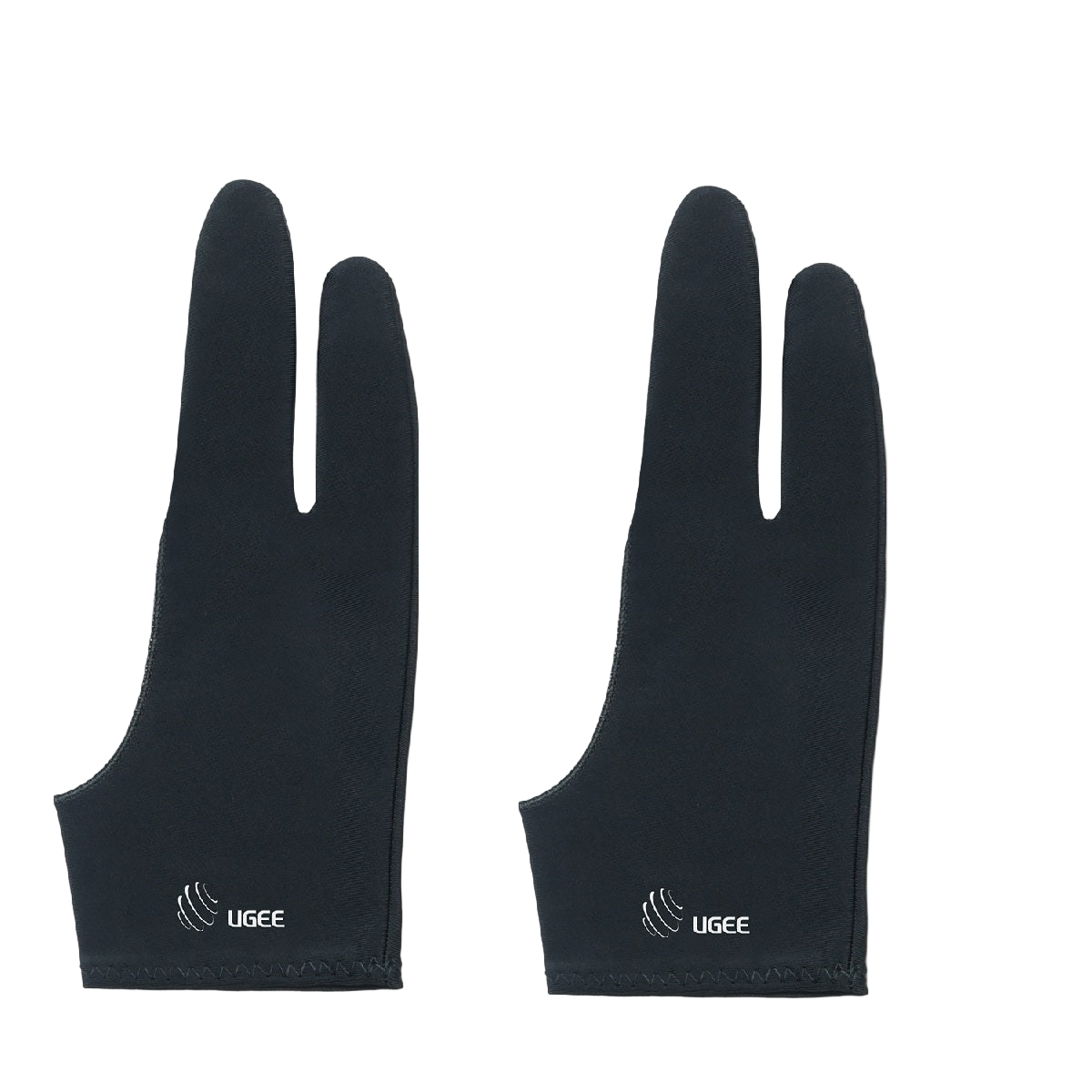
A pair of black ugee artist gloves designed for digital drawing, covering the hand and fingers with the brand logo visible.
Precio habitual $9.00USD
Precio habitual $9.00USD Precio de oferta $9.00USD
  • American Express
  • Apple Pay
  • Google Pay
  • iDEAL Wero
  • Mastercard
  • PayPal
  • Shop Pay
  • Union Pay
  • Visa
  • Klarna
Ver todos los detalles

Cuenta con un área de trabajo de 10 x 6 pulgadas que le ofrece más espacio y libertad para dibujar, escribir, editar y mucho más.
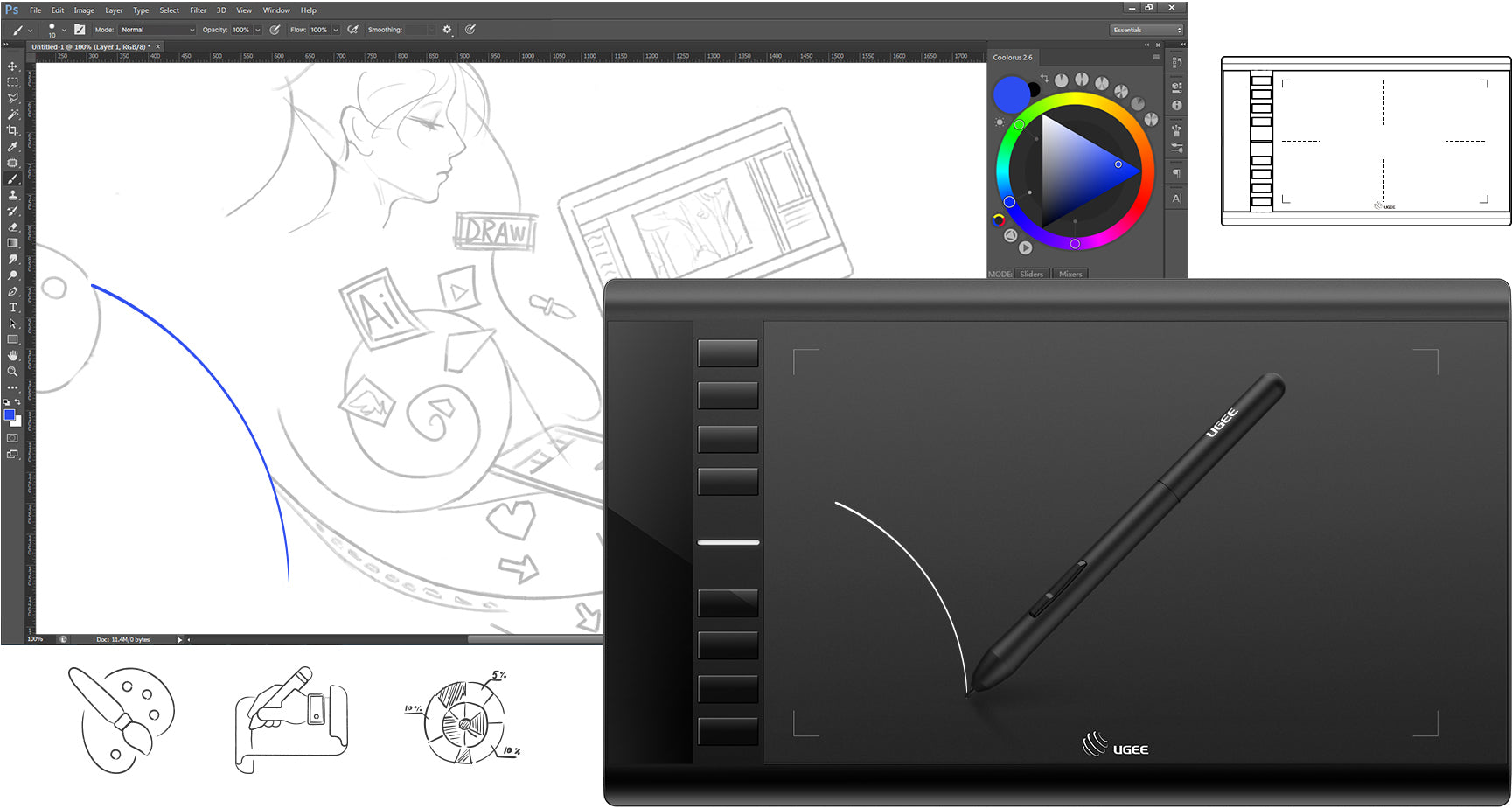
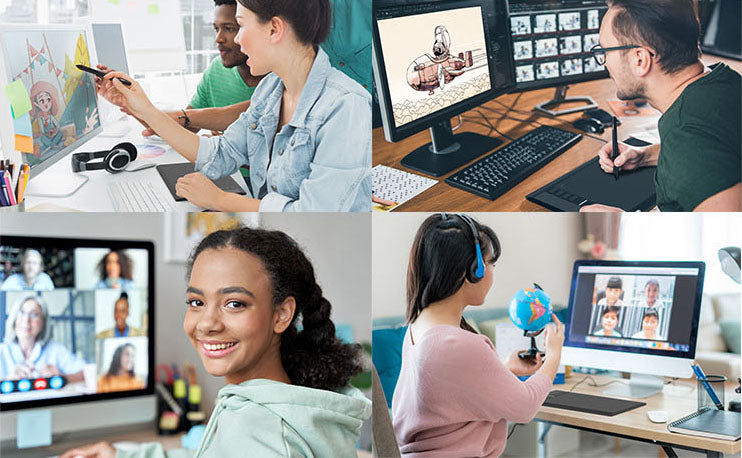
Dibuja y crea cualquier cosa de forma natural y sin esfuerzo.

Puede utilizar software como SketchBook y SAI para comenzar su viaje creativo. Dibuja, pinta y dibuja sin esfuerzo y mejora tu experiencia de diseño creativo con Photoshop o Illustrator.
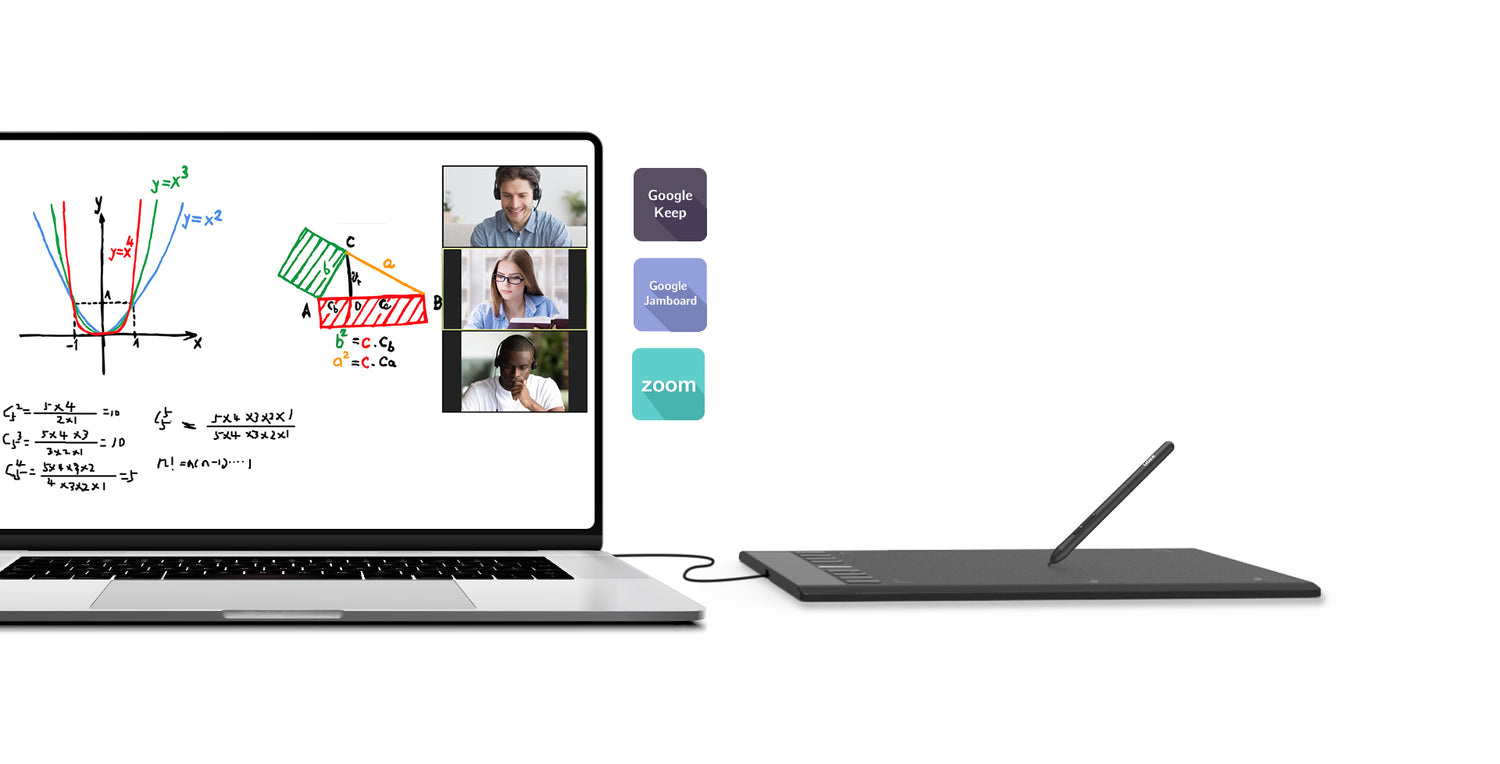
Ingrese a una clase interactiva en cualquier momento y en cualquier lugar

Los profesores pueden crear y explicar contenido rico en información de forma visual escribiendo y anotando directamente en archivos y compartiendo su pantalla en tiempo real con la pizarra de Google Jamboard.

Experiencia de dibujo similar al papel

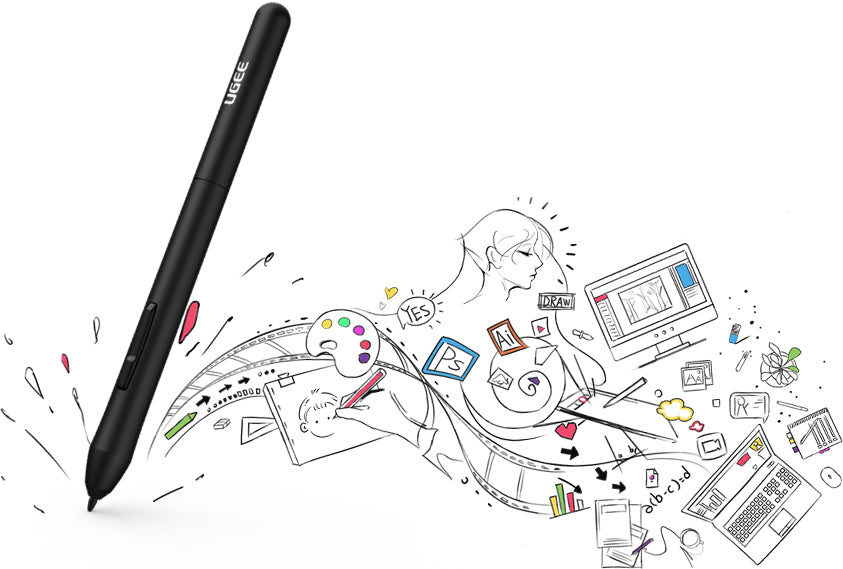
El lápiz óptico P01 sin batería no necesita cargarse y permite dibujar durante horas sin interrupciones.
  • 16K

    Niveles de presión
  • 60°

    Inclinación
  • 266

    Tasa de informes

Antes de comenzar a crear, descargue primero el controlador. Después de instalar el controlador de Ugee, deberá instalar un programa de dibujo o software de oficina, por ejemplo, Photoshop o OneNote.

Ugee M708 Guía de uso y desembalaje

Specifications
M708
Drawing Tablet
Dimensions
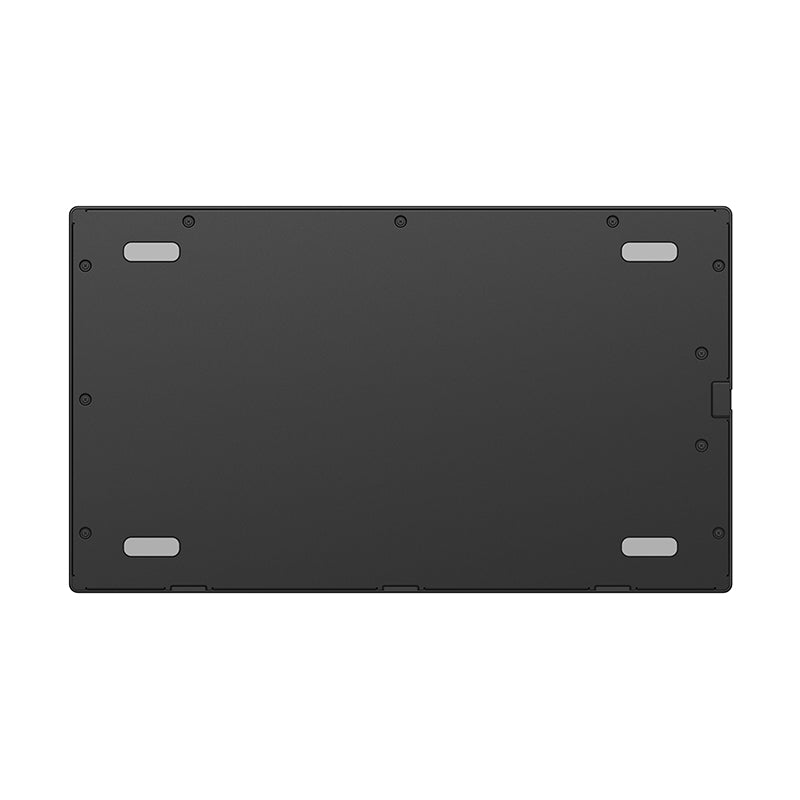
359 x 210 x 8mm
Active Area
10" x 6"/254 x 152.4mm
Ports Included
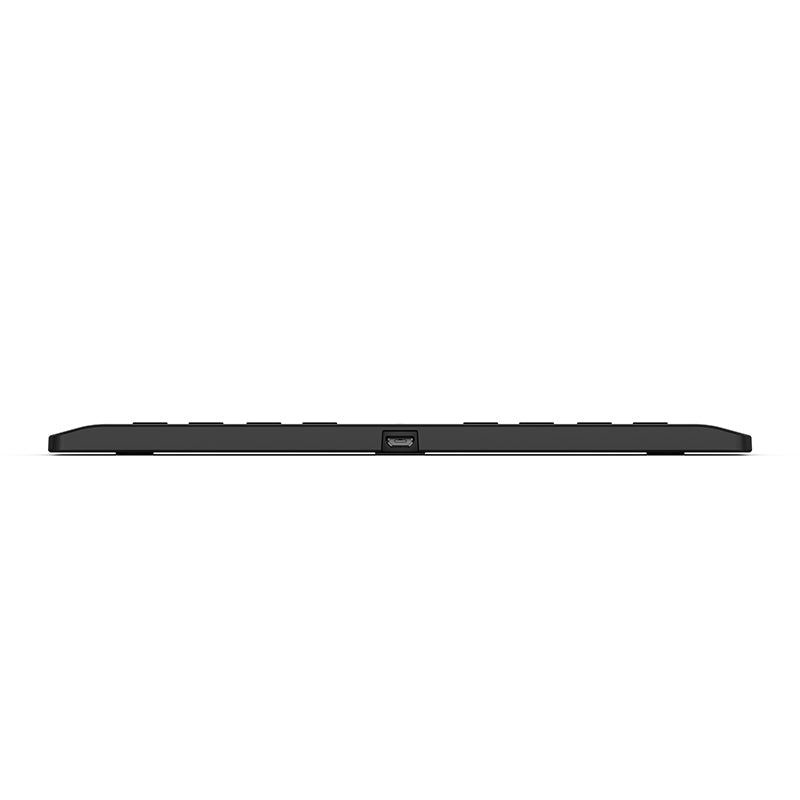
Micro USB
Power Input
DC 5V/1A
Compatibility
Windows 7 (or later), Mac OS X 10.10 (or later), Chrome OS 88 (or later)*, Linux (Hyper OS not supported temporarily)
Shortcut Keys
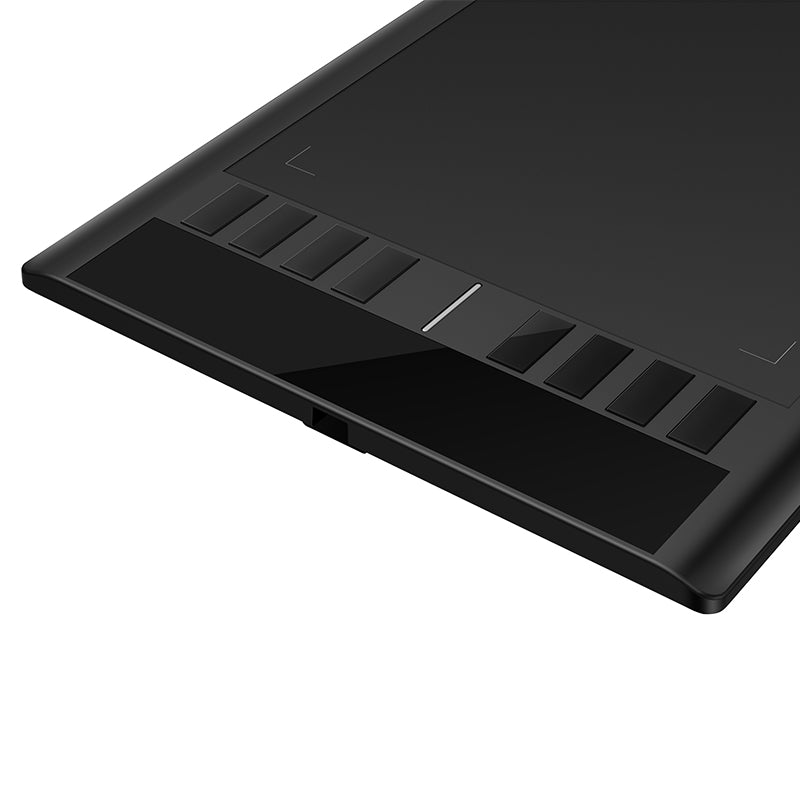
8
Pen
Type
battery-free Pen
Pressure Sensitivity
16K
Tilt
±60°
Reading Height
10mm
Report Rate
266RPS (max)
Reading Resolution
5080LPI

Preguntas frecuentes

¿Cuánto tiempo tardará en llegar mi pedido?

Depende de tu dirección de envío. Los pedidos (excluidos los productos en preventa, algunos accesorios y regalos) suelen tardar entre 2 y 3 días laborables en procesarse y entre 3 y 15 días laborables en entregarse. Ten en cuenta que los fines de semana y los días festivos, así como las condiciones meteorológicas especiales, pueden provocar retrasos en la entrega. Si no recibes el paquete, ponte en contacto con nosotros directamente y proporciónanos tu número de pedido.

¿Cómo puedo rastrear mi pedido o recibir actualizaciones de entrega?

Una vez que se envíe su pedido, le enviaremos un correo electrónico de confirmación de envío con un número de seguimiento a su dirección de correo electrónico. Conserve este correo electrónico para realizar un seguimiento del estado de su pedido. Si no puede realizar un seguimiento de su pedido, comuníquese con nosotros y proporciónenos su número de pedido para verificar el estado.

¿Por qué mi tableta gráfica no funciona?

(1). ¿Asegúrese de que su cable USB esté conectado a la computadora? Si no, por favor conéctelo. En caso afirmativo, intente desconectarlo y volverlo a conectar a otro puerto USB o cambie otro cable USB.

(2). Cuando el lápiz esté lejos de la altura sensible de la tableta, verifique que la luz LED de la tableta esté encendida o apagada. Si siempre parpadea, desconéctelo y vuelva a enchufarlo o intente conectarlo a otro puerto USB.

(3). Intente eliminar el controlador y reinicie la computadora. Cuando el sistema regrese al escritorio, conecte la tableta a la computadora directamente (no necesita instalar el controlador) y pruebe si puede usar el lápiz óptico para controlar el cursor o no.

(4). Si el lápiz óptico tampoco puede controlar el cursor incluso si no ha instalado el controlador, intente probar la tableta con otra computadora.

Cuando el problema persista, contáctenos en service@ugee.com

¿Por qué la presión del lápiz no funciona?

En cuanto a la presión del lápiz, depende de las aplicaciones/software que utilices, y no todos admiten la presión del lápiz. Aplicaciones que admiten la función de presión del lápiz, como Adobe Photoshop, Krita, Adobe Ilustrator, SketchBook, etc.

J
José

El equipo ha satisfecho mis espectativas, el plazo de entrega fue algo superior al previsto

T
Tami

I love this tablet. Had one for years but it got broken. Glad I got it again.
Works great!

D
DJ
Super user friendly!

I've been using this tablet for a little while now, and I have to say, it’s super user-friendly! The display is fantastic—it does exactly what it promises, and I haven't run into any issues there. One feature I really appreciate is the customizable pen shortcuts. They save me a ton of time, especially when I’m working on projects and need to switch between tasks quickly.

Another great thing is how lightweight it is; I can carry it around easily without feeling weighed down. But don't let its lightness fool you—it's surprisingly sturdy. Whether you're just starting out or you’re a seasoned pro, I think this tablet has something to offer everyone. Overall, I’m really happy with my purchase!

E
Emma
Perfect First Tablet - Was Drawing Within Minutes

As someone who's never used a drawing tablet before, I was nervous about setup. But this was so easy! The included quick-start guide showed me exactly how to hold the pen and adjust pressure sensitivity.

S
Sophia

The textured surface gives perfect pencil-like friction, and the battery-free pen works immediately without charging.

N
Noah
College Student Budget Savior

For me, this is an affordable tablet for graphic design classes.

T
Tobias

Me and my partner loved it I didn’t know it already came with a glove but it’s still pretty good for the price

A
Ava
Easy to use

Wanted to try digital art without big investment. This tablet delivers exactly what I need - simple controls, decent sensitivity, and durability.

E
Ethan
All-in-one solution for beginners

As a first-time digital artist, I needed something affordable yet functional - this checked all boxes.

C
Charlotte

As a middle school art instructor, I've tested dozens of beginner tablets. This is my new classroom standard because: 1) The unbreakable surface survives daily student use 2) The intuitive interface means less teaching tech and more teaching art 3) Consistent performance helps students build muscle memory.

J
James
Perfect for me

Perfect for casual hobbyists who want quality without overwhelm

J
Jane
Natural experience

The lightweight pen feels natural

L
Lames

The pressure sensitivity works great and the shortcut buttons are programmable.

D
Dudes
recommended it

The size was a bit larger than I imagined, but it actually gives me more workspace which improved my productivity. The extra space makes detailed work much easier. Once I got used to the size, I wouldn't want anything smaller!

A
Aaron

Enjoying the tablet large learning curve shipping a smidge awkward as I didn’t get notification on shipping until I received it

A
Aaron

Really good but the settings for the binds are clunky

J
Juan

UGEE Drawing Tablet M708

P
Paddy
Got this for my husband.

Got this for my husband. He loves it!

M
Muhammad
Easy to setup and use, works flawless with laptop computer.

Great value for the price and a good first drawing tablet.

C
Cherish
Beautiful and wonderful tablet

My daughter and I love this new drawing tablet. We both pluged it in and followed the set up driections and boo. We were drawing.

W
Willis
Worked perfectly no problem.

Downloaded the drive from their website so I'm able to program hot keys. Pen works great and I love the fact that its cordless and doesn't require batteries. Only downside is that I think the surface is a little too smooth.?

A
Amirah
Good affordable drawing tablet

good for what i need it for erasing backgrounds. takes time getting use to the pen

M
Mohamed
Great for freehand drawing.

Purchased this for my granddaughter to do digital art. Works great. Does take time to get used to using the different color palettes.

L
Landon
Awesome product!!!

My daughter is a budding artist in high school. She had this thing downloaded and was using it in no time.

D
Dollie
Good starting graphics device

Came plug and play ready with needed hardware and accessories for any user.

C
Calum
Simple tablet that is good for beginners but cheaply made.

Felt great to use but a bit confusing to set up. The glove is a nice touch. Unfortunately its cheaply made and must be treated delicately. Obviously these aren't designed to be dropped but I would think that one fall wouldn't break the tablet so easily.

Z
Zakaria
Perfect for Online Teaching

teach college online a lot. This is as good as using a white board. What is really nice is the pen does not require a battery! And the connection is through USB.

G
Gethin
It’s great but It gets scratched easily

I love this product it’s great it’s big the buttons work but when I looked closely at the tablet I saw that it got scratched by the drawing pen I was disappointed but the tablet still works the scratches didn’t effect the drawing?

E
Eduardo
Really useful

My grandson loves to draw and this has also been really useful with his school being virtual right now

C
Chante
Fast delivery great packaging

Fast delivery it’s really light weight and I was expecting for the drawing real state to be smaller so it’s amazing!!

N
Nyle
Not for lefthanded people

t's fantastic for the most part. My only issue is that when you are left handed it makes the buttons on the right hard to use so I end up not using them. But I love the product

L
Linzi
It's nice at first

It was working really great at first. But then it just stopped working. I got it all connected correctly, I made sure it was still installed. I tried many different things I could think of to get it to work for my laptop again, but not even uninstalling and reinstalling it worked. I did that move very last. Like I said it worked great, up until it stopped.

K
Kayleigh
Affordable and wonderful tablet

I cannot believe I was able to get a working graphic pad at this rate. I'm an illustrator with a budget, works perfectly for me for making Digi sketches on PS.

Tableta de dibujo UGEE M708

Precio habitual $49.00USD
Precio habitual $59.00USD Precio de oferta $49.00USD
-16%